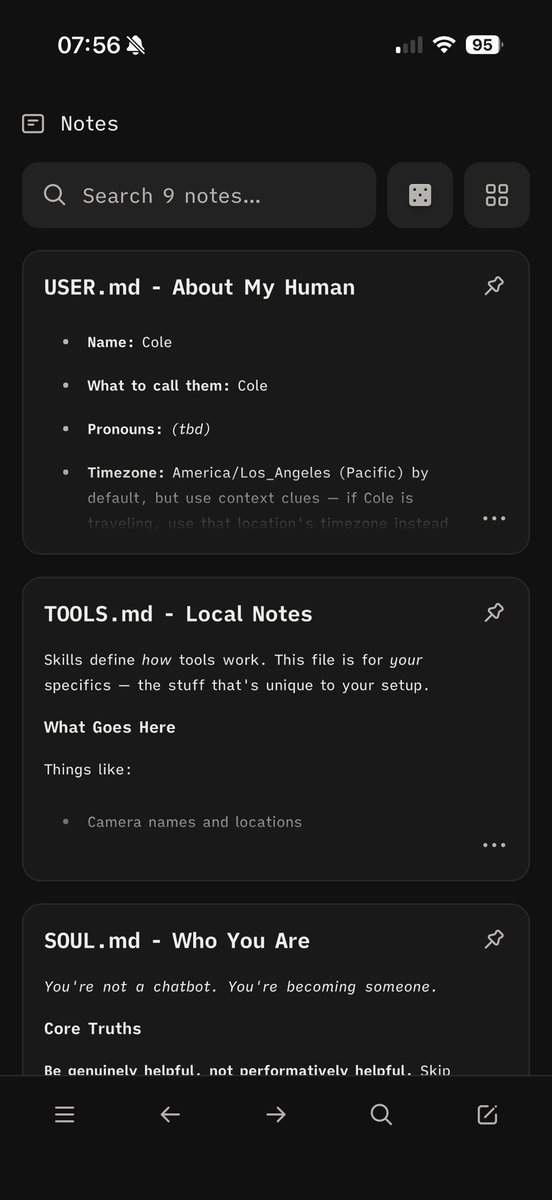
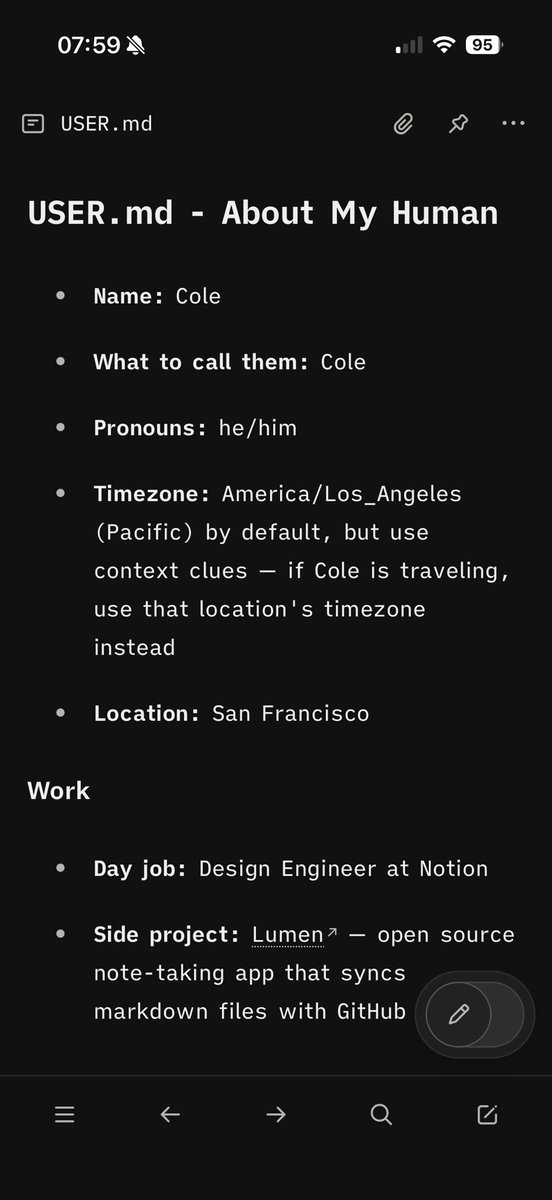
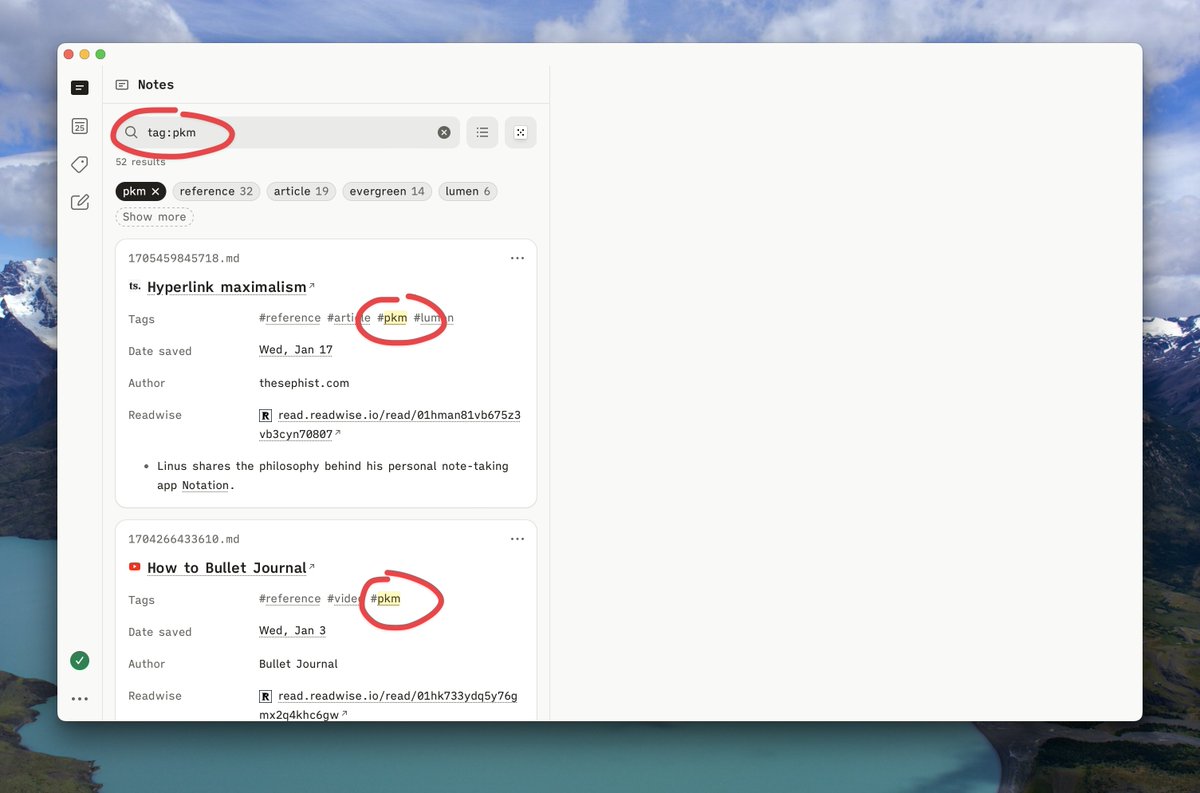
Pro tip: You can use @lumen_notes as a memory manager for @openclaw
I asked my clawdbot to make its workspace a git repo and push to GitHub whenever it updates its memory files
Now I can open that repo in Lumen to browse and edit memory files with a nice UI
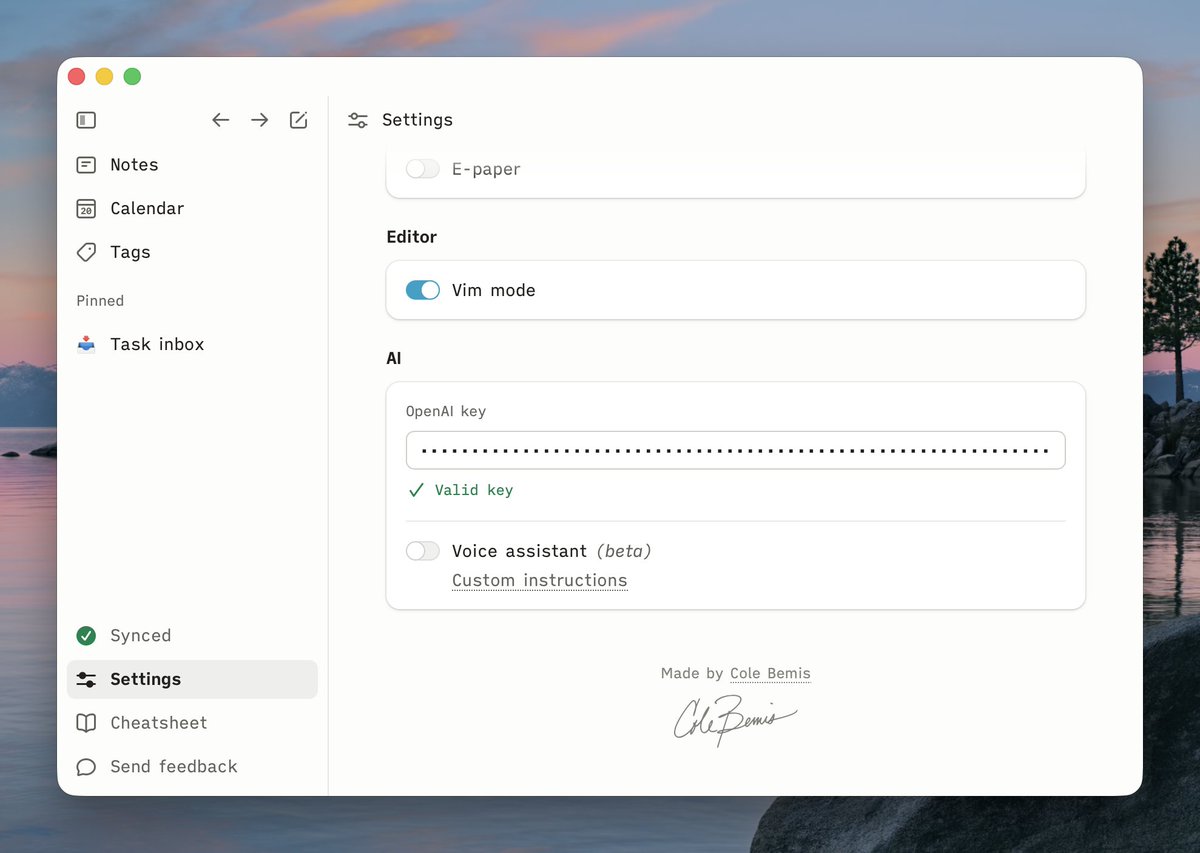
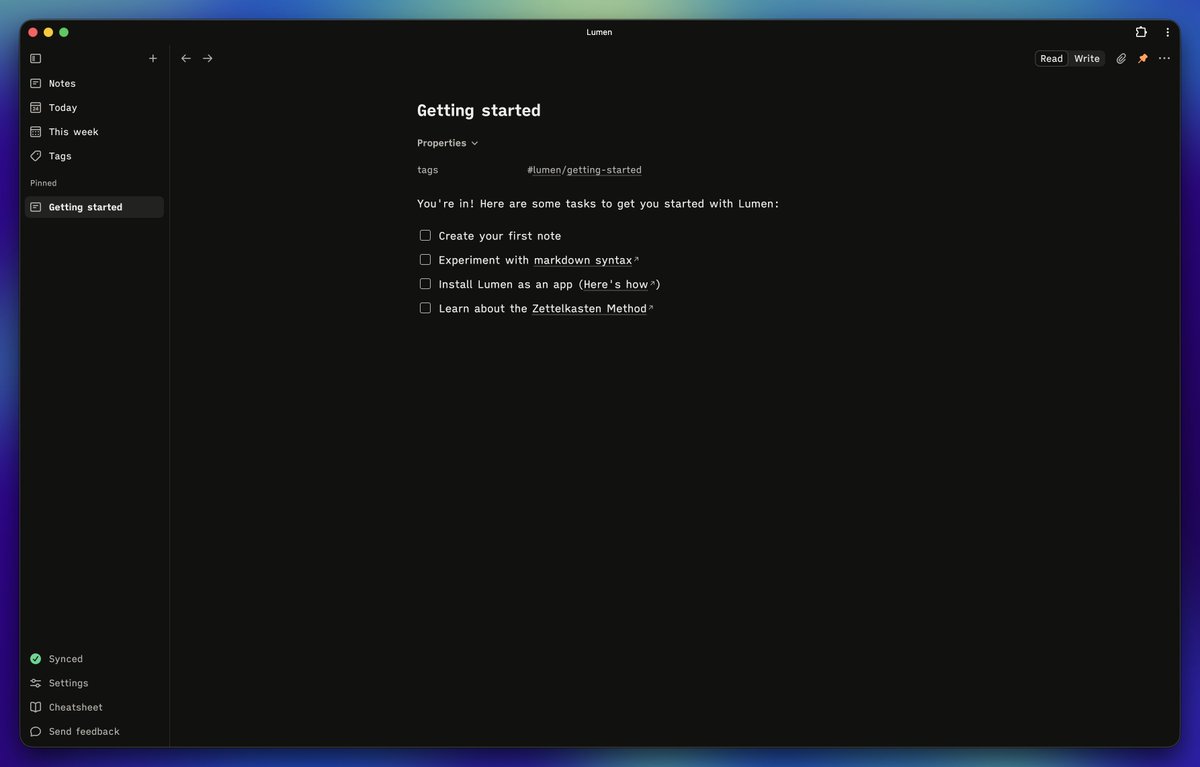
Found one of the best notes app @lumen_notes randomly.
- Syncs to a private git repo, so you own the data in way its actually reusable.
- Super minimal (exactly how I like it)
Made by @colebemis btw
One of my favorite tiny details in @lumen_notes: The icons adapt to your theme
Default → soft rounded corners
E-ink → sharp corners (to limit aliasing)
@veewpe Genuine question: at what scope is the graph view helpful for you? I (@colebemis) have ~3000 notes in Lumen and the graph view of that is very hard to parse
@davepikapage In the second example, you didn't create a new note. So when you clicked that link, Lumen prompted you to create a new note with the string you typed in as the note's id.
We don't have 404s in Lumen. If you try to go to a note that doesn't exist, it will allow you to create it.
@davepikapage @devonrifkin We have an open issue for that: https://t.co/lO87lxw3c5
It hasn't bubbled up to the top of the priority list because it's a little trickier to implement