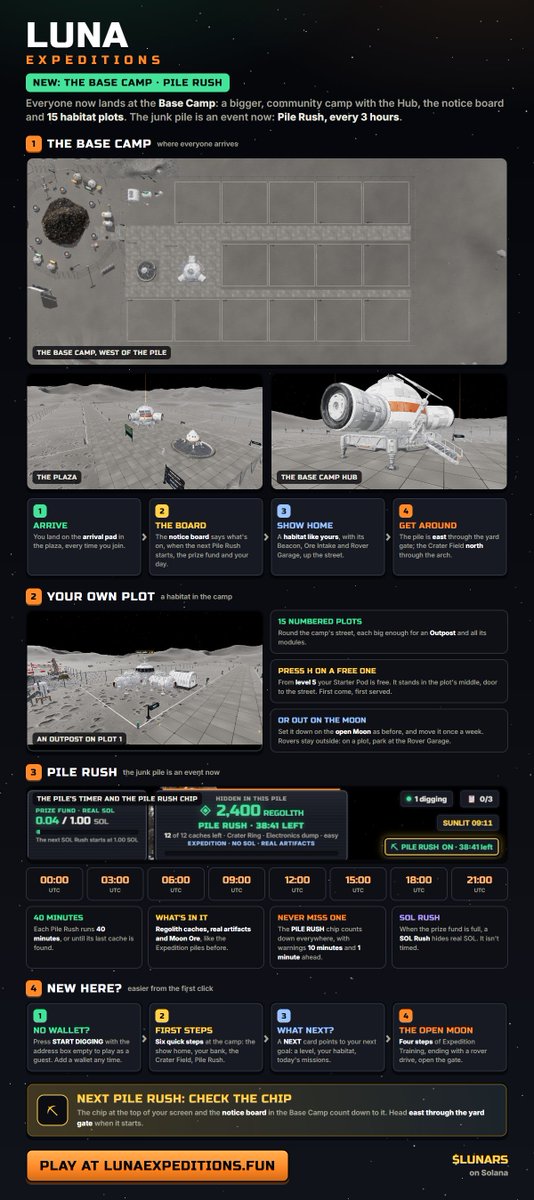
What initially started as a digging a pile for SOL game has become so much more.
Hop into the game and start exploring!
Mine ore and sell for $Lunars
More features coming soon!
@SolPlay_jonas@RRweb3 We'd love for you to give Luna Expeditions a try.
We've been adding new features and updates daily as well!
https://t.co/TDBSYWm0Ln
UPDATE:
Info on levelling up
How you earn XP:
⛏️ Dig the open Moon: 1-4 XP a strike
📦 Bank Moon Ore: 5 XP each
💎 Moon finds: 100 / 300 / 1,500
🌑 Discover a hidden crater: 750
📋 Daily contracts: 300 each, +600 for all three
🛞 Drive your rover: 30 XP per km
What unlocks:
LV 5: Starter Pod habitat
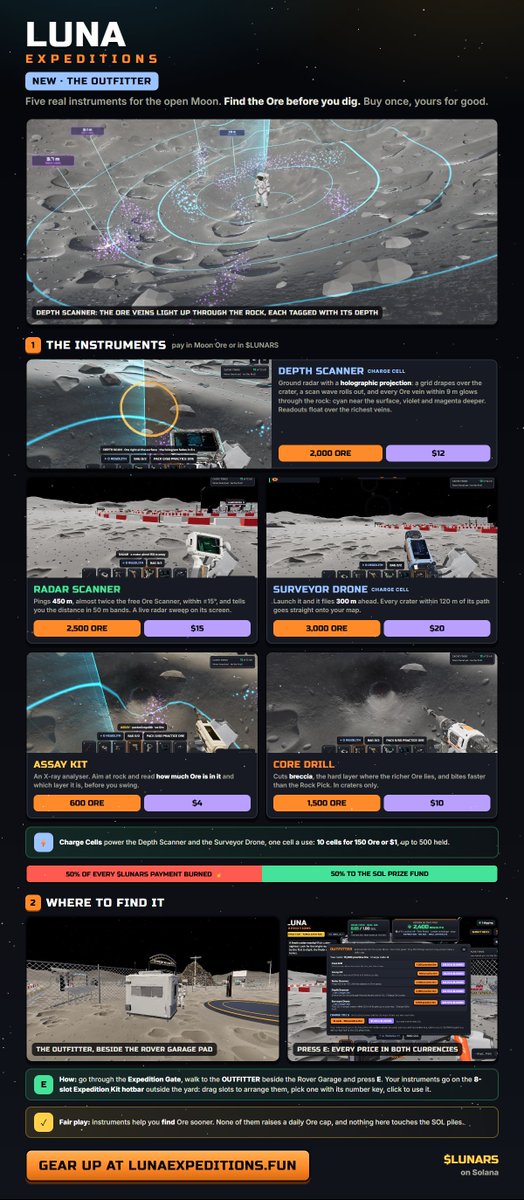
LV 10: Core Drill + buy your own rover
LV 15: Radar Scanner + rover upgrades
LV 30: Thermal Lance
LV 50: Plasma Cutter
LV 60: Deep Bore Rig
LV 80-90: the rarest elements, Tranquillityite and Void Iron
Badges on your nameplate: Bronze 20, Silver 40, Gold 50, Platinum 75, Lunar Master 99.
Levels unlock the right to buy or craft gear. Nothing is free, XP can’t be bought, and no level raises the daily Ore limit.
Connect your wallet or hold $LUNARS to start climbing
We have acquired around 1.4% of $Lunars and will allocate that towards potential prizes for future rewards events. We will now start to accumulate and store $Lunars and decide when to reward it or burn it.
We will continue to build and make this game exciting for everyone
UPDATE:
We have now added a free to play mode up to level 10. You will not be able to make trades for $Lunars etc unless you hold $Lunars
We want to give everyone a chance to try the game out for free without gating it and also by keeping the tokenomics safe!
Also included new updates on modules and more!
We've been working on optimizing the gameplay as well as visuals.
Here are a few more changes.
We also added in XP growth and leveling up for your astronauts to unlock new equipment.
Sharing details in the next post!
Easiest way is to just send your $Lunars to the wallet you have on Phantom.
Otherwise to export to Phantom, you can follow these steps:
*DO NOT SHARE YOUR PRIVATE KEY ANYWHERE*
Step 1: Export Your Private Key from GMGN
1. Open your GMGN wallet interface (via the GMGN Telegram bot or the GMGN web/TG wallet management page).
2. Go to the Wallet Manager or Import & Export Private Key section.
3. Locate the specific Solana wallet you want to move and select Export Private Key.
4. Copy your private key string. (Note: Never share this private key with anyone else).
Step 2: Import the Private Key into Phantom
1. Open your Phantom extension or mobile app.
2. Click on your Account menu (or profile/wallet switcher icon at the top left).
3. Select Add/Connect Wallet or I Already Have a Wallet > Import Private Key.
4. Give the account a recognizable name (e.g., "GMGN Wallet").
5. Paste your copied private key into the field and click Import.
@DezBlife Export your gmgn wallet into your phantom wallet, or transfer that luna to a phantom wallet. Unfortunately GMGN wallets aren't being recognized