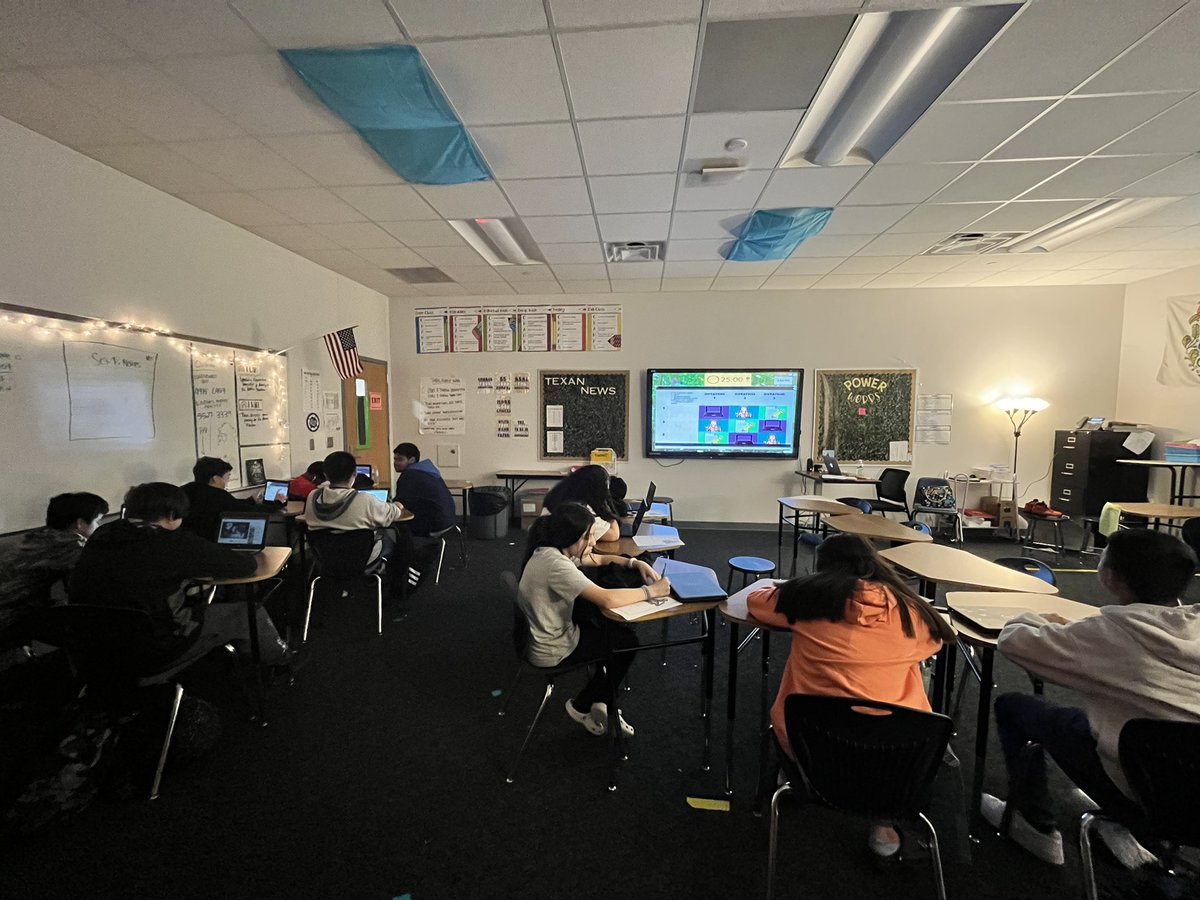
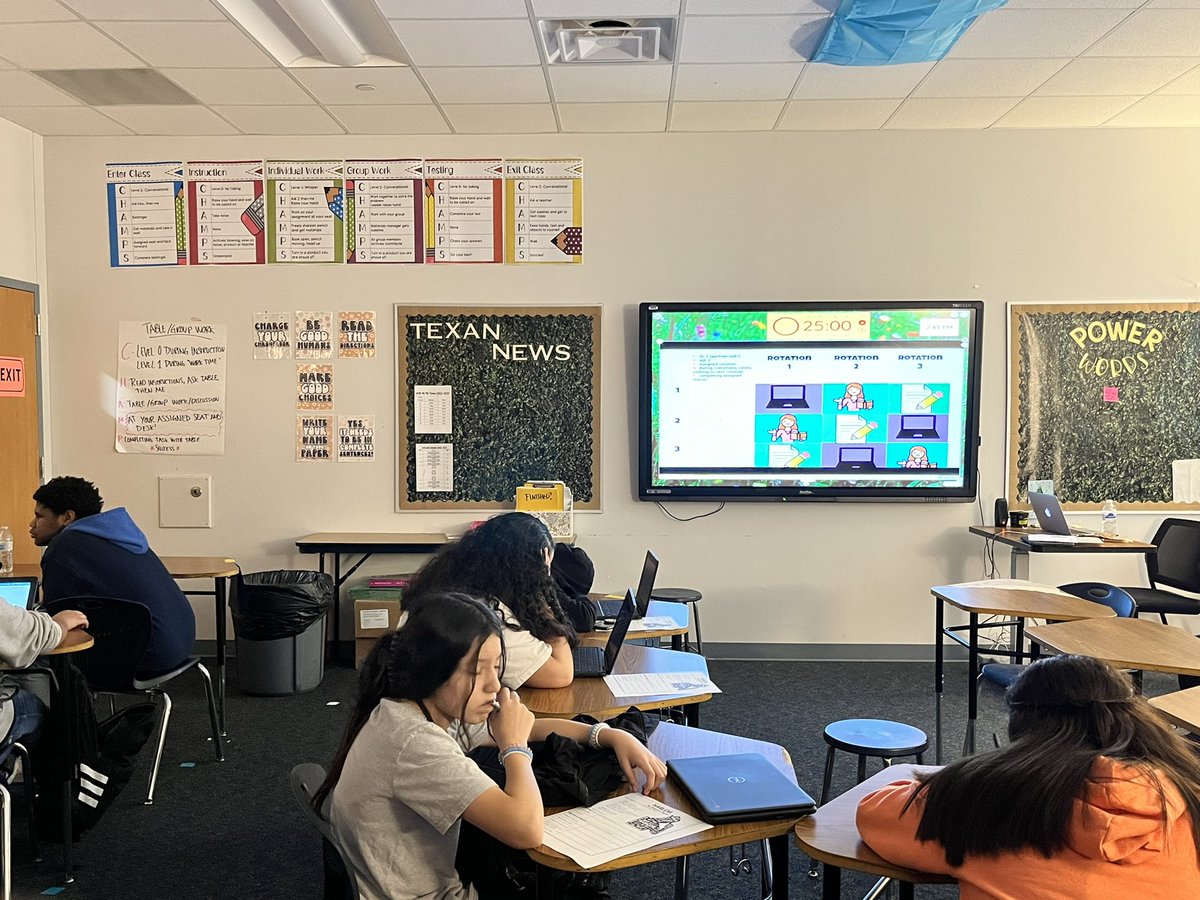
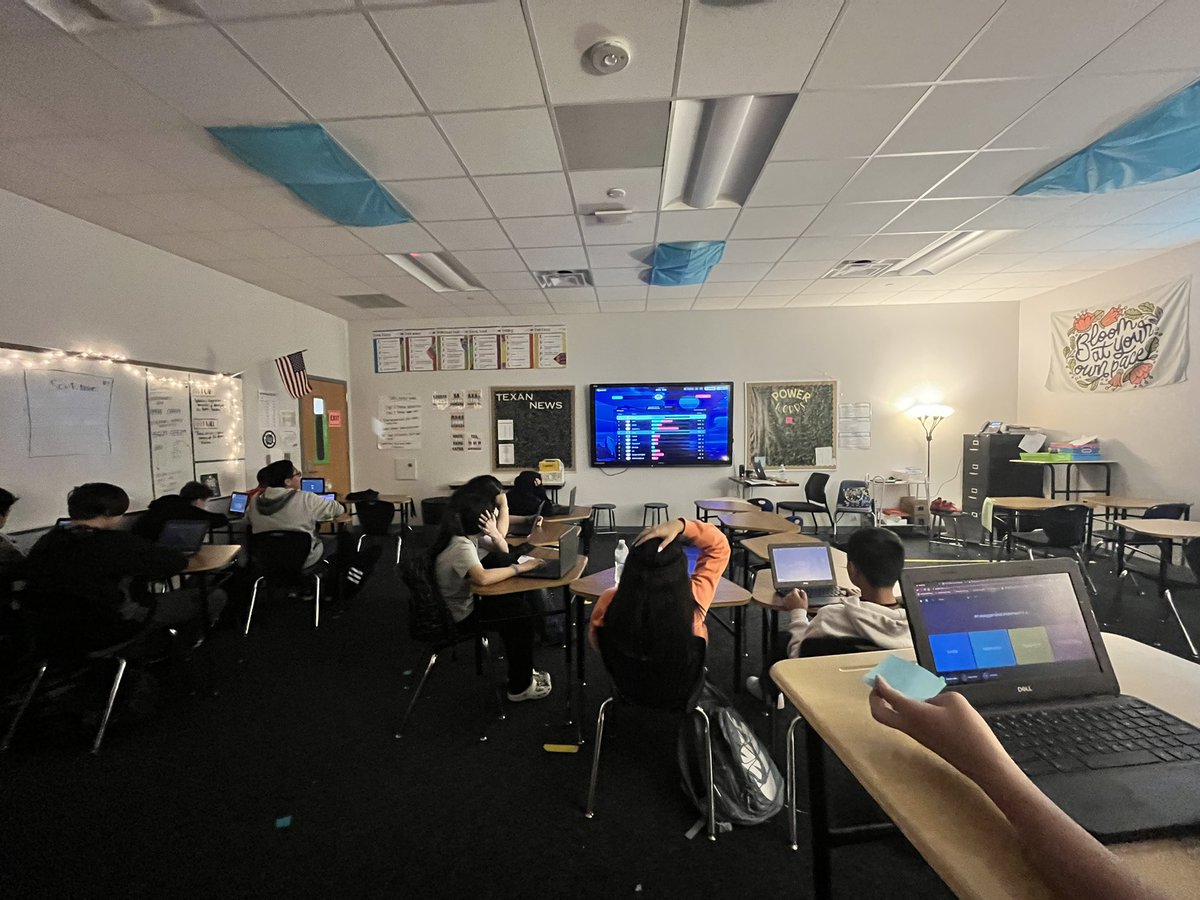
#bisd_DLD Blended learning with station rotations! Students have a choice to read an article over the Harlem Renaissance or watch a video. students are also analyzing “Harlem ” with @nearpod
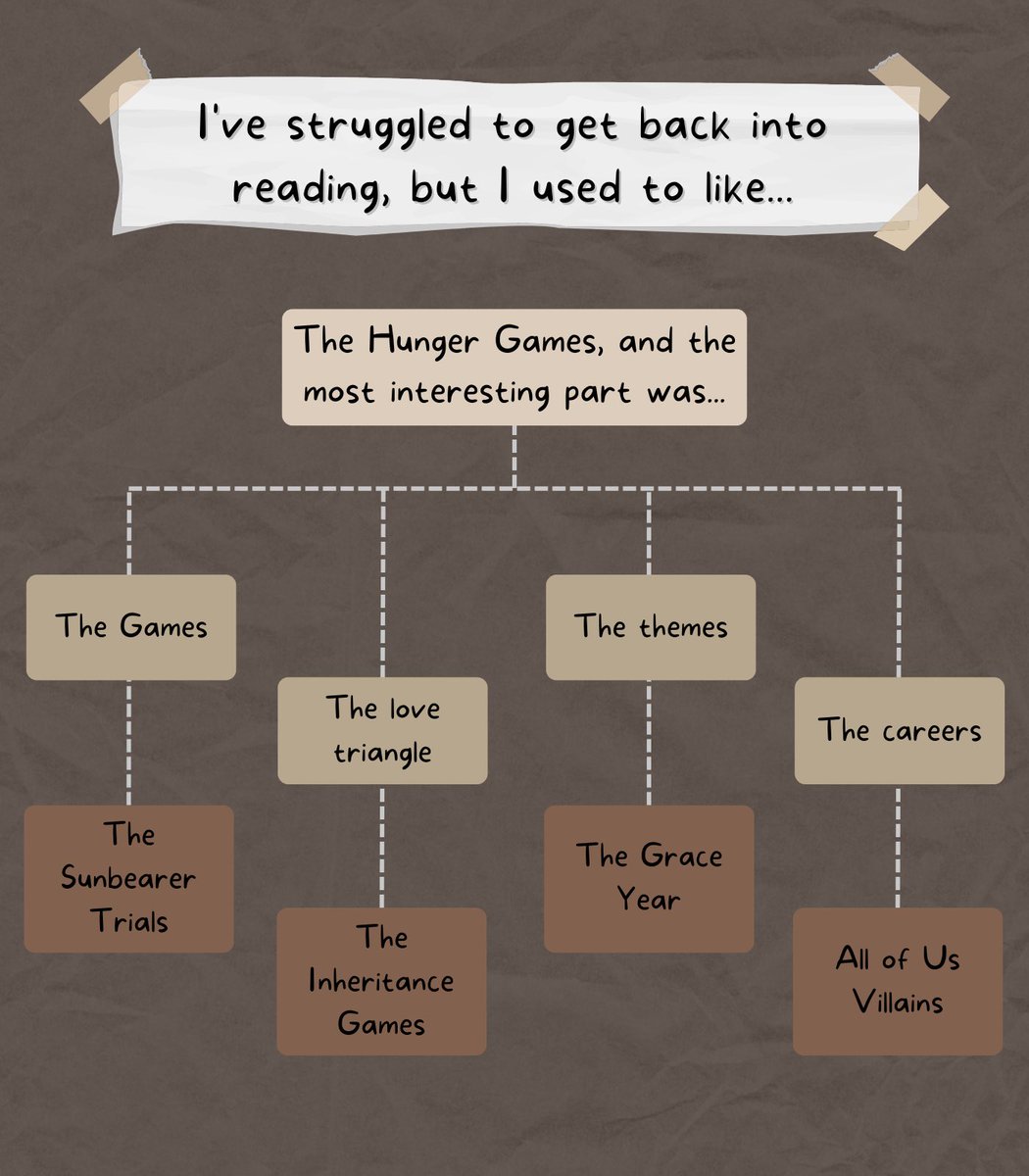
When people tell me that they want to get back into reading but can’t seem to find THAT BOOK, I have some go-to recs based on what made them love reading in the first place
— here are 56 of them 🧵
🍎🎉Happy Teacher Appreciation Week!🍎🎉
❤️️ this Day 1 post for a chance to win a free YEAR of QUIZIZZ SUPER & SWAG PACK for your class!✨Winner will be announced below by 5pm.👇
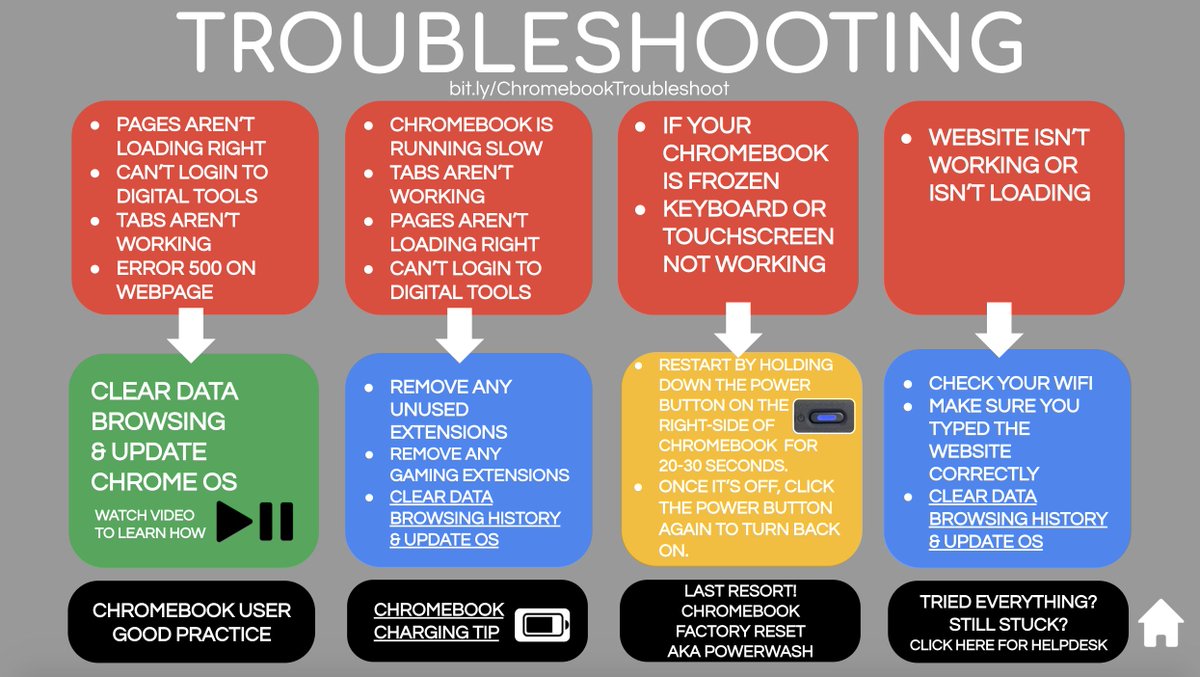
A little Chromebook Troubleshooting resource I put together to help students fix some of the common issues they may run into. (the page is clickable) https://t.co/cLcrIFFA48 #googleET#chromebook#edtech
Quick tech tip for all my fellow teachers using Bitmoji. You can make your Bitmoji say any short phase you want! If you don't like the options it gives you with your phrase, simply cut and paste the text back in to get all new choices.
#sbpdchat#edtech@Bitmoji
Here’s something I’ve quickly put together for English Language, Paper 2. Q5 for live lessons. Includes lots of ideas from others. If it helps, please feel free to use/adapt! @Team_English1 https://t.co/G87O1krt3o
A few people asking about this:
🔘It’s completely free
🔘Students don’t need log ins, just a code you supply
🔘 Super easy to use and sign up to
Here’s the link, check it out: https://t.co/GBUP5J4Pde
Absolutely loving spiral. Definitely my top find this lockdown
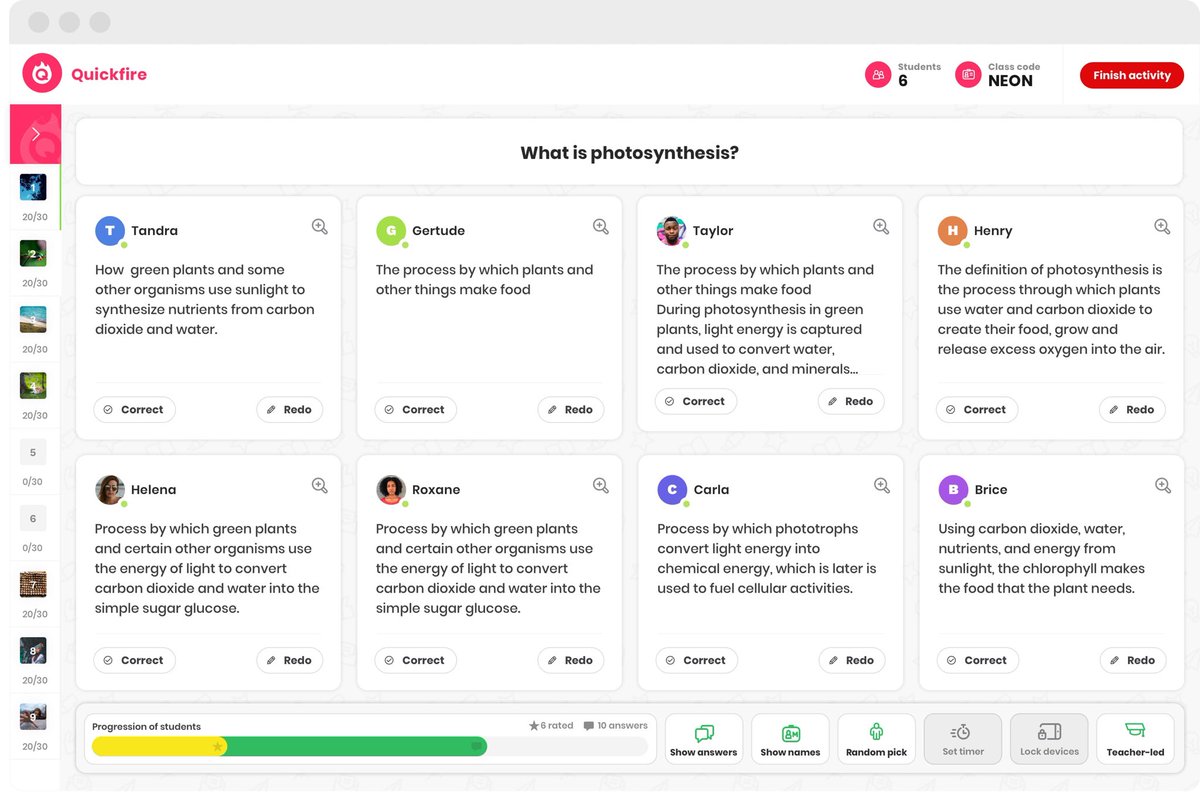
The technological equivalent of mini whiteboards with all student responses showing on one screen, there are 2 settings that I have been using the most, in fact most lessons:
1) Quickfire
2) Quickfire lite
/1