🚀 Your iPad Dock can do WAY more than just launch apps!
In my new iPad Dock 101 video, I share useful tricks, hidden features, and simple ways to make your iPad more productive. 👀
🎬 Watch here: https://t.co/wEX6UtoURy
Are you using your Dock to its full potential? 👇
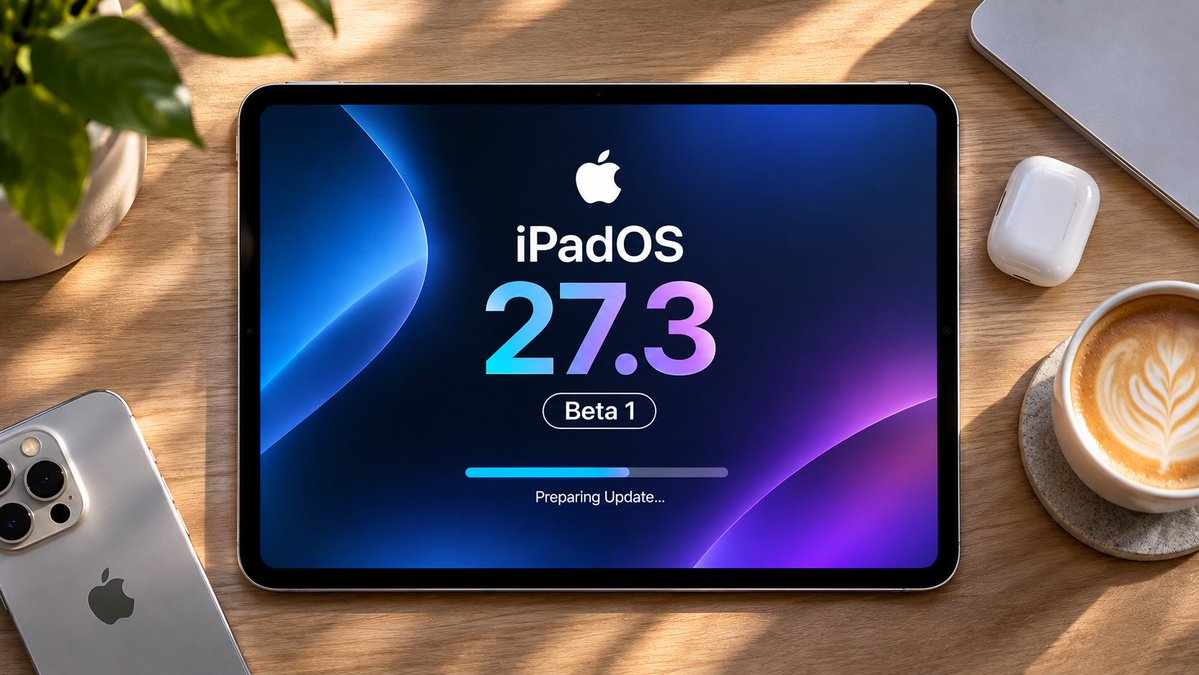
🚀 iPadOS 27.3 Beta 1 is here! I've just posted a new video covering the latest features, changes, battery life, performance, and bugs! 📱⚡
🎬 Watch it here: https://t.co/vLg65ZQrt0
Have you installed the beta yet? Share your experience! 👇
#iPadOS273#iPadOS#Apple
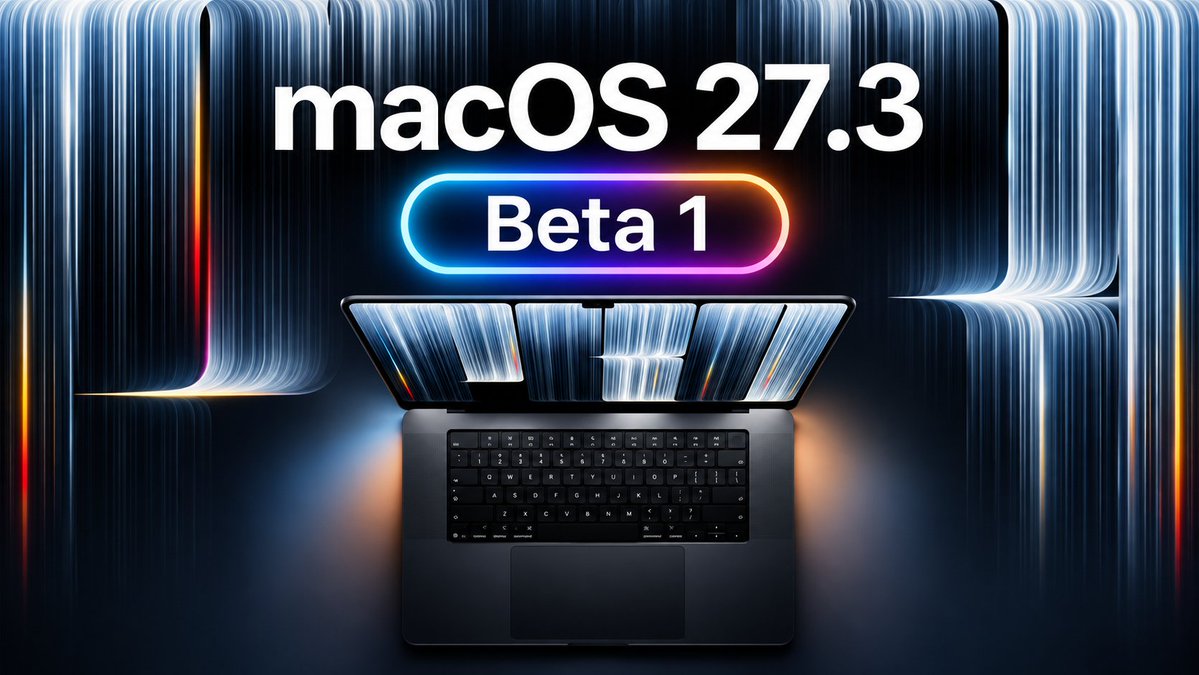
🚀 macOS 27.3 Beta 1 is here, and I've just published my full review! 🎬 Watch it here: https://t.co/Bp9TPah0YM
💻 Some exciting changes, new features, and a few bugs worth knowing about.
👇 Let me know what you think!
#macOS27#macOS273#macosgoldengate
🤯 Apple Preview on iPad is seriously underrated!
With iPadOS 27, this FREE app is packed with hidden tools you probably didn't know existed! 🔥
🎬 Discover what Apple Preview can REALLY do! 👇
🔗 https://t.co/v0MnagLBMR
#iPadOS27#ApplePreview#iPad
🔋 Is your iPad battery draining too fast on iPadOS 27? ⚡ Discover battery-saving tips, hidden settings, and simple tricks to make your iPad last longer! 📱
🎬 Watch the full video: https://t.co/5hQaE2j5C7
💬 How's your battery life on iPadOS 27 — better or worse?
#iPad
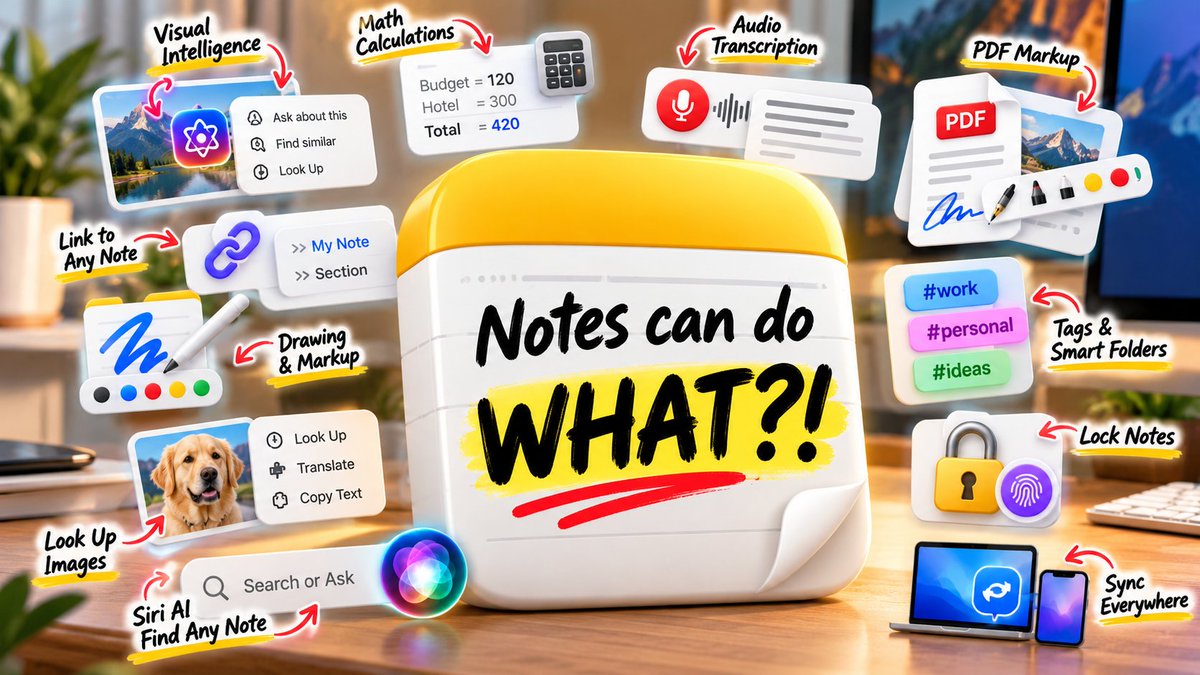
Apple Notes can do WHAT?! 🤯
I found 35+ hidden features in macOS 27 — calculations, audio transcription, Visual Intelligence, PDFs, Markdown, drawings, smart search and a lot more. 📝🍎
I definitely underestimated this app.
🎬 Full video: https://t.co/VcR1mGxSJL
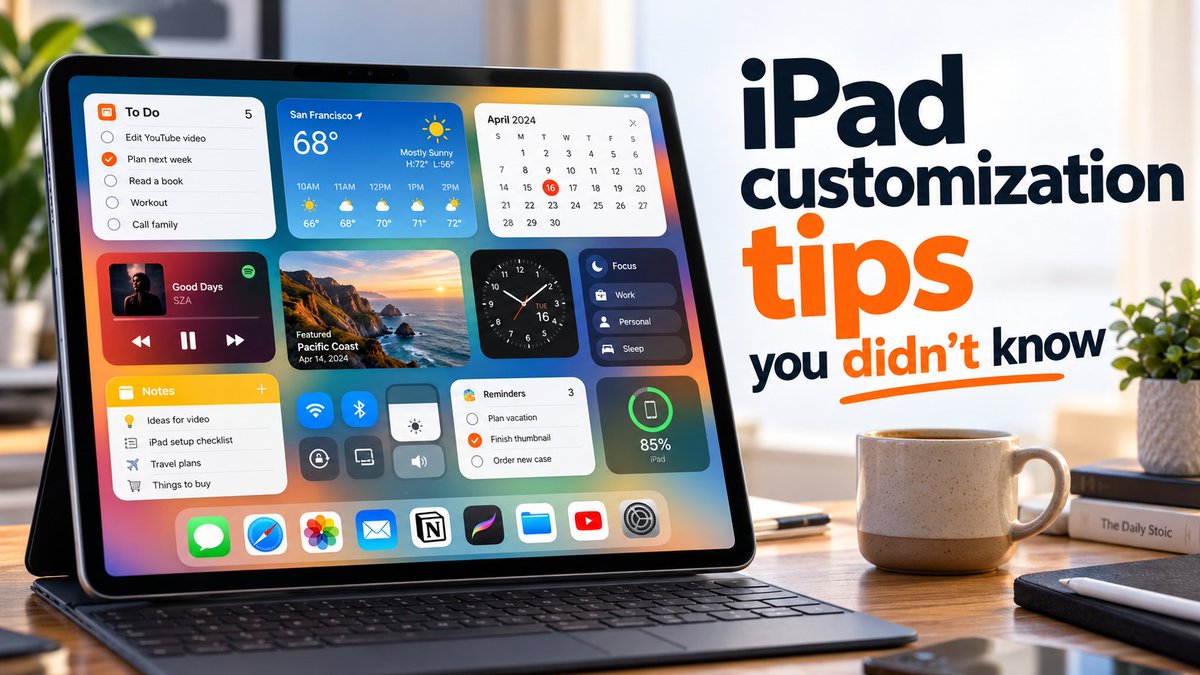
Your iPad can look completely different — without jailbreaks or complicated tweaks 👀📱
Some of these are surprisingly easy to miss.
Watch the full video here 👉
https://t.co/UECYndu09l
#iPad#iPadOS#iPadCustomization
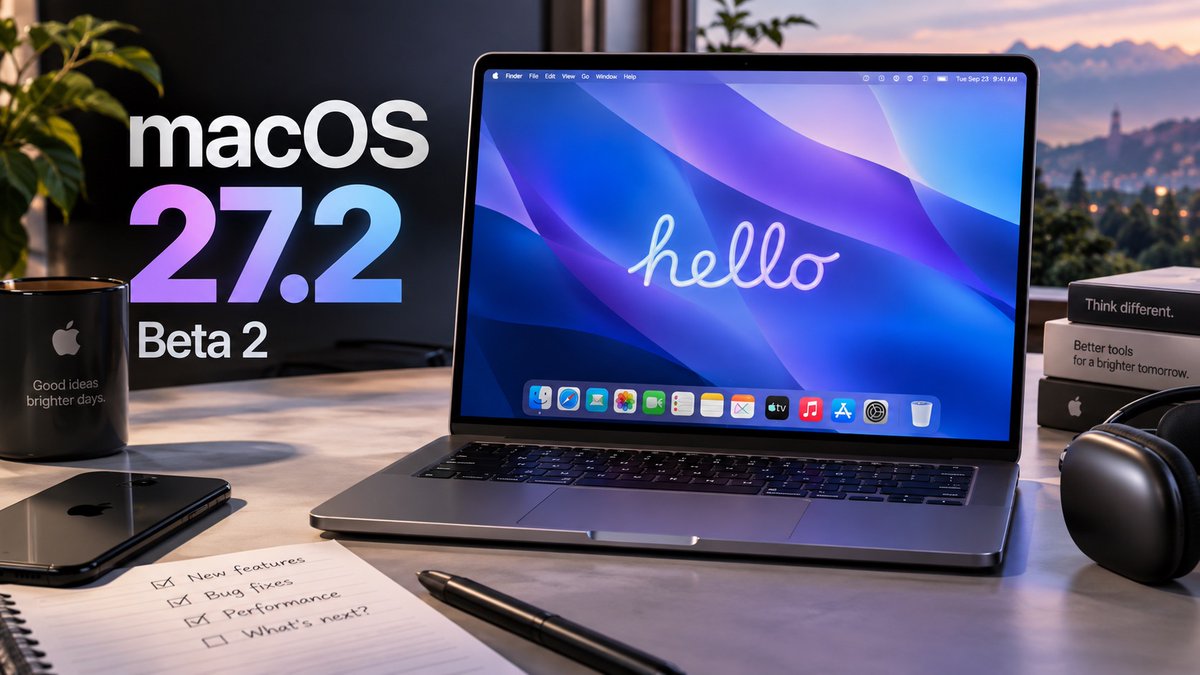
macOS 27.2 Beta 2 is here! 🍎💻
I tested the latest update to see what actually changed, what Apple fixed, and whether it’s worth installing right now. 👀
Full video is live! 🚀 - https://t.co/O5EfjhLghR
#macOS27#Apple#MacBook
I didn’t expect the iPad Camera and Photos apps to change this much in iPadOS 27 👀 - https://t.co/gj1WzHY6mt
Some of the new tools are genuinely useful, and a few are hidden enough that you could easily miss them.
macOS 27 RC is finally here! 🍎💻 - https://t.co/sFbZH19muO
This is basically the last stop before the public release, with new AI features, better performance, bug fixes, and plenty of smaller changes.
iPadOS 27 has some seriously hidden tricks 👀🔥
https://t.co/yf00POFYS0
From smarter AI tools to small settings that make the iPad feel much more powerful — there’s a lot here Apple barely mentions. 🍎📱
watchOS 27 Beta 7 is here! ⌚️
We’re getting really close to the final release, but is it ready yet? 👀 I’ve been testing Beta 7 — here’s how it’s looking so far.
🎬 Full video: https://t.co/YEMQ1YpfXE
#watchOS27#AppleWatch#Apple
📱 iPadOS 27 makes Messages way more interesting than it looks at first.
Full video 👉 https://t.co/5ziUEl8Yrw
Apple quietly added a bunch of changes that are easy to miss — and some are surprisingly useful once you see them in action. 👀
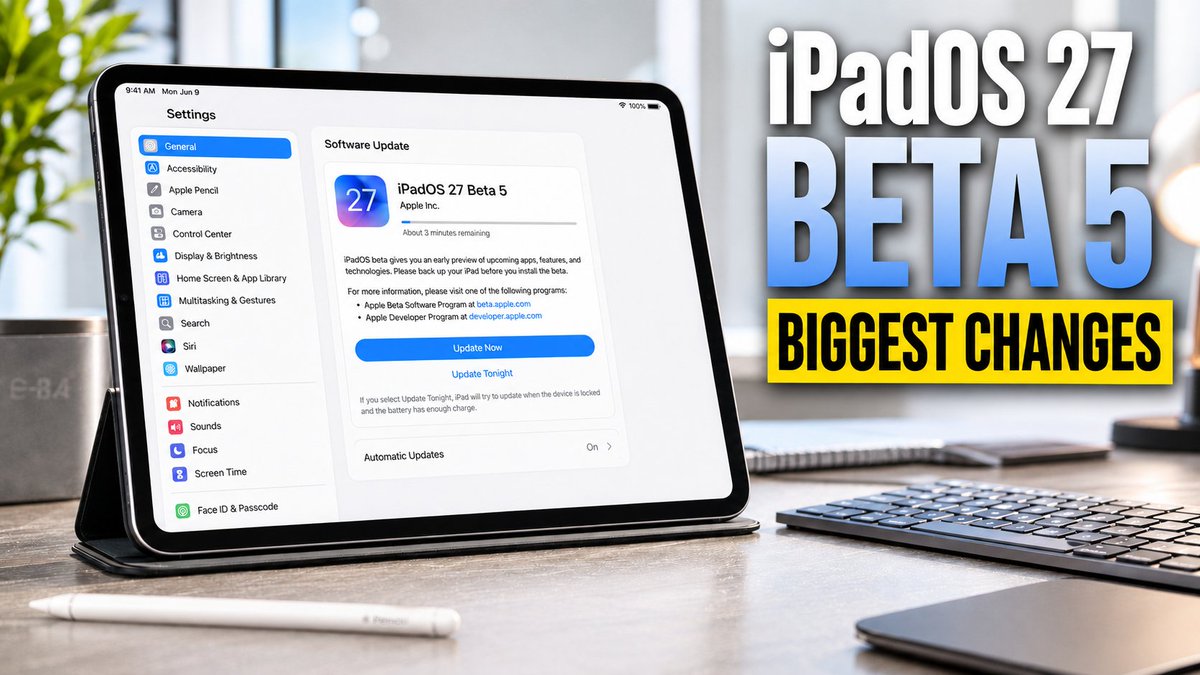
iPadOS 27 Beta 5 is out 🚀 - https://t.co/BMV7YmzQkR
I tested the new build, compared it with Beta 4, and found quite a few changes that are very easy to miss.
Is it finally stable enough for your main iPad? 👀
🎥 New video is live now!
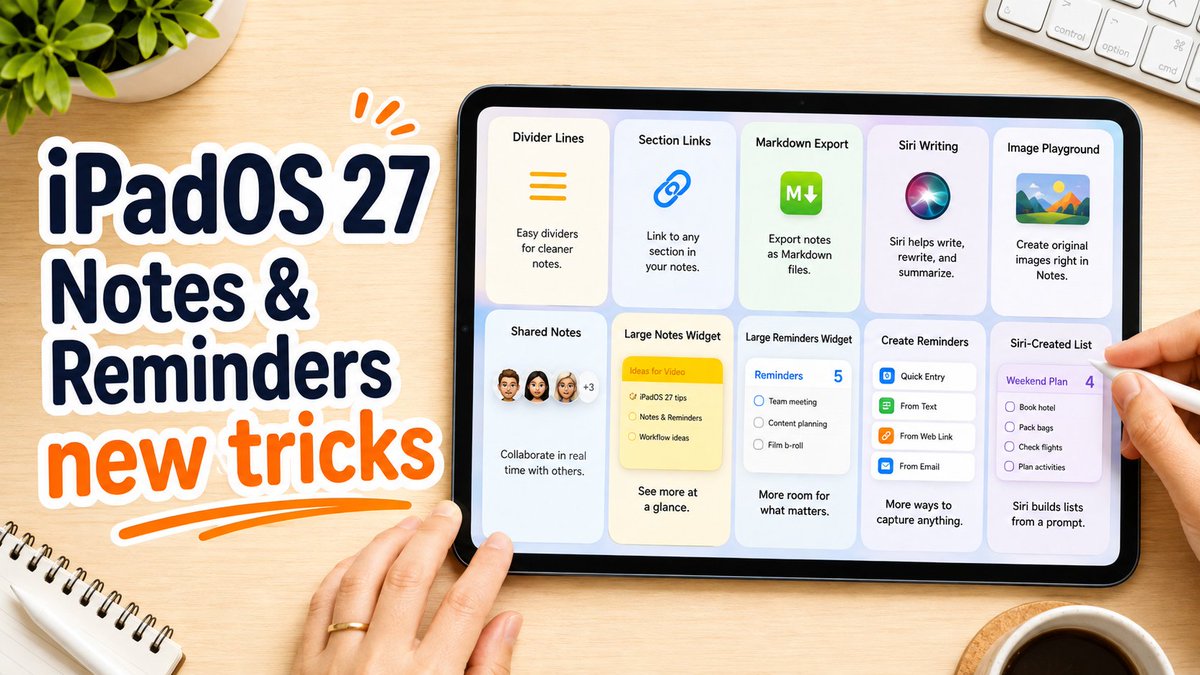
iPadOS 27 makes Notes & Reminders much better 📝✅
🎬 Watch the full video here: https://t.co/D3uQTcNVHF
New tricks, smarter Siri features, better organization, and plenty of changes you might have missed. 👀
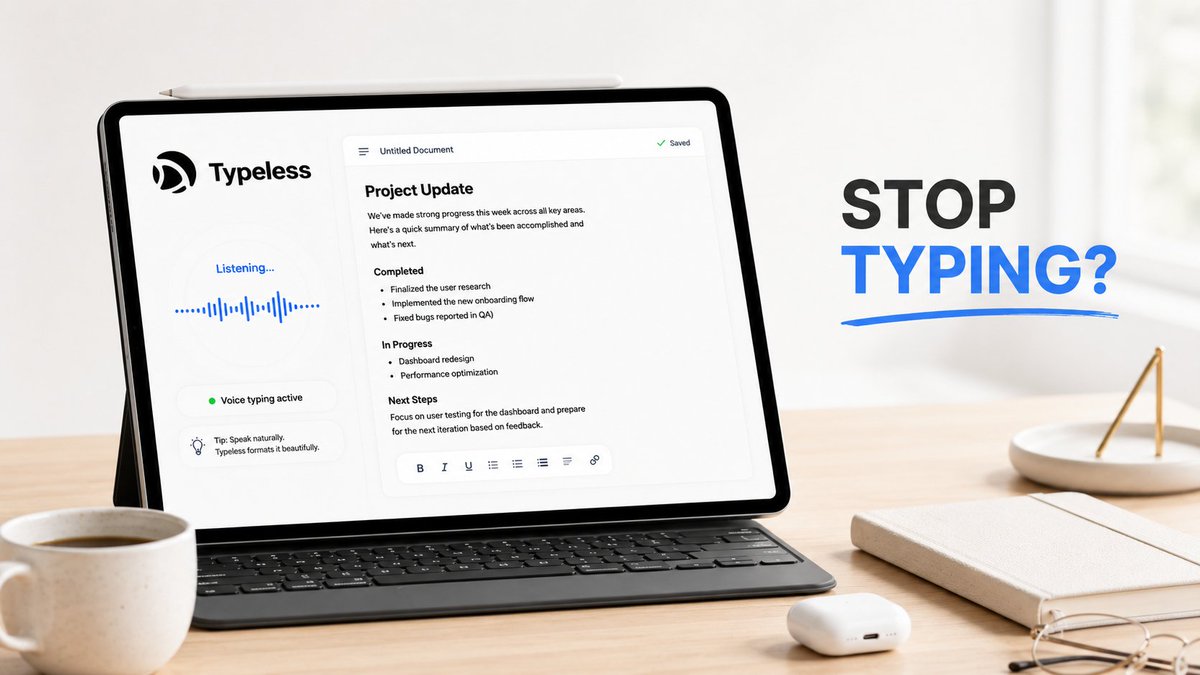
I tested Typeless in my latest video — https://t.co/qBcw1orTPE — and honestly, it made me wonder how much typing we actually still need to do 😳
It turns messy spoken thoughts into clean, structured text for emails, notes, outlines, translations, and quick ideas 🎙️⚡
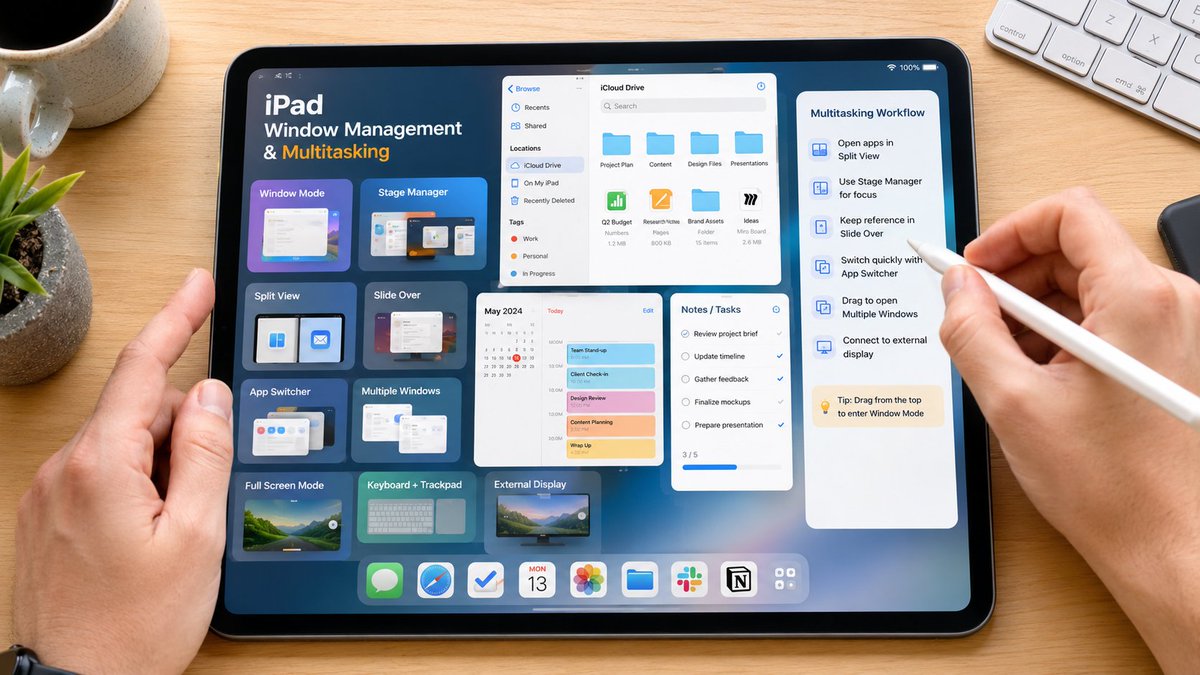
New video: https://t.co/A2ZVna8FNs — your iPad can handle windows and multitasking far better than you might think. 👀
I’ll show you how to build a cleaner, faster workspace and make your iPad feel much closer to a real computer. Which multitasking mode do you prefer? 🚀📱
Your Mac has settings that can completely change how it feels — but most people never find them. 👀💻
After changing just a few of these, going back to the default setup feels almost impossible.
See what your Mac has been hiding:
🔗 https://t.co/T1NQInuuvS
🍏💻 macOS 27 Golden Gate Beta 4 is finally here — and it’s much more than a few visual tweaks. 👀
The system feels smoother, several annoying bugs are gone, and Siri has changed again… but I also found some new problems.
Full video is live - https://t.co/4GaO5HF4C6