Mail Backup X is a one stop solution for mail backup, archiving, email management & Mail Conversion trusted by 42000+ Business and Home users worldwide.
Thunderbird mail local backup is a half-hearted strategy to beef up data security. Rather one should adopt the Full Monty approach and go for multiple-site backups because distributive backups are the very lifeline of data security. https://t.co/PBNVGbc7Ld
When it comes to email management you should not make any compromises but choose the best tool for IMAP mailbox backup. Download Now :- https://t.co/hBRieOqDPB
Before setting up the automated process for Gmail backup, the first step is to define where that data will be stored. This means configuring the destination that will hold the actual backup files once the process begins. https://t.co/54nShQdOmr
Thunderbird emails backup to Dropbox sounds simple at first, but the moment you try to do it in a controlled, repeatable way, details start to matter. https://t.co/QJ68yGglYx
If you use Office 365, you’ll likely reach a point where you want a local copy of your emails, something that exists outside the web browser. Read More :- https://t.co/fues9Md9xh
This article looks at how Office 365 mail backup to Google Drive can be carried out in a straightforward way, and then steps a little further into how both platforms behave behind the scenes. Read more :- https://t.co/IFRXjh8jiM
Backing up Office 365 mail to Dropbox using Mail Backup X creates that independent layer without disrupting your existing workflow. Download Now :- https://t.co/M8h1bRuo3G
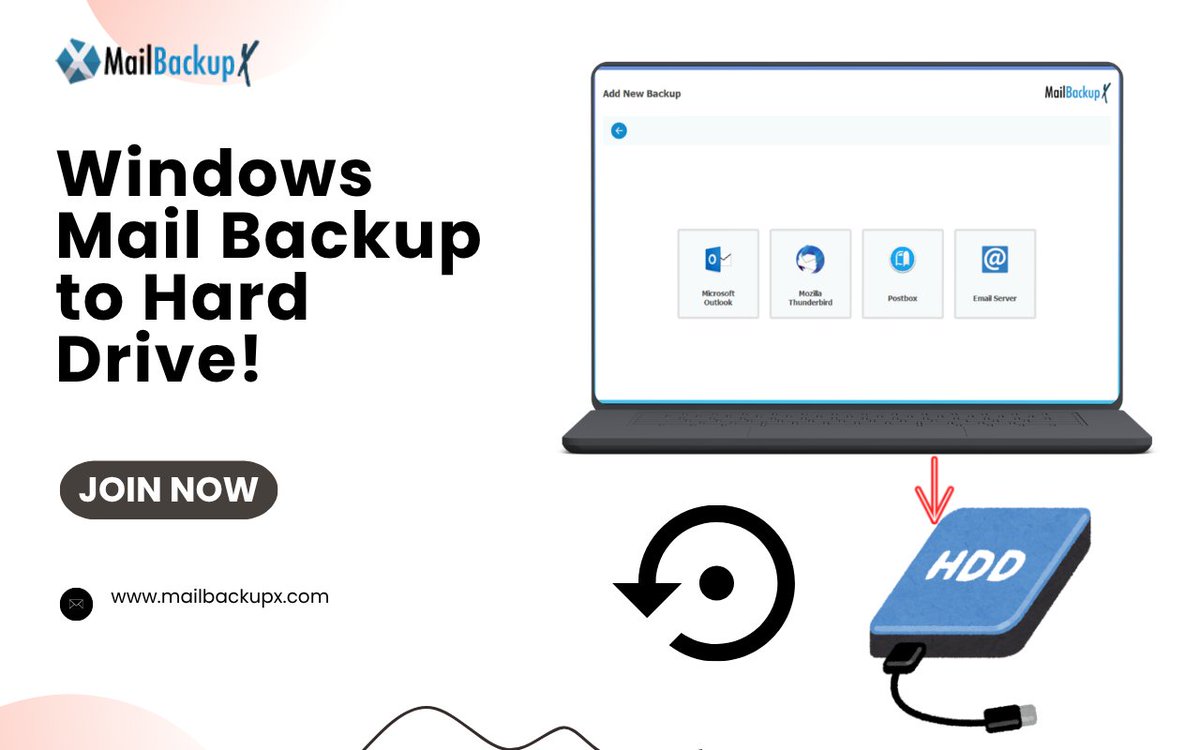
Creating a Windows Mail backup to hard drive X is done through the New Backup wizard in the dashboard. The steps follow the same flow that appears in the interface. Read More :- https://t.co/Lecqygb2iF
A Windows mail backup stored in Microsoft OneDrive can bring those scattered stores into a single archive that stays accessible from one location. Read More :- https://t.co/ceyoXC66PL