I love this new feature of Gemini Spark. Ask it to keep track of things happening in the world, like when US Soccer is playing, and automatically take action for you -- send an email recap, add an event to your calendar, update a Doc, Sheet, Slides. USA USA USA!
Gemini Spark can now intelligently track topics and react to events in real time.
Try the prompt in the next post to get tailored game analyses emailed to you after your favorite team plays:
New ways you can use Gemini Spark to make your life easier.
From integration in the Gemini app for macOS to smart triggers, here are five ways we’re making Gemini Spark an even more powerful personal AI agent to help you get things done around the clock.
Gemini Omni is coming to the Gemini app for paid subscribers today.
It lets you bring your ideas to life using any combination of text, images, and video inputs. Just open up Gemini, attach a video from your camera roll, and change it around. It’s that simple. #GoogleIO
Gemini Omni is a major leap in world understanding & multimodal editing! It can take photos, video & audio and build entirely new scenes. Over time it’ll be able to handle any input & any output - starting w/ video
You can even give it your own videos & iterate on your ideas:
Gemini Spark is your new 24/7 personal AI agent.
Give it a task and it works autonomously in the background, even if your phone and laptop are turned off. You choose to turn it on and it's designed to check with you before taking major actions. #GoogleIO
Here's an easy way to personalize your Valentine's card with @GeminiApp
Prompt: Turn this image into a 3x5 illustration that I can cut out and glue inside a Valentine's Day card
1- Open Gemini app or https://t.co/AiXD61VPLf
2- Select Create images from the tools menu
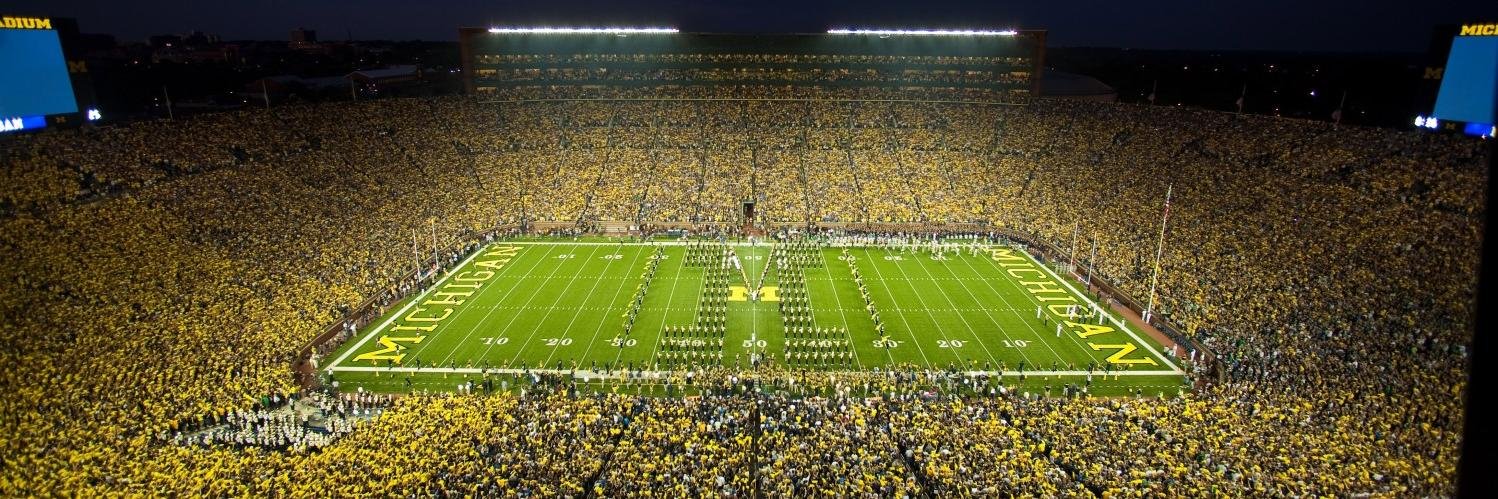
#GoBlue
There’s a ton more to explore. Download the Gemini app or head to https://t.co/AiXD61VPLf.
Tap Create image and prompt away! Try uploading multiple photos and combining them to create a new one.
One of the big updates on Nano Banana 2 is that it can reference real-time info and images from the web, so it can more accurately create images of the real world.
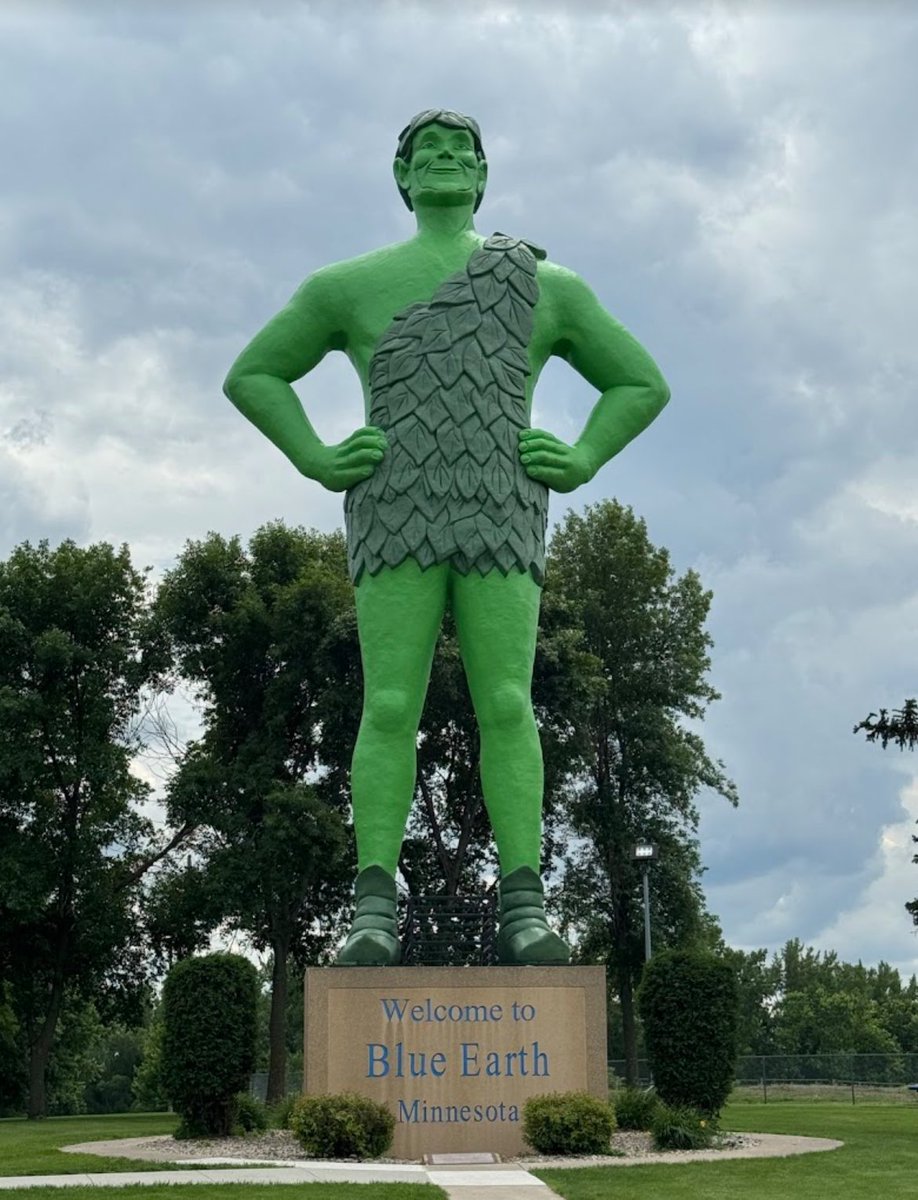
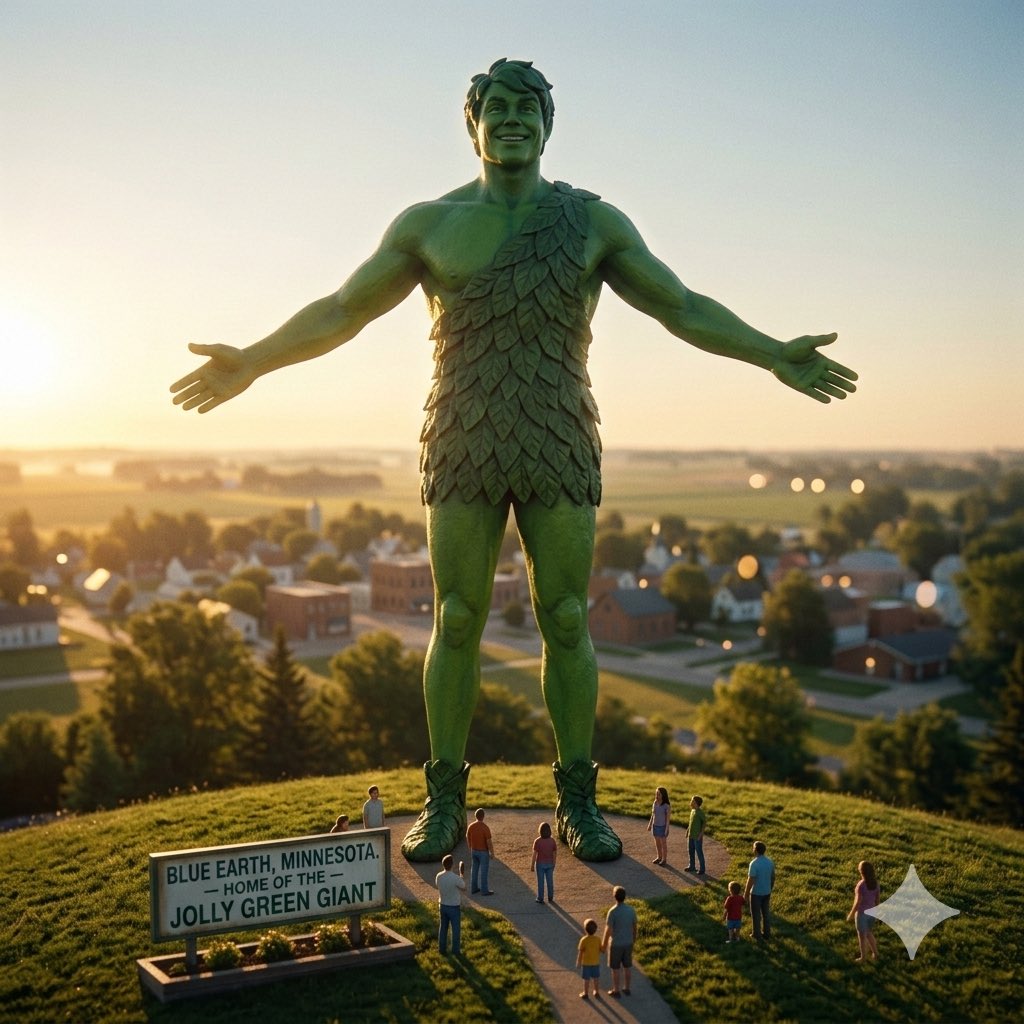
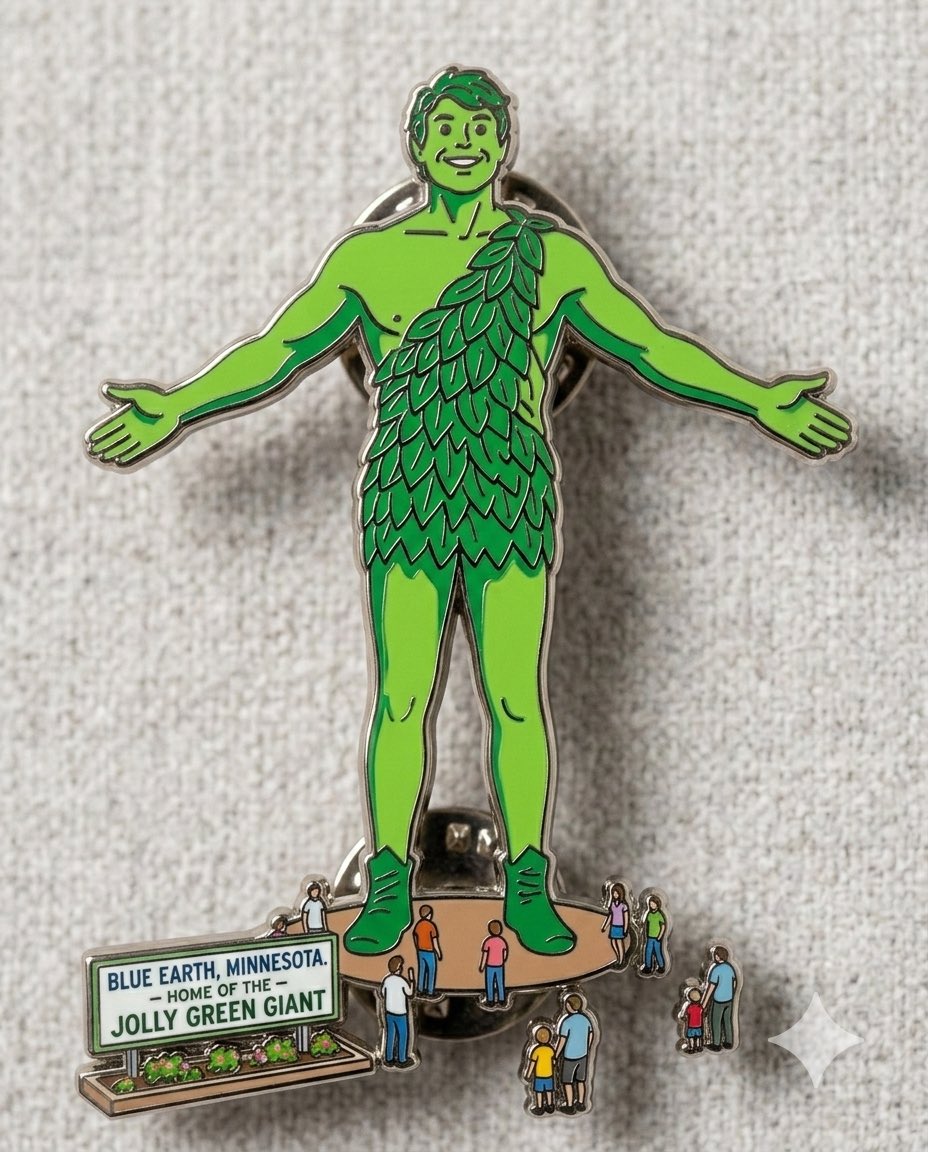
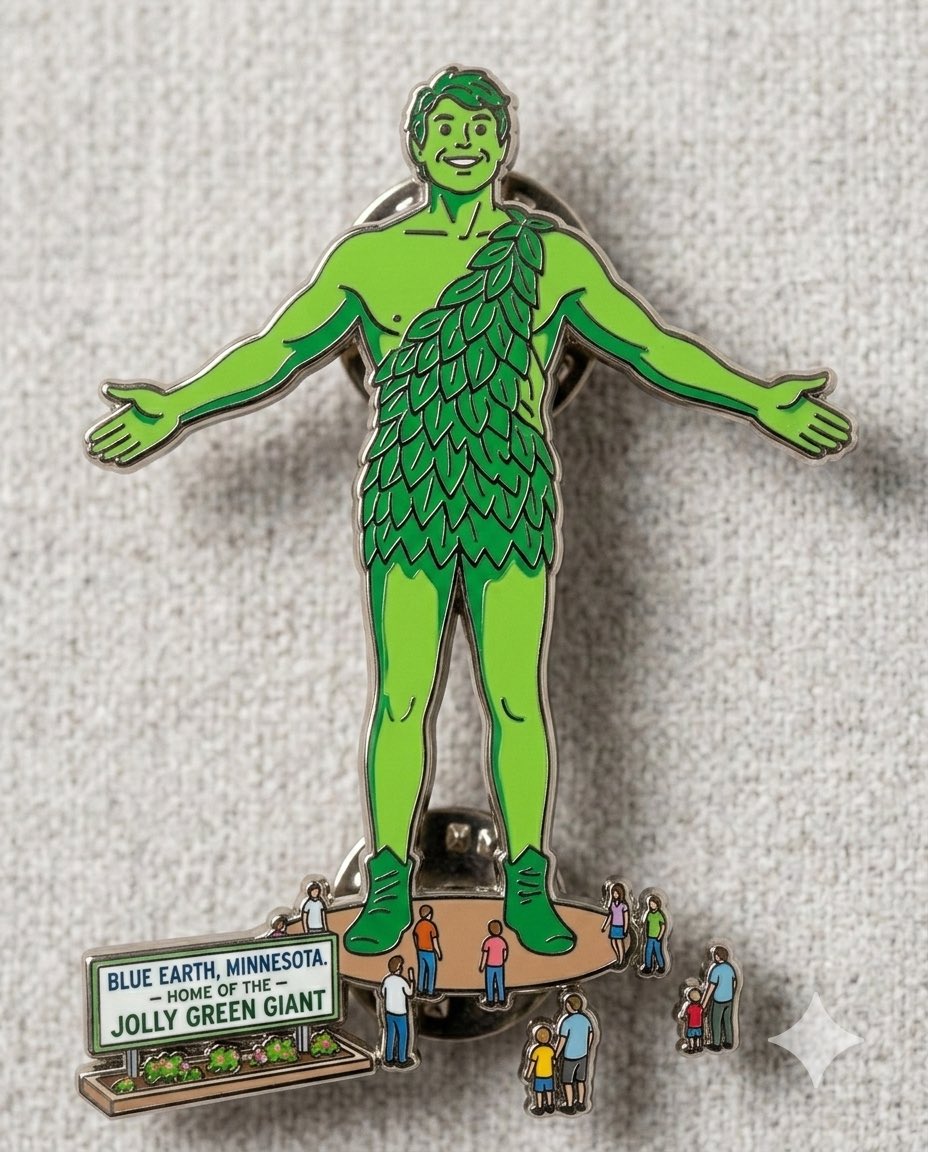
Here’s the Green Giant statue in my hometown, reimagined as a pin without uploading a reference pic
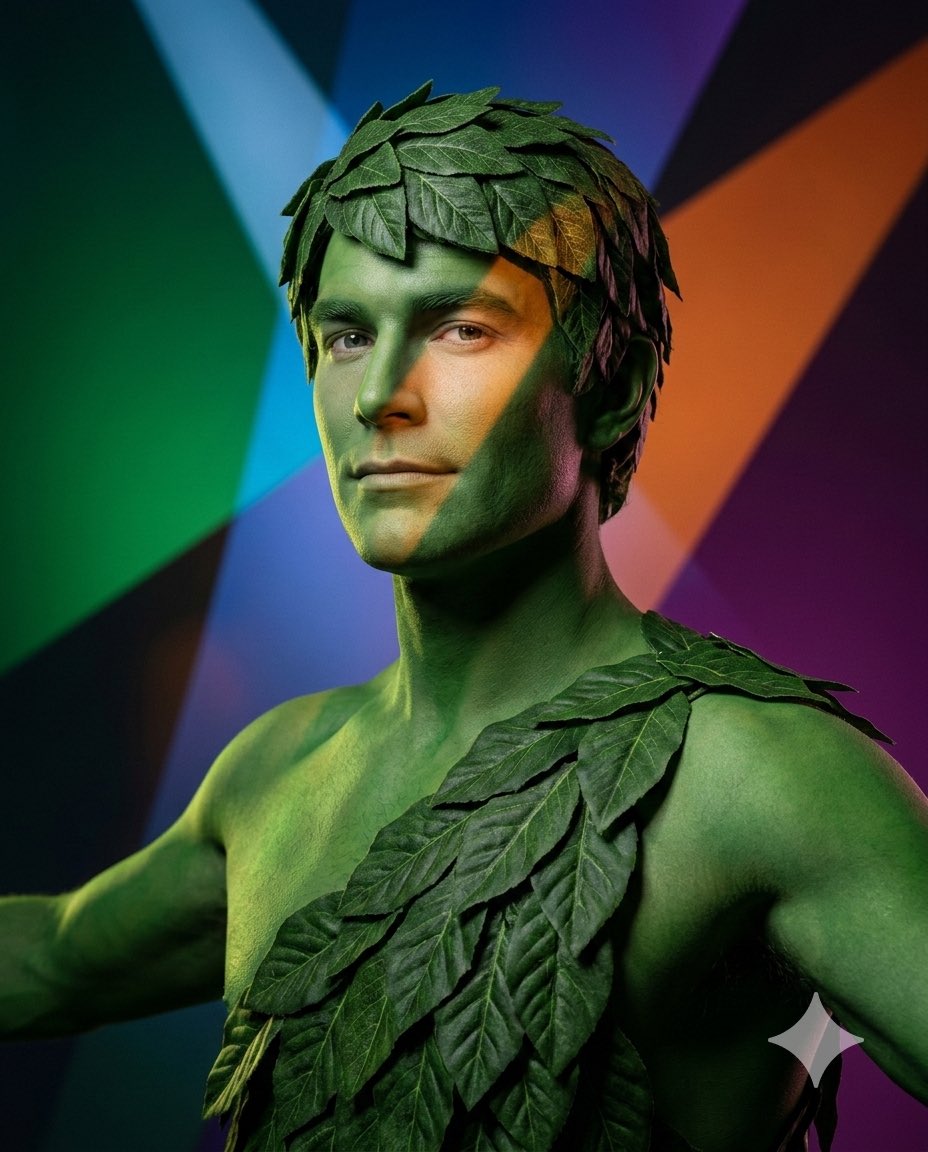
The fun doesn’t stop there :) We’re also launching new image templates to make it super easy to create images in a variety of rad styles. Here the giant statue in monochrome, technicolor, sunrise and enamel pin.
Creating and editing images with @GeminiApp just keeps getting better! We just launched Nano Banana 2:
✅ State of the art pro-quality images
✅ Faster than Nano Banana Pro
✅ Generate 20 images a day for free (previously 3 images for NB Pro). Subscribers get more!
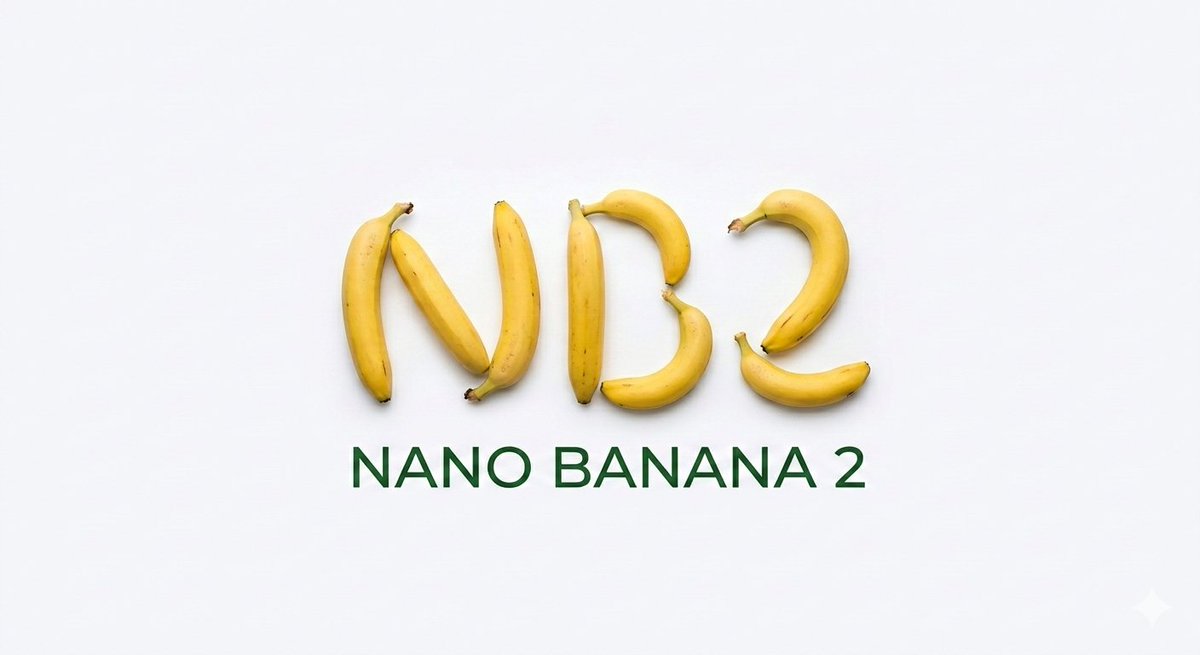
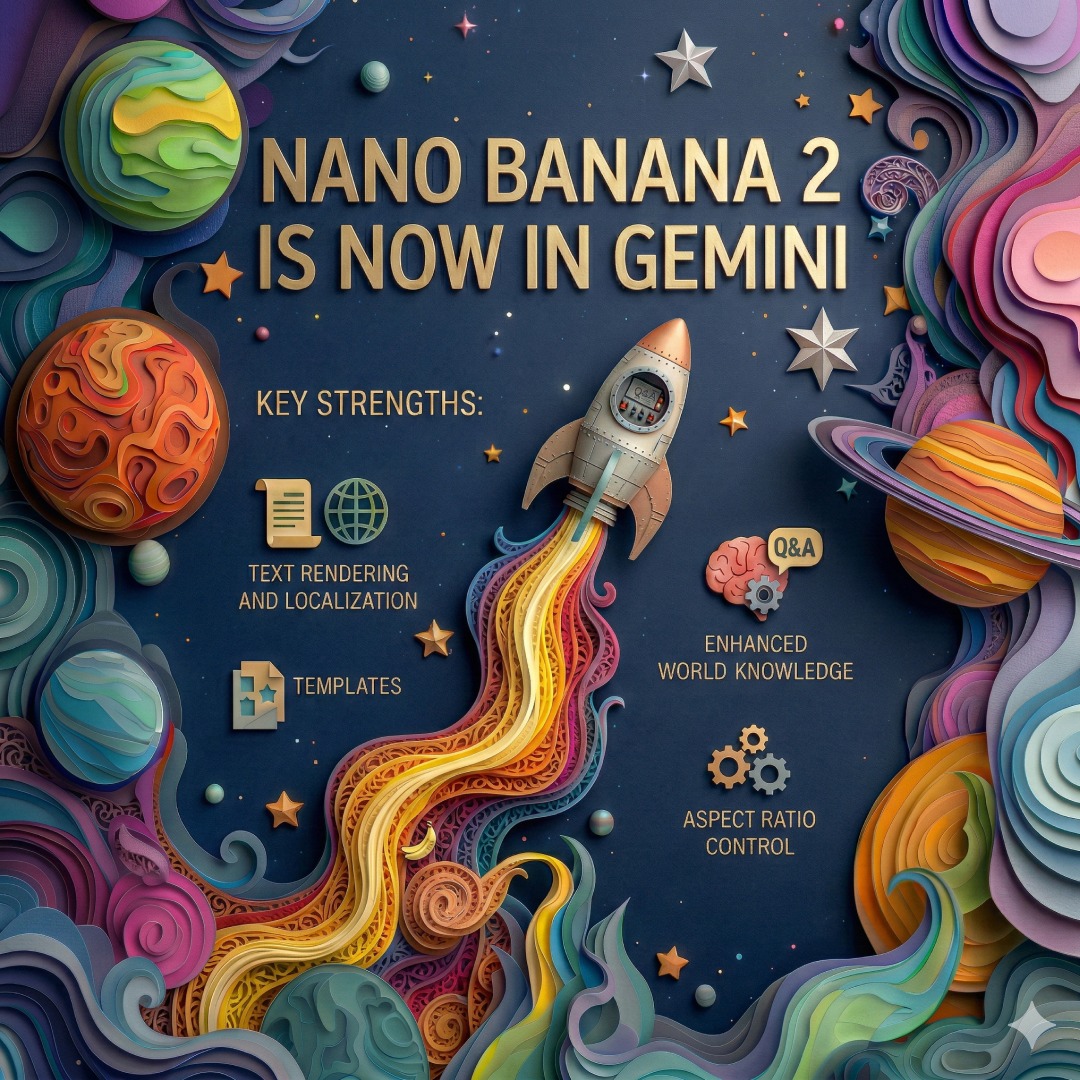
Nano Banana 2 is here.
Our latest image model gives you the power of Pro at the speed of Flash. You can create images with real-world accuracy, add text in many languages, and bring your wildest ideas to life faster with vibrant lighting, richer textures and sharper details. 🧵
Rolling out in @GeminiApp, you can create 30 second music tracks to express yourself with custom tunes. It’s a really fun way to share personalized messages with friends and family.
Here’s a Lunar New Year track I created for mom & dad 🥳
Super curious to see what you create!
Introducing Lyria 3, our new music generation model in Gemini that lets you turn any idea, photo, or video into a high-fidelity track with custom lyrics.
From funny jingles to lo-fi beats, you can create custom 30-second soundtracks for any moment.
See how it works. 🧵
Here's an easy way to personalize your Valentine's card with @GeminiApp
Prompt: Turn this image into a 3x5 illustration that I can cut out and glue inside a Valentine's Day card
1- Open Gemini app or https://t.co/AiXD61VPLf
2- Select Create images from the tools menu
#GoBlue
Gemini 3 Deep Think can help make things. 🧠
Here's our side project: We sketched a laptop stand and Deep Think coded that into an interactive prototyping tool. We used that tool to generate a STL file, which we sent to @fleet_ai. And now I have a new laptop stand!
What will you build? See the final photos below!