@TVA2001 Sir, i want “Pooththathu manudam” by Salai Ilaanthiraiyan book. Do you have that book? idk where to get. This is my inspirational book from my childhood.
What would you prefer:
Realistic videos with great quality at a higher price, or AI-looking videos with good quality at a lower price?
If you already have a product in hand and asked me to create a video for it, which option would you choose?
Getting low-quality images in Gemini?
Mention aspect ratio + quality in the first line, use high-quality reference images, identify issues like noise or blur, and avoid generating too many times in the same thread.
Small prompt fixes = better results.
AI creative tools are becoming heavily restricted lately.
Gemini reduced image limits, Grok cut video generation caps, and platforms like Runway are flagging normal content without explanation.
Feels like the entire AI media space is tightening fast. Anyone else seeing this?
Prompting tip for Gemini:
Use “woman” instead of “girl” when generating adult characters.
Gemini often interprets “girl” as under 18, which can restrict styling, poses, and overall output quality.
One word can completely change the result.
Get client approval on seed images before starting video generation. This prevents major revisions like changes to background, outfit, or product details, avoiding confusion and full rework.
Ensure seed images meet all requirements before production.
AI video editing requires precision. Start clips with motion to keep viewers engaged and remove static frames.
Check for product inconsistencies, maintain smooth movement, consistent lighting, and angles. Plan visuals and storyline in advance to avoid unnatural results.
After generating AI video clips, always ensure there’s some movement, model, camera, or both. Even subtle motion matters.
Static shots make viewers scan the frame and notice flaws. Small actions like a head turn or a slow camera push keep attention where you want it.
Kinda wild…
If you generate an image in Gemini and then tweak it in ChatGPT, the Gemini watermark just disappears 👀
Most platforms usually keep or preserve the watermark, but here, even small edits can give you a clean version.
Did you notice this too or is it just me?
If Gemini gives you low-quality images, try regenerating them with GPT using clear instructions (e.g., 2K resolution, improved clarity).
For best results, specify fixes like noise reduction, sharpening, or blur removal, precise prompts = better outputs.
AI tools usually generate videos at 24–30 fps, making true slow motion difficult. While 60–120 fps cameras handle this easily, AI can simulate it through prompts.
Simple actions work better, but results are inconsistent, especially with complex movements.
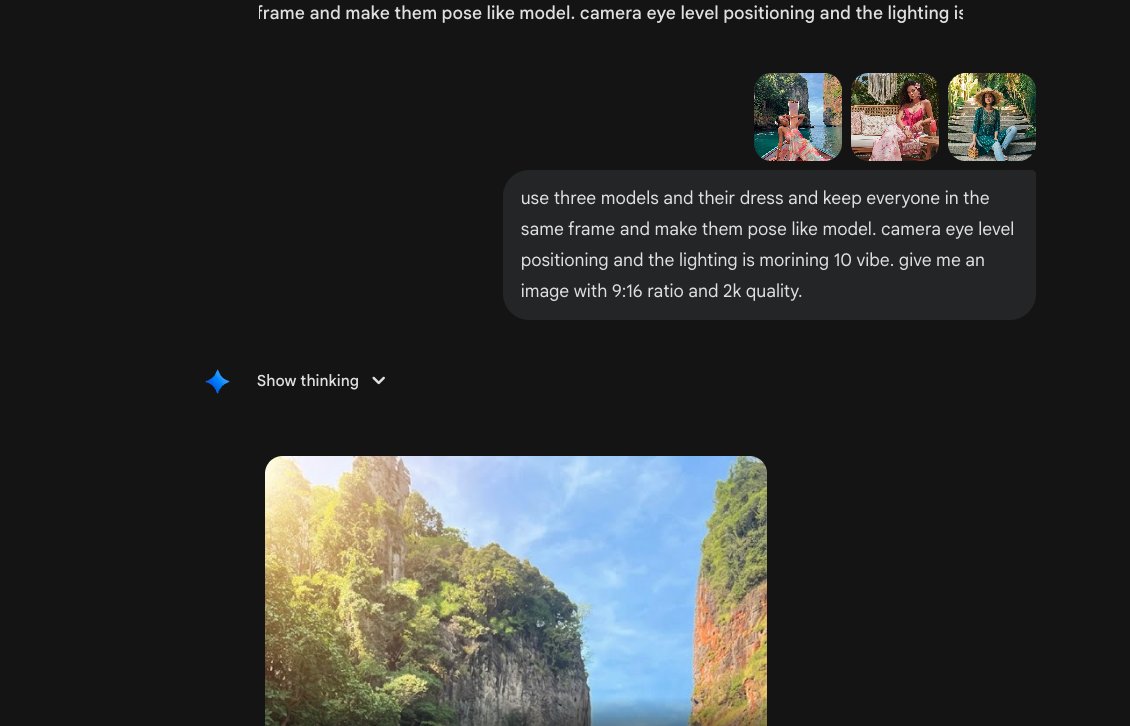
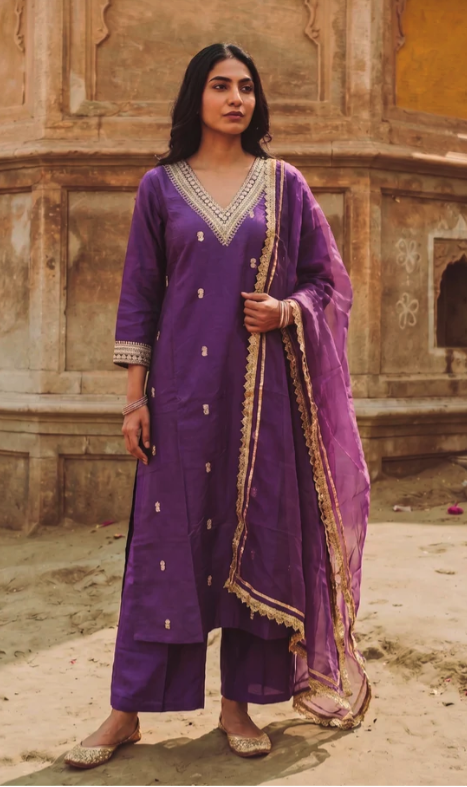
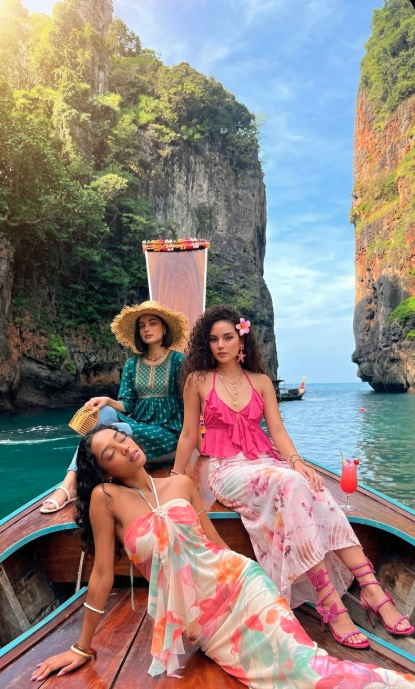
When combining 3 models from different backgrounds, upload the image with your desired background first.
Gemini uses it as the base. Then add other models.
For best results, specify pose, camera angle, lighting, aspect ratio, and quality in your prompt.
3 models in one frame is way harder than it looks 👀
Biggest issue: face consistency across video.
What worked for us:
→ Get poses first (ignore faces)
→ Mask faces (Gemini)
→ Reassign faces + outfits in one go
Saves hours in editing. Try it 👍
AI still struggles with natural human expressions like happy, sad, or cute.
A simple trick:
first generate an image with the exact expression you want. Upload it to GPT to get the prompt, then use that prompt on your AI tool to generate videos or new angles more accurately.