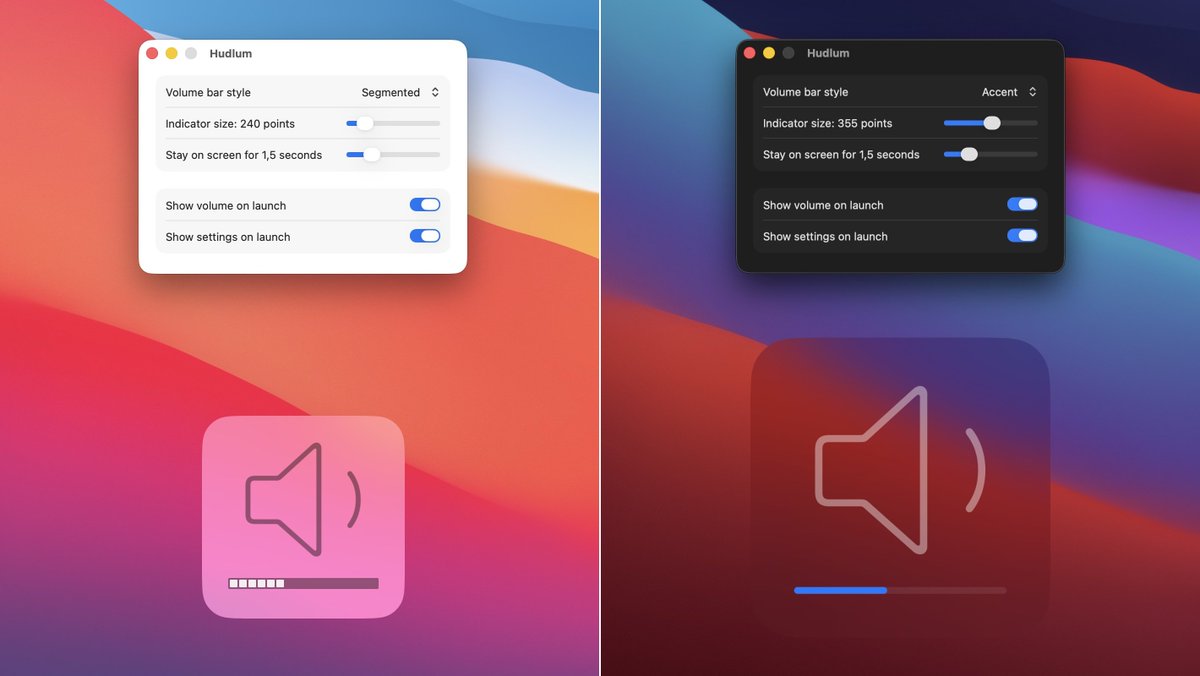
Do you miss the old-style macOS volume changing indicator, located at lower-center on your display? So do we, so we added it back. Introducing Hudlum.
Choose between two line styles and a number of sizes for the indicator. Then just change your volume…
https://t.co/EK9pRnDUl6
@ChrisMaki Aug 2024 was our final major upgrade, and the first release under our (announced in 2021) business model, which includes 12 months of updates with a purchase.
But it's *not* a subscription, as the app keeps working. You decide if our work merits another $8.
Moom 4.3 is out with some new features, bug fixes, and workarounds for a number of apps.
One new feature: Use the Move to Edge or Corner action to either move to an edge without centering (the old behavior) or move to an edge while centering.
https://t.co/7L4R4QyLho
Moom 4.2 adds app launching to saved layouts. Combine that with macOS' ability to restore windows, and it's one click from a blank screen to organized windows in multiple apps.
There are some other nice changes, too…
https://t.co/4TcD3wZgBZ
We released updates to Desktop Curtain and Time Sink today–the first updates in many years. Not because they were abandoned, but because they just kept on working.
Biggest news is rewritten in-app help, now online as well.
https://t.co/GD185nIJjy
Our customers can now receive new license file download links any time they wish—before, all such requests had to be manually processed. But no more.
https://t.co/fMl5eGxMNk
A bit more detail on what's going on behind the scenes is here:
https://t.co/mWXbRsaWd5
If you use our Witch window switching app and Chrome, there are two issues with recent Chrome releases: Tabs are only listed when Chrome is in the foreground, and if you use custom-named windows, those names won’t show in the switcher.
More details here: https://t.co/s6FwXyx80e
Moom 4.1.3 is out with a number of small bug fixes and one improved dialog. Update in app or by downloading a fresh copy of the app from our site.
https://t.co/b2HP5ShK4v
Moom 4.1.1 is out and it's “Sequoia aware,” and will disable macOS’ related built-in snap features when the corresponding Moom feature is active. We also improved a bunch of other little things…
https://t.co/U52zRs5auV
The Moom 4 launch sale ends at 11:59:59pm east coast USA time on Wed, Sept 4th. If you’ve been on the fence about upgrading (or purchasing), now’s the time to act. Normal pricing is $8 for upgrades ($6 on sale), and $15 for the full app ($10 on sale).
https://t.co/K2jwx3bJ8R
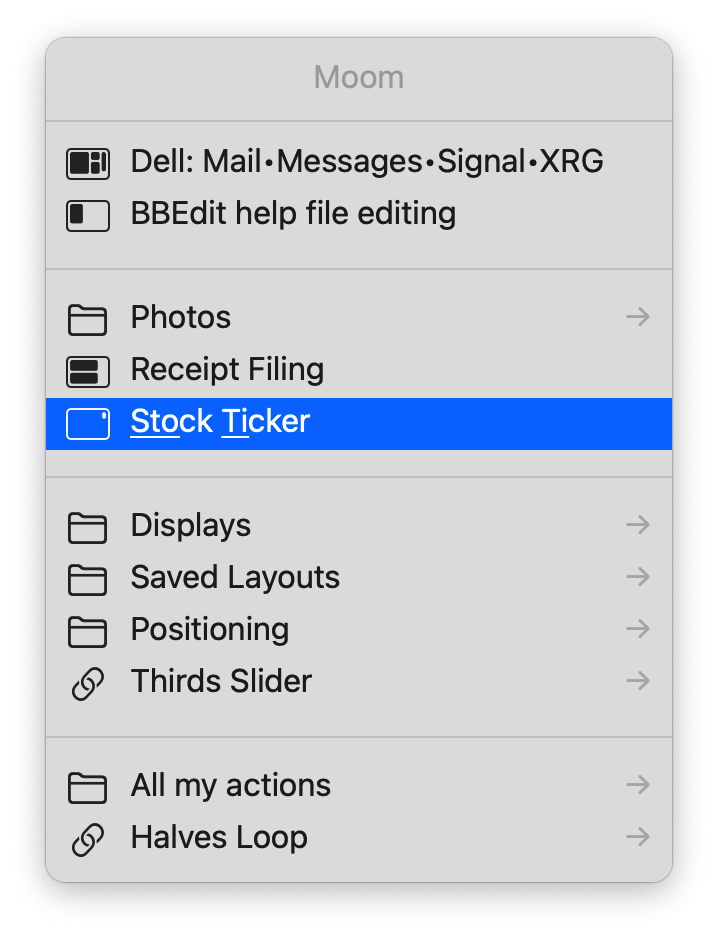
Keyboard aficionados: Learn how to access Moom’s custom actions via a pop-up window. You can get to all of you custom actions via a built-in feature, or access saved layouts using Alfred, Keyboard Maestro, or macOS Shortcuts.
https://t.co/C4OB3qiEUn
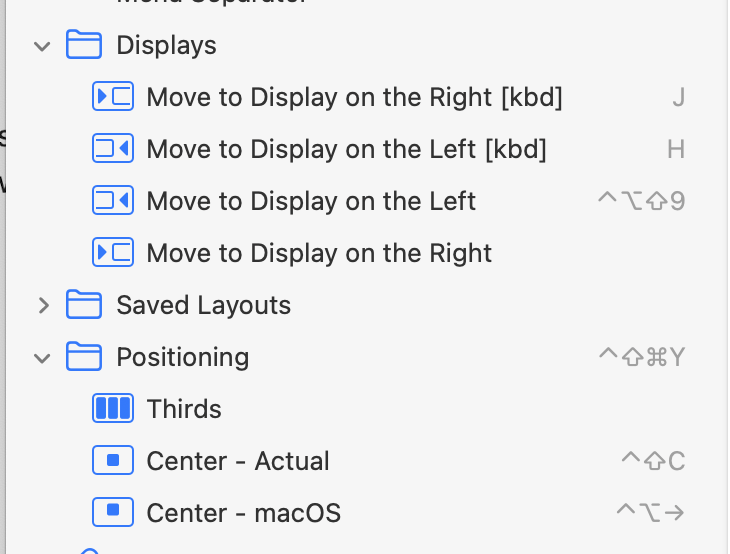
Moom 4.1 is out, with two oft-requested new features: Your assigned keyboard shortcuts now show up in Settings’ sidebar, and drop zones can be activated by dragging a window while holding down a modifier key.
We also squashed a few bugs.
https://t.co/Yup7N5lG8o
@ConfusedVorlon@research_ia No, we weren't banned; we just aren't allowed in because we can't sandbox Moom, which is a basic requirement for the Mac App Store.
Moom 3 had the same issue but was grandfathered in, as long as we didn't add new features.
The blog post has all the details.
Today: Moom 4 is out!
In addition to what you've seen here the last few days, layouts can be applied to any open windows, you can navigate all custom actions via an onscreen menu, new help (which is online, too!), and oh so much more.
https://t.co/hvpRiDsNID
Moom 4.0.1 is out, with three minor fixes. Update in-app or by downloading a new copy from Moom's web page (you won't lose your settings).
https://t.co/6x0cOpKAc8
@AngryDingo I welcome suggestions on how to make it more obvious—it's colored text, like the other link above it, and the cursor changes on hover.
What would you do to have it stand out more, given the available space?