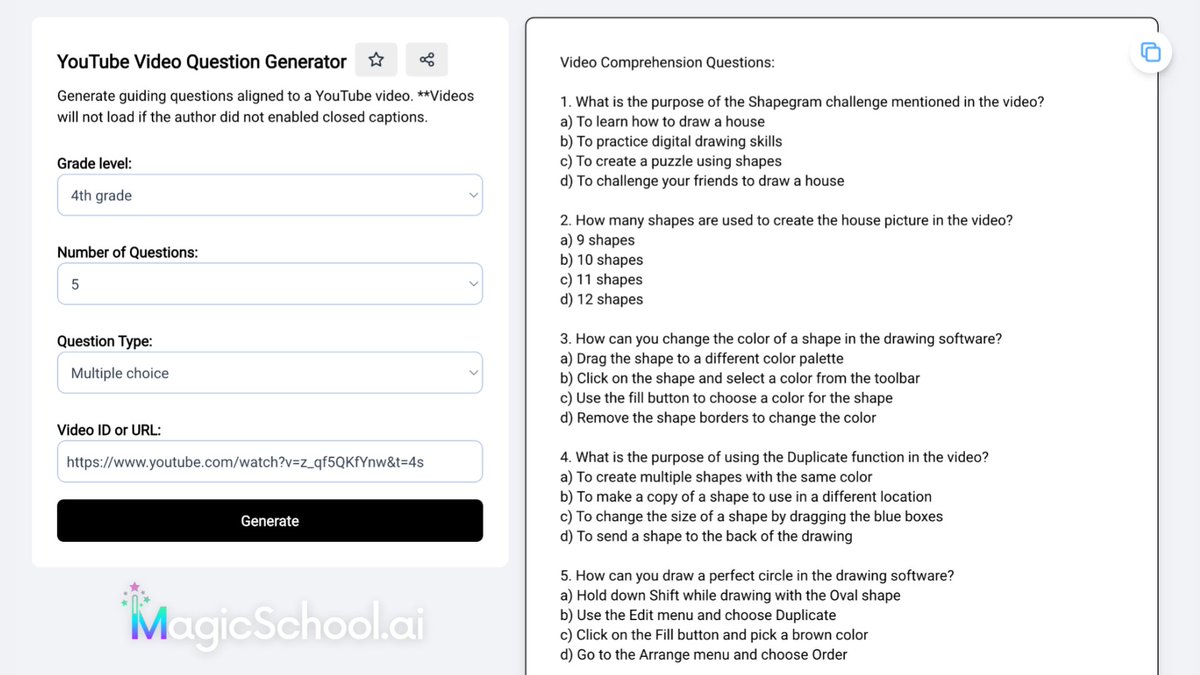
MagicSchool has a new tool: YouTube Question Generator.
Enter grade level, number of questions, and URL to generate multiple choice, T/F, or free response questions. Revise before using. (I wish it had an easy way to put questions into a form.)
https://t.co/vpQ2DpIRpx
@Madisox43@AlaskaAir Yes…apparently so. What’s the point of being able to pick your seat when booking if you can’t guarantee it. Not all families book and pay together. If anyone had bothered to ask or inform me ahead of time, I could have told them I was traveling with my mother.
@AlaskaAir why would a gate agent change my seat without notifying me until boarding? I was supposed to be across the aisle from my mother but was moved to “accommodate a family” of 4 adults and 2 children. Why is their family more important than mine? #rudeagent#unprofessional
🤯 What if I told you there is a way to make your Bitmoji look crisp when you enlarge it?
Well, let me tell you about upscaling!
#CampPlugandPlay#GoogleEdu#DitchBook#tlap
https://t.co/01xmSWuCpi
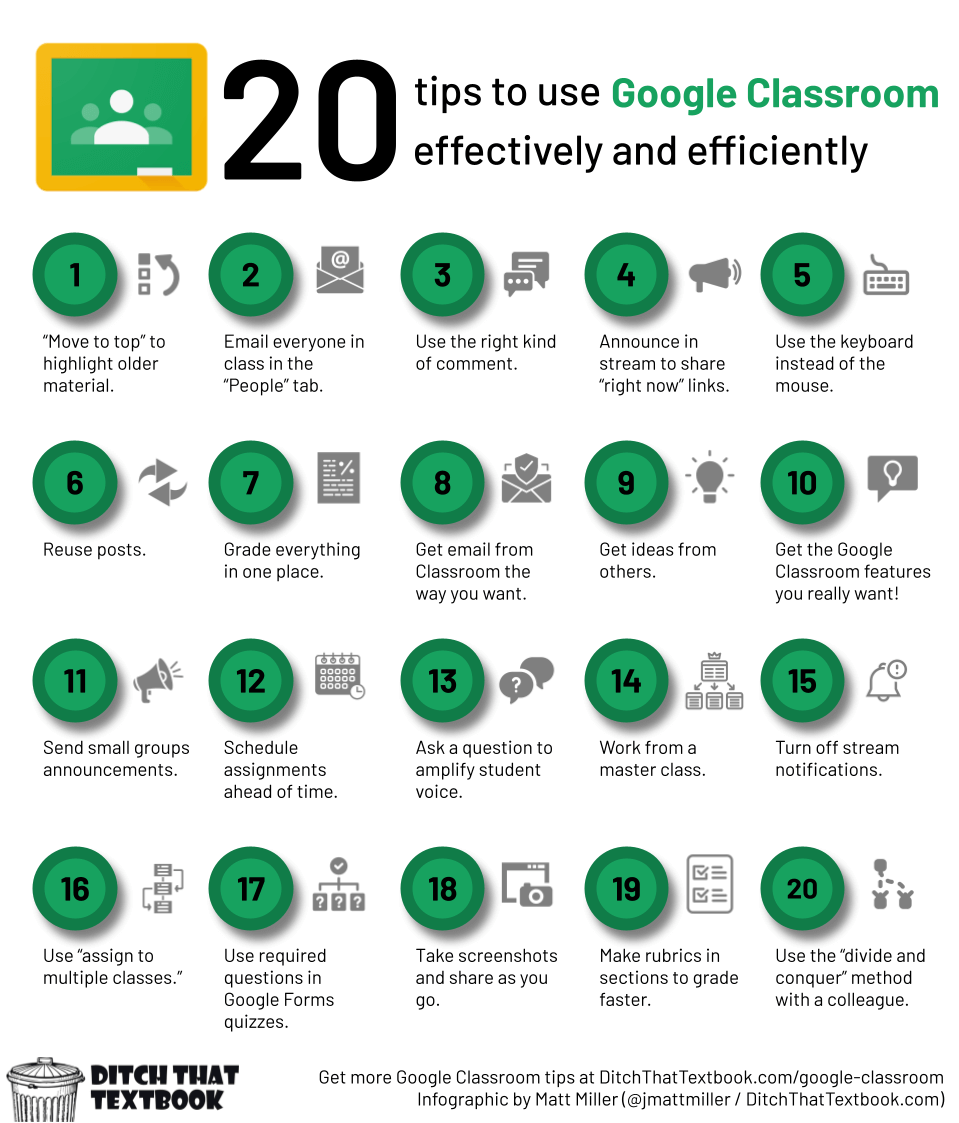
Want to work smarter and faster in #GoogleClassroom?
20+ tips to use Google Classroom effectively and efficiently:
👑Use a master class
🔔Turn off stream notifications
📸Take screenshots
✅Grade faster w/rubrics
👉https://t.co/0vu4u5vNXP
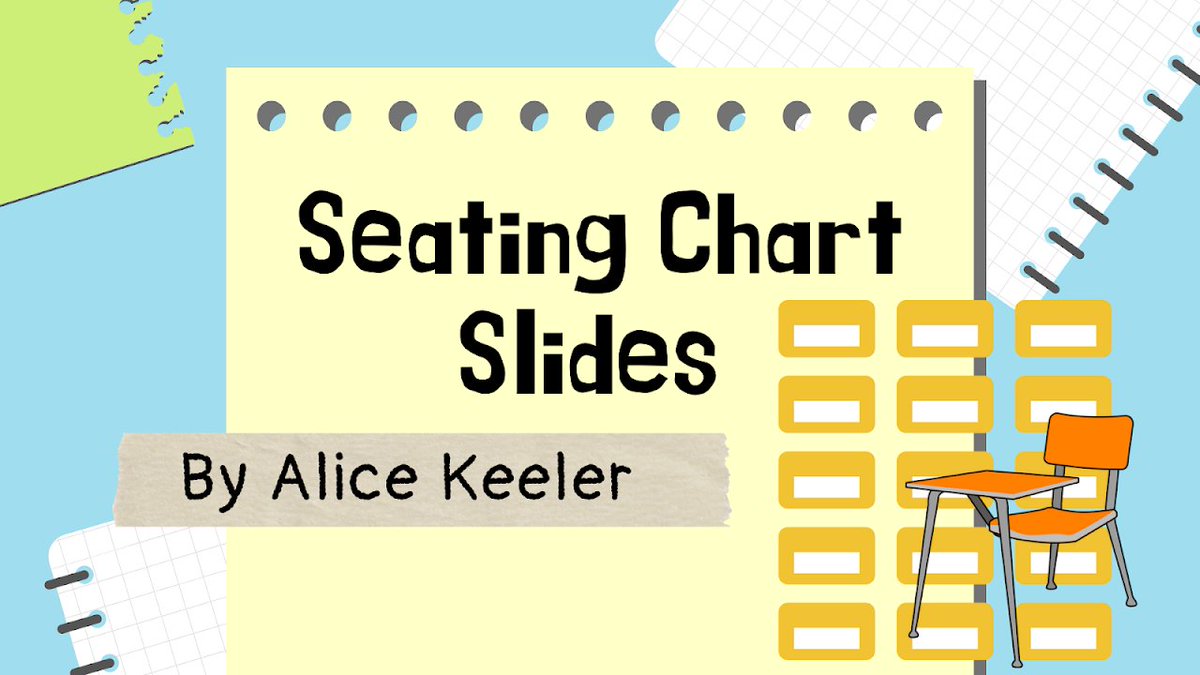
Seating Chart Slides: Takes a list of names or words from a Google Doc™ and creates a moveable tile in Google Slides™.
https://t.co/AjF1mF7K3N
#googleEDU
🚨Does your class LOVE game shows???
YES!? Then check out this post ⬇
14 ways to turn your classroom into a game show
🔗Links to tons of tools
💡Ideas for using them
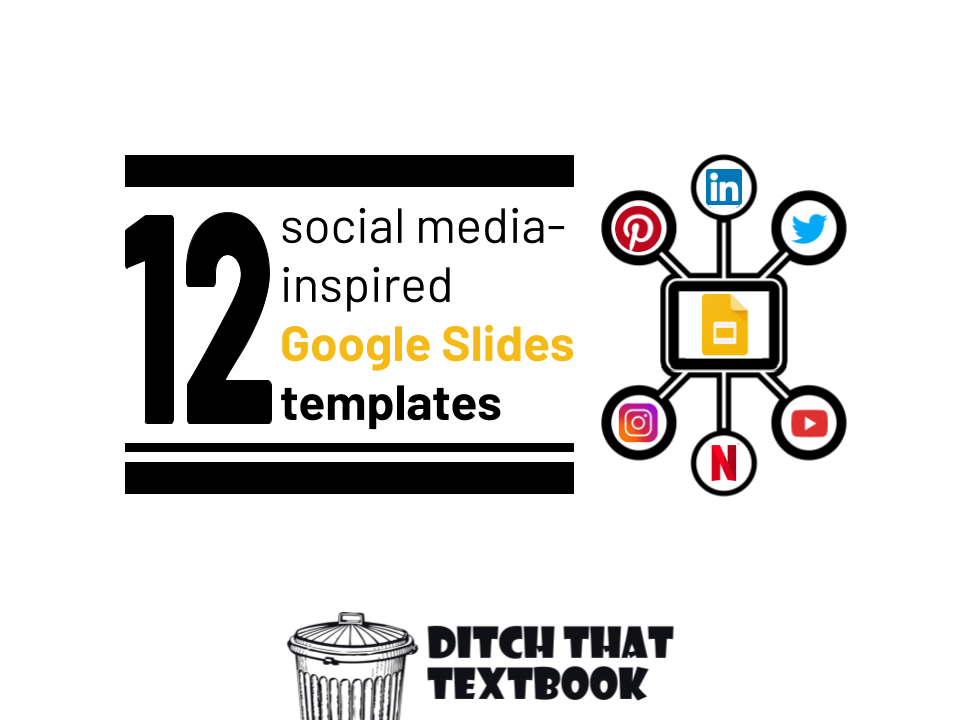
➕ PLUS ready to use Google Slide game templates
https://t.co/h2PqQS1z5A
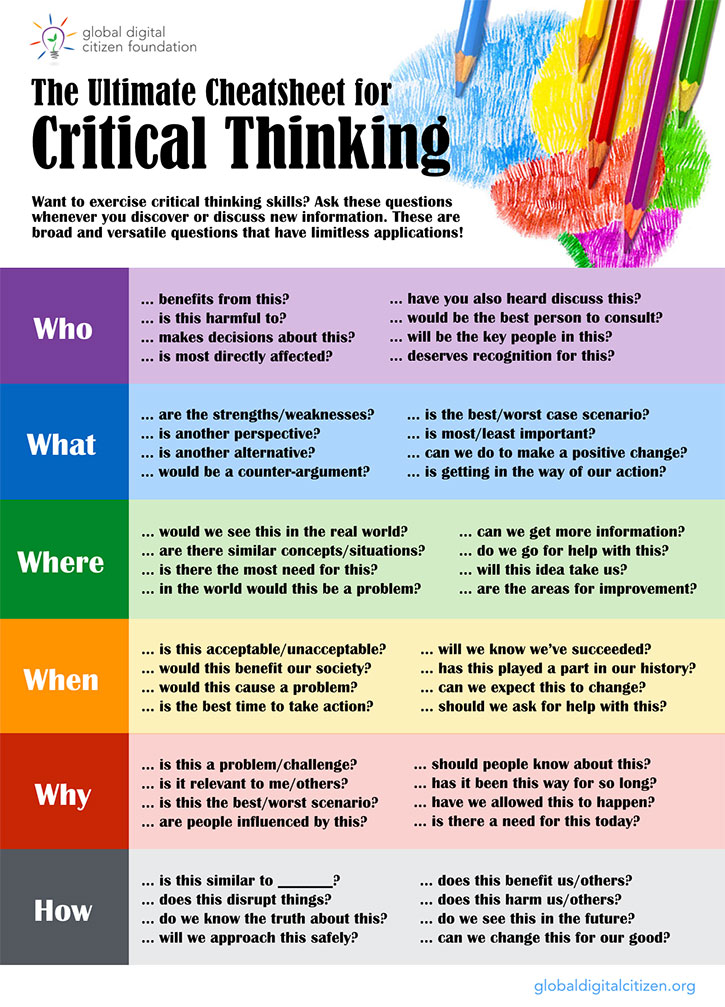
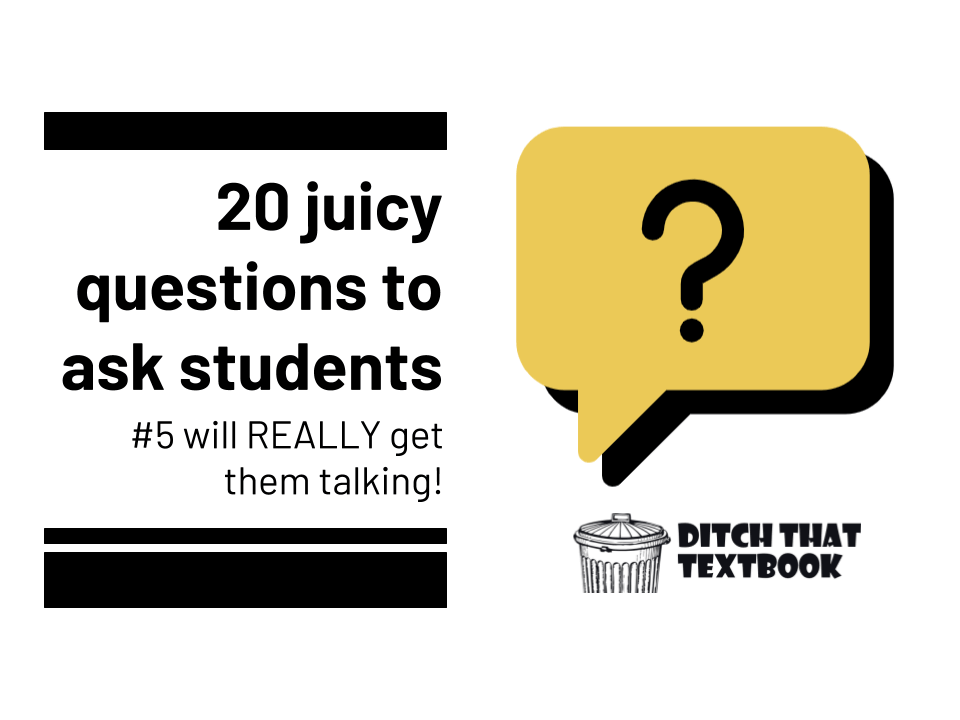
🤔A great question can make or break a learning activity. Here are some ideas for asking juicy 🍊 questions.
➡️20 juicy questions to ask students (#5 will REALLY get them talking!🤯)
https://t.co/b1iqbbKGIY #ditchbook