@ShareGrokBots Mostly the passing check is enough. I skim the live page when I get a minute, and if something reads off I just message the agent and it's fixed in minutes.
I run WrightClick with a team of AI agents I built on Grok Bot.
One runs my inbox and calendar. One builds the website. One checks security before anything ships. One drafts my social posts. One keeps every project on track.
My job? Send a quick message to the agent that owns the job, then approve what comes back. Nothing goes out without my OK.
Want my getting-started guide? Reply "AGENT" and I'll DM it to you.
@ShareGrokBots The one that builds the website, by a mile. Letting an agent ship to a live site was the big leap. That's why the security agent checks everything first. Now small copy and design changes go out once it passes, and anything bigger still comes to me.
A chatbot answers. An agent does the work.
My rule for a first AI agent: one job that repeats, has clear steps and is easy to check. Least access. A person approves anything that leaves the building.
Plain-English guide: https://t.co/OvGWl3l4v3
Start smaller than an agent: one list of every recurring charge, with an owner and a renewal date. The agent only helps once that list exists.
Free Assessment: https://t.co/BQVGydUhUN
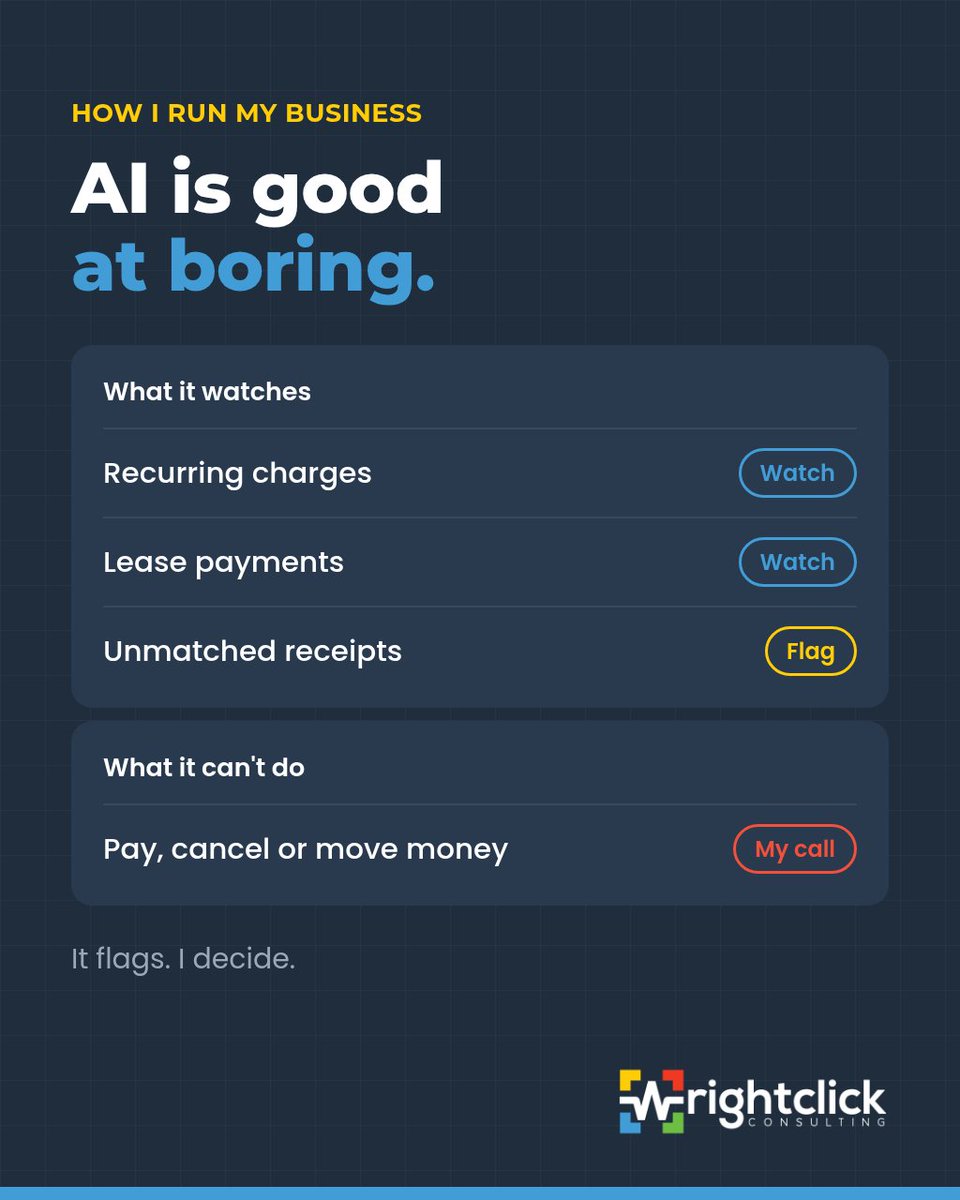
My finance agent watches the boring stuff: recurring charges, lease payments, receipts that never got matched.
When something looks off, it flags it to me. It can't pay, cancel or move money. That's still my call.
AI is good at boring.
Systems before tools: if your team can't explain how a job goes from "yes" to "invoiced" in five steps, a new app won't explain it for them.
Write the five steps down first. Then go shopping.
#SmallBusiness#ProcessFirst
Question I'd ask before any AI rollout: when it gets something wrong, who notices first?
If the honest answer is "the client," the workflow isn't ready.
Put a person between the AI and the client until you trust it.
#AI#ProcessFirst
Rewst, NinjaOne and Thread all launched AI agents this month with the same rule: a person approves before anything goes live.
I run my bots that way. They draft, I approve. Security tools connect read-only first, and nothing gets fixed without my OK.
Start with one workflow.
Heads-up if your team uses Gems in Gemini: Google is replacing them with skills.
Business accounts keep Gems until at least March 1, 2027, but Workspace flows with an "Ask a Gem" step stop then too.
I'd list which flows use one now, while it's still boring.
#GoogleWorkspace
My rule for portal access: name the role before you grant anything.
Client, team member, contractor. If I can't say which, the access waits.
Roles are easy to check later. One-off favours aren't.
#SuiteDash#ClientPortal
Google Search Console now has a Generative AI report. It shows how often your pages appear in AI Overviews and AI Mode.
Impressions only, no clicks or queries. I'm checking it monthly to see which how-to pages Google's AI picks up.
https://t.co/KqDQjWN6nv
SuiteDash setup tip: decide what a new client should see on day one before you touch a single setting.
Usually it's three things: their next step, their files, their invoices.
Everything else can wait until someone actually asks for it.
#SuiteDash#ClientPortal
I gave my marketing bot new skills. Brando, my Grok Bot agent, read three open-source marketing skill repos and built a playbook: sharper hooks, a check that strips AI-sounding filler, and one test at a time. It drafts, I approve.
https://t.co/L88RRkapS0
Statistics Canada: 1 in 4 Canadian businesses plan to use AI in the next year. A year ago it was about 1 in 7.
My bet: the ones who get real value won't have the most tools. They'll have picked one workflow first and put a person in charge of checking it.
#AI#SmallBusiness
Day-one tip: a new hire’s first hour shouldn’t start with “we can’t get you a login yet.” 🔑
Checklist before start date: account, MFA, Shared Drive, portal role.
If that still feels hard: https://t.co/IzamCsulO8
#SMB#SuiteDash
AI tip: AI without a workflow is a demo.
I map trigger → owner → where work lives → done → human yes.
Then I pick the tool.
Process first. Copilot second. ✅
https://t.co/NhR6fJdD46
#ProcessFirst#AI
SuiteDash tip: intake without a named owner is just a fancy inbox. 📥
Who sees new requests on day one? Who closes the loop?
If you can’t answer that, the portal isn’t calm yet — it’s decorative.
https://t.co/IzamCstNYA
#SuiteDash#ClientPortal
Workspace tip: Shared Drives beat “someone’s My Drive.”
I still see teams hunting the same file in email, chat, and four folders named Final. 📂
One home. Named owner. Then search gets easy.
https://t.co/k7JcqMAVSk
#GoogleWorkspace#SMB
Field note: if the business can pause for a long weekend without panic, your systems are working. 🍁
If everything waits on one person’s laptop, that’s the real backlog — not the feature list.
#SMB#Systems