umbrelOS 2.0 has been living in our heads for a long time. We kept shipping knowing this was the one we were building toward.
None of this exists without this team. What an absurdly talented and relentless group of people. Genuinely feel incredibly lucky to build alongside them.
There's so much in this release. We'll go deep on all of it on September 22.
umbrelOS 2.1 Beta 1 is out!
You can now open and edit PDFs, Word docs, slides and spreadsheets right in Files. Machines can join your home network, use USB devices plugged into your Umbrel, and work great from your phone or tablet.
There's also support for more hardware, including drives on SAS HBA cards and RTX 50-series GPUs. Plus lots of refinements, performance improvements and bug fixes.
To update, enroll in the umbrelOS Beta Program from Settings > Advanced Settings on your Umbrel.
And that's just Beta 1. Beta 2 is when it gets big.. like really big. Coming later this month ✌️
umbrelOS 2.0.1 is out with several security fixes, including a fix for a recently disclosed vulnerability in how the Linux kernel handles network connections (CVE-2026-98432).
Umbrel Home, Umbrel Pro, and other x86 devices get the updated Linux kernel with the fix. On Raspberry Pi, where a fixed kernel isn’t available yet, umbrelOS now automatically blocks the network traffic needed to trigger the vulnerability.
@traf@thomaspaulmann@umbrel look clean! have you considered releasing it on the umbrel app store? if you point claude/codex at https://t.co/aevfADUdg1 they should be able to package and submit it for you
@frogman263@umbrel Sorry about that, can you go to Settings > Troubleshoot > umbrelOS > Download logs, and send us those logs on [email protected]?
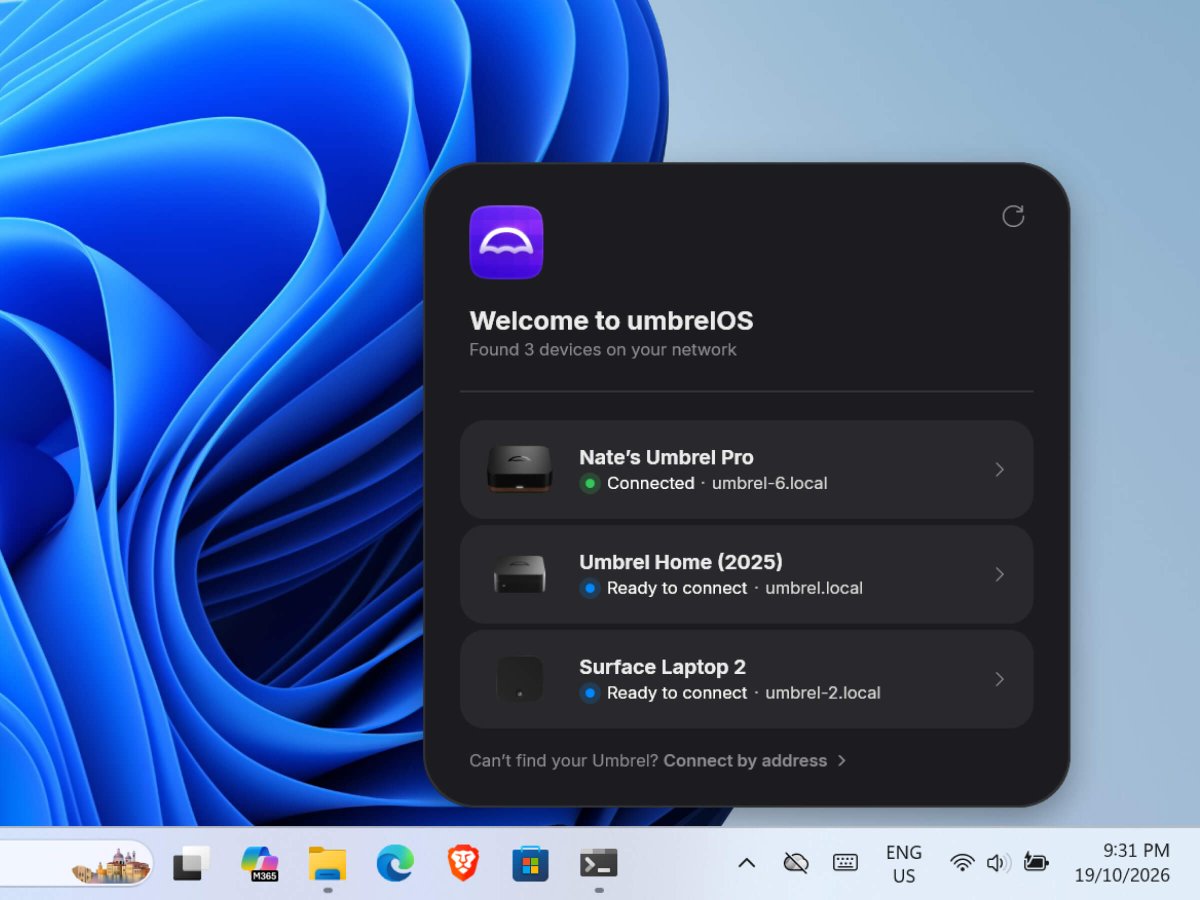
The Umbrel app is now on Windows!
Just like on Mac, it finds your Umbrel automatically, adds it as a drive in File Explorer, and works remotely with Tailscale.
The only cloud in File Explorer you actually own: https://t.co/oI8ZZtRwq3
btw the local AI setup on umbrelOS 2.0:
- install Ollama
- install Open WebUI
- that's it
it finds your GPU on its own (NVIDIA, AMD, Intel, even Thunderbolt eGPUs) and you're chatting with your local AI model in seconds
you're a thousand miles from home. you text your home server "install this app", it does. then you ask out loud for a photo, it finds and downloads it. the future is now.
goated tutorial from @BTCsessions on running @NousResearch Hermes Agent on Umbrel, plus using the new MCP server in umbrelOS 2.0 that lets your AI agents control your Umbrel
Run your own private Local AI at home with no drivers, no configuration, and no command line.
Watch @nmfretz run a local AI model on an AI PC and a mini PC running umbrelOS, then plug in an eGPU and go from 7 to 70 tokens/sec instantly.
Replace Google Photos and iCloud with your own home cloud.
Watch @nmfretz set up Photos in umbrelOS 2.0 and get his iPhone backing up automatically.
Android app coming soon!
Your spare computer is one USB stick away from becoming your own private cloud.
Watch @lukechilds install umbrelOS 2.0 on a NAS and an AI PC, set up FailSafe (RAID), then pull a drive out while it's running.
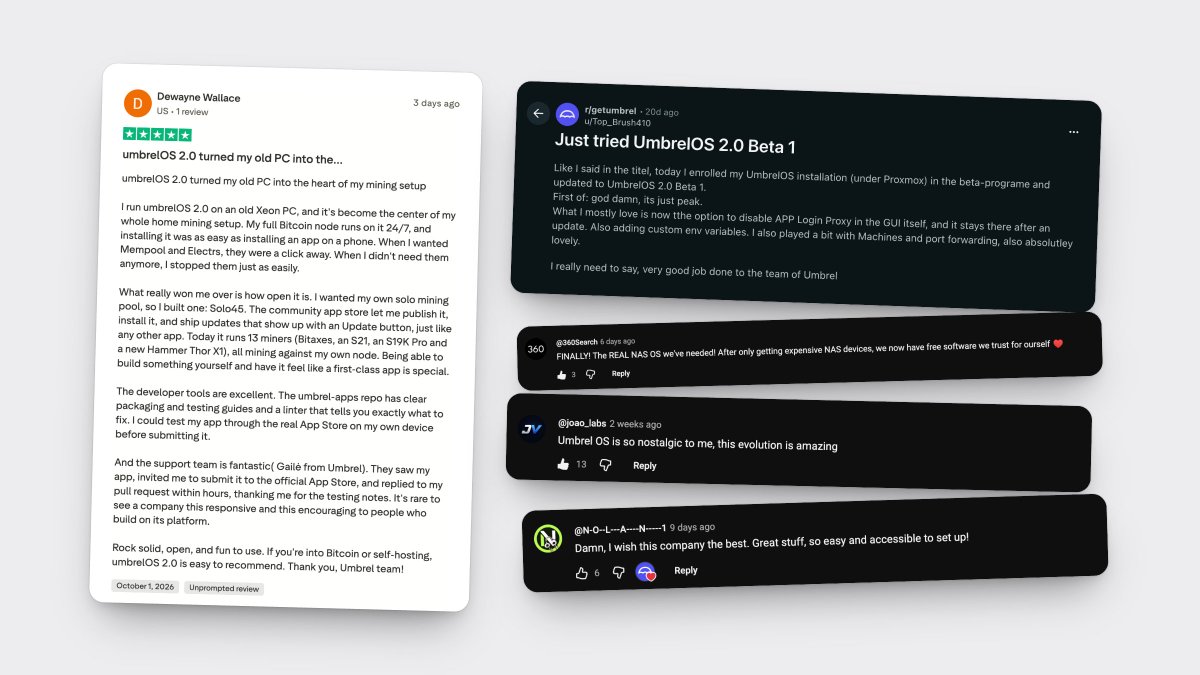
umbrelOS 2.0 is out and we're feeling the love from y'all. so here's 10% off Umbrel Home and Umbrel Pro, worldwide, up to $200 off, until Sept 29: https://t.co/umgxtza02u
The idea has always been simple: your photos, files, documents, etc should all live with you. Not on "somebody else's computer." Even more so now with local LLMs and AI agents.
For a long time that was only possible if you were technical, or if you were happy dealing with crappy UX.
Today it isn't. Proud of this team beyond what I can fit in a tweet.