Changes in 2.7.0
• Add the ability to set multiple reminders for an event (excluding Microsoft accounts).
• Add an option to automatically hide/unfold past or completed events.
• Fix an issue where the default duration of events was not applied in the weekly calendar.
Me Calendar now supports more CalDAV accounts through the support of CalDAV's Auto discovery feature. (Version 2.1 update)
#MeCalendar#Windows11#Windows10#Calendar
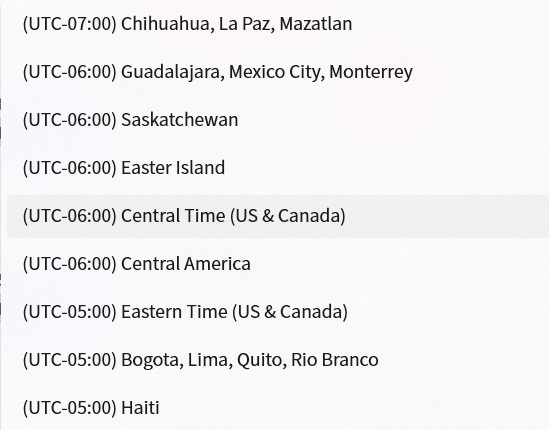
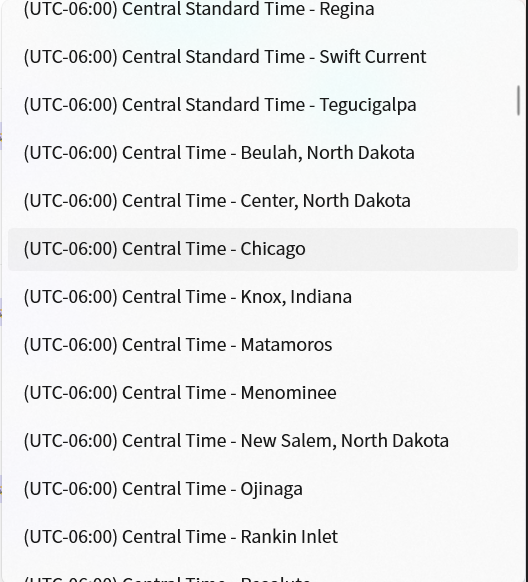
Me Calendar now sets its base time zone to align with the IANA time zones used by Google Calendar and https://t.co/uWvjsuAR6O. (e.g., Central Time - Chicago, Central Time - Winnipeg).
#Windows11#Windows10#Calendar
🌟Introducing Version 1.8! We've enhanced your experience with week numbers on the calendar, improved event readability in our monthly widget, and made various UI and layout improvements.
#Windows11#Windows10#Calendar#MeCalendar
Changes in 1.7.6
-Fixed an issue where changing the date range in the Week calendar was not working
-Fixed an issue where all events disappeared from the calendar when changing the Calendar Visibility
-Added support for iCloud Birthday Calendars
-Improved time zone functionality
Introduce a new printing feature for Me Calendar, enabling various view options such as Month and Week, and simplifying date range selection for efficient multi-period printing.
Me Calendar now supports importing events from ICS files. Use the ICS viewer to preview events within an ICS file and selectively import them to your other calendars. Plus, you have the convenience of importing several ICS files simultaneously.
Changes in v1.5
- Support for calendar subscription via WebCAL
- Feature to set synchronization intervals when subscribing to a calendar via WebCAL
- Improved some bugs