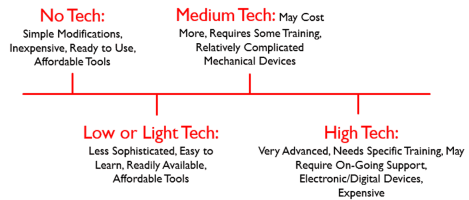
This week in educ387, I learned about Assistive Technology. I learned about simple and complex additive devices and how they can help people. #assistivetechnology#udcds#educ387713
This week in #EDUC387013 we learned about utilizing assistive technology in our future classrooms. I never realized that there is such a wide range of ATs to help kids at all levels! #assitivetechnology#edtech
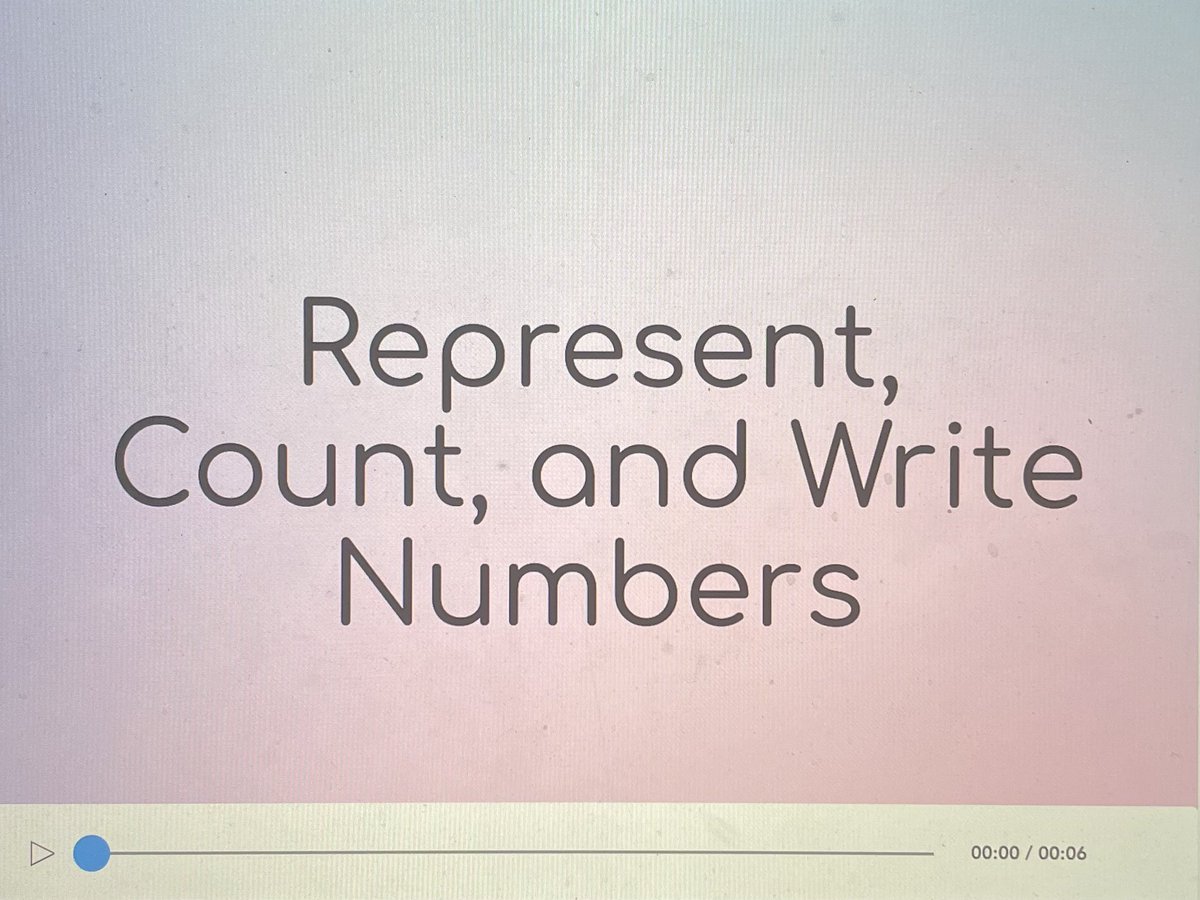
This week I created a flipped lesson on representing and counting numbers. It was so cool to see the different features Nearpod had that I could add to my micro lesson. #EDUC387013#flippedclassroom#nearpod
This week in #EDUC387013 we made micro-lessons using the flipped classroom model! It gave so much freedom to be creative and was a fun learning experience. Check out my lesson on states of water: https://t.co/YkvQdUjk5Q
#flippedclassroom#edtech
This week in class, we learned all about the flipped classroom model! This allows students to have independent learning time at home while teachers gain an understanding of students’ progress the next day! #EDUC387013#FlippedClassroom#EduTech
This week in #educ387013 we learned about the impact of flipped classrooms. This model provides students with more opportunities to engage while in the classroom and get more hands on learning experiences. #flippedclassroom#edtech
This week in class, we experimented with Scratch! Scratch is another Elementary School Coding Program for children ages 8-16! A copy of my Scratch Trial is below! Check it out! #EDUC387013#Scratch#CodingEdu#EduTech
This week in #educ387013 we learned how to make a project using #scratch. It was so fun and easy to use; check out the game I made! #everyonecancode https://t.co/WoEkAaAJGf
This week in class, we learned about the website Hour of Code. This is a technology tool that teaches coding to students who don't know much about it. I learned so much from this website. You should check it out! #hourofcode#EDUC387013#everyonecancode#edtech
This week in #educ387013 we learned how to code using https://t.co/ix6EFHvq4U. The Hour of Code made the coding experience so much fun! #edtech#HourofCode
This week we learned about using Google Earth to make virtual field trips. I learned how street view allows your students to "move around" the place their visiting. Check out my field trip: https://t.co/npTfC0ikC1 #educ387013#ancientrome#virtualfieldtrip
As a #DigitalCitizen, be aware of the following;
1. Use strong passwords when signing in apps
2. Perform all software updates
3. Set up Two-Factor Authentication
4. Always read the terms and conditions before signing in apps or sites
#MitandaoTZ#SOSDiplomats
This week in educ387 I have learned a lot about how to teach digital citizenship to kids. One big thing that I learned is that it is so important to make sure kids are aware of their effects on the internet and to practice safe habits!
#educ387713#digitalcitzenship
This week in #educ387013 we learned about what it means to be a good digital citizen! One of the things that I learned this week is that we need to ensure that students at all levels are receiving appropriate information on how to be safe online. #digitalcitizen#digcit
Below is my blog with the purpose of showing how different pieces of technology can be effective in the classroom. Check out my first post!! #EDUC387013
https://t.co/69efJQbksR
Hi everyone! Today I just posted my first blog post for #EDUC387013. In my post I talk about @edpuzzle and how it is such a useful tool to integrate into your classroom. Feel free to check it out at https://t.co/c1XFCUfCFS!
#edtech#k12#teachertwitter