Anyone know of a programming language that provides type inferencing primitives that can be composed to implement custom type attributes (e.g. thread safety, asynchronous-ness, mutability, algorithmic complexity)?
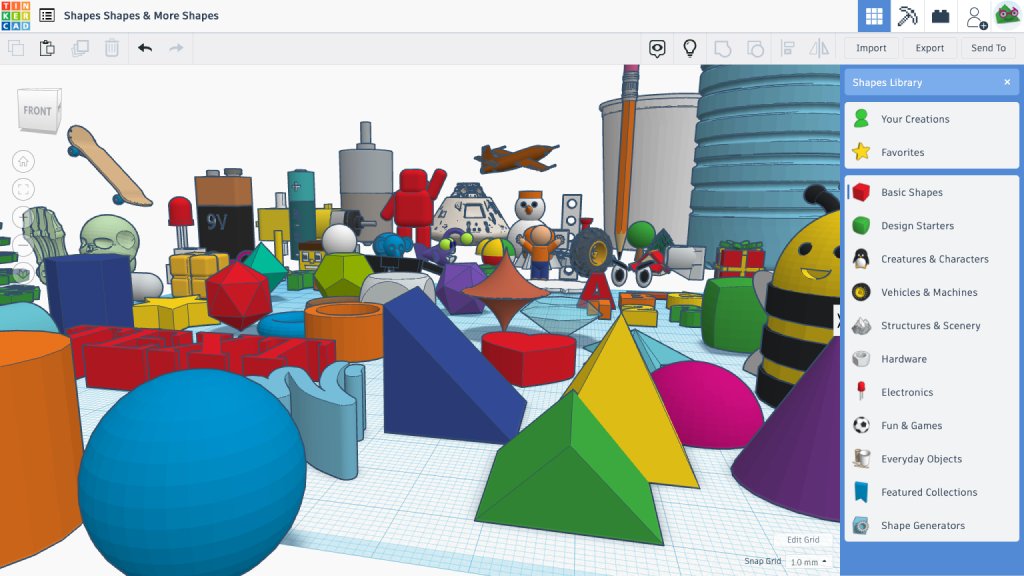
Educators: If you've ever heard "This is cool! What's next?" while teaching with Tinkercad, here's how to guide your students to the next step when they're ready for professional-grade tools. Learn how to level up from #Tinkercad to @adskFusion360
https://t.co/OdIr59Rdud
@EfrenR@tinkercad Create group will do a boolean union (similar to group in the 3D editor), so if you just want to move/scale/rotate multiple objects at once, it may be slightly faster to use select all instead.
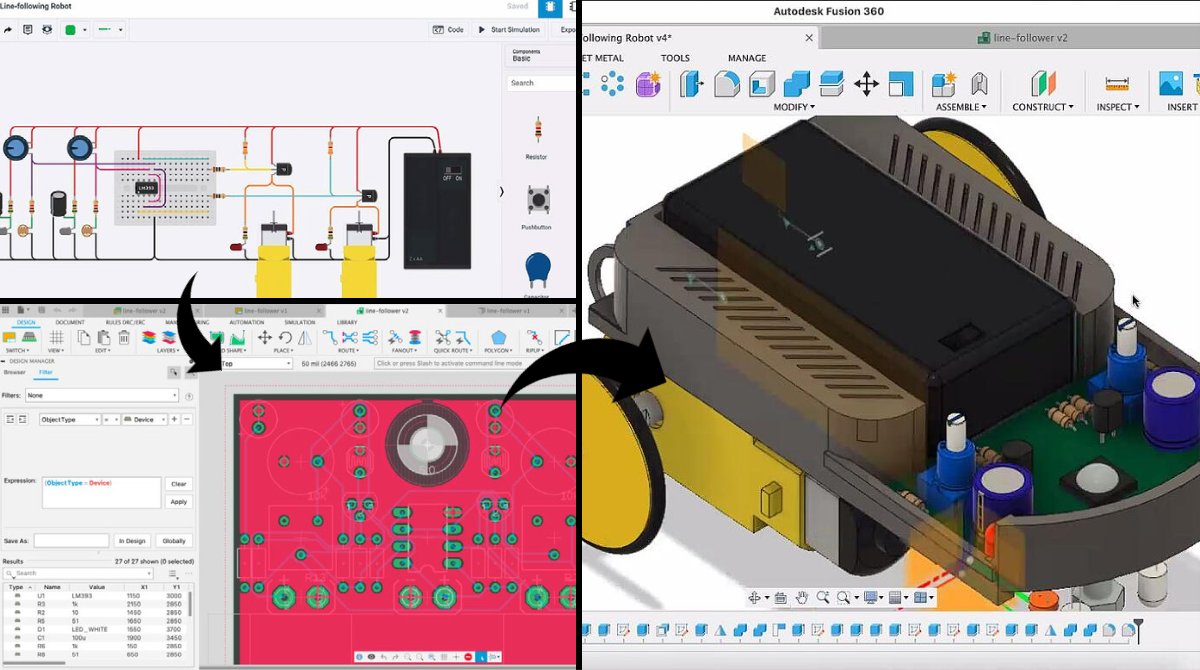
We've extended the ability to translate #Tinkercad designs into
@adskFusion360 to include Tinkercad electronics designs. Bring your Circuits into a professional PCB design environment for further tooling, simulation, wiring, routing, and milling!
https://t.co/HDmDfUrgAt
Tinkercad is happy to introduce Activities! Teachers can easily assign Activities to their students in their Classrooms. Check out our blog to learn how easy they are to make and use!
https://t.co/XMJaunXylk
Superlocal is a 24-hour clock with a customizable dial to set according to how you spend your day. Launched on Kickstarter today 🚀🚀🚀🚀https://t.co/jpZYcjqqZu
OSHWA 2021-2023 Board Nominations Open! 🎉 : OSHWA is looking for 4 new faces to join the board of directors for the Open Source Hardware Association.
more details: https://t.co/7P1i4EDt3y
#oshwa#openhardware
To move one object into alignment with a stationary object, select them both and press the align icon. Then select the object you’d like to align to. Alignment nodes now only appear around the selected object, which stays in place while the other objects align to it. #tinkertip
Our new, complete guide to Tinkercad Circuits includes everything you need to get students started with learning electronics. 🤖 https://t.co/9b3Jb5Kg3b
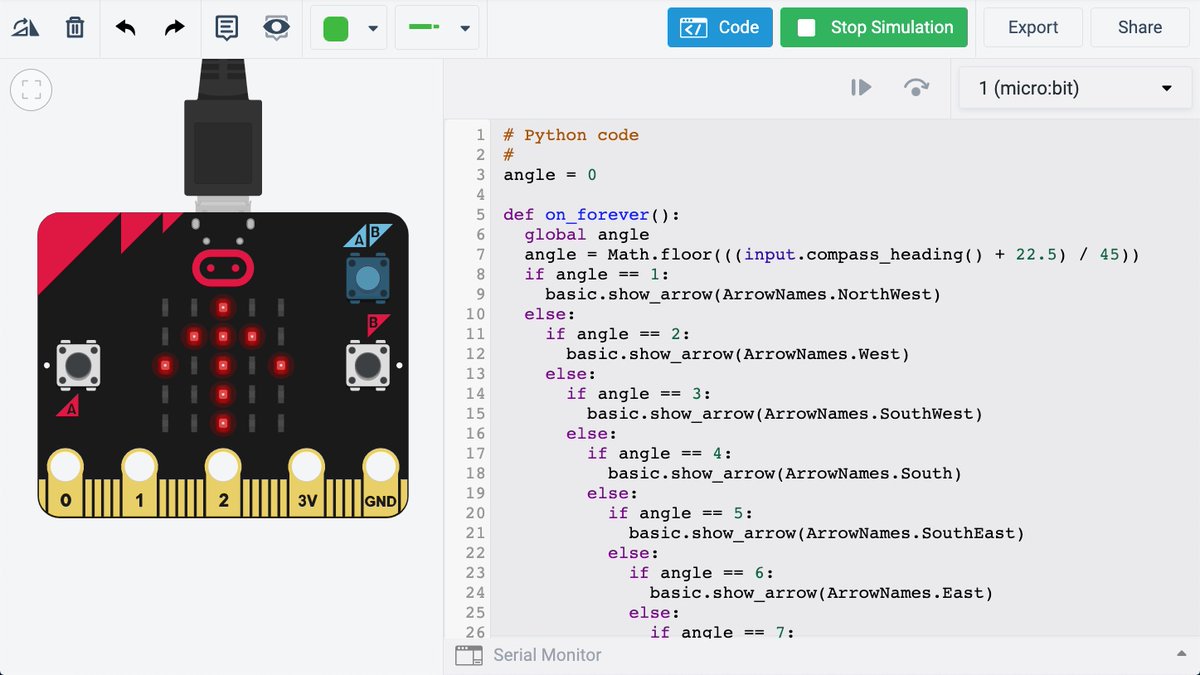
Tinkercad's micro:bit simulation is now compatible with Python code. Students can switch between blocks programming, Python, or a split-view for insights on how they relate to each other. Learn more: https://t.co/5OwDmZu98G
We've added "co-teachers" to Tinkercad Classrooms! Now, multiple people can view and moderate student work in Tinkercad. Full details on our blog: https://t.co/2ZgoJ6RvTG
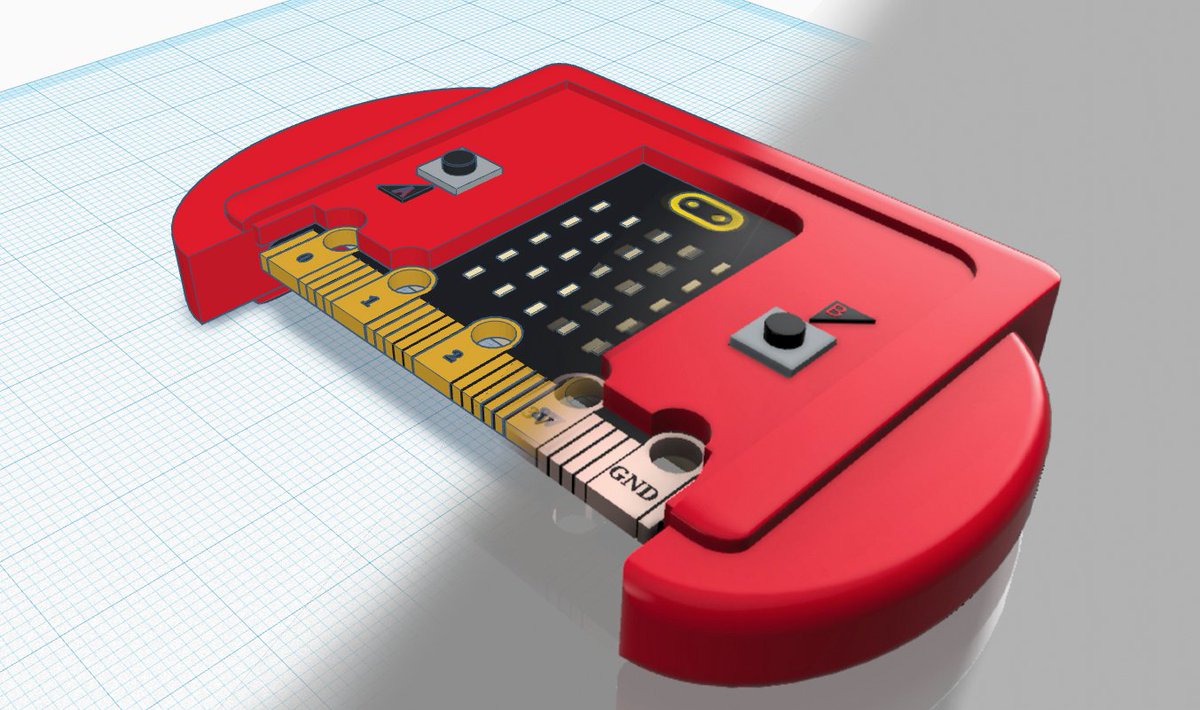
In addition to our lessons in basic electronics and Arduino, Tinkercad now includes free, built-in, interactive, step-by-step lessons for learning #microbit. Dive right in! https://t.co/iMXxVep1Ag
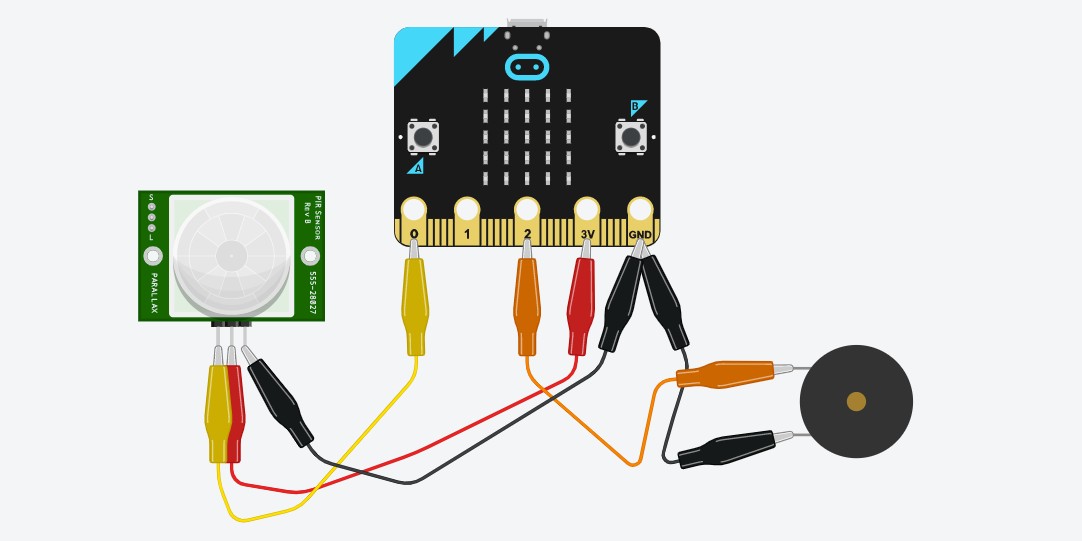
We've added options for alligator clips and jumper wires to the Tinkercad circuits editor. Now your virtual circuits can better reflect the look of your real ones. Learn more, on the Tinkercad blog. 🐊 https://t.co/XukkCeTUQ4