Blue or violet for a late-night listening corner? I built LumaFold so you can slow down an animated gradient on iPhone Duo and let the screen add a little color.
Illustration, not an app screenshot.
https://t.co/y3rCugnQf0
Apple featured LumaFold in its 2026 App Store year-end roundup, in “Apps that shine on iPhone Duo.”
I didn’t expect this little app to get so much attention.
https://t.co/4i3xUAmEQA
https://t.co/y3rCugoo4y
I gave LumaFold a small polish pass. In 1.2, buttons and text are easier to read in Light and Dark Mode, and I refined the color palette. Available now: https://t.co/y3rCugnQf0
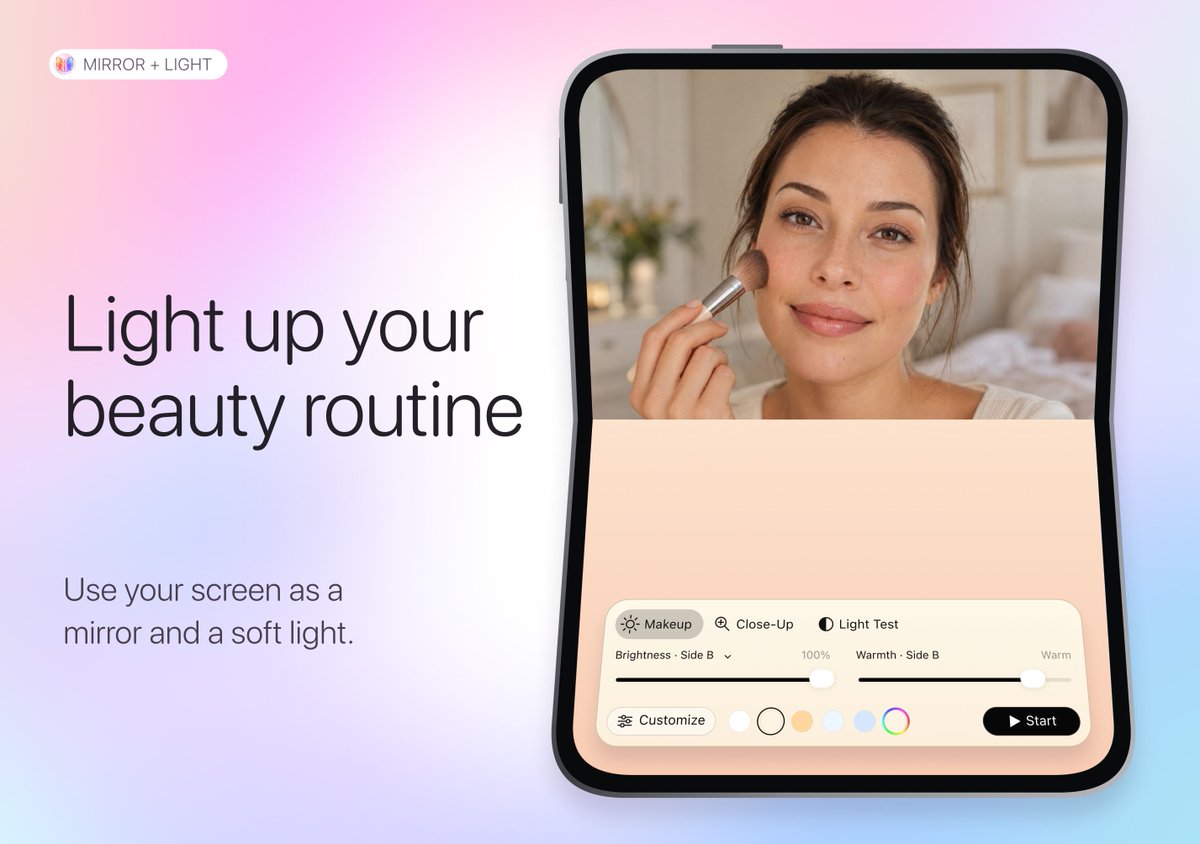
I built LumaFold around a simple idea: see your face and adjust the light without switching views. A live makeup mirror on one half of iPhone Duo, brightness and colour on the other.
https://t.co/y3rCugnQf0
I made LumaFold for little colour experiments on iPhone Duo. Try an animated gradient, adjust its motion, and give your desk a changing colour accent.
AI concept artwork, not an app screenshot.
https://t.co/y3rCugnQf0
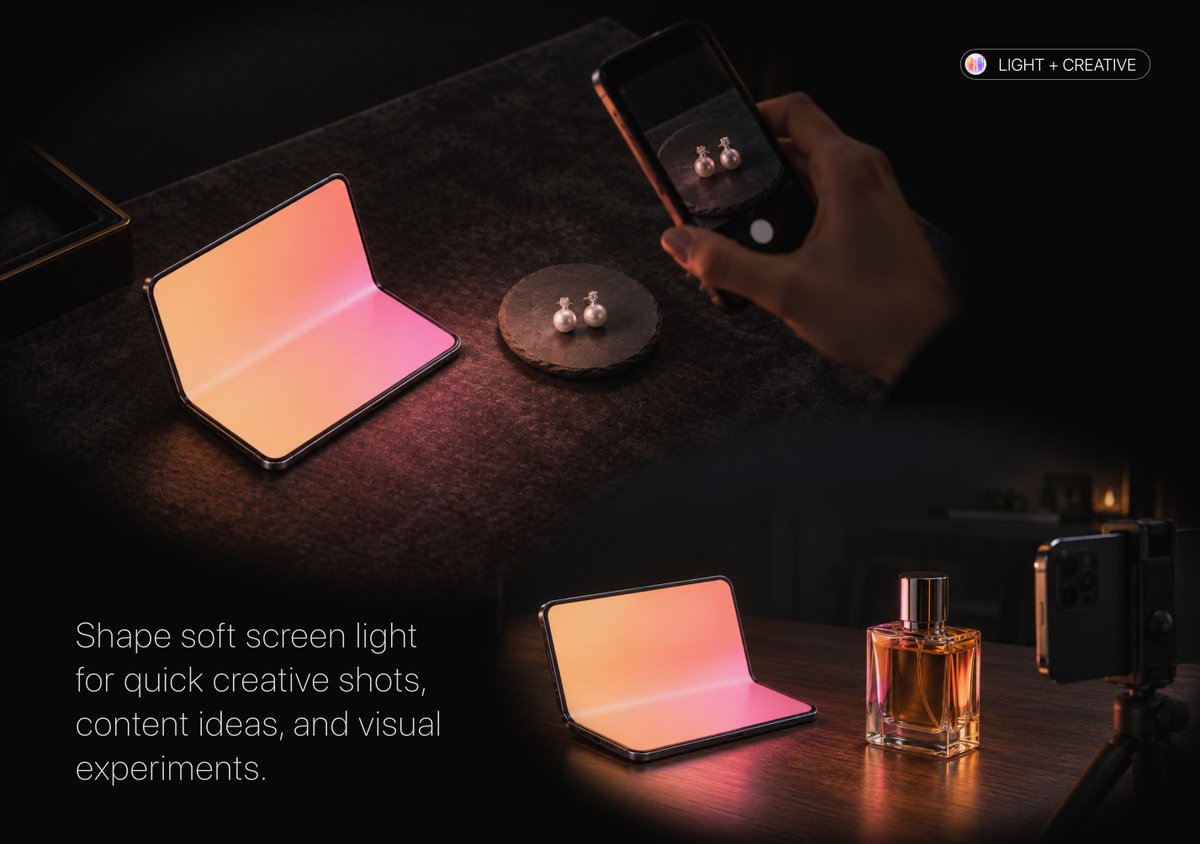
I built LumaFold to make the iPhone Duo a light source for small-object photos. Pick a colour, place it beside your subject, and shoot with another camera.
AI-generated concept, not an app screenshot or real test.
https://t.co/y3rCugnQf0
Not every screen needs another feed. I gave LumaFold a drawing space: pick a photo or colour, then add a handwritten thought on your iPhone Duo. A small personal touch for your desk.
https://t.co/y3rCugnQf0
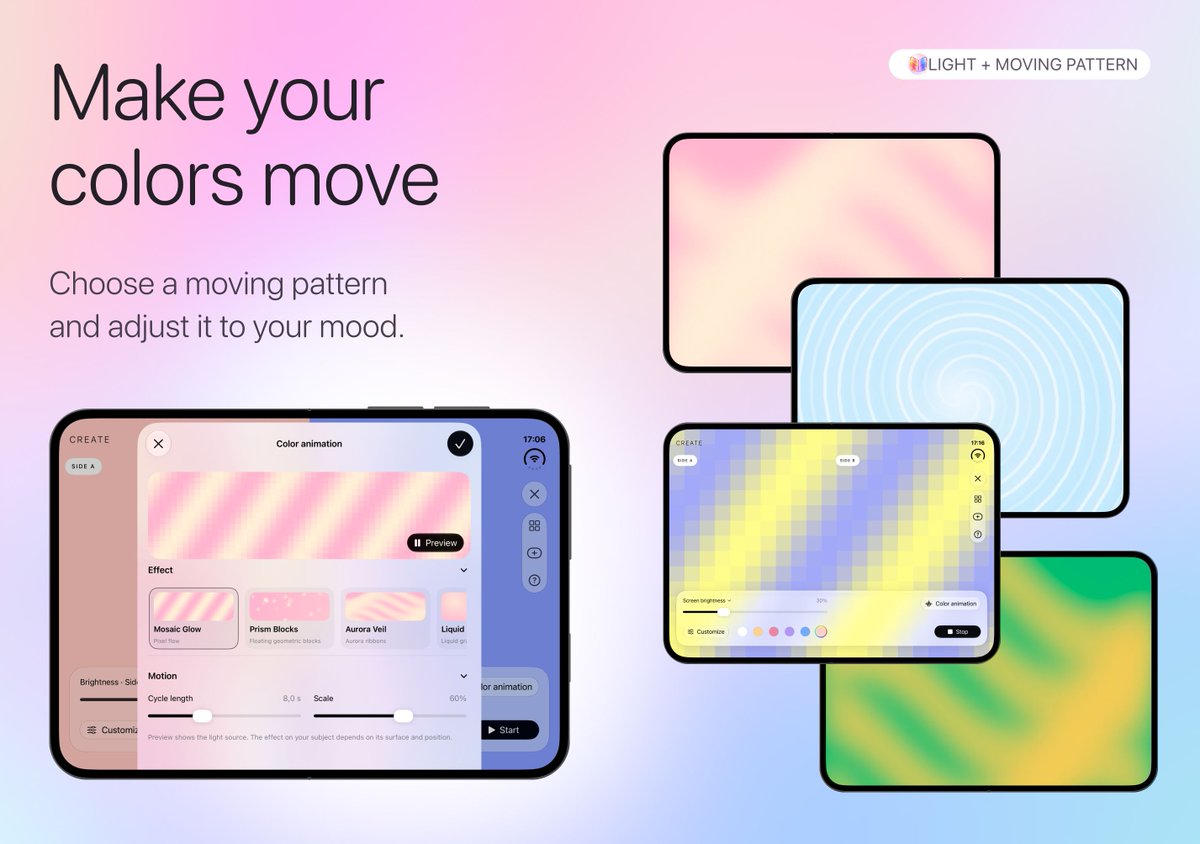
I added motion controls to LumaFold so you can slow a flowing gradient down or try a different pattern. A small colour experiment for your iPhone Duo, right on your desk.
https://t.co/y3rCugnQf0
I added a close-up view to LumaFold’s makeup mirror. Keep your face on one half of the iPhone Duo, adjust the light on the other, and zoom in when you want to check the details.
https://t.co/y3rCugnQf0
Nice news from Canada 🇨🇦 LumaFold is featured in Apple’s Canadian App Store collection “Great Apps and Games on iPhone Duo”, in the Great Apps section.
Proud to see this small indie project recognized for its two-screen idea.
https://t.co/cbMGUhaWxO
I built LumaFold with separate colour and brightness controls for each half of the iPhone Duo. Try matching warm tones beside a sketchbook, or pair two different colours for a little desk glow.
https://t.co/y3rCugnQf0
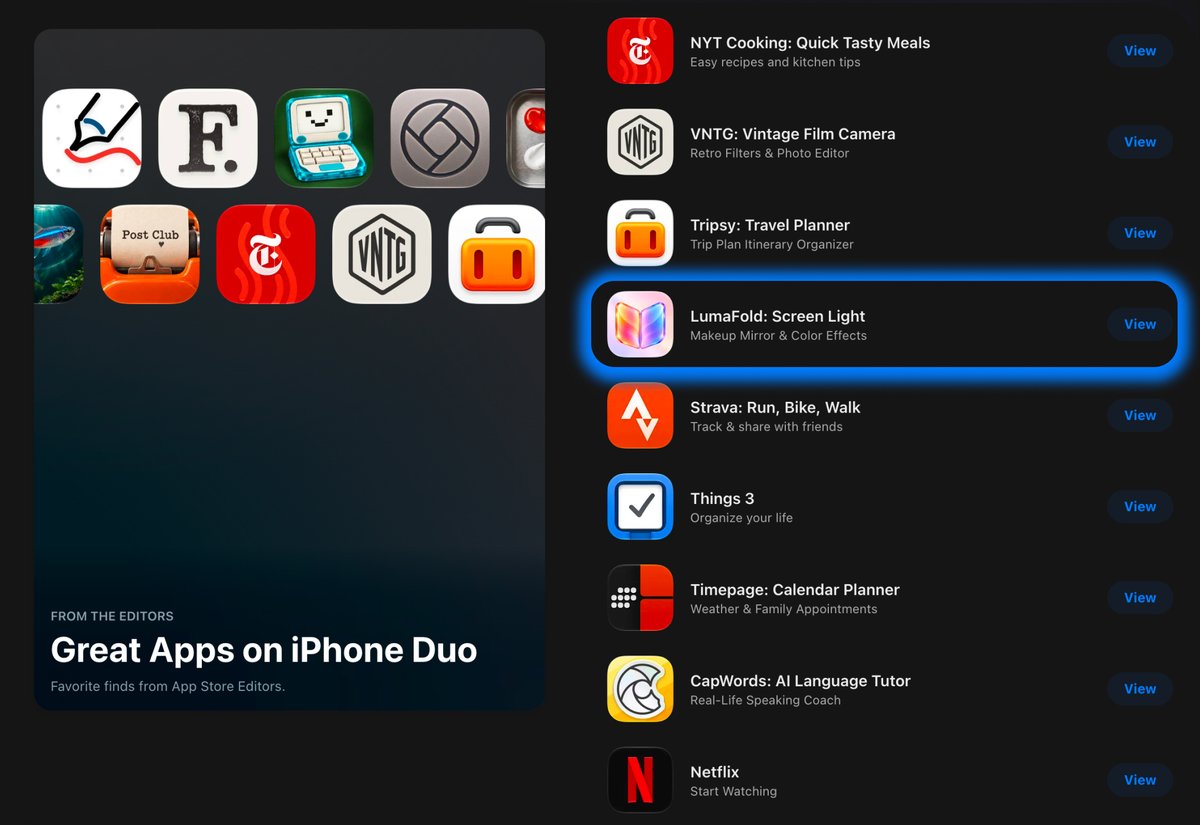
Apple Editors included LumaFold in their official “Great Apps on iPhone Duo” collection, alongside apps like Strava, Things 3 and Netflix.
Proud to see this indie app among them.
https://t.co/z1gFtRmRO9
A favourite photo and a few words in your own handwriting. I added photo and drawing tools to LumaFold so you can make a personal display on the iPhone Duo, with something different on each half.
https://t.co/y3rCugnQf0
Try the same object with two different light colours. I built LumaFold so you can adjust each half of the iPhone Duo separately. Move it beside your subject and shoot with another phone or camera.
https://t.co/y3rCugnQf0
Try a moving gradient instead of a single colour. I built LumaFold with animated light patterns and motion controls, so the iPhone Duo can add a changing colour accent to your space.
https://t.co/y3rCugnQf0
Warm light or cool light? I made LumaFold so you can try both while keeping your live makeup mirror in view on the other half of the iPhone Duo. Adjust the brightness as you go.
https://t.co/y3rCugnQf0
A photo on one half, a handwritten note on the other. I built that into LumaFold so the iPhone Duo can become a little personal desk display, too.
https://t.co/y3rCugnQf0
I built LumaFold for small lighting experiments, too.
Put the iPhone Duo beside an object, choose a colour, and take the shot with another phone or camera.
What would you photograph first?
https://t.co/y3rCugnQf0