For todays Daily UI: on/off switch - It was fun to explore best practices for sizing when considering usability and ease of use. I used the iPhone settings menu as a base to study and had a lot of fun exploring today~ Total time: 25 minutes from sketch to finish
#dailyui#uxui
Todays Daily UI: countdown timer. Today's bonus: design a web interface. This one was truly a blast. Dark colors are some of my favorites ~
#uxui#uxdesigner#ux#uidesigner#uxdesign
Todays Daily UI: A chat app for everyone. Looking at inspiration for chat apps I found theres some best practices, and then there's just bland. I wanted an app to bring the user joy ~ And so there it was born: Communi-tea: a chat app for everyone #ui#uxdesign#dailyui#uxui
Todays #dailyui is e-commerce - single item. With today's design I wanted to challenge both my use of color, and use of shapes that I usually avoid. It was fun to play with space #uxui#ux#uxdesign#uxdesigner
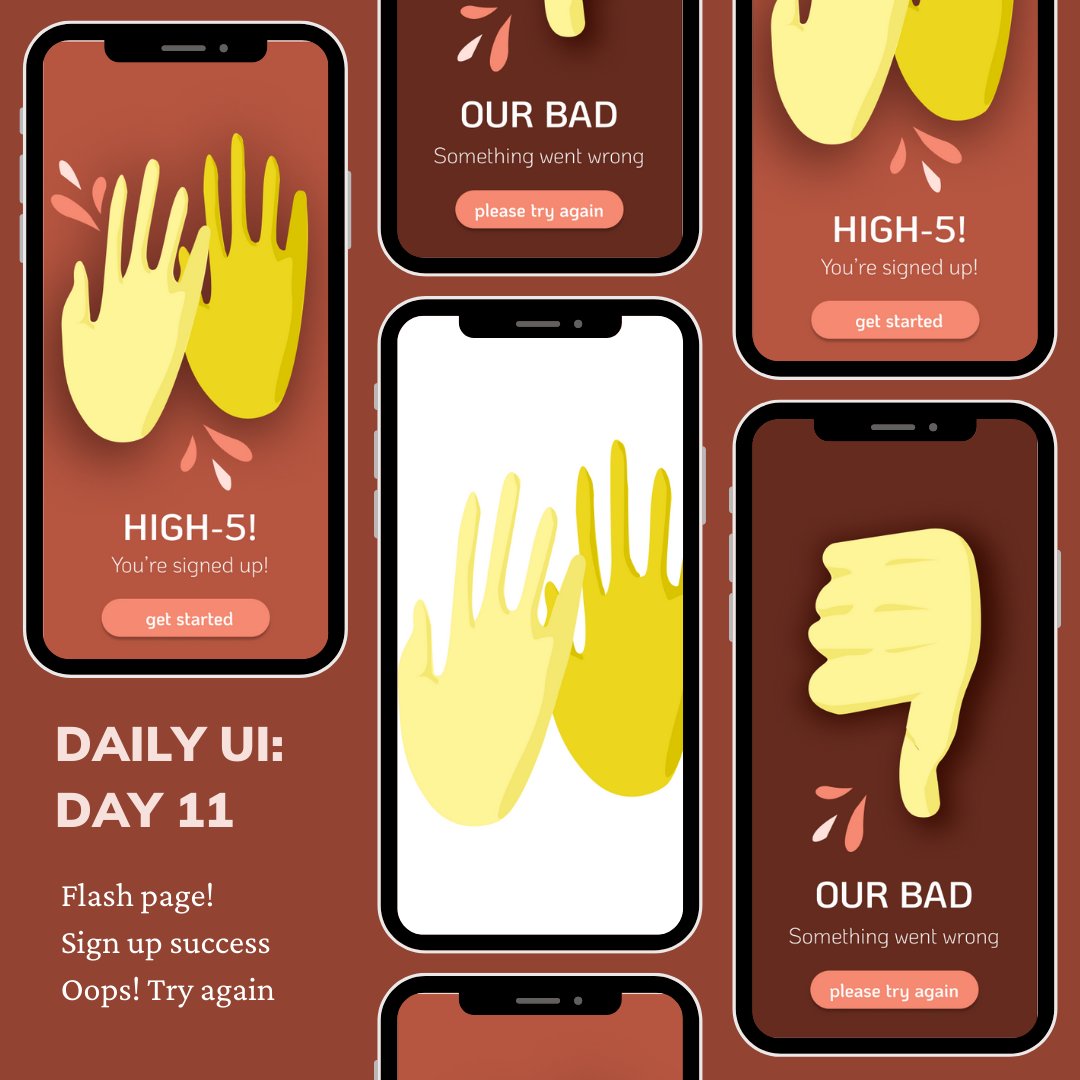
Yesterday: research, today: catching up on #dailyui with the flashpage prompt - felt super good to work on vector illustration for the first time in a long time #uxdesign#uxui
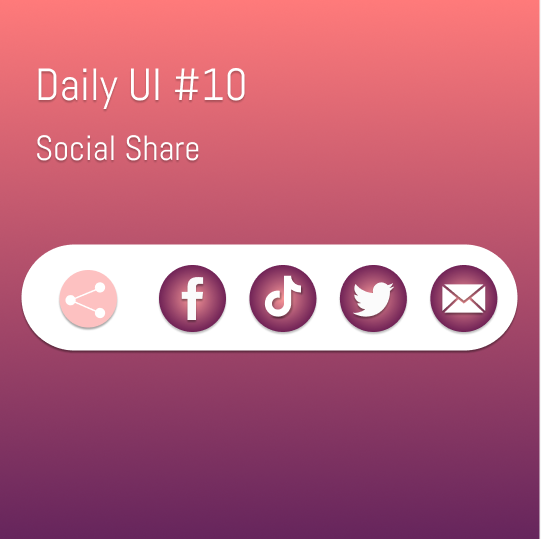
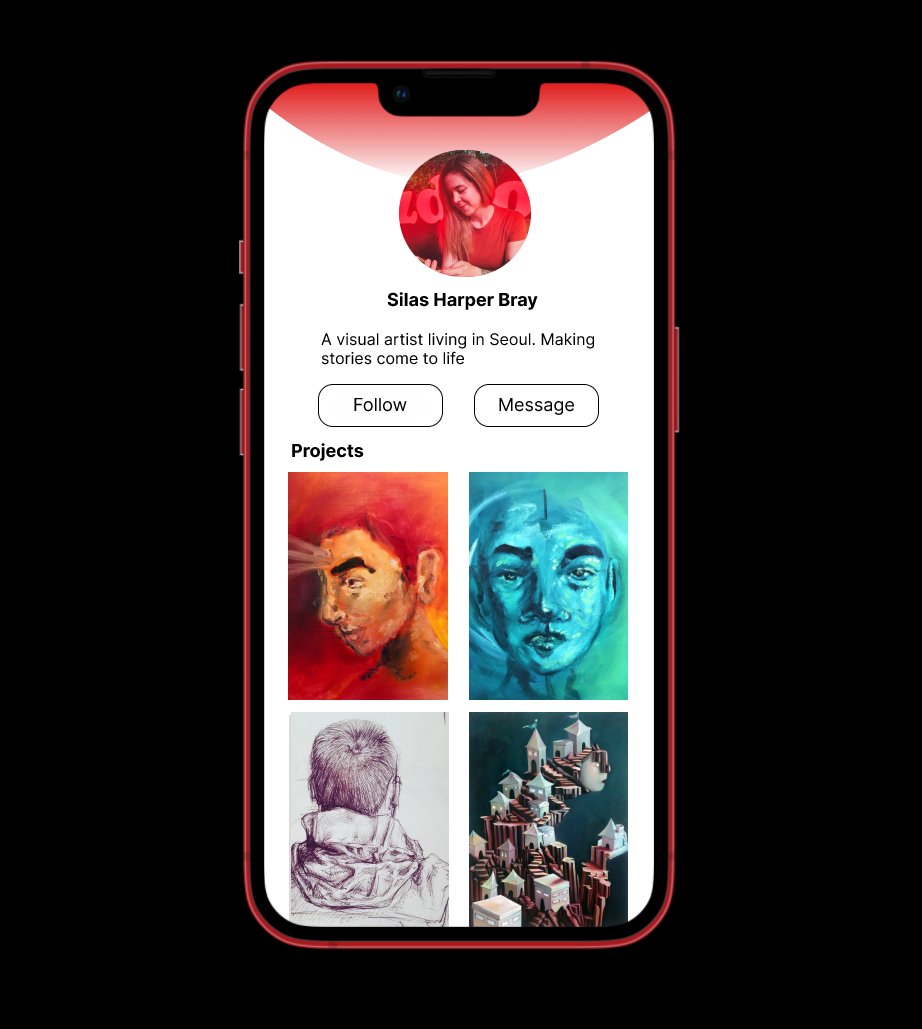
For #dailyui day 10, the prompt was "Share". I wanted to use this opportunity to learn some new tasks in Figma and definitely stumbled through a few steps. However I'm feeling much more smooth~
#uxdesign#ui#uxui#designer#uxdesigner
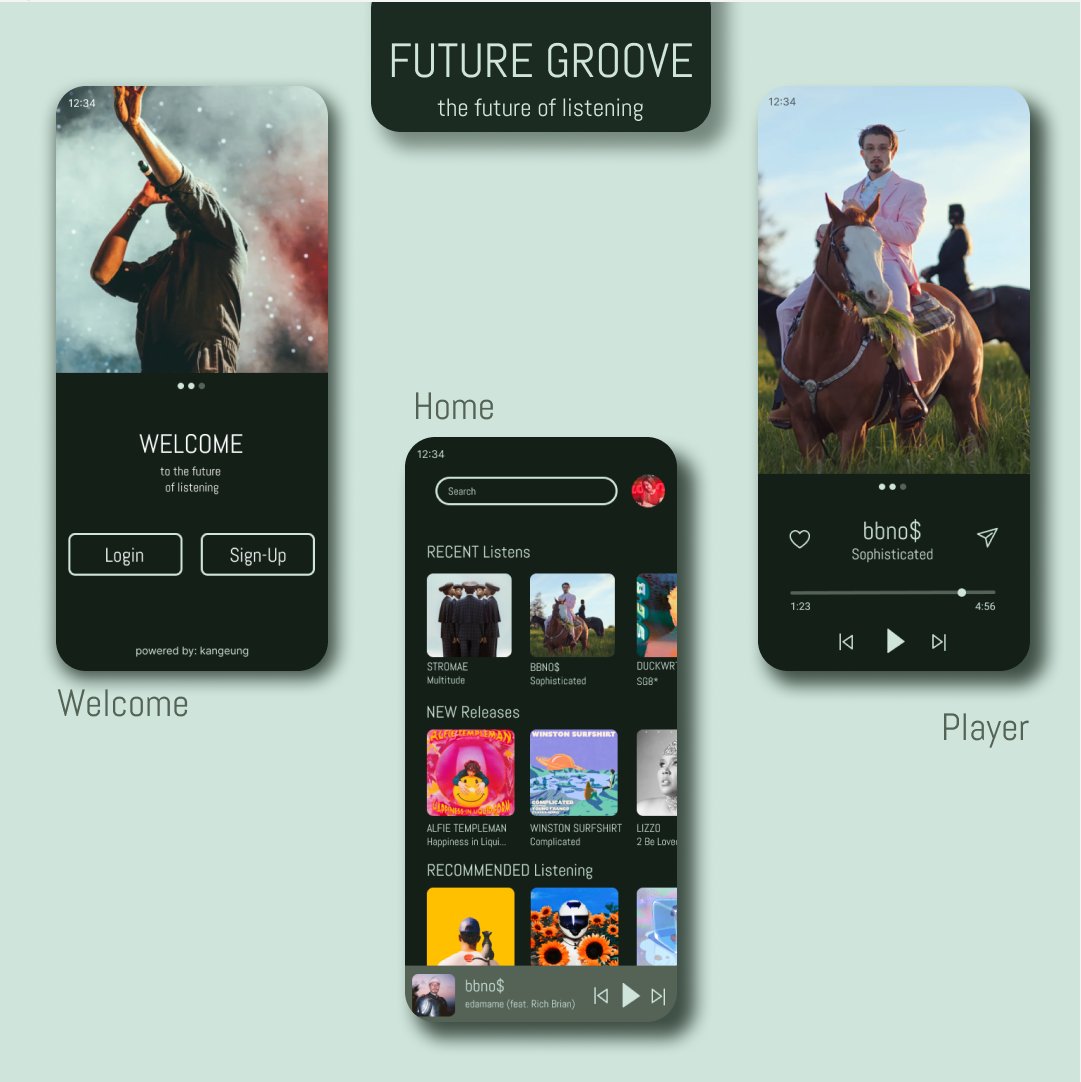
FUTUREGROOVE: The Future of Listening
Here's #dailyui day 9:A music player.
Focusing on high contrast for readability and using simple shapes for seamless navigation, I attempted to make this both beautiful, and functional.
#uxui#ui#uxdesigner#uidesigner#uxinterface
After looking at todays design I decided that it felt unpolished, so I took some time to clean it up and while it's not perfect, its much better #dailyui#uidaily#uiux#uxdesign#uxdesigner
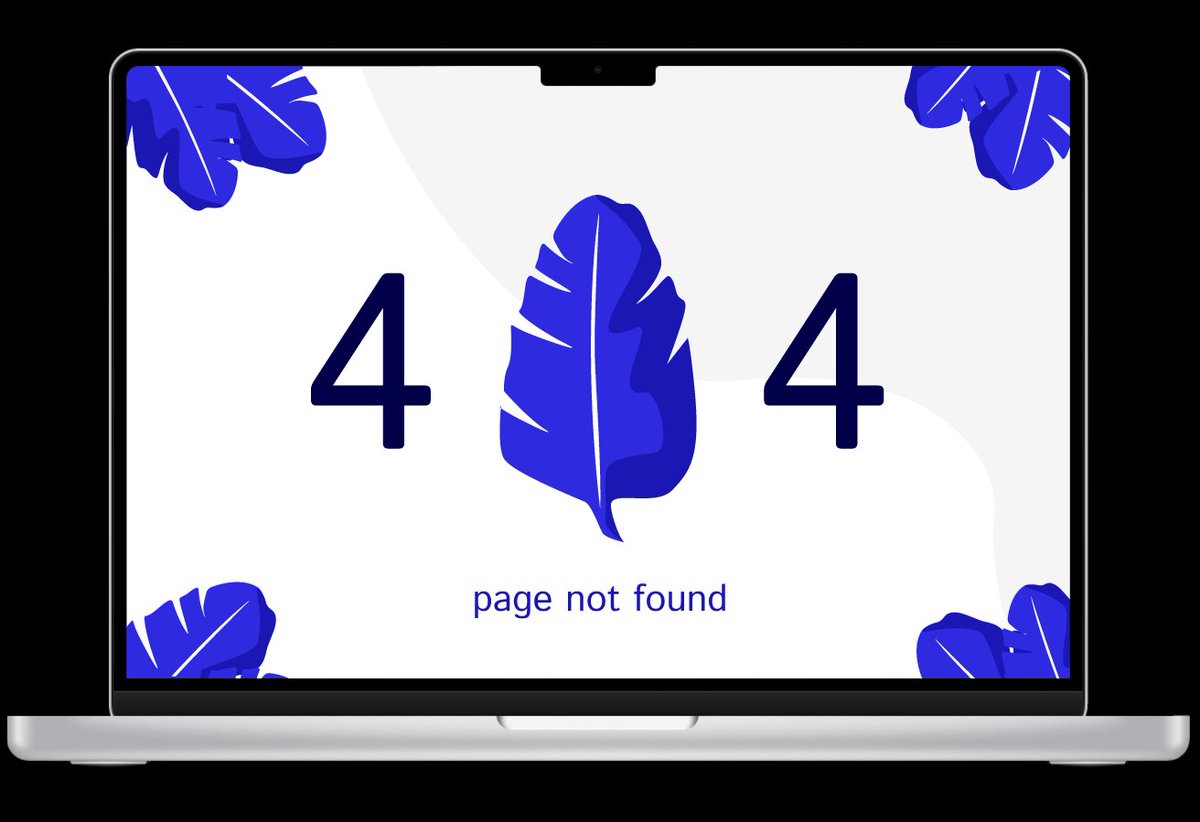
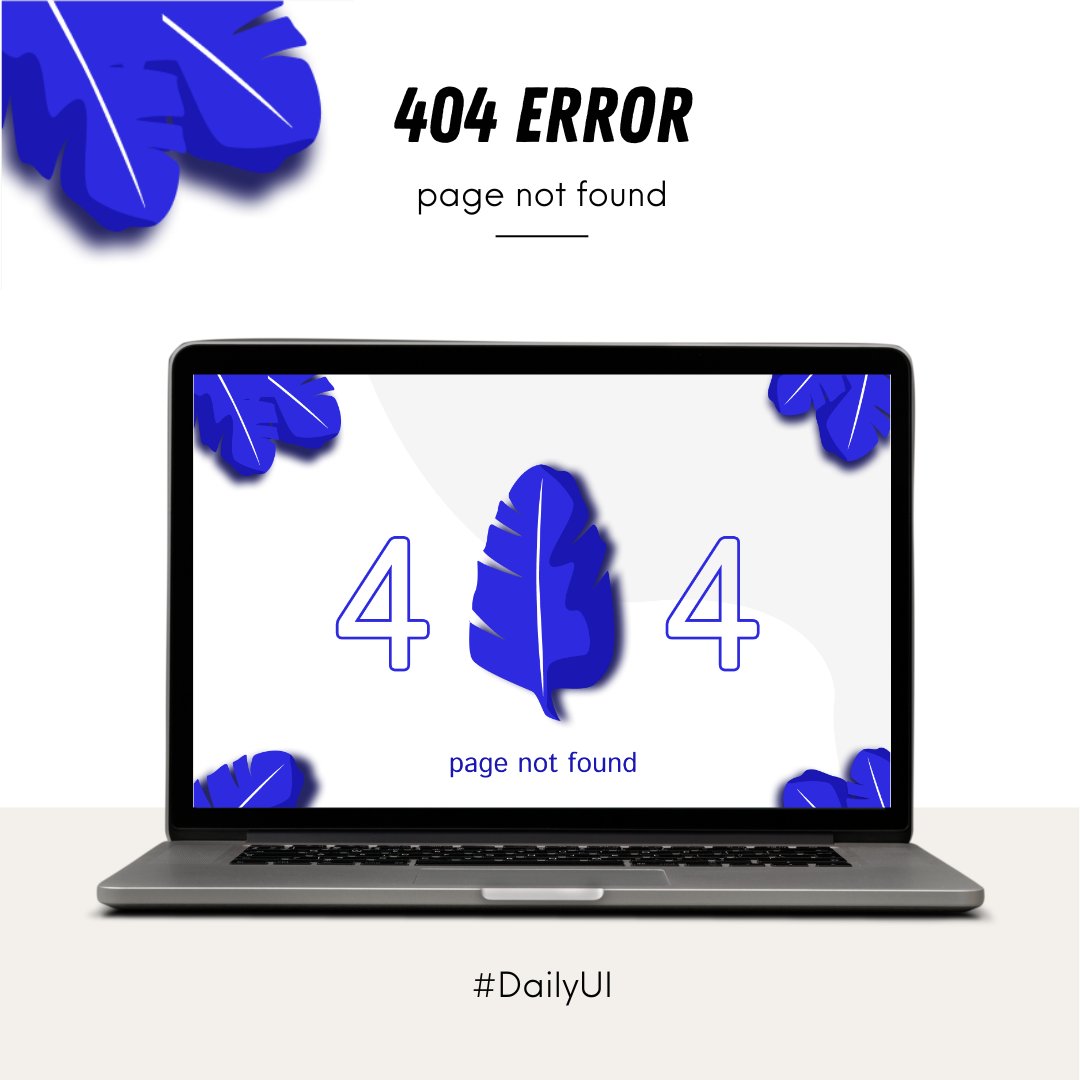
Todays #dailyui prompt: 404 error! I find 404 errors incredibly frustrating and intend this design to help users feel at ease. Gave myself 20 minutes to create the leaf, and another 20 to put this design together. Feeling a little smoother with #uxdesign
While waiting for the next of the UI challenges to arrive in my inbox, I've been working on Empathy Maps, Constructing Surveys, and creating User Personas
Spent this weekend finishing the first course in the @google#uxcourse series on @coursera - Have already learned a load and excited to get rolling on course 2!
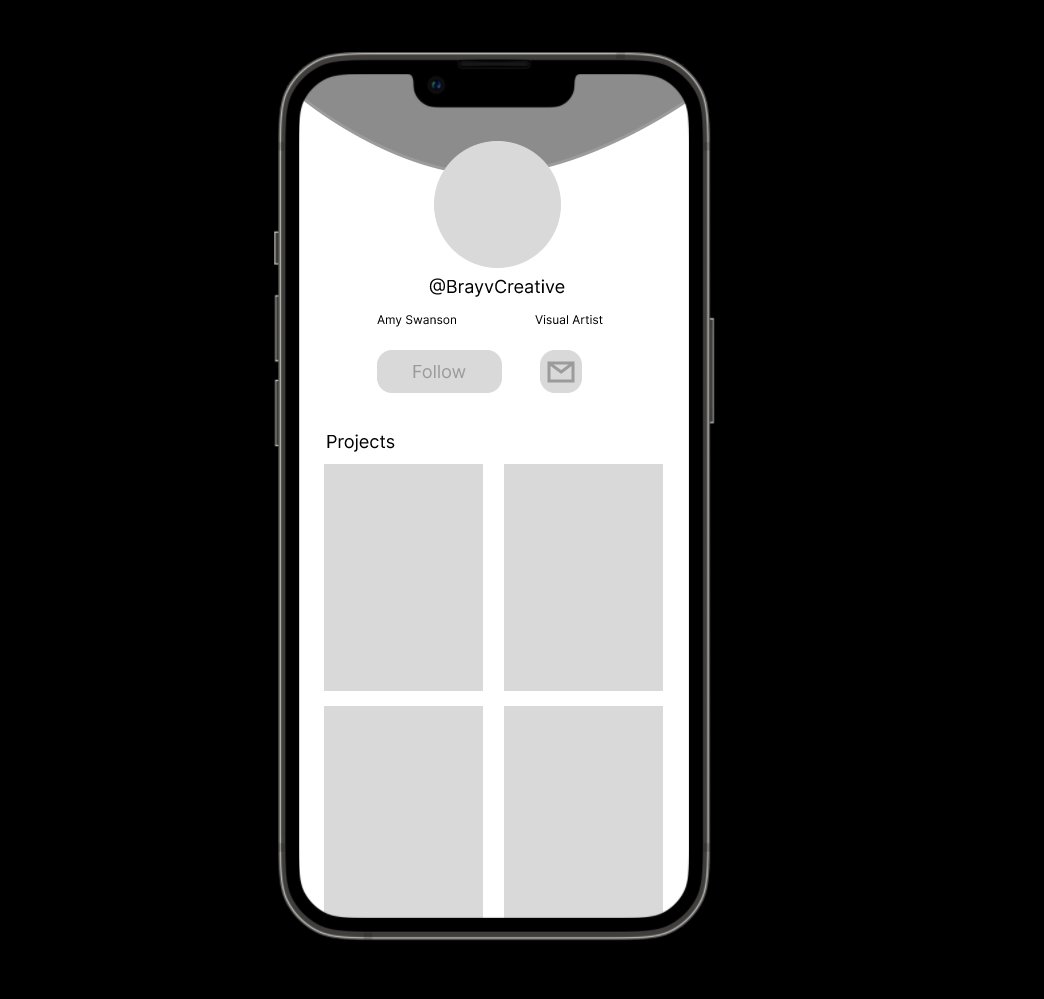
Working with wireframes in #figma for the first time today. Realized it's missing some key components but so far I've learned a lot about frames and prototypes for #dailyui day 6! See you tomorrow team!
#uidesign#uxdesigner#designer#wireframe
For #dailyui Day 5 the prompt was: An icon! Honestly it took me a LONG time to get this right haha
For fun I took a little extra time to spice up the design and really highlight it as a UX piece. Looking forward to tomorrows! #ux#design#business#experience#uxdesign#Business
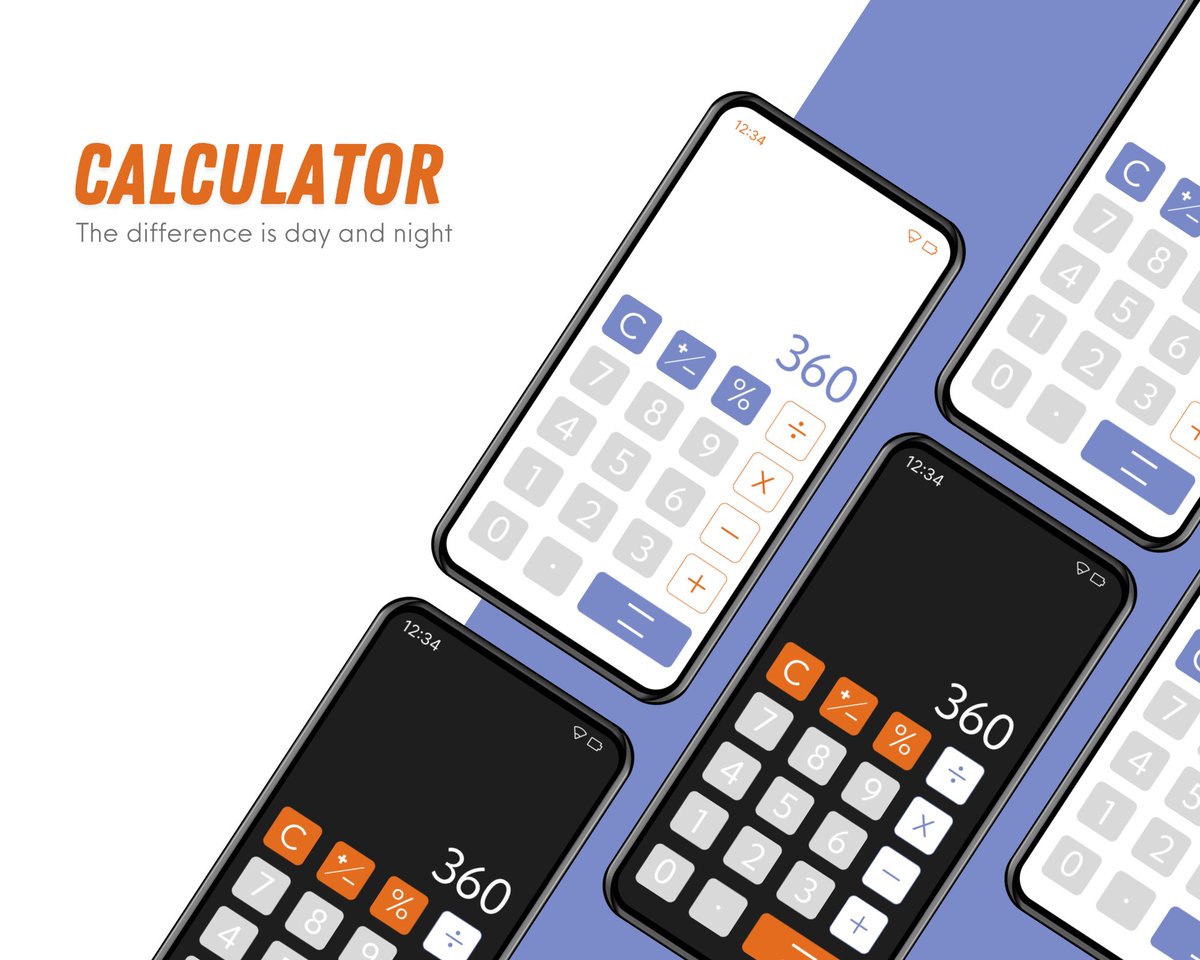
Gave myself a little extra time today to work on #dailyui day 4: calculator. Wanted to work a bit more closely with Figma and feel more confident in the tools I'm using there. Also spent about 20-30 min to make a nice mockup as it's been a while! #uxui#uxdesigner