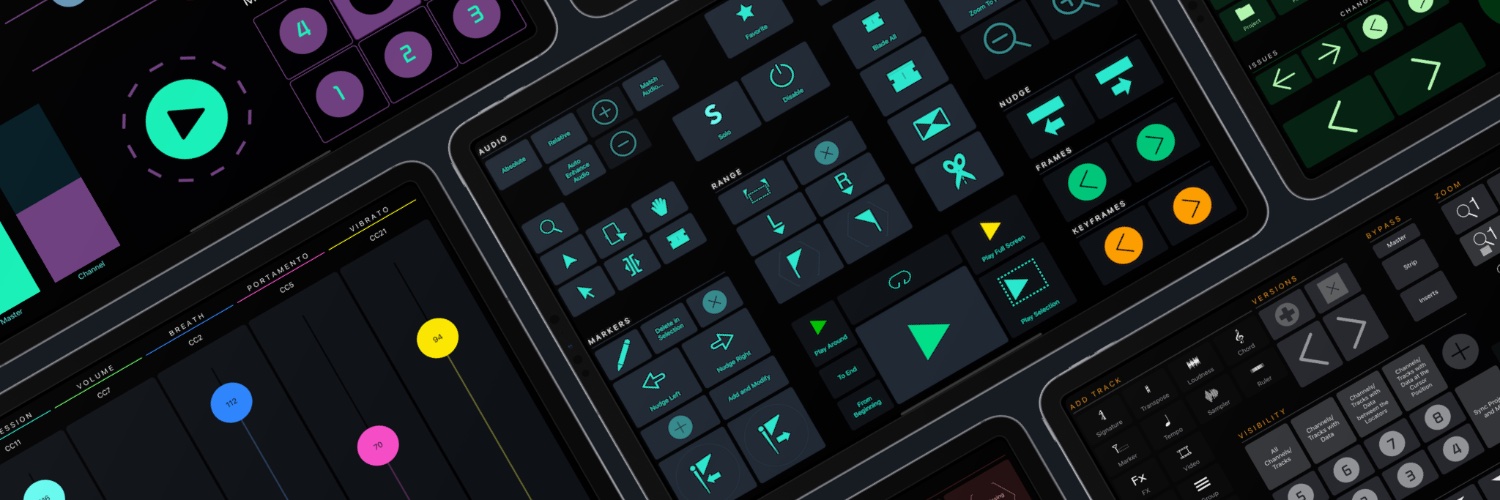
🎹 Big News for Ableton Live Enthusiasts! 🎹🎉
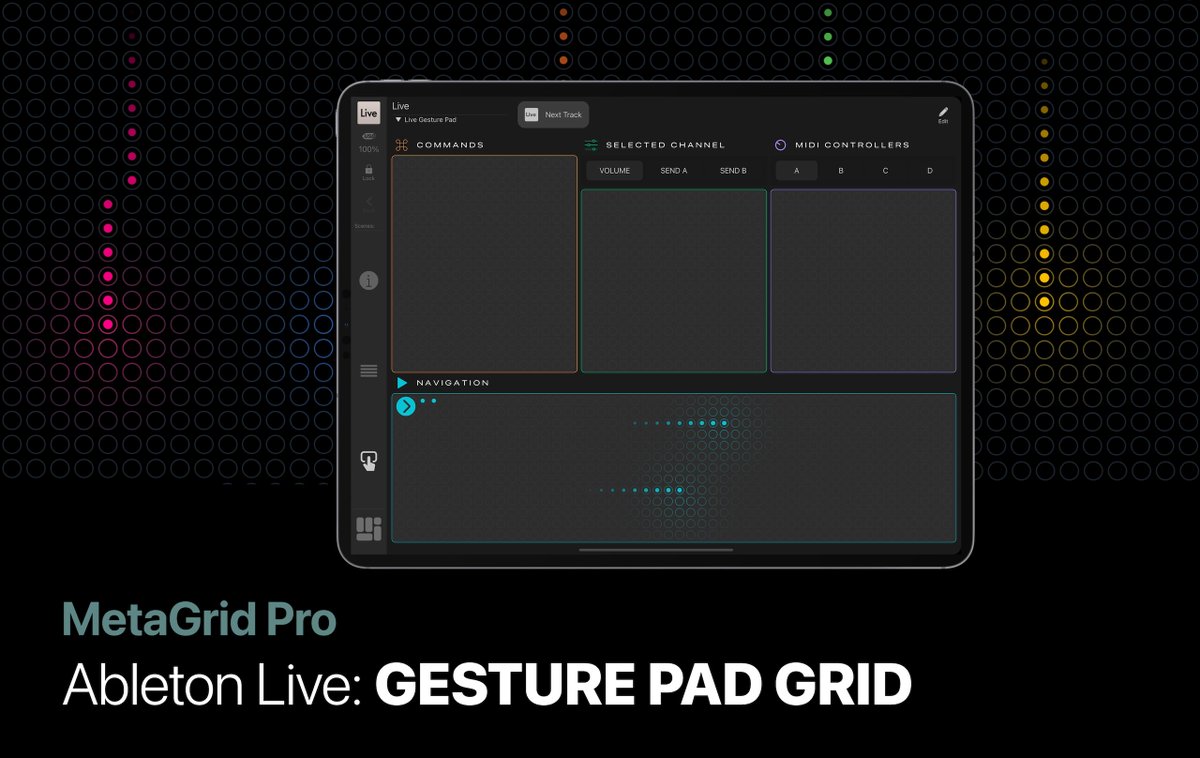
We're thrilled to announce the launch of our Live Gesture Pad grid - a game-changer for all Ableton Live users out there! Imagine controlling Live with the swipe of a finger, using intuitive gestures.
https://t.co/e9zYrZQuH4
In March 2024 we will release the Live Gesture Pad Grid - a gesture-based controller for Ableton Live. Minimal, feature rich, intuitive, fully customisable and extremely powerful.
https://t.co/aAUgpZ3QS6
Experience the cutting-edge with our latest Gesture Pad Add-On for MetaGrid Pro! 🚀 Immerse yourself in full-screen mode where your iPad becomes the ultimate cyberpunk command center.
Imagine having the power to effortlessly navigate your project, manipulate clip positions, resize, set fades, and adjust clip volume - all with a single, dynamic tool. That's right, the soon-to-be-released all-mighty Gesture Pad can do that and much, much more!
🧑💻Gesture Pad Sneak Peek: Timecode display
With this innovative object, you can replace all your vital transport control buttons with a single touch-based, intuitive object.
And that's not all! You can even display the timecode based on HUI bar and beat timecode.
#metagridpro
🚀Sneak Peek Alert: Gesture Pad + Snapshots
Our Gesture Pad is now snapshot-enabled! Switch between gesture layers seamlessly with a snapshot object. This cool feature lets you perform a variety of actions using the same gestures! Just watch this! 📷
Gesture Pad Sneak Peek Alert! 🚀
In combination with the MIDI Step action in Metagrid Pro, our new Gesture Pad transforms into an ultra-powerful, super intuitive, and incredibly flexible MIDI controller. Check it out and see the magic for yourself!
🧑💻From the Devs' Lab: Gesture Pad
We will be kicking off the year with an electrifying update. This powerful add-on is set to revolutionize your MetaGrid Pro experience and enable you to activate macros with up to 60 unique gestures. More info soon.
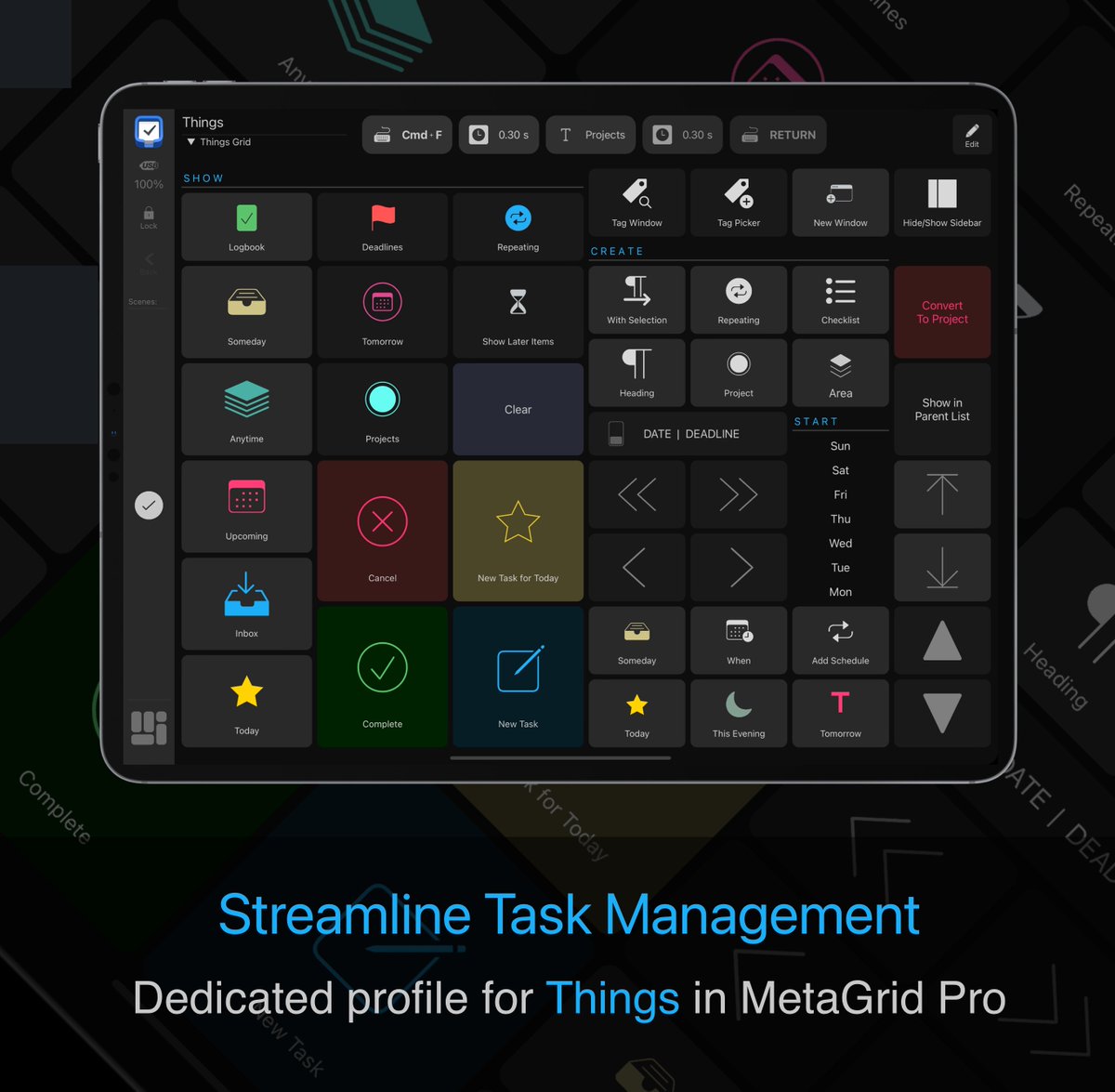
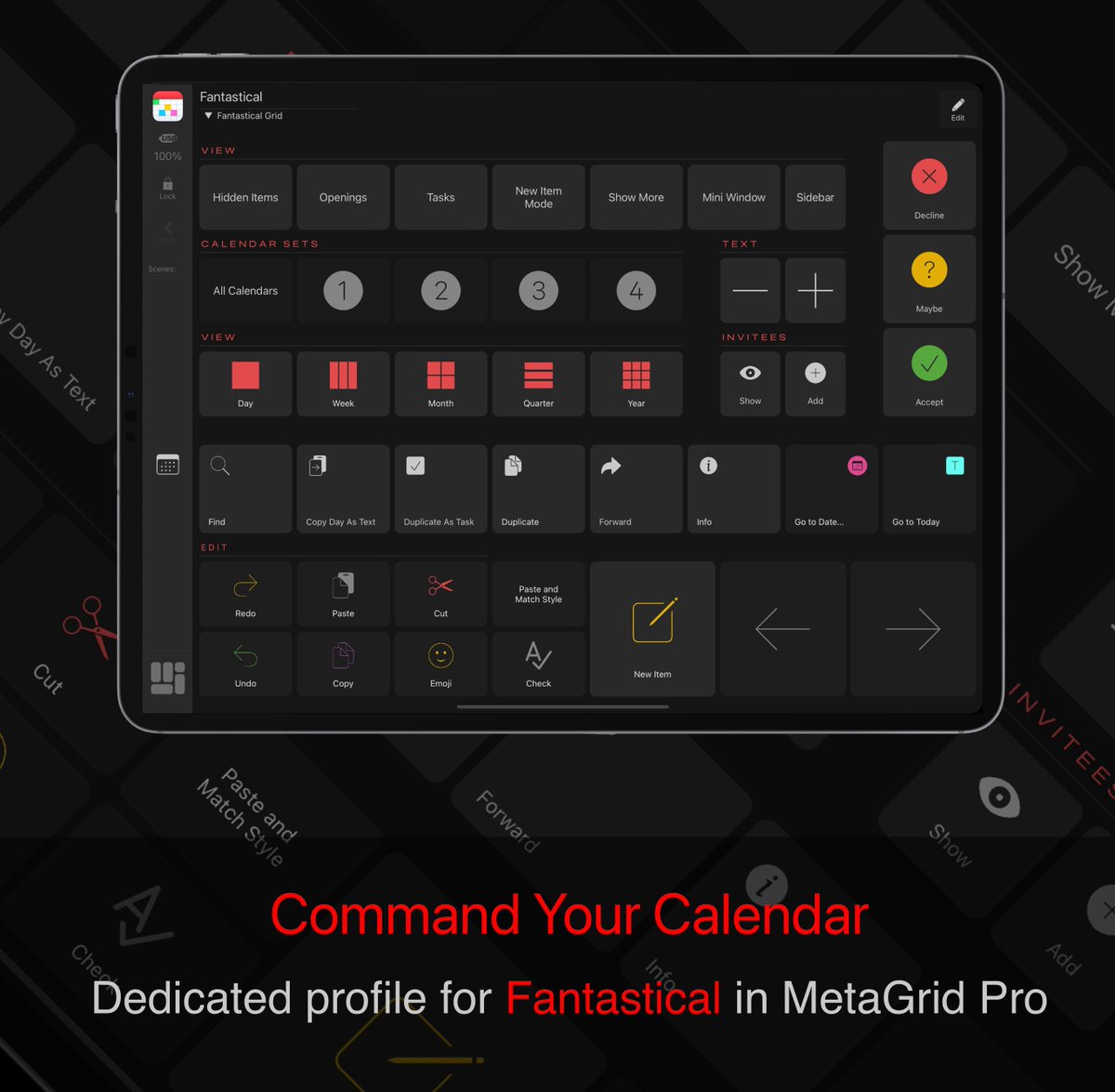
@jgmusic@scottglasgow Also there are lots of preset grids - first of all, presets for all major Apple applications that can be installed on first install, then there are custom profiles that you can install - MG Pro prompts you to install them when you open a given app on your computer (Cubase,DP etc)
@jgmusic@SteinbergMedia Jason - probably the Nuendo name changed so you need to export and import your grids to new workspace. I guess you are talking about the blank view, right? Everything works fine in Nuendo and Cubase 13. And upgrading to MG Pro is highly recommended ;-).
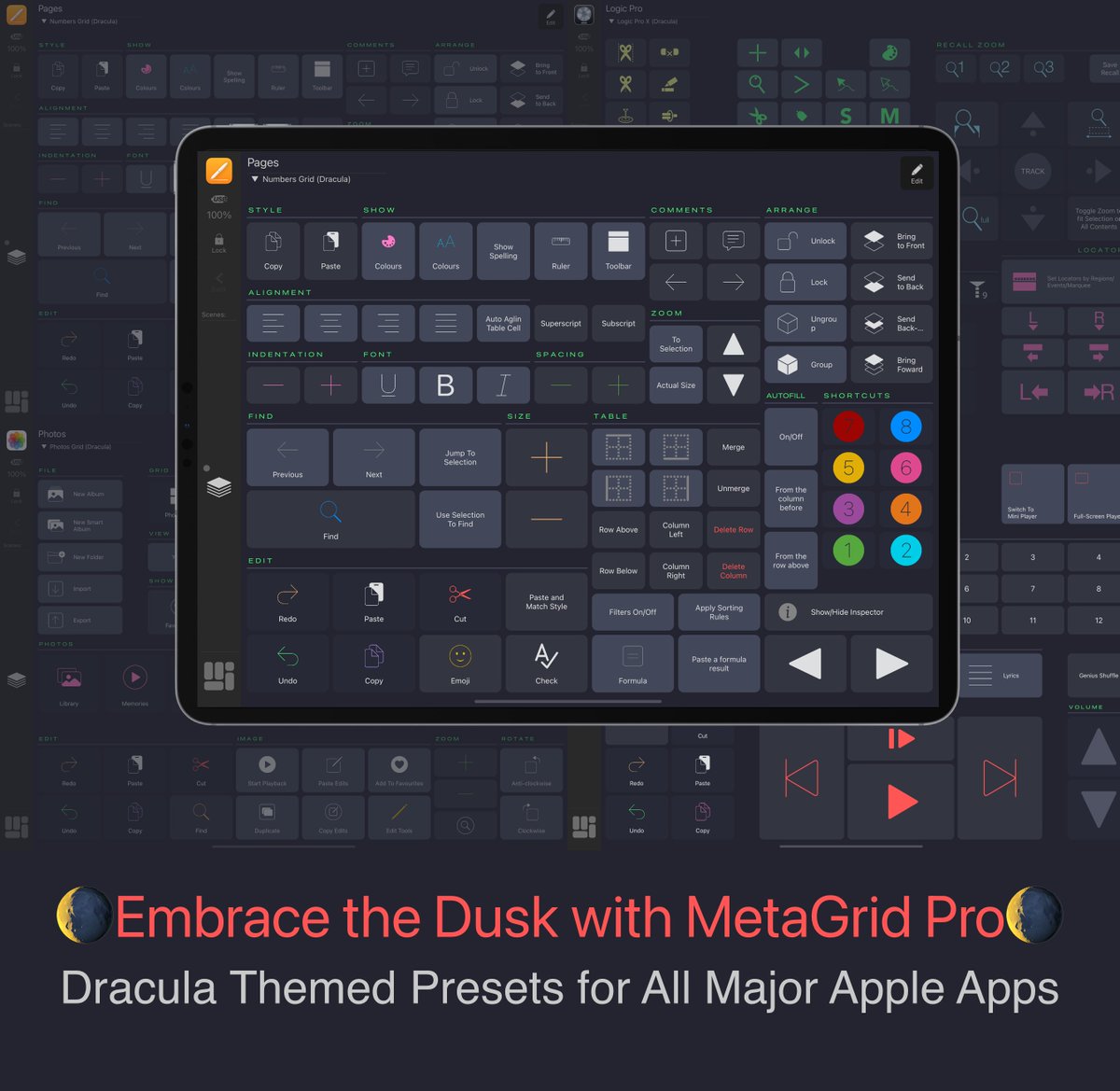
🌒 We at MetaSystem are all about the Dracula theme! Our code springs to life in Dracula-themed Xcode, and now we're bringing this sleek style to our Apple app grids. 🍏💻
🚀 Forklift 2, our top pick for Mac file management, is now Dracula-compatible. We’ve promptly updated our MetaGrid Pro preset grid for Forklift to reflect this sophisticated color scheme. 📂💻
#DraculaTheme#MetaGridPro#Forklift2
@michael_cryne Yes, we have made it work. The Menu Command action in MetaGrid Pro 1.4 will give you access to menu commands in all Steinberg's applications on Mac.
The new and unique Menu Command action in MetaGrid Pro 1.4 will enable you to access any menu command in most Mac applications without keyboard shortcuts. That includes Reaper, Protools and Digital Performer. 🚀 MetaGrid Pro 1.4 will be released late October/early November.