V1.4.9 is out 🚀
The latest patch version 1.4.9 introduces a crucial fix that enhances the naming conventions for generated components and Next.js pages. This update ensures that hyphenated names are correctly capitalized.
Read more about it here. https://t.co/YGVrn78I9w
This is the moment we've been waiting for. Methane v1.4.1 has been released.
What's New ❓
The patch version release v1.4.1 aims to fix issues related to the components and page generation.
Read more about it here.
https://t.co/Nmb70KtfER
Kindly star 🌟 our repo.
While this isn't a major update, I'm excited about releasing this new version. Methane will reach more users with this update. I'm excited this is a project that I will always contribute to, I mean, I launched @methanecli v1 this time last year when I was learning React.
I built something like this for react and nextJs. That's @methanecli
https://t.co/NtRVWsWRg0
With methane, you can easily generate React and Nextjs components, pages
NextJs dynamic page and more.
@methanecli has 20 stars on Github
9 months ago when I was learning React and building projects. I thought of building a CLI like that of Angular that allows devs to scaffold components, pages, and service worker files. Recently I added support for NextJs. Methane to the moon 🚀
Day 6
Generating a NextJs dynamic page with Methane
Arguments
-nid -> NextJs Dynamic Page
-sp -> (optional) Start Page or Start Directory, indicates a parent folder to place the dynamic page.
This will generate a dynamic page based on your methane configuration.
Day 5
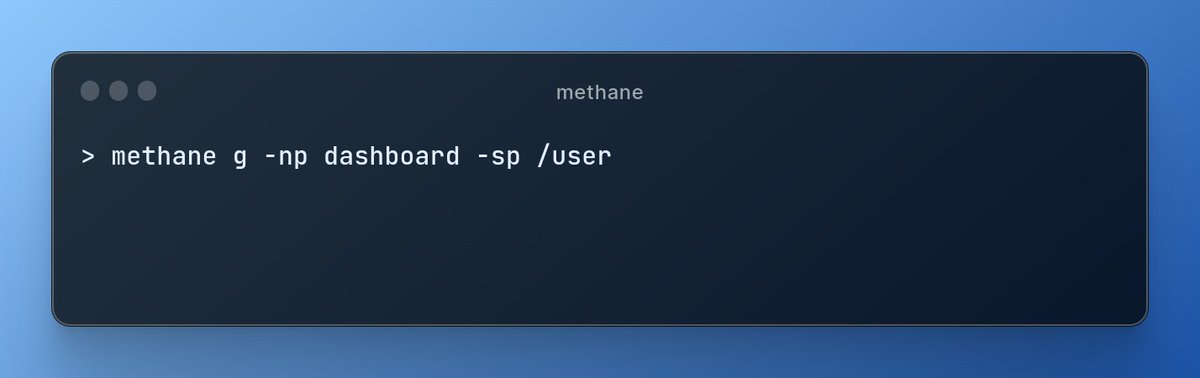
Generating NextJs page with Methane.
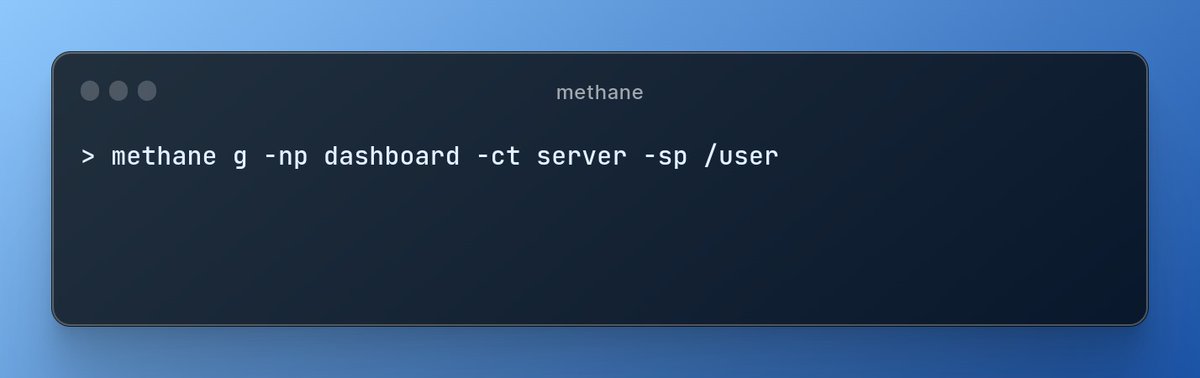
Arguments
-np -> Specifying you want to generate a NextJs page.
-sp -> the start page or start directory, this is super useful if you want to place the folder in another folder. Which will form the route
/user/dashboard
Day 4
Generating a NextJs Component with Methane.
Arguments
-nc -> Next Component, indicating you want to generate a NextJs component.
-ct -> Component Type, which can be server or client.
This will generate the component based on the methane config in your project.
Day 3
Generate a React page using Methane.
Arguments
g -> generate
p -> ReactJs Page
This will generate a ReactJs page based on your methane configurations and automatically import the page to your React App entry point eg App.tsx, App.jsx or Main.tsx etc.
Day 3
Generate a React page using Methane.
Arguments
g -> generate
p -> ReactJs Page
This will generate a ReactJs page based on your methane configurations and automatically import the page to your React App entry point eg App.tsx, App.jsx or Main.tsx etc.