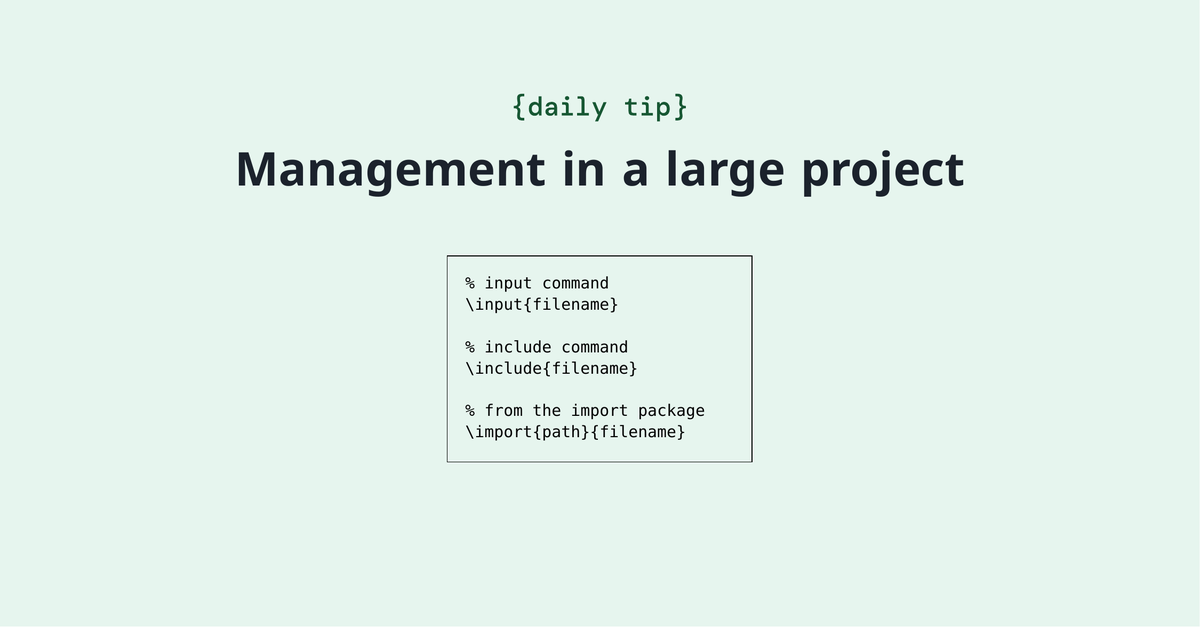
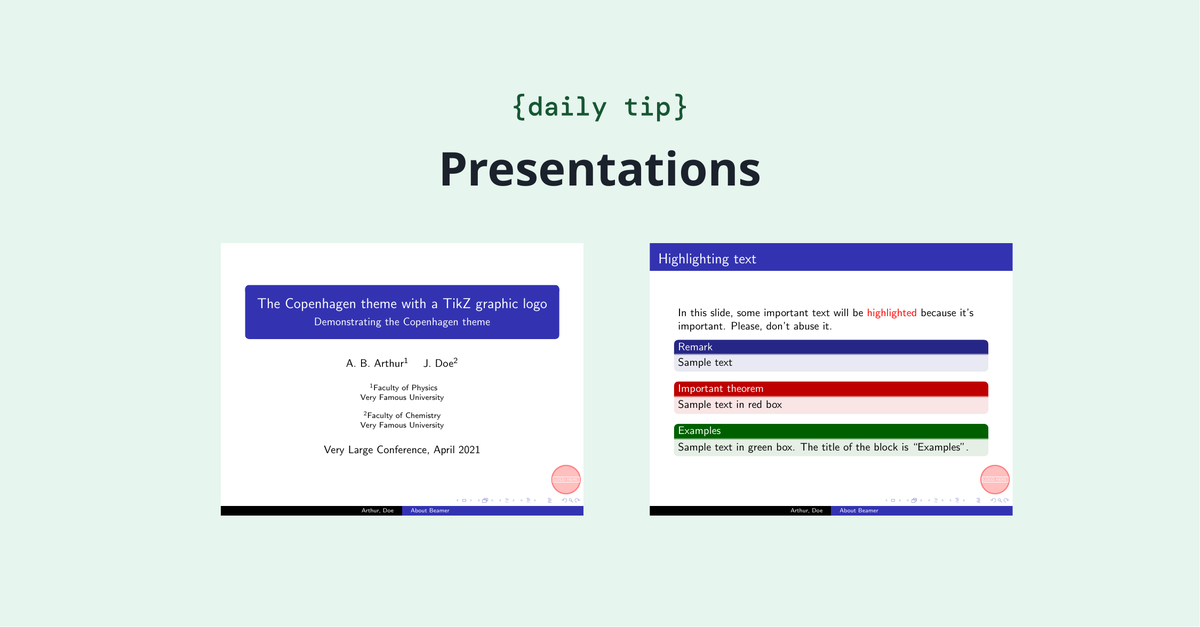
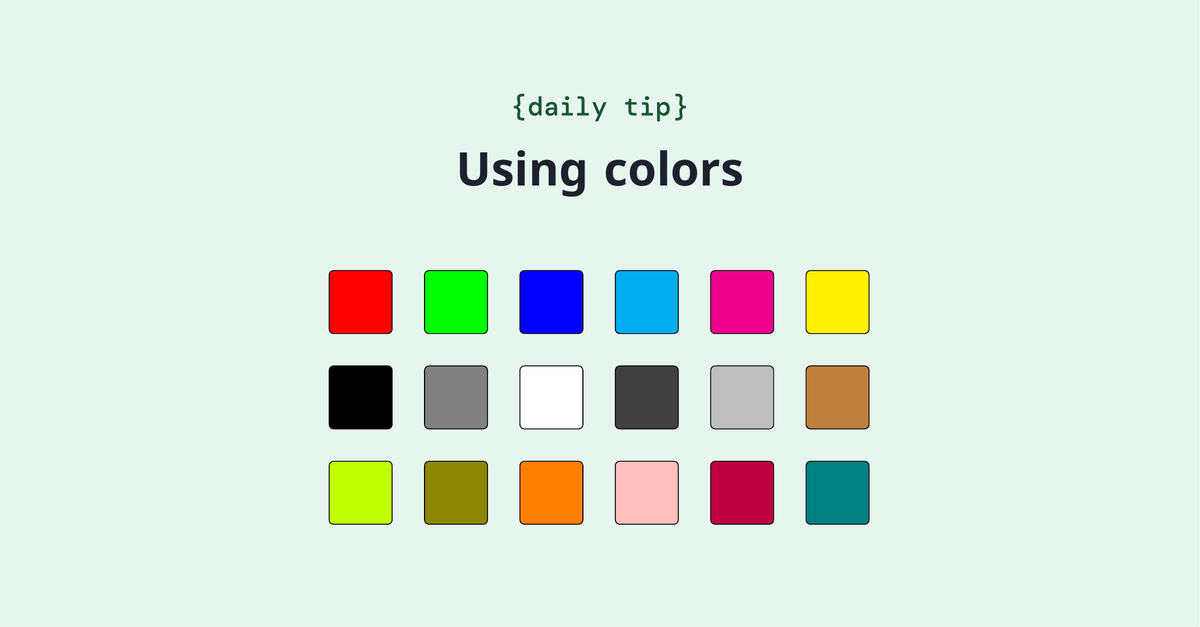
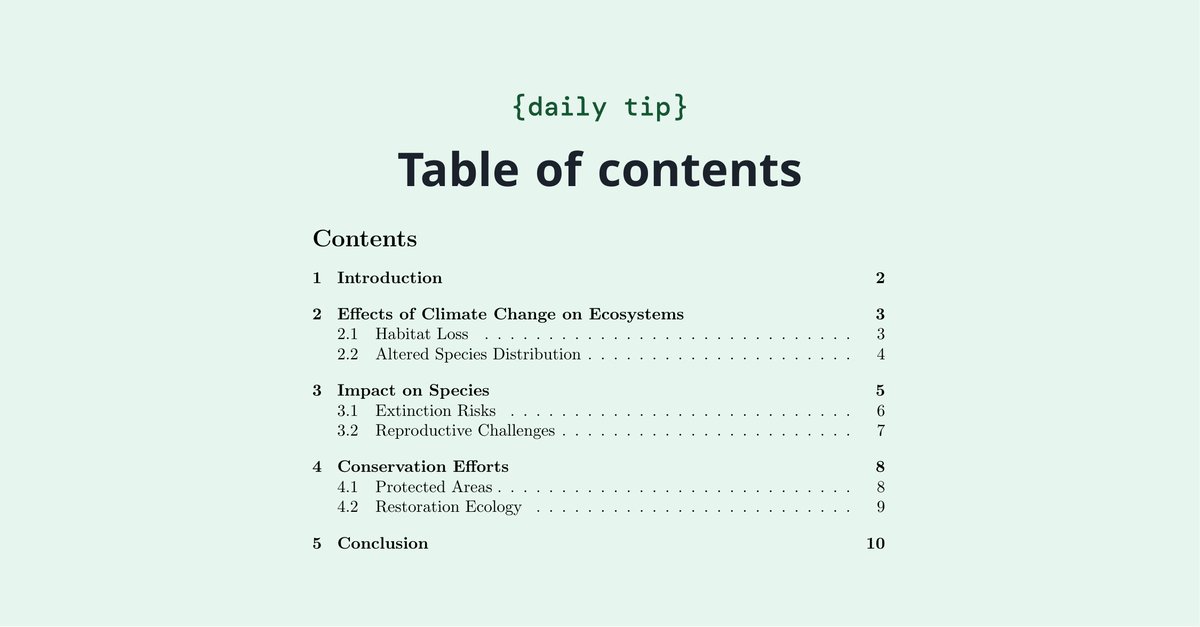
It's sometimes tricky to manage a large project (such as your thesis or book)! We've compiled some tips on how to keep your document organized. https://t.co/cisTj2Dmkl
Boost your research and writing skills! Join @papersapp for the free 2025 Back to School Webinar Series, Sept 15-19. Learn to manage your professional identity, navigate the research landscape (hello, AI tools! 🤖), secure funding, and more! Register now: https://t.co/YikFpTbwQO
🌟 Stories of the week: The 2025 Digital Science Catalyst Grant is now open for applications! #CatalystGrant
Our theme this year is #DataVisualization#dataviz
🔗 Discover more about Catalyst Grant - and apply here: https://t.co/wApwz6t3k9
The geometry package provides an easy way to modify the page dimensions (ie., height and width) of your document. Check out our guide on working with page size and margins. https://t.co/b9UTTern3p
Do you use BibTeX? It's still one of the topics that many newcomers to LaTeX find complicated, specially when things don't go right. We've written this guide that might help you go through bibliography management with BibTeX. https://t.co/2WvPNSm8A1
TikZ is a powerful package to create graphic elements in LaTeX! We've written a article that introduces some basic concepts (drawing lines, dots, curves, circles, etc) to get you started. https://t.co/UhEdZ43kjP
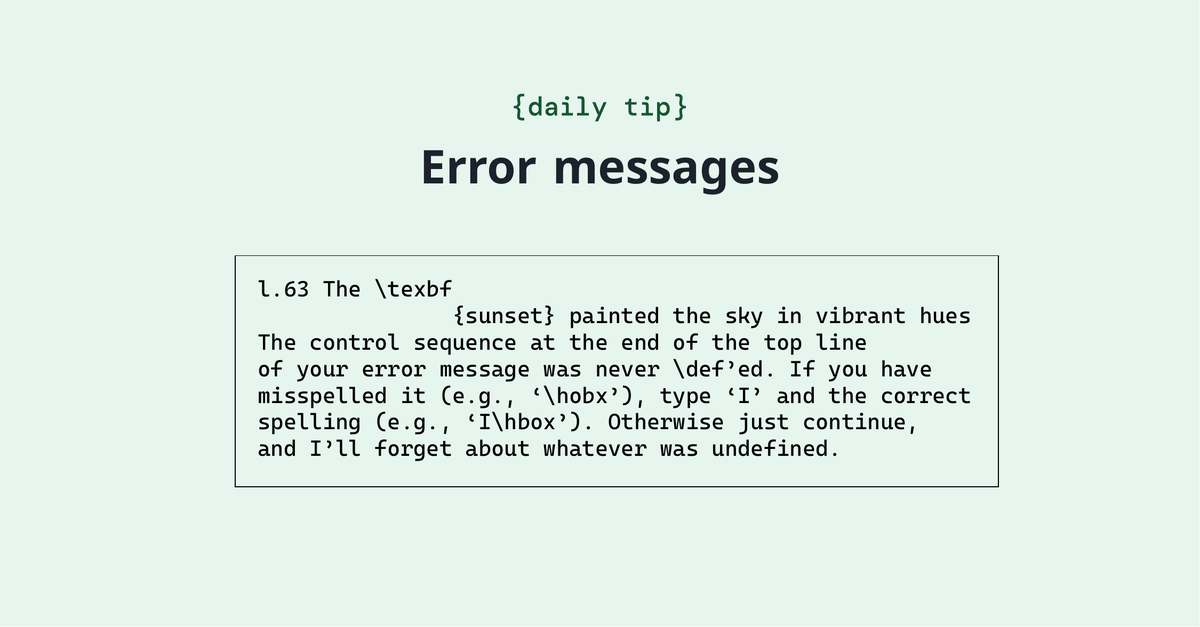
LaTeX error messages can sometimes be tricky to understand and fix. We've put together a list of common errors below, along with more information about what they mean and how to solve them. https://t.co/TlVE9xjl5F
🌟 U.S. government libraries can access some of our most powerful tools - @DSDimensions@altmetric & @ReadCube - for research, discovery & reporting.
That's because Digital Science is now an approved #FEDLINK vendor.
🔗 Learn more: https://t.co/b9p2M4kwi9
#GovTech
Images are essential elements in most scientific documents, and LaTeX provides several options to handle them. You can shrink, enlarge and rotate your figures to make them look exactly what you need. Check it out. https://t.co/Ds71YJ4VLz
Excited to see how Overleaf is transforming scientific writing! Discover how real-time collaborative editing and the power of LaTeX simplify creating professional documents for researchers, from articles and reports to theses and grant proposals. https://t.co/wOsrncoQQG
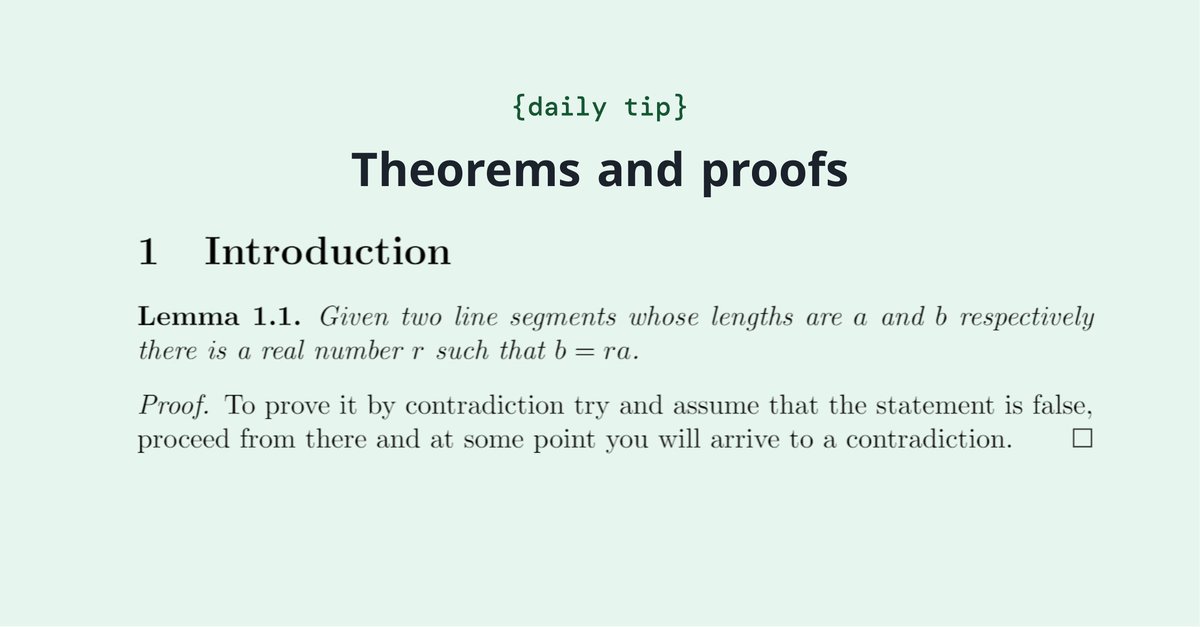
Do you write theorems, definitions, propositions, etc. in your documents? This article explains how to define these environments in LaTeX. https://t.co/WnwSfDSW0y
You asked for it! Overleaf's new project-wide search is here: you can now find any text across all the files in your project. No more manual digging through chapters or sections!
Overleaf now offers multiple solutions suited to US federal government customers, including a FedRAMP® authorized option. Learn more. https://t.co/AzDKPUJXjr
Want to learn about biblatex, a modern option for processing bibliography? We've got you! Check out this article on how to manage and format bibliographies in a LaTeX document. https://t.co/0NyHqju8ly