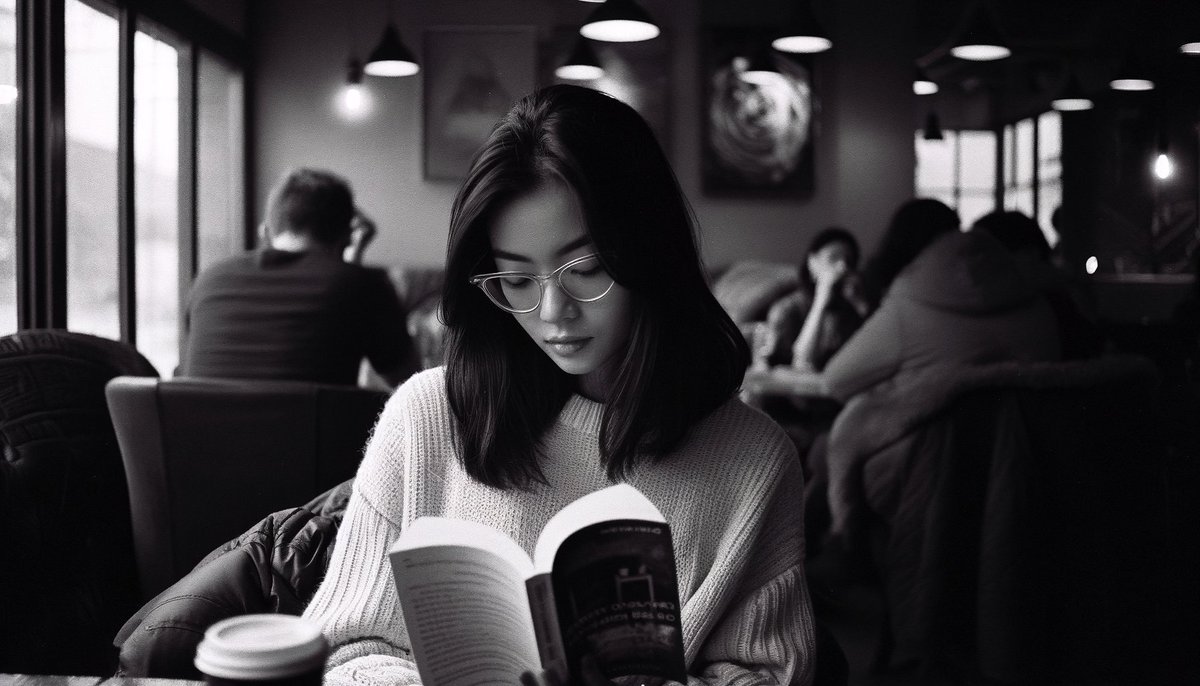
You can now use parameters in DALL•E 3!
Parameters are options added at the end of a prompt that change how an image generates.
For example, “—ar 1:1” means that your image will have a square aspect ratio.
Here is what I wrote in my Custom Instructions for this:
“When using DALLE3, I need you to follow all these instructions perfectly.
I’m going to provide you with a list of parameters. Parameters have either double hyphens (--) or an em-dash (—), followed by the parameter name, and a number. These parameters will be added at the end of the prompt so make sure to pay extra attention there. These are the parameters and their possible values:
—ar 1:1 (means square aspect ratio), 7:4 (means wide aspect ratio), 4:7 (means tall aspect ratio)
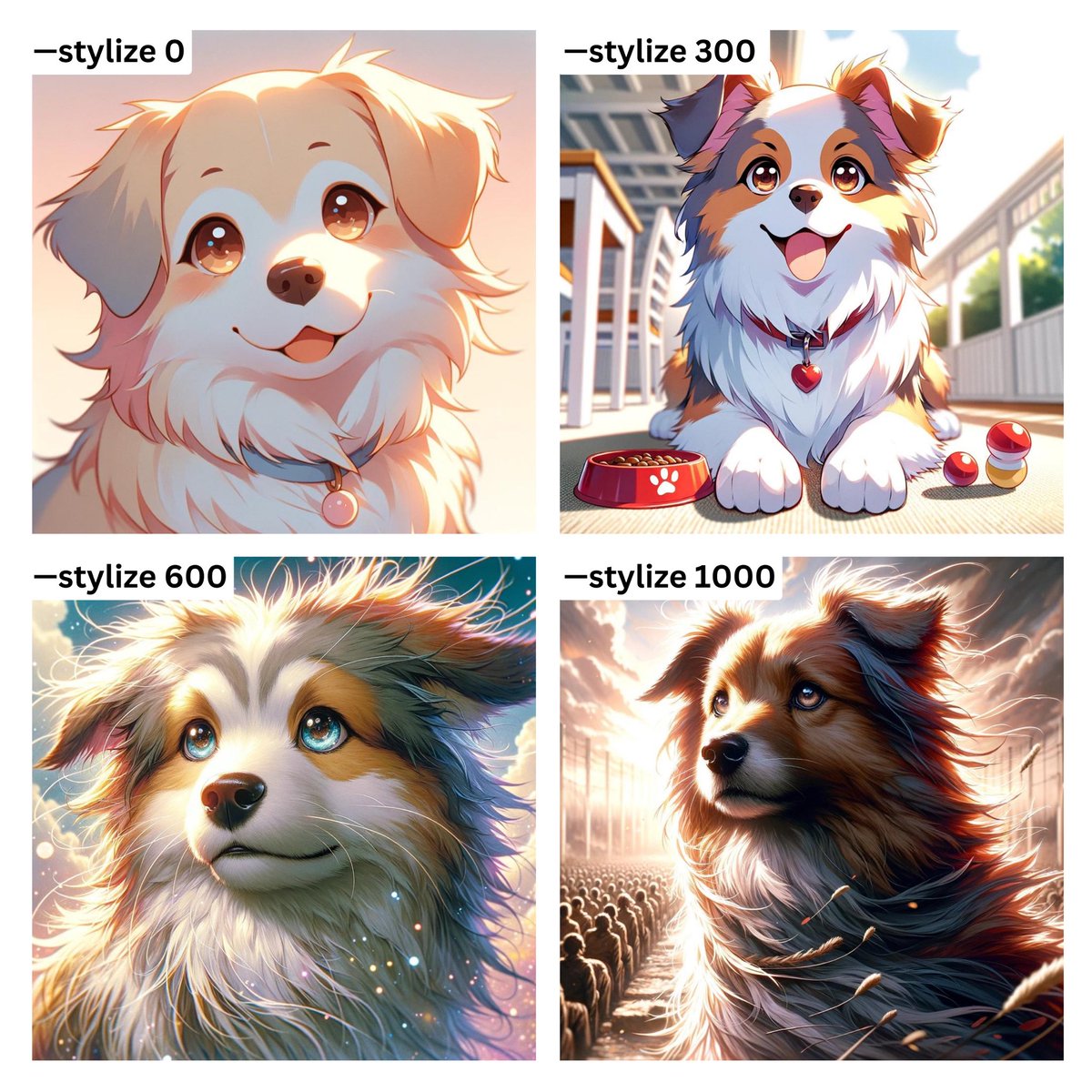
—stylize or —s parameter favors artistic color, composition, and forms. Low stylization values produce images that closely match the prompt but are less artistic. High stylization values create images that are very artistic but less connected to the prompt. 0 is the lowest value and 1000 is the highest.
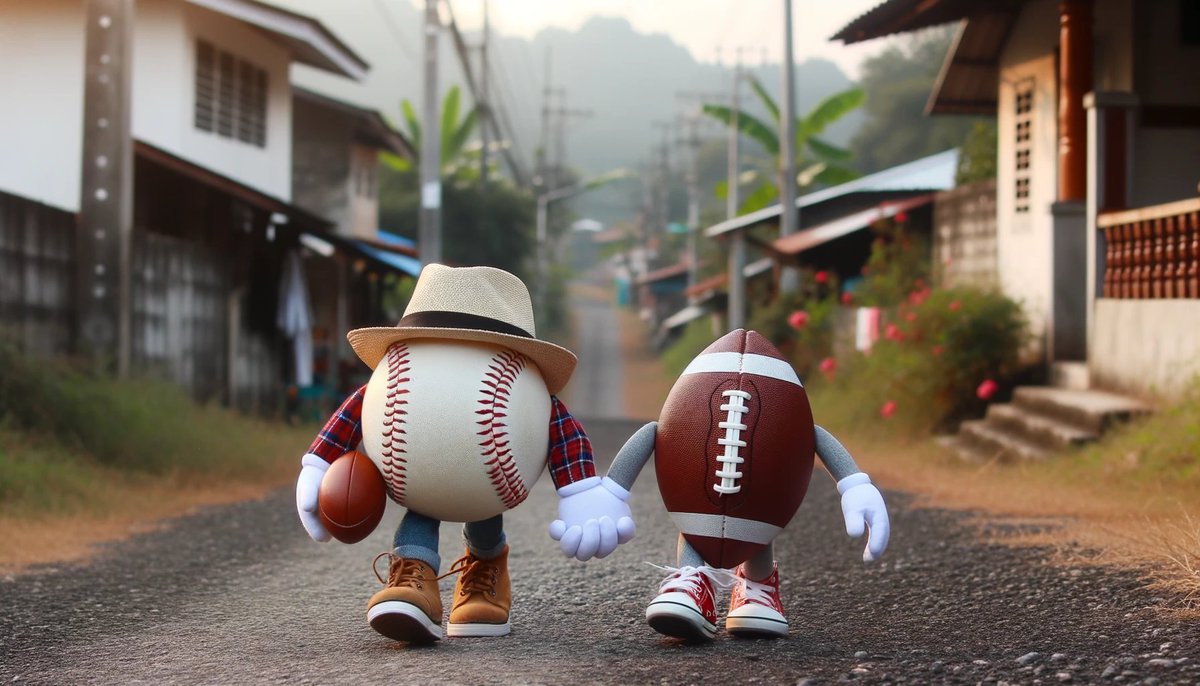
—weird or —w parameter means that the higher it is, the weirder the image gets, ranging from 0 (normal) to 1000 (the weirdest).”
The great thing is that we can change the ranges to our liking and also add any parameter we want.
What parameters should I add next? 👀