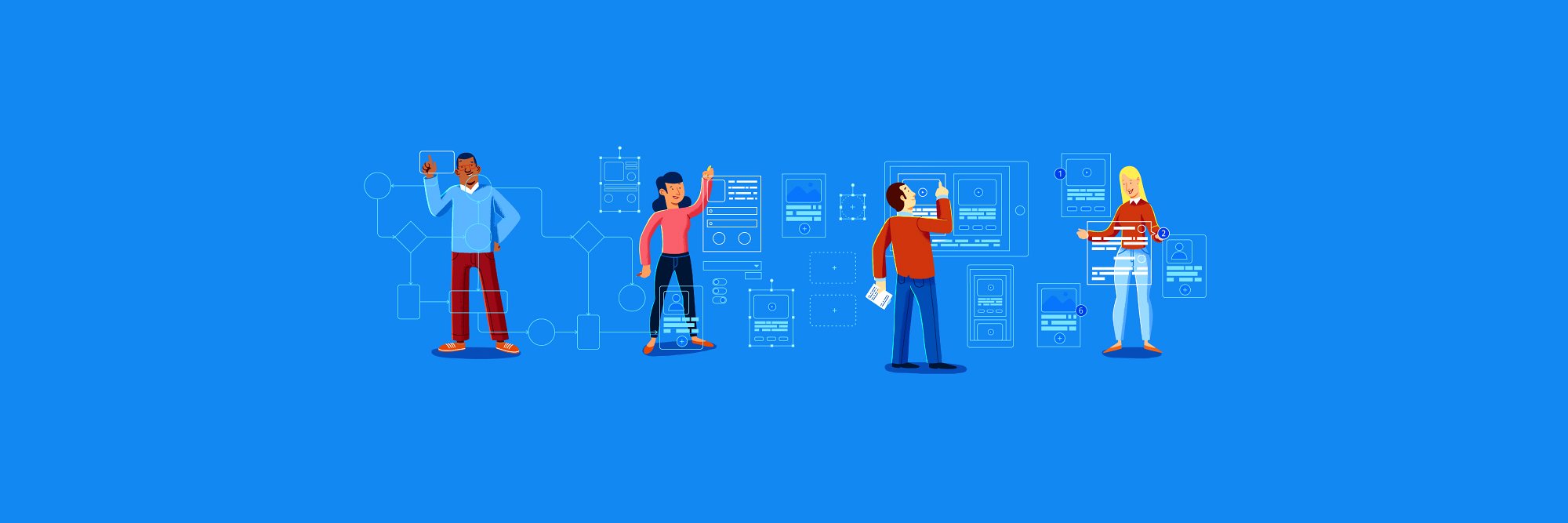
Here's a big one: Moqups now provides an MCP server, so you can create, analyze, and edit wireframes, diagrams, and whiteboards with your favourite AI tool: https://t.co/PaN50SAduf
Connect Claude, ChatGPT, Cursor, and other AI tools to create, edit, and review your wireframes, diagrams, and whiteboards – right alongside your team. Introducing the Moqups MCP server!
https://t.co/HgYr2QVrnT
Here's a big one: Moqups now provides an MCP server, so you can create, analyze, and edit wireframes, diagrams, and whiteboards with your favourite AI tool: https://t.co/PaN50SAduf
From Moqups Labs: Culori, our popular open-source Javascript library for working with color has over 800,000 weekly downloads on npm! https://t.co/1eRf5d3V87
And with the new constraints built into every element, they cleanly adapt as you resize between iPhone to iPhone Plus. No more broken elements. Find the kit in our Stencils panel in app.
When we released Resize Constraints, we promised that more and better UI kits were on their way.
Well, promise made, promise kept!
Our new iOS 26 kit includes: navigation bars, tab bars, buttons, toolbars, alerts, form controls, and more – in both light and dark mode.
💡Pro tip: Option-clicking the Toggle Resize Constraints button will enable/disable constraints on all nested groups in your selection.
This is a quick way to make complex elements constraints-aware and, in most cases, Auto constraints handle the rest without any tweaking.
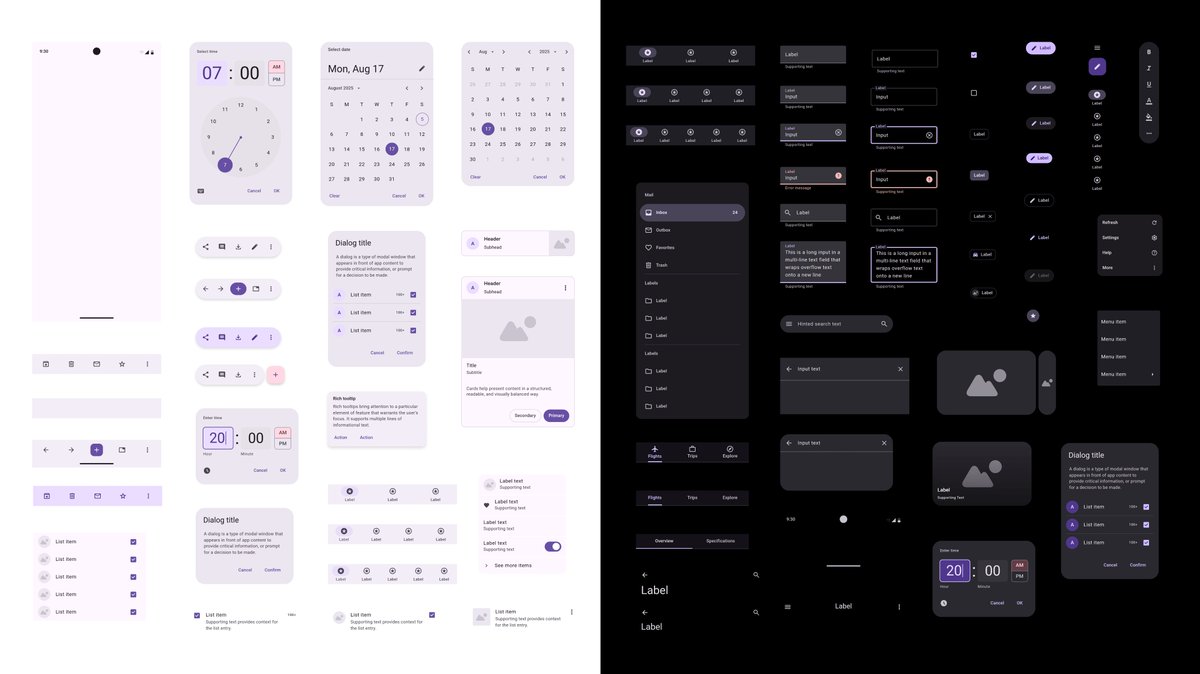
Hot on the heels of our Resize Constraints release, we’ve redone some of our most popular element libraries as flexible UI components that resize the way you expect them to. Now available in app: elements for your next iOS 26 / Material Design 3 idea, in light and dark modes.
It’s still early days and we expect a few more iterations until we narrow down on the simplest, most elegant way to import Figma designs into Moqups, but in the meantime you can already give it a try (and let us know how that works for you)! https://t.co/THtlKxng0I
This week, we're proud to introduce Constraints and Bulk Transform. These tools make it easy to build flexible designs, and work with multiple objects. Read more on our blog: https://t.co/Dcy7aoqzit
Now live: templates for all 14 types of UML diagrams. Our expanded stencils and easy-to-customize examples make diagramming a snap🫰 Check out our UML templates here: https://t.co/xHK4e9KBzY
🎮 Game developers, we heard your feedback and we’ve added a complete game input icon set from Kenney, including the brand-new Switch 2 console icons. Find them all in the app!