First up is is our modern art project. We set a @Flipgrid topic from the discovery library, the children then used @AdobeSpark to create their piece. We then created a virtual gallery in @padlet and commented on each other’s work! #teachertwitter#education
As part of our ‘Crime & Punishment’ topic, each group chose the event they felt was the most important in their 200 years. They then create a #Sway to share their info. The recorded presentations were embedded in @OneNoteEDU to create an interactive timeline! #edtech#MIEExpert
For our interactive timeline we made use of the collaboration space in @OneNoteEDU we set an area for each group then they each had a page to work on. It made it easier to for the students to work interdependently and keep track of what they had done. #21CLD#MIEExpert#edtech
Our ‘Meet the teacher’ topics go live today on @Flipgrid. Allowing every child in the school to see a video new teacher and their new classroom. They then have the opportunity to record a intro too! I may need to work on my selfies! #edtech
Challenge a friend, colleague, family member or a teacher to complete an https://t.co/gcRd1wH3Xn #digitalbadge today.
Tag them in the comments below & let them know which badge they should try! 👇
#badgeoftheday#abadgeaday#wfh#onlinelearning
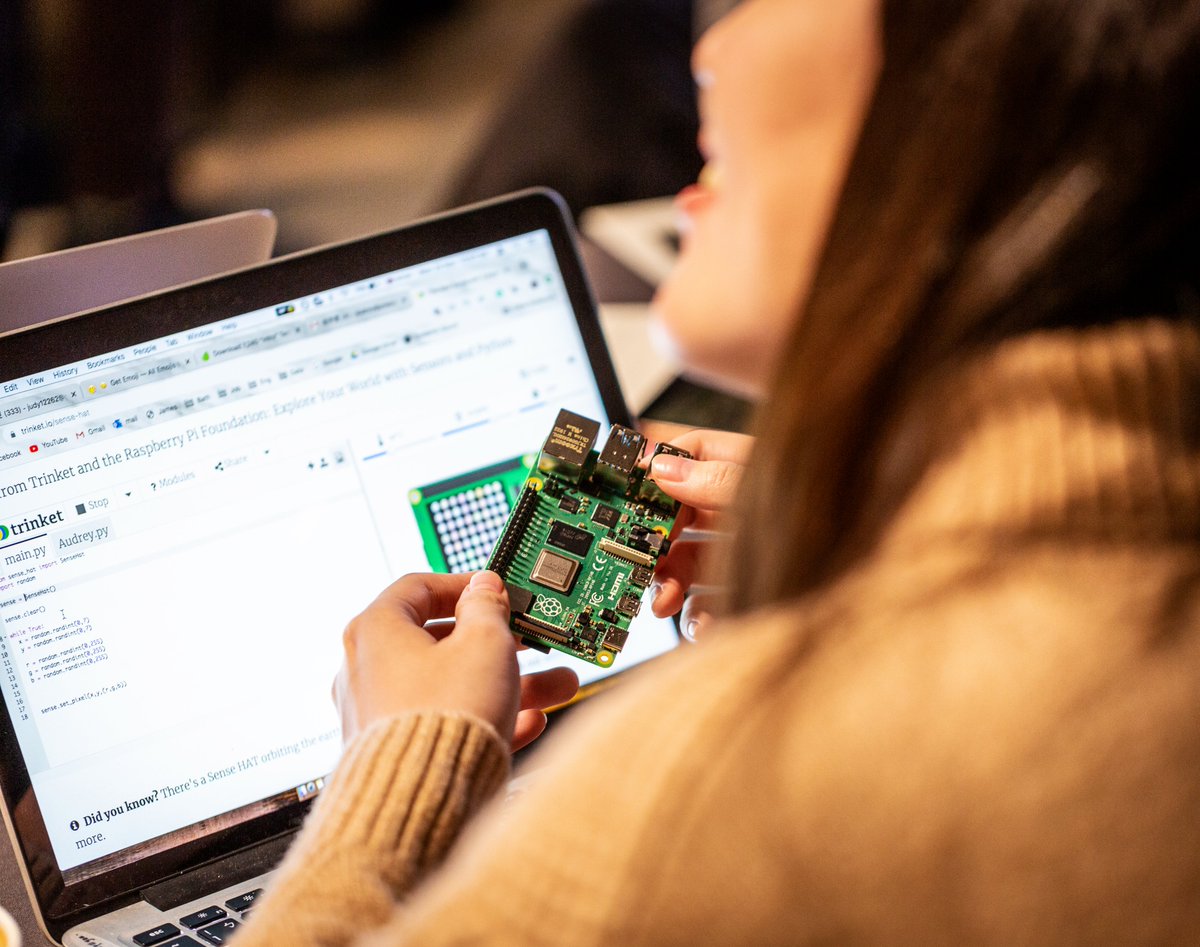
If you've never used a Raspberry Pi but you're curious, we've got the perfect free online course to help you get started!
Sign up today: https://t.co/W5oFOgx4Rm
Yr9&10 @WitchfordVC Computer Science students continue to join the 10am @quizizz each school day morning during the closure. 328 completed @quizizz and counting!