I am excited to continue my journey as a 2026 Seesaw Ambassador! 💚 One of my favorite Seesaw tips is using the voice recording tool for students to show their understanding of a topic. They gain confidence & pride in their work. Sign in and get started at https://t.co/6IXPp0Vvmb
✨ Explore the latest in AI innovation w/ these 24 generators in Curipod!
🔥 From fantastic frayer fun to leveled reading passages; there's something for everyone.
🚀 Click the direct link to open the generators! 👉 https://t.co/AlzEdWIpx6
#Curipod#AIGenerators
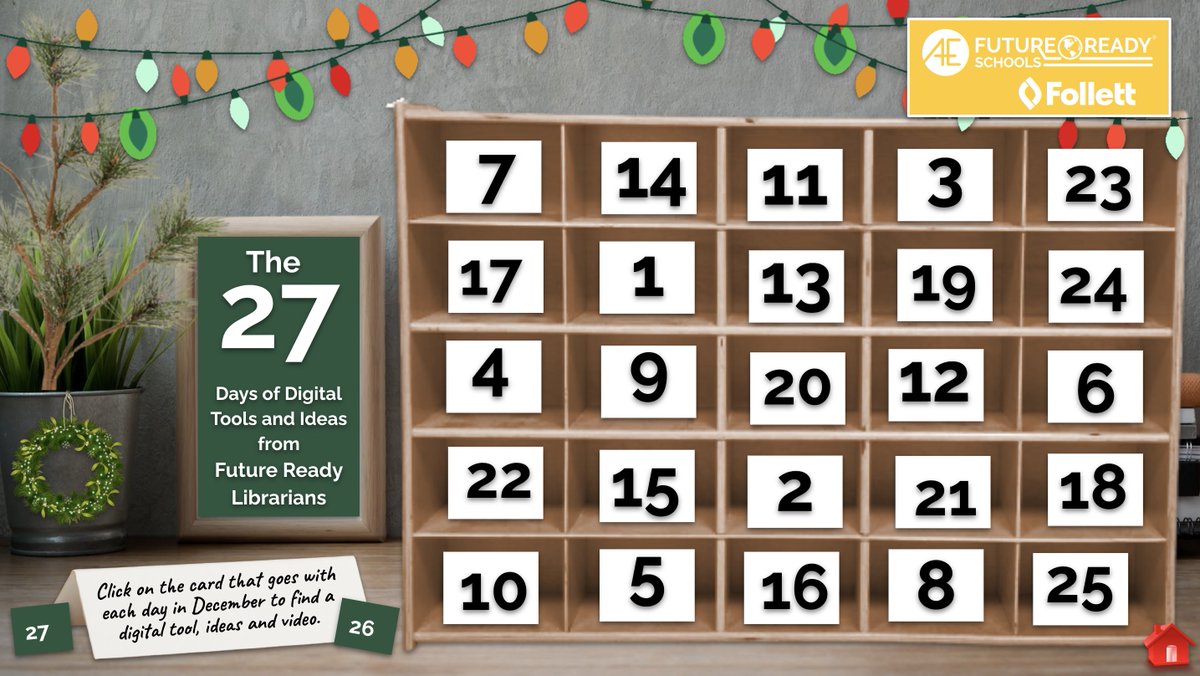
Friends, we are so excited to share the 27 Days of Digital Tools and Ideas from Future Ready Librarians throughout the month of December. 🗓️
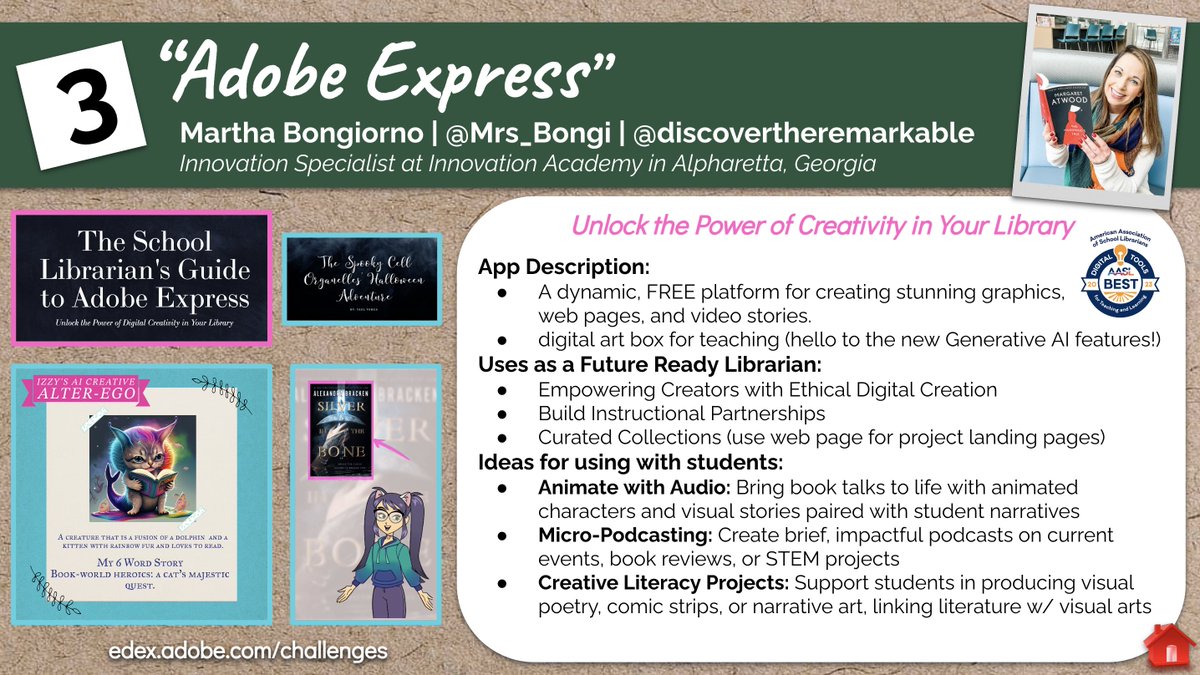
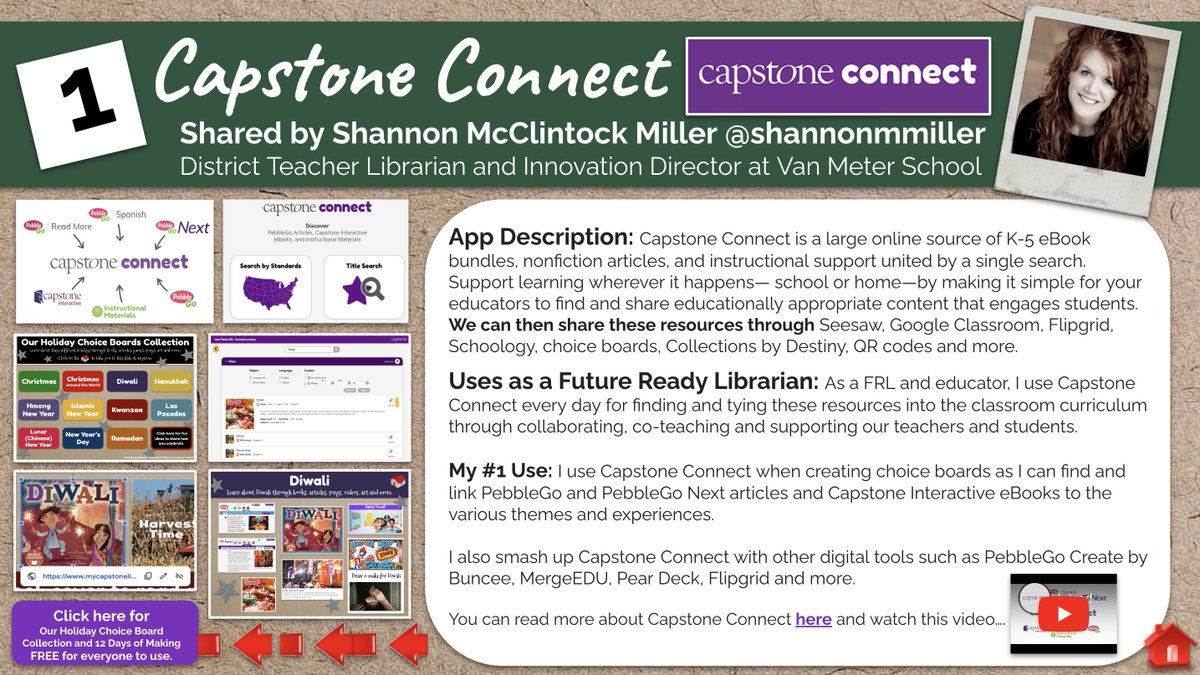
We are kicking it off with @CapstonePub Connect, @Wonderopolis@AdobeExpress and Career Tours.🎉
You can follow along each day with the ideas, resources and a short video clip from our amazing, friends. It's going to be so much fun.❤️
https://t.co/abQjX0V3bu
#futurereadylibs #edchat #edtech #ISTELib #futureready
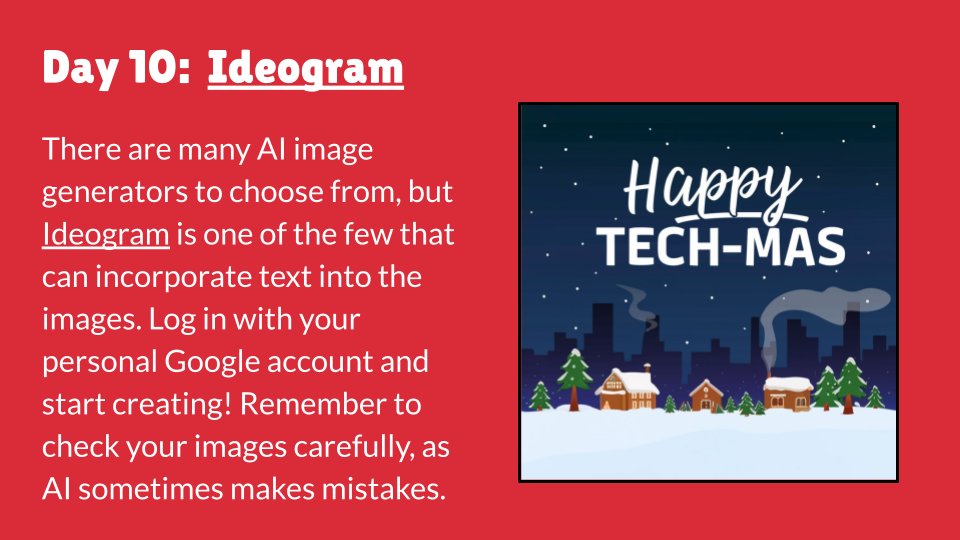
🎅❄️🎄Happy Day 10 of #techmas!
I love trying out AI image generators! Ideogram stands out by being one of the few that can also incorporate text at this time. As with any AI tool, the prompt is super important: better prompt = better result.
➡ Try it: https://t.co/6RX5HD4pnY
Understanding Accessibility
A tool for web designers that explains how to use color, typography and media to create accessible interfaces.
https://t.co/hXYJ3ubZp9
Learn @figma FigJam in under 10 minutes with this amazing new tutorial from @NewEdTechClass 🤓 👇
➡️ Replicating your favorite Jamboard features
➡️ Scaffolding assignments for group work
➡️ Using widgets & plugins to bring your lessons to life
#FigmaEdu
https://t.co/9GsONcLEoq
Introducing OctoStudio!
Create with code anytime anywhere on your mobile phone and tablet.
Designed by the Lifelong Kindergarten group at MIT Media Lab in collaboration with global partners.
📱Available for free on iOS and Android
https://t.co/zmpWVN9no1
Felt - https://t.co/OhVKaOj1uO
🗺️ Free tool for creating & sharing maps
📍 Pins, routes, markers, clipping, data layers, polygons, text, notes, links, images, videos, sharing & more
🧒 Great for students & teachers
#edtech#ControlAltAchieve
We have over 30 videos that break down fun, effective classroom practices in one minute! You can watch them all here: https://t.co/1XlCrscNrE
After tallying up the numbers to see what you found most compelling—here are our top *10* teacher-tested recommendations.👇
🧵1/12
Have you tried MagicSchool yet?? You're in for a treat!
🔎Explore more than 40 AI tools specifically designed for teachers!
https://t.co/9TtCf2dkzB @preimers#aiineducation#edtech#cooltools
Confession: As a kid, I would cry at the kitchen table when it was time for spelling words. Vocab just felt BORING 😴
Not with #FigJam ✨ Preview, practice, and play with words to make learning fun. Grab the free template ⬇️
https://t.co/fhvk0eLICj
#ISTE#edchat#edtechchat
Educators, have you heard the news? Common Sense Education has just released their new #AI Literacy lesson collection! Check out these BRAND NEW resources today: https://t.co/y3yoDI8kBA
#AILiteracy#DigCit
Celebrate #PiDay next week with these #edtech activities:
📈 Discover Pi with Google Sheets
✍️ Create "Pi Poems"
🏙️ Graph a Pi-Line Skyline
🟢 Explore Pi with EquatIO Mathspace
Free templates at: https://t.co/7HJf36MN7l
#ControlAltAchieve#GoogleEDU#mathchat#mathschat#MTBoS
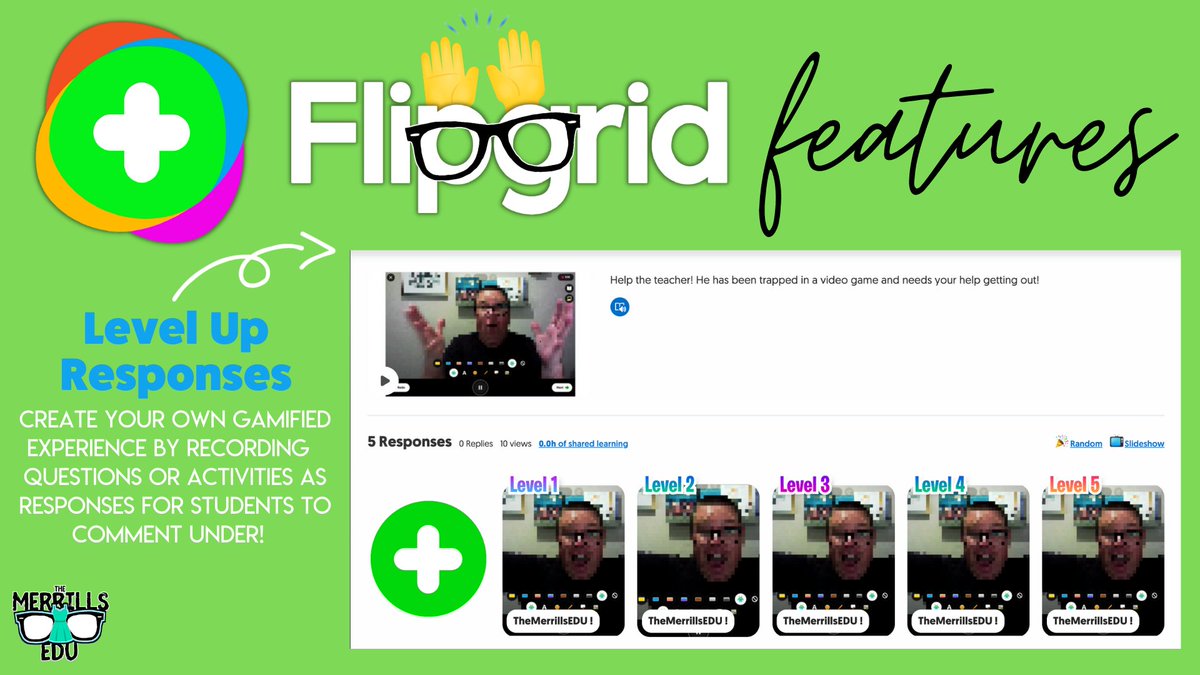
Here's a @Flipgrid Teacher hack! 😲
📸 Record a video as if you were a student!
🤔 Have students respond directly to you in a comment
☝🏻🤩 Create different "levels" or challenges for your students to complete!
#interACTIVEclass#FlipgridForAll