Check out the new community forum where you can talk or ask questions around pipelines and #PowerQuery dataflows in #MicrosoftDataFactory https://t.co/4qnQOQ2kFe
3 hours to go for the big Fabric show.
Tune in to our live session from build: Arun, Justyna, Pat and yours truly will take you on an end-to-end tour of Fabric.
Power BI people and Synapse lovers - you just can't miss this session.
https://t.co/73sSY6uQkQ
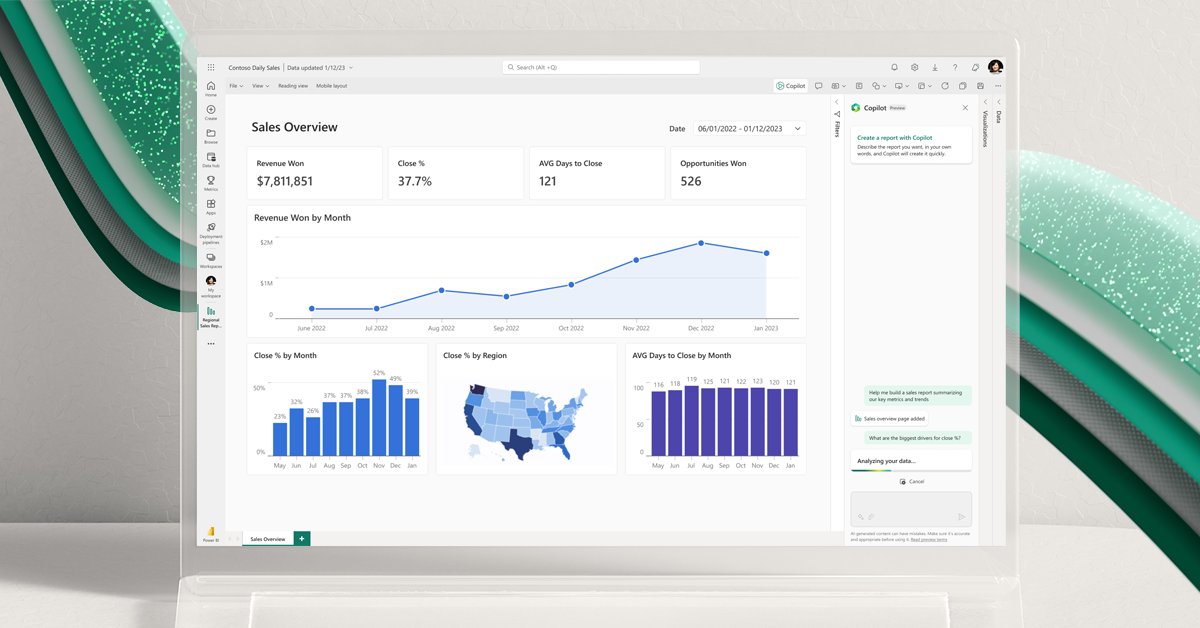
Introducing Microsoft Fabric - a unified SaaS platform that brings together #PowerBI#AzureSynapse and #DataFactory with a single open format, authoring experience, business model, and more. Get started in the public preview today. https://t.co/rlCpy0kgSs
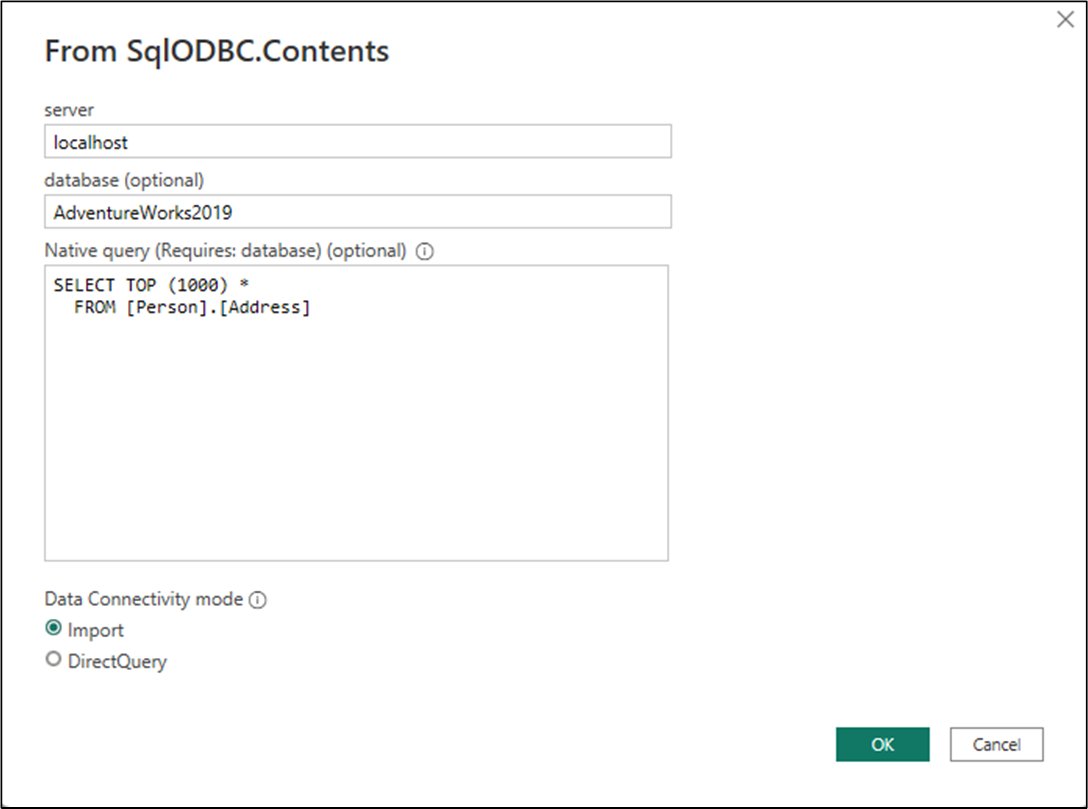
The #PowerQuerySDK for Visual Studio Code is now available in Windows ARM. Check it out today and start developing your own data connector for #PowerBI https://t.co/phl9pxsTdA
On behalf of the team, I’m proud to share the latest update to @Windows 11 begins rolling out today. Pumped for you to check it out! https://t.co/A18eRxb5jk
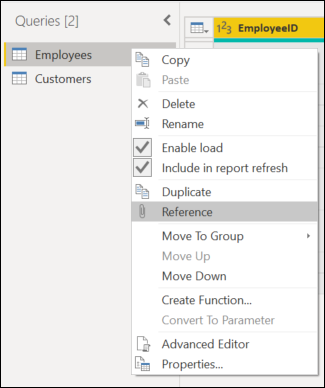
What are your thoughts on the reference feature? Do you use it often or do you prefer to duplicate your queries? #TransformTuesday#PowerQuery https://t.co/57KnLbPrUy
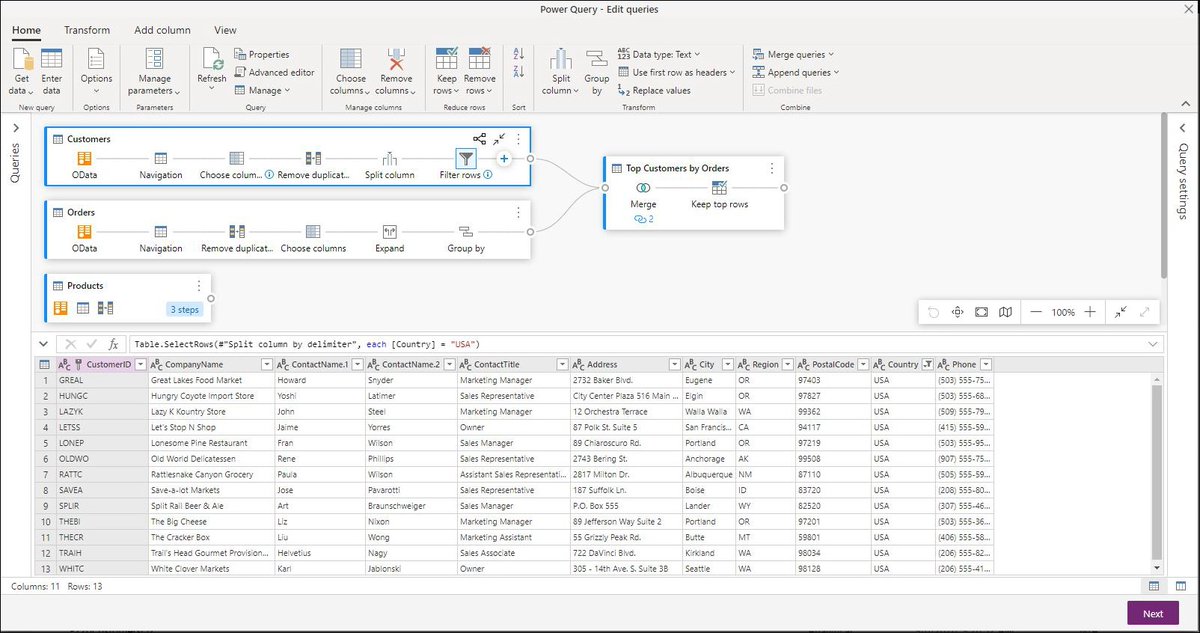
For today's #TransformTuesday we are making an exception. This time we are not showcasing a specific transform, but rather a feature that allows you to set transforms. What are your thoughts on the Diagram view in #PowerQuery? https://t.co/krWdkVfmk6
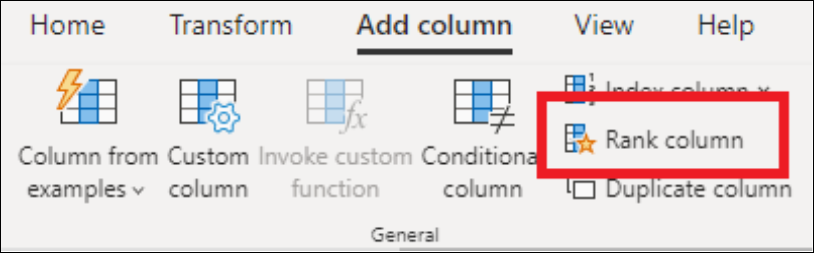
A new transform has arrived! Check out our latest blog post where @cwebb_bi showcases the new Rank transform available now in #PowerQuery online. Tell us what you think about it! https://t.co/E3OiJP5oXc
We just released 80+ new data connectors in #powerquery online, allowing users to prep data from anywhere and any size using #powerbi#dataflows and #datamarts! https://t.co/N6TFcZb5Fy
What is your favorite #PowerQuery connector and why? Today in #TransformTuesday we want to know about your best experience with a data connector. Tell us about it! https://t.co/PXACxlE5Vz
@asmith83 Nope! We are not kidding. What about just extracting exactly the data that you need from the webpage by giving #PowerQuery some examples? :) This is available in @MSPowerBI --> https://t.co/qae6uXg6GS
It's still #TransformTuesday ! and this week we focus on the updated article for error handling in #PowerQuery with the new catch keyword https://t.co/KAYRYA8TMQ