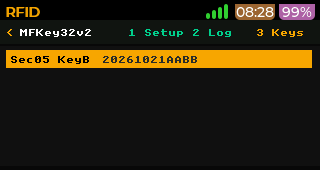
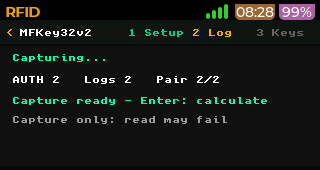
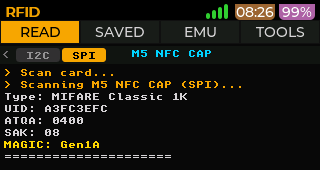
@m13tfz08k First, I don't need WiFi to connect to the Flipper. Second, using actual buttons and screen controls is way better than clicking through a web page. Especially since I don't have a FlipperOne yet.
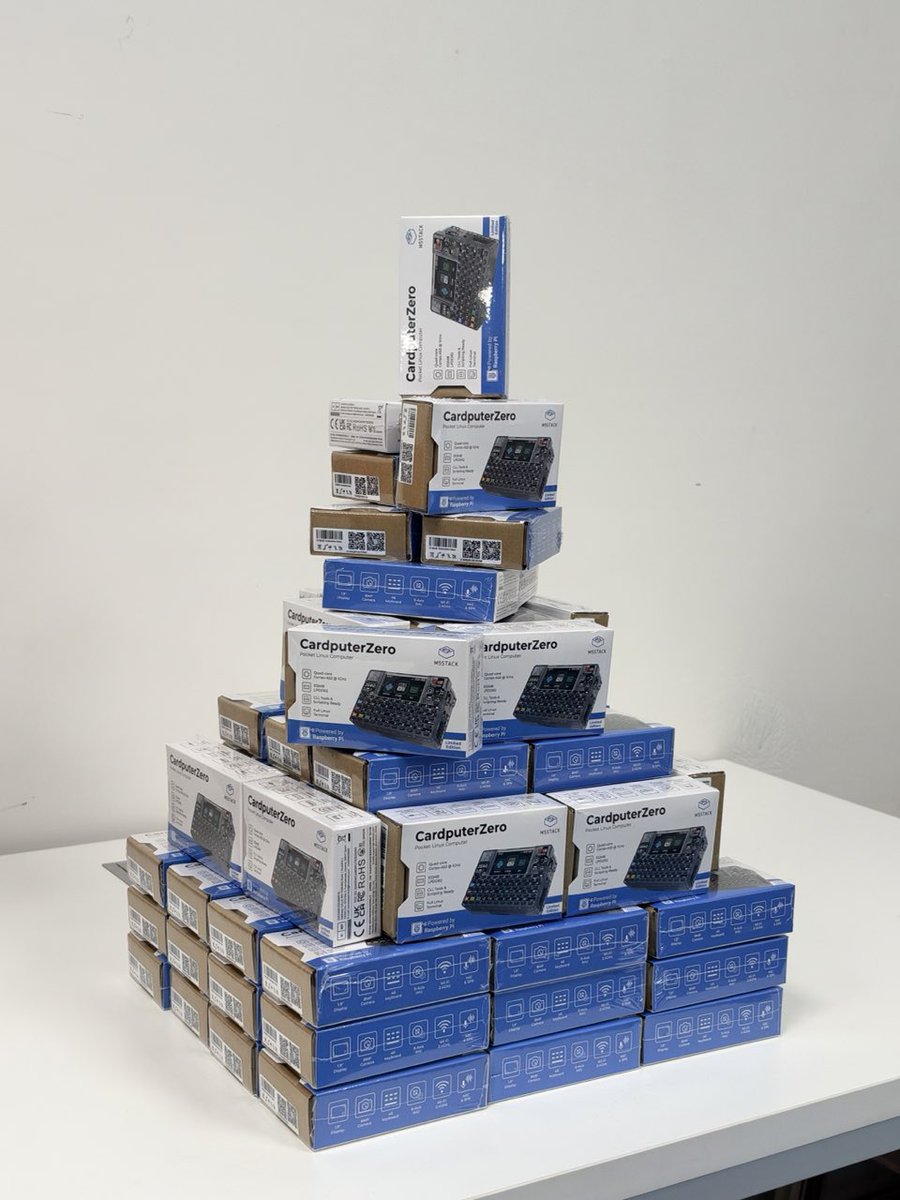
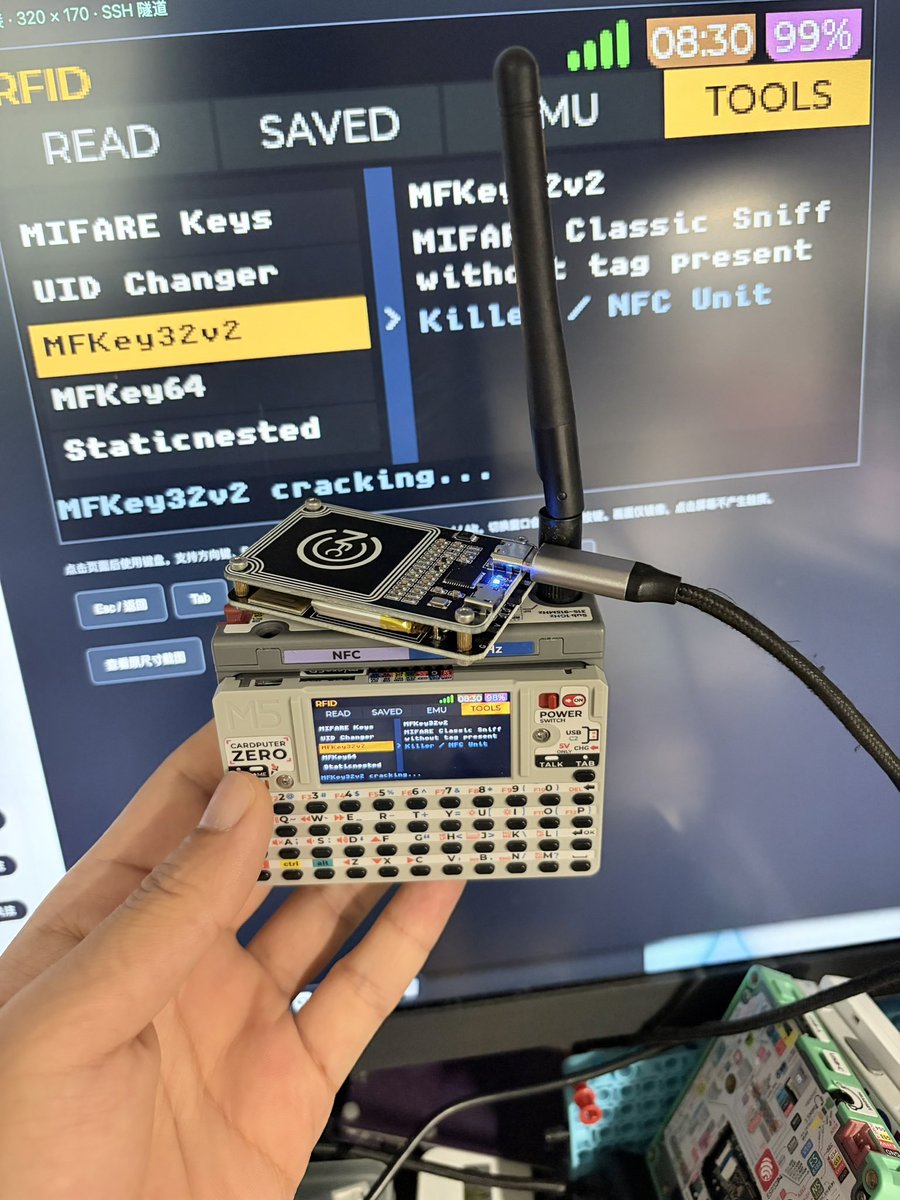
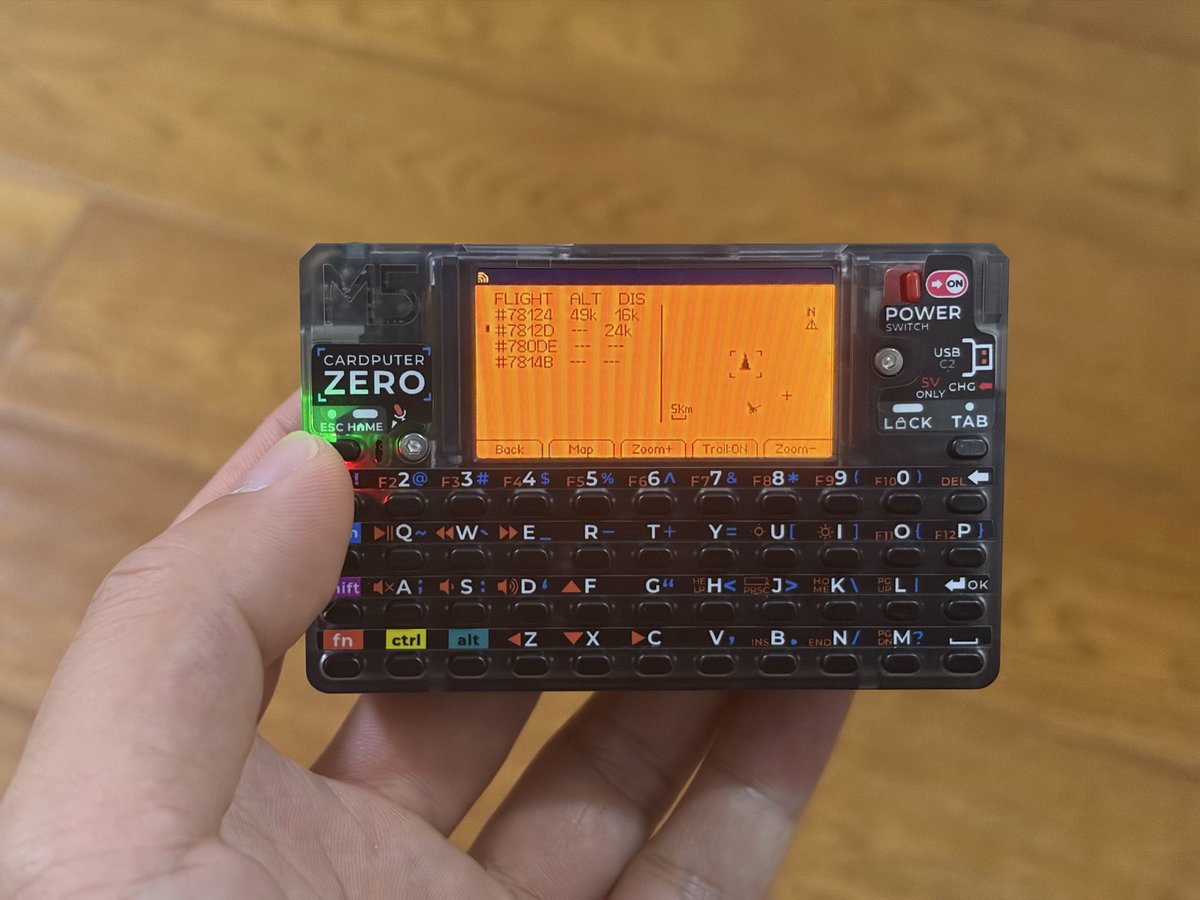
My first 'FlipperOne' on CardpuerZero by @M5Stack. It's a monitor on the 8899 port via Ethernet or Wi-Fi.
And made a ADS-B App on FlipperZero with RTL-SDR V4.
My first 'FlipperOne' on CardpuerZero by @M5Stack. It's a monitor on the 8899 port via Ethernet or Wi-Fi.
And made a ADS-B App on FlipperZero with RTL-SDR V4.
Dev Log #10: Run your own Flipper One
Try Flipper OS before Flipper One ships. Install it onto a supported single-board computer and control it right from your browser. Try FlipCTL UI, OS profiles, and apps (and yes, it runs Doom).
https://t.co/i8uSIzJcZK
Meshcore or Meshtastic? Why not both? Device that connects to Meshcore and Meshtastic at the same time is becoming a reality:
https://t.co/k9jhBxDI4u
#mesh
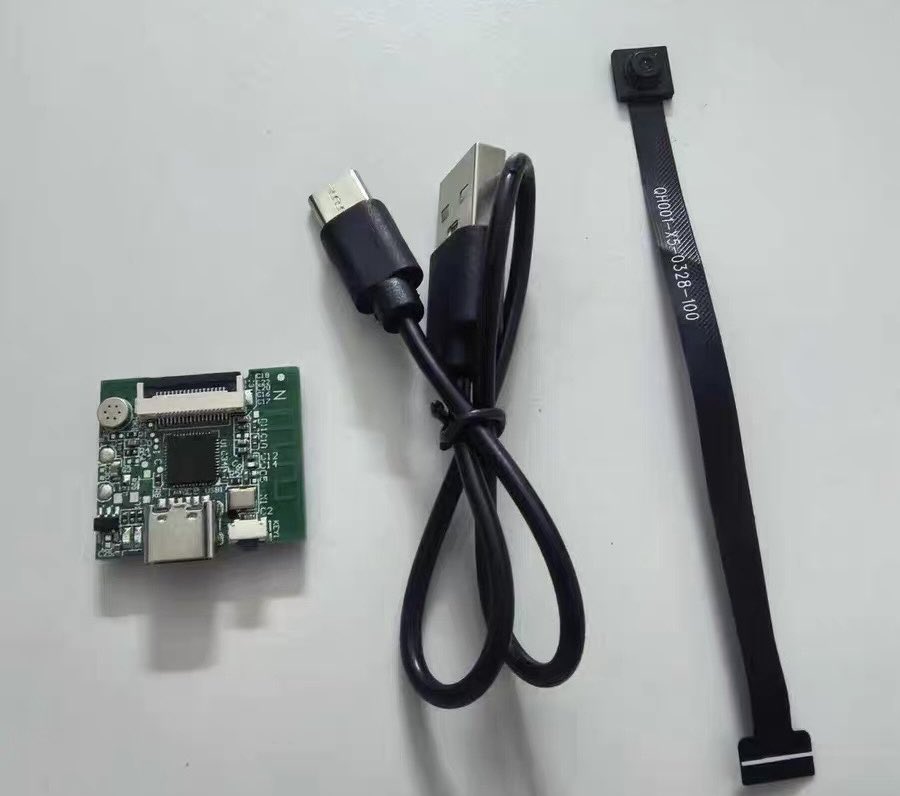
Use M5StickS3 as the WiFi Camera client. Before that I have to use 联了么 App with the hardware. And all data needs to upload to their server which can be dangerous. On M5Stick we can connect it directly for live stream and replay the videos.
People like it, so we make it - 🥰
UHF Expansion Plus for Flipper Zero.
And new arrived customized antenna for UHF Tags.
FZUHF++ link: https://t.co/srTTSq9c8a