🚀 Open-Source Weekend #2: Thrilled to share updates!
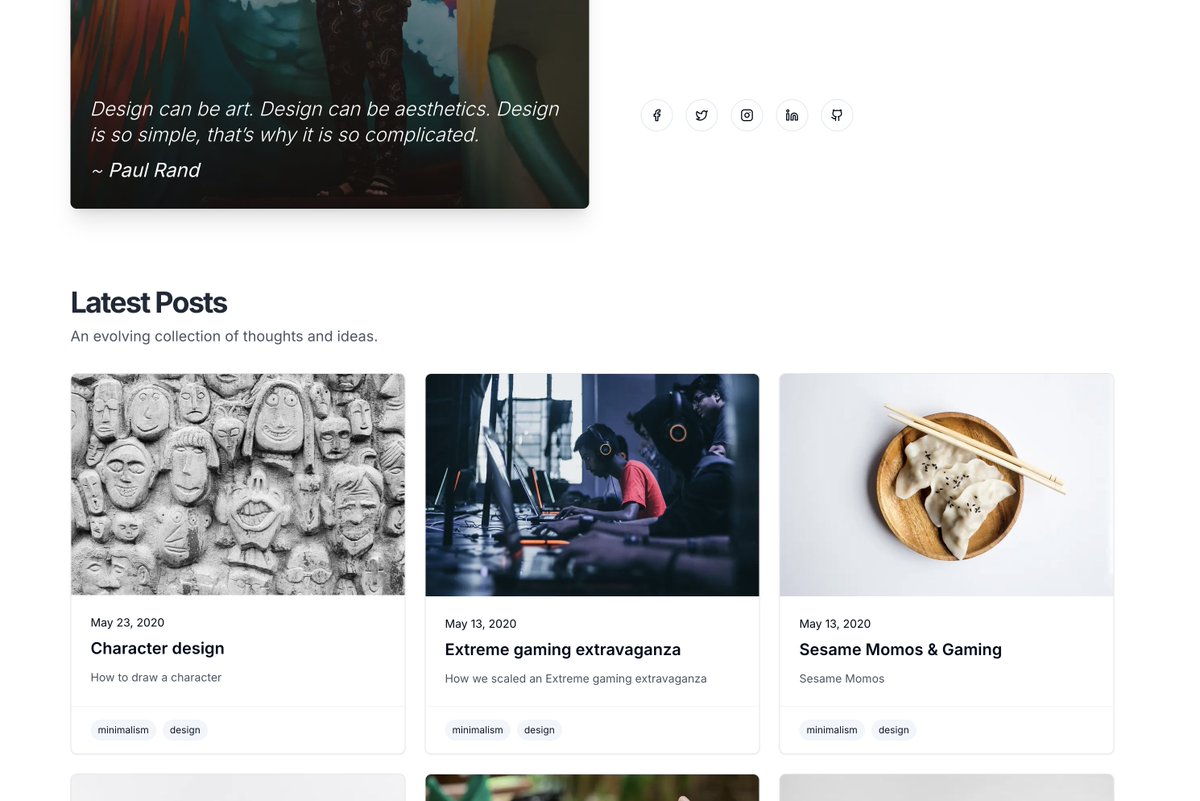
✅ New Social Icons for smooth interactions
✅ Sleek Blog Post UI w/ tags for easy navigation
Open-source = Creativity + Community. Every line of code brings us closer to accessible design. Thoughts? 😊
#OpenSource#UI
This will eventually replace my Gatsby Starter Foundation, aiming for better performance and scalability. Still in progress, but I’m looking forward to sharing the final product soon! 💻✨
Here’s a sneak peek at the tech stack I’m using:
- @nextjs 14 with APP routes and SSG for efficient static generation
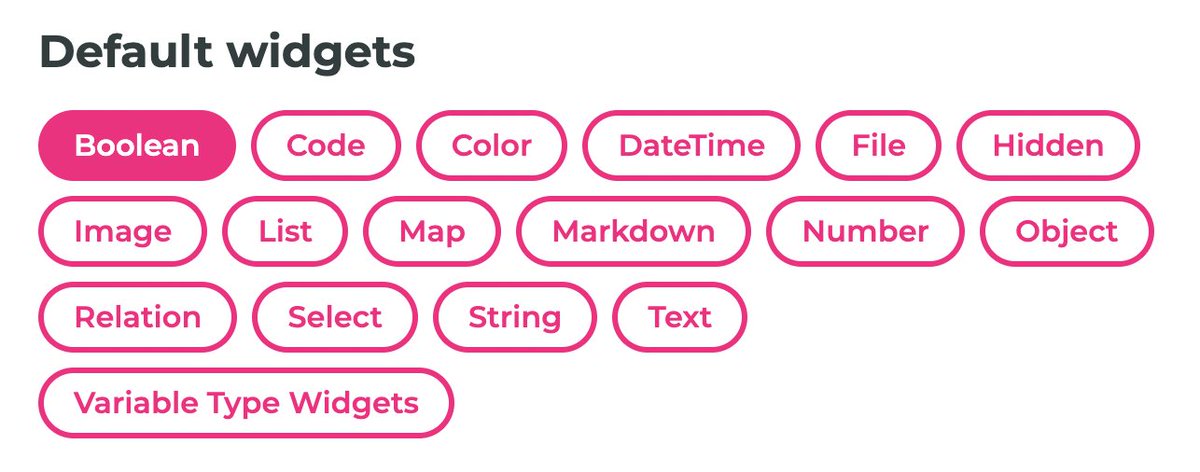
- @Decap_CMS (with markdown) for streamlined content management
- @shadcn /ui & @tailwindcss for a sleek, modern design
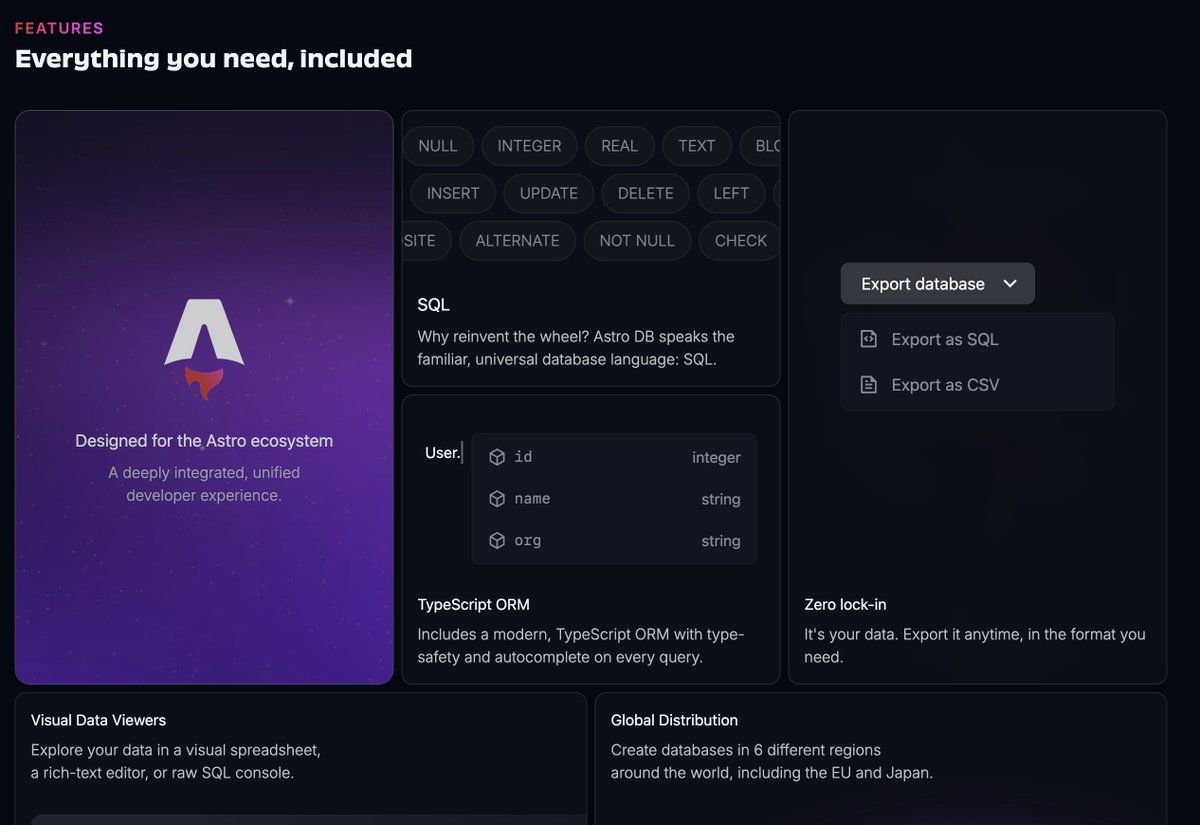
when working with open source, I always steer clear of platforms with vendor lock-in . That’s why I appreciate AstroDB — no strings attached!
When it’s time to switch, just export your data and move on with ease. 🚀
#OpenSource#AstroDB
Big decision today: Should we stick with the awesome @Decap_CMS despite recent updates, or explore other options that better align with our Gatsbyjs starter foundation needs? 🤔
What do you think? Drop your suggestions below! 👇
#webdev#CMS
@tinacms@Decap_CMS@tinacms is not the right fit for our use case of `gatsby-starter-foundation`
So, the hunt continues. Either its staying with @Decap_CMS or finding a new git-based alternative which has active dev community
@tinacms Working with TinaCMS locally is great. But it has lot of moving parts, whether using Tina Cloud / self-hosted. Their architecture is designed little different, it has a database.
Not as straight forward as @Decap_CMS (NetlifyCMS)
Integrating @tinacms was a breeze, but now comes the tough decision: Tina Cloud vs. self-hosted. Considering our template will be used by the community, choosing the right option is crucial.
Any thoughts? 🤔
#TinaCMS#DevCommunity
With @GatsbyJS now part of @Netlify and NetlifyCMS rebranded to @Decap_CMS under PM TechHub, we’ve made the tough call to transition our template to a new framework and CMS.