@fkadev Kesinlikle Fatih. Doğru birdir değişmez. Ürünüme beş yıl önce koyduğum isimde de “spec” kelimesi geçiyor. Önümüzdeki yıllarda semantic spec daha çok konuşulacak.
📸 1962 | Hackney Marshes, Inglaterra 🏴⚽️
Conocida como la Cuna del Fútbol Amateur, aquí nacieron y se forjaron miles de historias de barrio, sueños de jugadores y la esencia más pura del fútbol.
Un lugar donde todo comienza: la pasión, la rivalidad y el amor al balón. 🔥⚽
@elifbilgepp Mimari derken ekrandaki tüm alanlar için spesifikasyon promtları da önemli olacak değil mi? Hem teknik hem de iş akış analizinin daha da önemli olacağını düşünüyorum. Teşekkürler.
@melih_cat Reklam gibi olmasın ama ekran ihtiyaçları analiz notlarını component ve element kırılımında ilişkilendirerek otomatik diagrama dönüştürüyoruz. Aynı bu yöntemle. Aklın yolu bir. Teşekkürler @melih_cat bu ilham verici paylaşım için.
Spec chaos killing your product?
Yeah, it sucks. But we solved it.
In my 20+ years of product development journey, the most consistent factor for failure has been ignoring good documentation.
Sound familiar?
In meetings, everyone talks excitedly. Decision-makers share the vision. Designers dream. Developers suggest solutions. Everyone leaves happy.
One week later... it's as if no one was talking about the same project.
Word files, Excel sheets, Slack messages, WhatsApp conversations, emails, Figma comments...
Developers get increasingly confused. Then come the famous questions:
"What was supposed to be on this screen?"
"Where should the user go after clicking here?"
"How was this filtering supposed to work?"
"What was the scenario for this feature?"
And the most painful: "We discussed this in a meeting, don't you remember?" 😓
For years, we tried various tools to solve this problem:
- Note-taking apps: Great for general purposes but not optimized for product documentation
- Task management systems: Track issues but don't manage requirements
- Traditional documents/spreadsheets: We're embarrassed to admit we still use them the most 🙈
What if there was another way?
During our long BETA period, our users kept telling us: "Simplify this complex workflow a bit, the rest is great!"
We listened. We redesigned. We tested again.
Now with Compospec:
↳ WRITE all your product's UI requirements
↳ CATEGORIZE down to component and element breakdown
↳ LINK them relationally as parent-child with one click
↳ WATCH automatically generated user flow diagrams
📌 Just WRITE + LINK = SEE FLOW DIAGRAMS!
No special software knowledge required. An intuitive interface. Write what comes to mind immediately on mobile while on the road or in meetings. A structure that follows just a few natural steps.
🚀 Today, we're opening our waitlist.
We're not just collecting emails. We're inviting early believers to be part of this transformation.
✅ Everyone can try Compospec with a free plan
(yes, real features!)
✅ Special lifetime 50% discount for waitlist members
✅ Full launch is just around the corner!
🔗 https://t.co/cJ5CDrtI05
I've built a UI Wireframe KIT in Framer.
It's the timesaver I wish I had to save hours when working on new projects:
– 14 Categories
– 45+ Sections
– 2 Pages examples
Today I'm sharing it👇
Like, RT and comment "KIT🔥" and I'll DM it to you (must follow)
@gokhankurt UX Research ile UI Design arasında neredeyse dağlar kadar fark vardır. Ben de bu rol adı olarak bu ifadeyi kullanıyorum fakat tasarım çok başka bir iş. Usability ve intuitivity denilen konu % 90 UX ile ilgilidir. Her iki konuda uzmanlaşan biri varsa belki tanrılık taslayabilir.
Challenges of Business Analysts when using tools.
https://t.co/m7xQLs4V3U
I've been messaging with BA friends these days. Almost all of them complain about the tools/applications they use. There are many challenges they face while trying to deliver so much documentation to developers. Some documents of BAs:
- Business Requirement Document
- Functional Specification Document
- System Requirement Document
- Use Cases
- User Stories
- Data Mapping Document
...
But they face many challenges in the tools they use:
1. COMPLEXITY
Many tools can sometimes be overwhelming, especially when there’s a large volume of requirements. Managing traceability and updates can become tricky. BAs may spend more time learning how to use the tools.
2. COLLABORATION
Collaboration is critical, as BRDs and FSDs often require input from multiple stakeholders. However, not all tools provide adequate collaboration features, especially for real-time editing and feedback.
3. INTEGRATION
BAs often need to pull information from various sources, like project management tools, diagramming tools, and communication platforms. Many tools don’t easily integrate with each other.
4. CUSTOMIZATION
Each project has unique requirements, and BAs need flexibility in document structure and content. Some tools have rigid templates or limited customization options that don’t cater to specific needs.
5. VERSION & CHANGE
Requirements documents go through multiple iterations, and keeping track of changes can be difficult, especially if the tools lack robust version control capabilities.
6. TRACEABILITY
For complex projects, it’s crucial to trace requirements from BRDs through to FSDs, development, and testing. Many tools do not offer effective traceability or linking features.
7. ACCESS & SECURITY
BAs need to manage access controls, ensuring that sensitive information is secure while still allowing access for authorized team members. Some tools may lack advanced access management features.
8. CONSISTENCY
Maintaining a consistent format and adhering to documentation standards is important, but tools may support different formats or lack style and formatting options.
9. REPORTING
Tools may lack robust reporting features, making it difficult to analyze requirements, track progress, or produce summaries for stakeholders. BAs might spend extra time generating custom reports manually.
10. COST & LICENSING
Many specialized tools can be expensive, with per-user licenses or limited access based on subscription models. This can restrict the number of people who can access or edit the documents.
If we had asked when Word and Excel first launched if there was a need for another application, they would have said, "No, it's enough." However, many applications such as Jira, Confluence, IBM DOORS, Entreprise Architect, Visio, Notion, Miro, Zeplin etc. have entered our lives. Since the complaints continue, it seems like there is still a long way to go. Especially with AI integration, things will get easier.
#businessanalyst #userneeds #SoftwareDevelopment #ProductDesign #applications
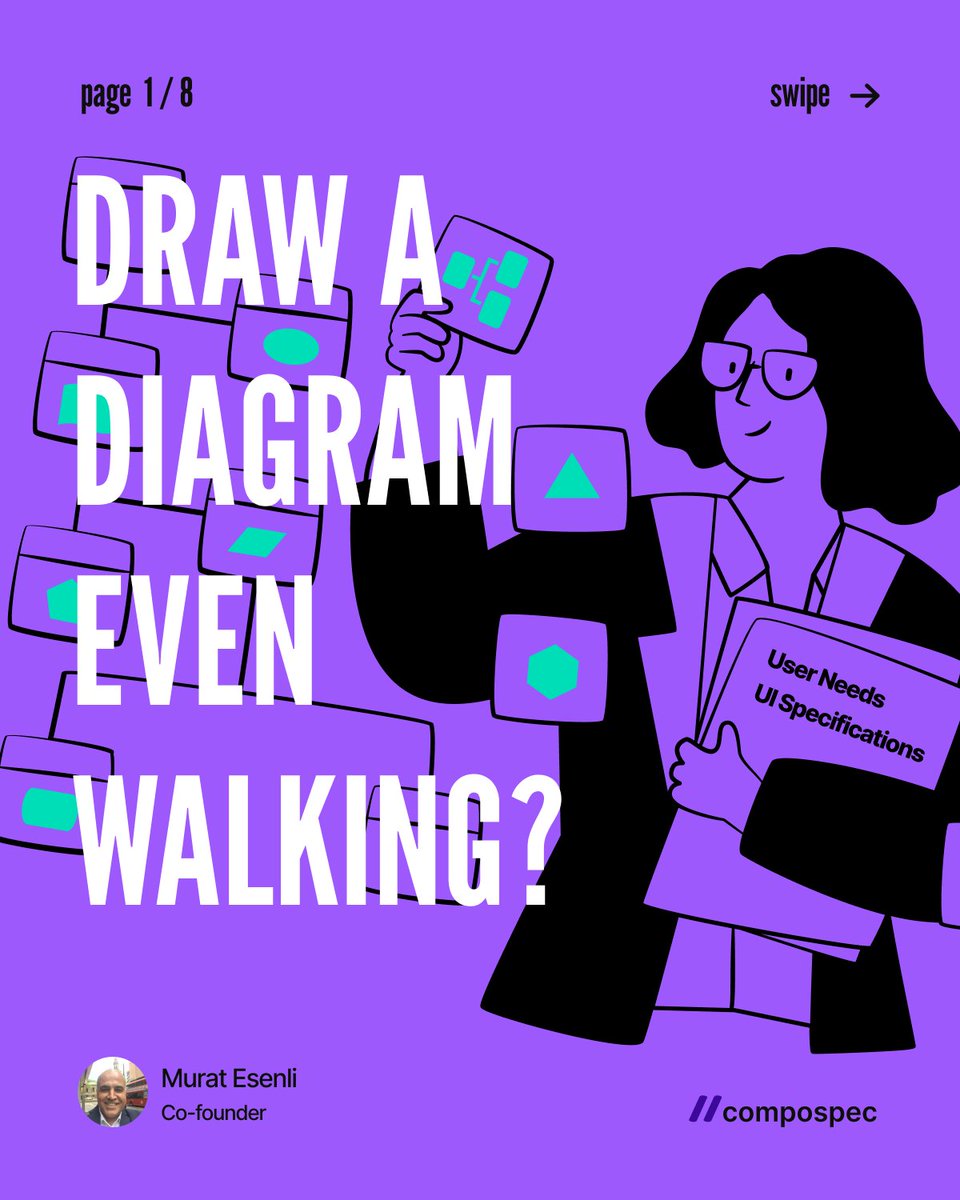
Can you draw a diagram even walking?
https://t.co/xRyPxGWHNL
YES! But how is this possible? Let me explain;
You don't draw, Compospec automatically converts the user needs you write into user flow.
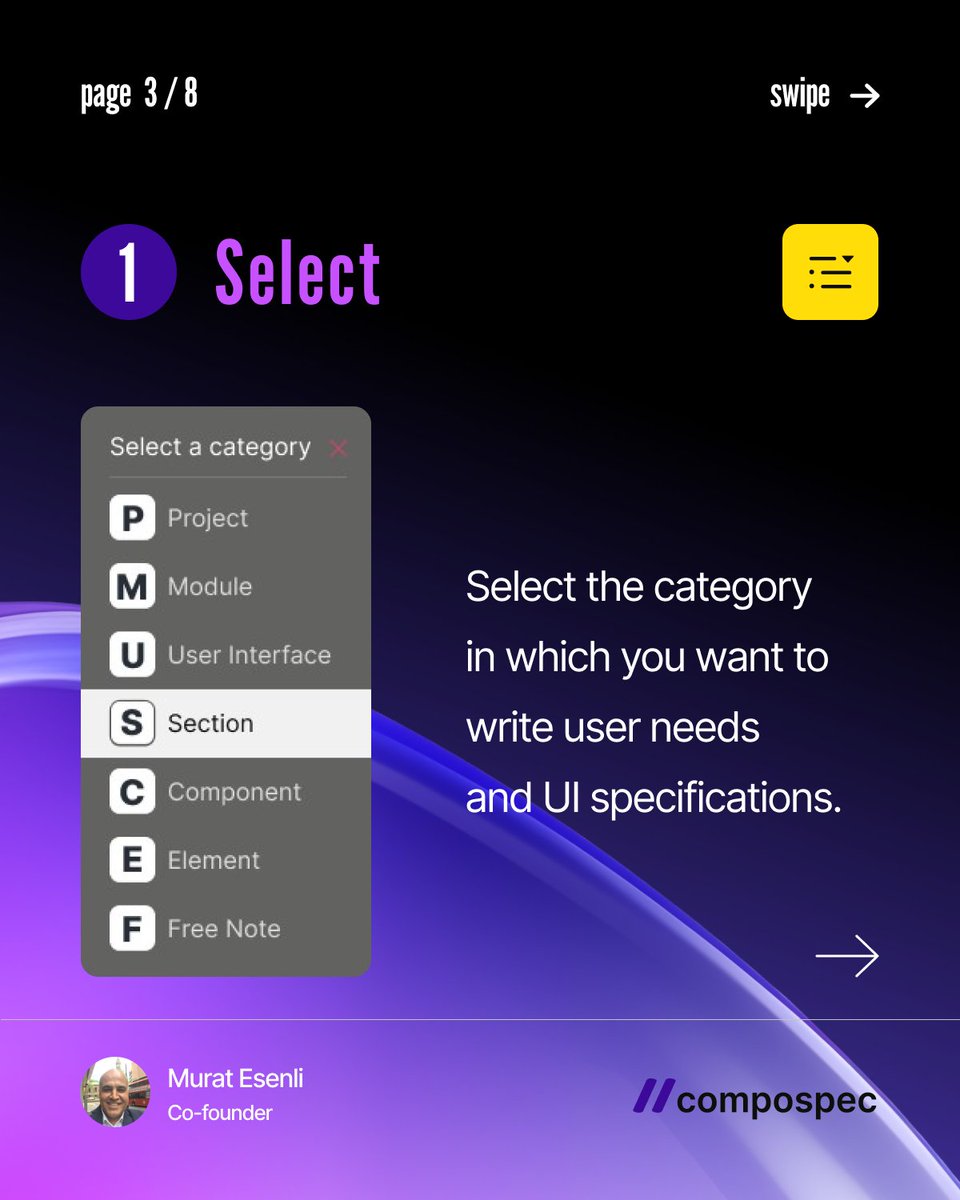
Step 1: Select a category to write
Project < Module < User Interface < Section < Component < Element
UI Development coding logic is based on this hierarchy and parent-child relationship.
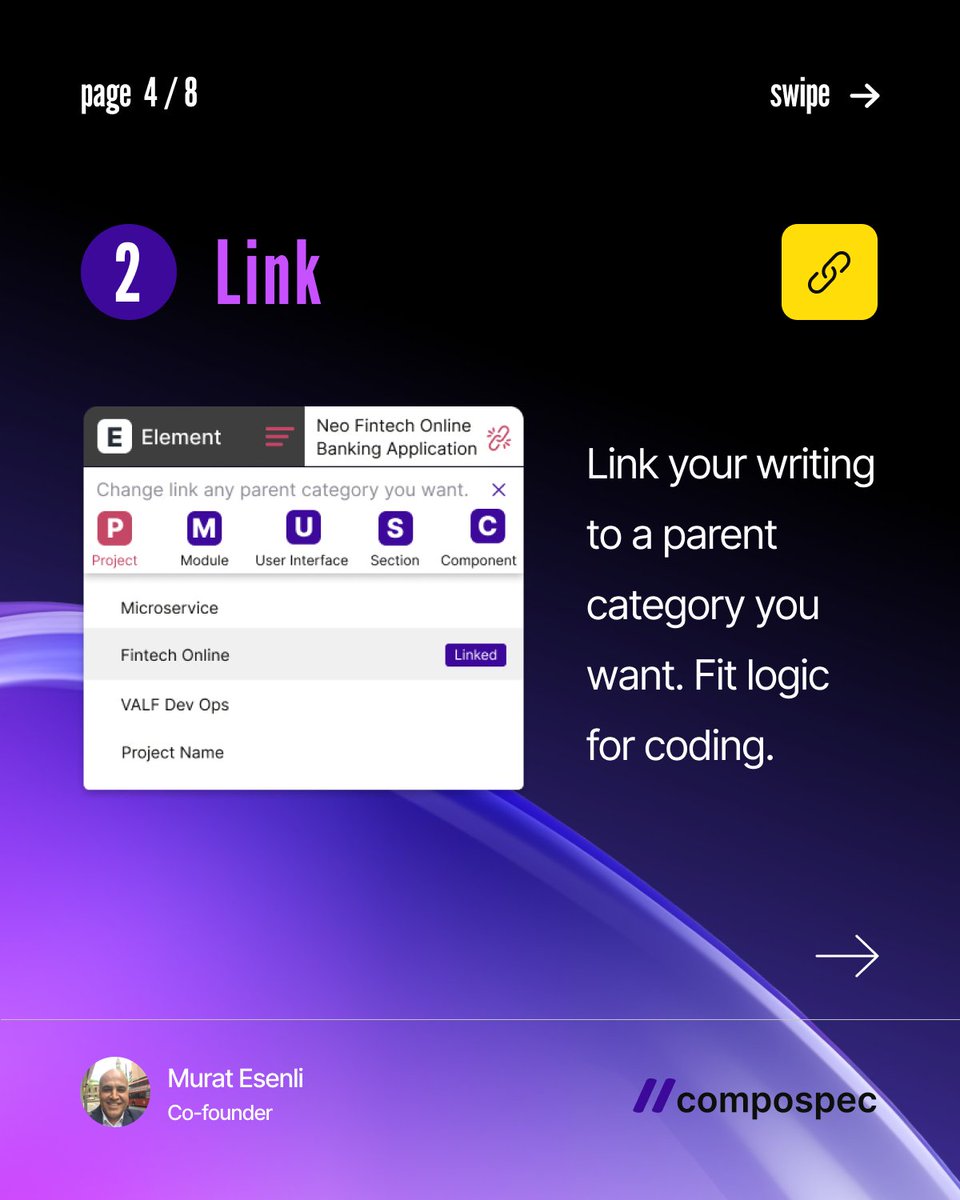
Step 2: Link to a parent category
Link them to each other according to this hierarchy.
Step 3: Write what's in your mind
Write and save the user needs and UI specifications for each field in the interface. You can add components, elements or screenshots to your content to explain the subject.
And your user flow is ready!
View, update and share the details in each diagram step.
If you find another app that solves this issue easily, please write to me. [email protected]
BETA : https://t.co/x1VJEiT1IR
VIDEOS : https://t.co/zYxS4LUd1k
https://t.co/9HcifqJT9W
Thank you
#userflow #diagram #businessanalyst #uxresearcher #softwarerequirement #productmanagement #uideveleopment
Navigating the Realities of Product Design 🚀
https://t.co/kXhdaviM3v
Are you tired of the same old design frustrations? 😩 Check out these real-life pain points every designer faces—far from the polished posts we often see!
🔍 Swipe through to discover:
1️⃣ Avoid being treated like a Swiss army knife. 🛠️
2️⃣ Watch out for collecting needs without proper documentation. 📋
3️⃣ Endless revisions? Clarify workflows upfront! 🔄
4️⃣ Never skip UX research. Trust us! 📊
5️⃣ Have a solid style guide before diving into development. 📚
6️⃣ Don’t let clients undervalue your effort. 💔
7️⃣ Know when to walk away from unrealistic expectations. 🚪
💬 What are your design pain points? Let’s share experiences and support each other!
Thank you for being part of this journey! 🙏
#ProductDesign #UXDesign #uidesign
How can you make your SaaS product shine? ✨
We’ve gathered 14 golden feedbacks from real users during our BETA launch. These insights are key for all SaaS startups! 💡
💬 Key feedback points:
1️⃣ Pain Points – Highlight and address your target audience’s pain.
2️⃣ Simple and Clear – Make your solution easy to understand across all channels.
3️⃣ Tell and Show More – Ensure demos, tutorials, and videos are accessible everywhere.
4️⃣ Guides are Essential – User guides, FAQs, and Help should be available. Keep the learning curve short!
5️⃣ Narrow Your Focus – Target specific audiences like "Product Managers."
6️⃣ Real Experience – Showcase where your product fits in the business cycle.
7️⃣ One-to-One Communication – Engage directly with users and ask for feedback.
8️⃣ Understandability – If users ask "What do you do?", you need clearer messaging.
9️⃣ Marketing, but! – Fancy marketing doesn’t automatically make your product great.
🔟 Show Value, Don’t Sell – Focus on explaining your unique solution first, not the sale.
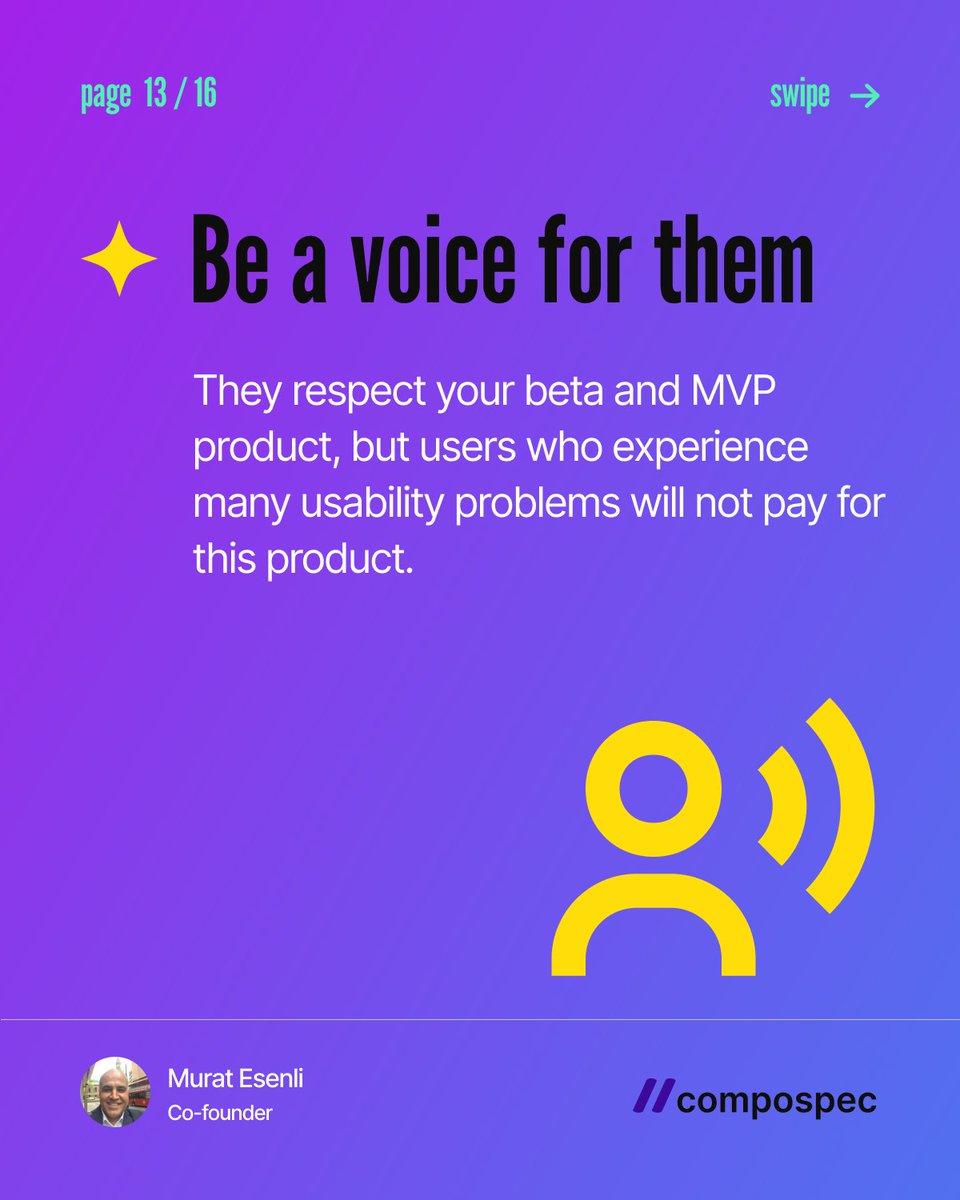
1️⃣1️⃣ Usability Issues – Users won’t pay for a product that has too many usability problems.
1️⃣2️⃣ Be Their Voice – Speak for your users, represent their needs and pain points.
1️⃣3️⃣ Iteration is Key – Keep improving with continuous feedback and testing.
1️⃣4️⃣ Communities Matter – Focus on communities where the problem is discussed, not just social media.
💬 What feedback is your SaaS receiving? Share your experiences in the comments below! 👇
To see all carousel slides https://t.co/YRgOP3ytTw
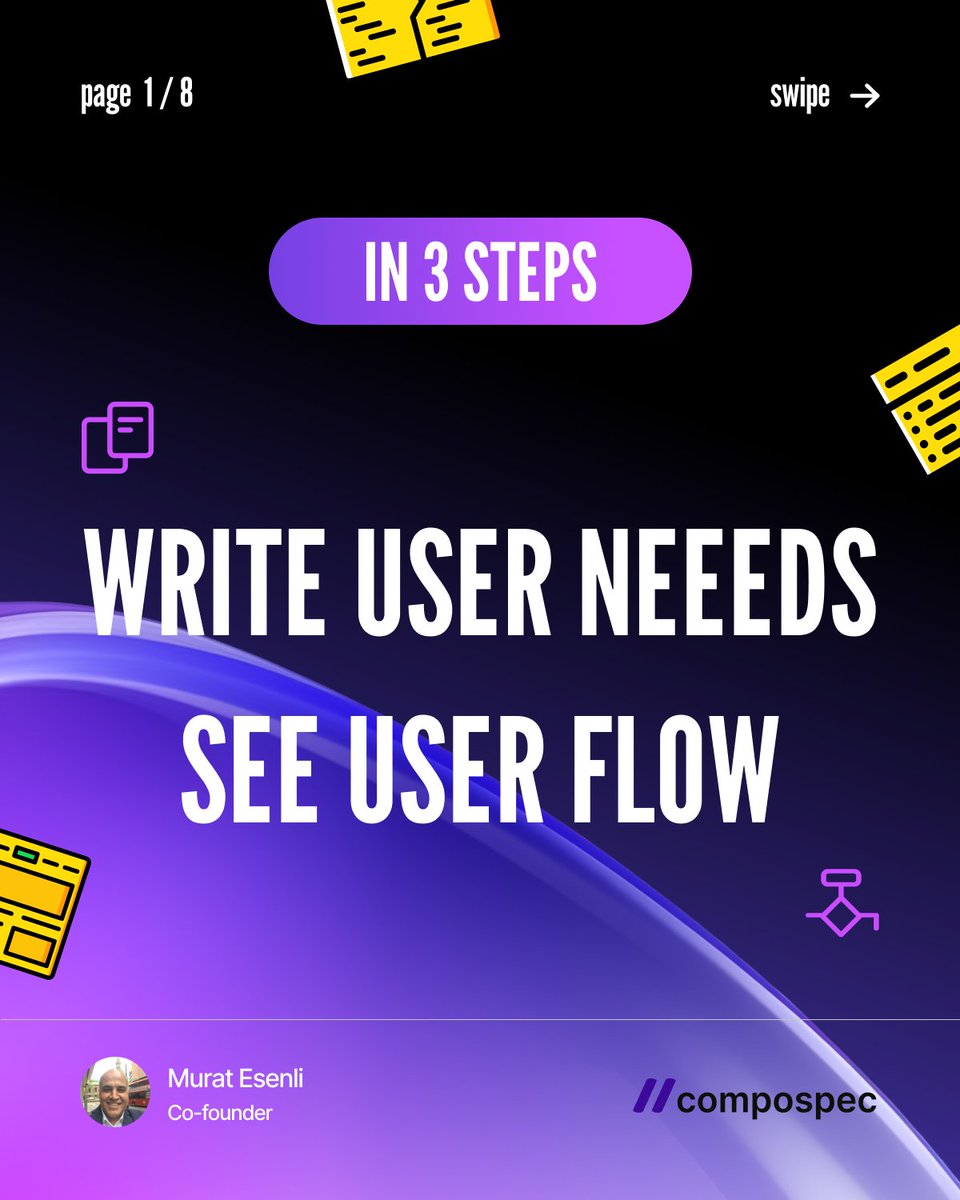
Gathering user needs and UI specs is no longer a nightmare! 🚀
We solved this problem in 3 simple steps:
💡 How do you capture notes for everything your product needs?
👉 Step 1: Select
Projects ➡️ modules ➡️ user interfaces ➡️ sections ➡️ components ➡️ elements.
Start by selecting which one you want to take notes for! 🎯
👉 Step 2: Link
Connect your notes to a parent category. Developers need clarity on what’s linked to what. 🔗
👉 Step 3: Write
Capture user needs and UI specs, and even add components and elements from the library. 🛠️
✨ The user flow is automatically generated—no more endless diagramming sessions!
🎁 BONUS: Each category is organized into content cards. Easily find, update, and share your notes! 📋
"Writing user needs and UI specifications has never been easier!"
Ready to simplify your process?
🌟 Try our free BETA now: https://t.co/x1VJEiT1IR
✉️ We'd love your feedback: [email protected]
🎥 Watch our videos: https://t.co/9rPHfE91Vp
#UserNeeds #BusinessAnalyst #ProductOwner #ProductManagement #UXResearcher #SoftwareRequirement
20 Easy Ways to Manage User Needs Analysis Efficiently
The year was 1999. I started working as a Business Analyst at Iktisat Bank, one of the largest corporate banks in Turkiye. I have very little banking experience and CX or UX background and I had never heard of the word “spec”. And I have no knowledge of what being an analyst role is. Project was “online banking”. I think it was very rare in the world yet.
We had a senior friend in the team. He writes great documentation for developers. Book-like analyzes are written in the detail of the error return code of the transaction. There are no applications such as Figma, Adobe XD, Sketch, etc. to design prototypes. I draw screens in Power Point, Word, Excel. Such as Transfer or Credit Card screens.
Years later, as I progressed in my UX Research and UX Design career, I realized that user needs were still not taken correctly. My conclusions from my plus twenty years of experience are as follows;
1- The user or customer may provide little information about the problem or a new application. Research the subject so well that you create a step-by-step workflow by asking the right and simple questions.
2- Do not even start drawing sketches in your notebook without clarifying the user workflow and all UI details. Never switch to digital sooner.
3- Do not attribute the work to robotics by saying “I did a design thinking workshop, conducted a survey, and created personas.” Don’t lose context and target.
4- Think like a process engineer and optimize the process and all clicks.
5- Prioritize navigation and therefore accessibility. Intuition is important. If users can barely understand the app after lots of training, the problem is on you.
6- The user may want everything, but it is not correct and sufficient. Provide suggestions and evidence.
7- Think about the elderly, the sick, those with poor eyesight, those with mental problems, and the yonger users.
8- You do not make the application for yourself, developers or testers. Think like a low level segment.
9- Measure and listen experiences. There are now many applications on this subject.
10- Avoid unnecessary details for MVP. Present the logic first and follow the feedbacks. It will bring you to the best usability.
11- Create a moodboard on the subject, but more importantly, review case studies and sample workflows.
12- Do not hide the work steps or bury them in long menus just for the sake of a cool design.
13- Prepare analysis in understandable categories for UI development. It is not very difficult to learn the Div ( Section), Component or Element hierarchy. You may look https://t.co/cJ5CDrufPD
14- Create macro layouts and micro flows. Everything is not always necessary.
15- Focus on users’ pain points. Of course, you can make the cool design after.
16- There is a huge difference between UI Design and UX Design. Consider the two separately.
17- Ogilvy; “Don’t treat your customers like fools”. Think of the same for your target audience.
18- The purpose of adding many functions and screens to the application is not best solution.
19- The more you use tables such as Excel and the less dashboard widgets and cards you use, there is a problem in your data hierarchy. From summary to details and make also reverse.
20- Creating enterprise and corporate applications is not like simple web pages or small applications. UX is the non-syntax version of the software algorithm. You must master them all.
I hope it was useful. Thank you.
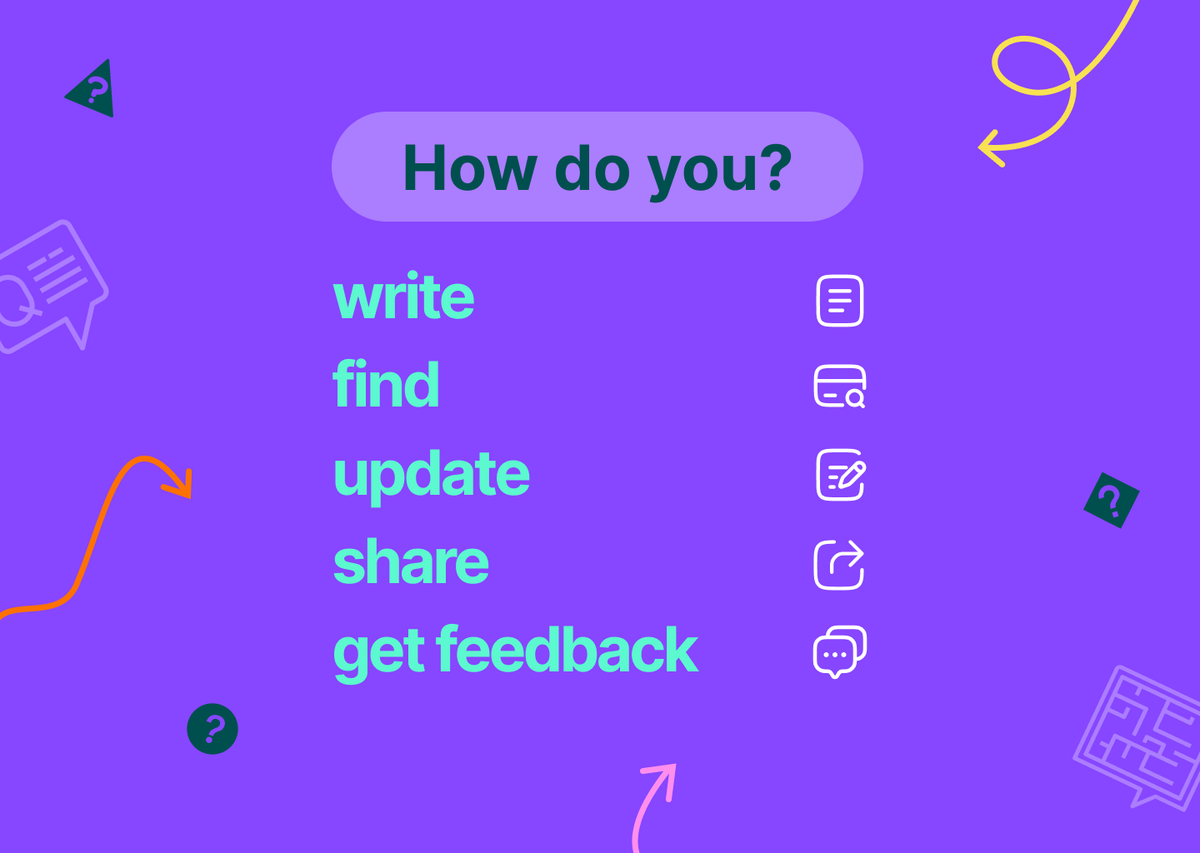
How to Write, Find, Update, Share, and Get Feedback on Your Software Requirements and User Needs?
Consider the entire process, from the initial notes taken when your software application idea was still a cloud of possibilities, to the Service Blueprint and Business Requirements Document released months after the launch. How many hardcopy notes, digital outputs, and applications were used? Can you quickly locate and update any information? We’re dealing with a substantial amount of documentation. To avoid confusion, continuously ask yourself the following questions:
1. Where do you initially record a project, function, or product idea?
2. How do you organize and make the notes from your notebook or mobile application understandable?
3. How do you ensure these notes align with the coding and design logic for designers or developers?
4. Where do you document meeting notes, and how do you share them?
5. Where does the Product Owner, User Researcher, or Business Analyst record all collected requests and information?
6. Can you easily determine data sources, user flows, and rules from long text-based notes?
7. Can you detail how all functions should operate, including sections, components, and elements on each screen?
8. Are the notes beside design application screens sufficient to convey the entire flow?
9. How do you manage the influx of comments, suggestions, and requests, and direct this data appropriately?
10. Can a customer or manager quickly locate the workflow of any function and obtain information?
11. For instance, where do you document the complete rule set and user requests related to a table or any button within it?
12. Can anyone quickly access the workflow and notes of a problematic or conflicting function?
13. During Design Thinking Workshops or UX Research interviews, where do you document and illustrate all outputs?
14. Where do you record and illustrate Customer Journey, Scenario, Experience, and Empathy Mapping notes?
15. Do you want Frontend or Backend Developers to sift through long narratives when they don’t understand the clickable prototype designs?
16. Where can stakeholders easily note solutions, new functions, or components they like with just a few clicks?
17. Can you save notes in hierarchical categories or types aligned with development coding logic?
18. Can you view and update each flow’s notes on the same user flow diagram branches/steps in real time?
19. Finally, can you share the information described above directly from your mobile devices?
These questions are just the beginning.
Inadequate documentation and communication confusion can either cause your brilliant project idea to fall through the cracks or delay it excessively, leaving you frustrated. Show compassion for yourself and your project stakeholders. Continuously evaluate these aspects and experience greater comfort in your work. Avoid diving straight into design and coding, only to face endless revisions. It’s a waste of valuable time and effort!