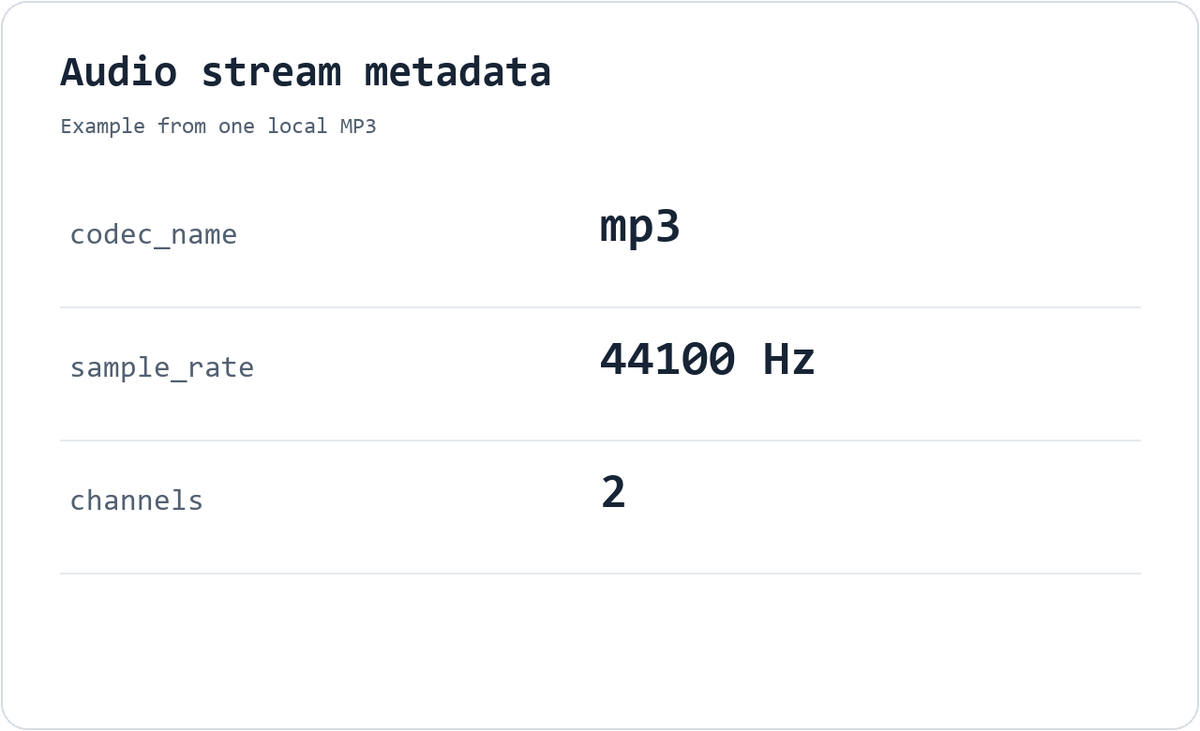
Audio quality starts with the source. After exporting an MP3, check its codec, bitrate and duration before importing it into your editor.
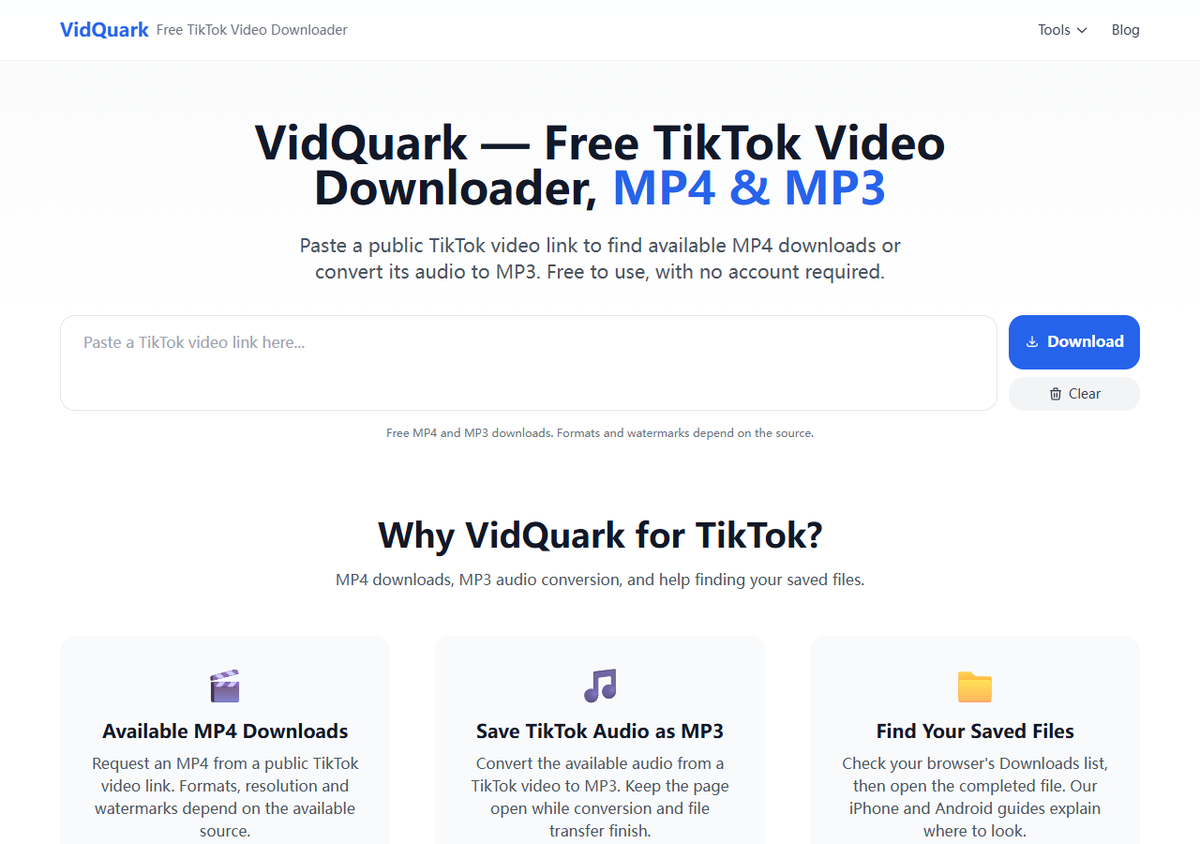
I work on VidQuark. This free guide explains VBR output and file checks with MediaInfo.
https://t.co/juzFfy4Pc6
Saving your own TikTok clip for a campaign on iPhone?
Check Files ��� iCloud Drive → Downloads. Open the MP4 → Share → Save Video, if offered.
I work on VidQuark. Free guide and playback checks.
https://t.co/5b01YrBb9q
Check an audio file's codec, sample rate and channels before importing it into an edit.
ffprobe -v error -select_streams a:0 -show_entries stream=codec_name,sample_rate,channels -of json input.mp3
https://t.co/sxMaNKfBmr
In a Next.js UI check, wait_for_load_state('networkidle') returned while the page still had its previous URL. Waiting for the expected path after the click fixed the false failure. QA visits stayed excluded from analytics. #code
https://t.co/CbGH15kCJr
Trabalho no VidQuark, ferramenta gratuita de MP4/MP3 para TikTok (interface em inglês). Adicionei guias de arquivos para iPhone, Android e PC/Mac junto aos botões de download. Feedback sobre esse fluxo? Use vídeos seus ou autorizados.
https://t.co/q7c58UqDKt
@ioxaiah For your own edit, TikTok's help says edit screen > Share > choose a save-post option. For an existing carousel, Share > Save photo > select photos > Save, when downloads are enabled.
https://t.co/1xuPeNys3T
I work on VidQuark. The new Android ringtone guide follows Google's help.
In Files by Google, open Audio, play the MP3, then More > Set as ringtone. Follow any permission prompt.
Use audio you own or have permission to use.
https://t.co/UYbVPUjobZ
@tmhyt1 I work on VidQuark, a free TikTok MP4/MP3 web tool. Recent work has focused on iPhone and Android file-saving help. How did you keep the Android app at 61 KB?
https://t.co/spHdZCLdUb
@angynity On a desktop, Shotcut can edit using small proxy copies and export from source files. Its docs show Settings > Proxy > Use Proxy. Which device/editor are you using, and is it rejecting the file or just lagging?
https://t.co/DFk1kSXgGU
Downloaded a TikTok video on Android?
Chrome → More → Downloads.
In Google Photos, check Collections → On this device, then Downloads if listed.
I work on VidQuark. Steps from Google's help, plus playback checks.
https://t.co/heHb0LdHGa
MP4 playback depends on the codecs inside the file.
I work on VidQuark. Our updated guide covers MP4 vs MP3, finding saved files, and playback fixes, with a checked download example.
https://t.co/tD4HgvdjN5
@ilovetwicemost Is Save video missing from Share, or does the saved copy have no watermark? TikTok says the save option only appears when downloads are enabled. Which case are you seeing?
https://t.co/0nzwxSwgK7
Turn a TikTok sound you own into an iPhone ringtone.
MP3 → GarageBand → trim to 30s → Share > Ringtone.
Check GarageBand compatibility first.
I work on VidQuark. Steps based on Apple's guide
https://t.co/WOLVljjC5p
@HRRonald001 For browser downloads on iPhone, check Files and Safari's Downloads list. Use Share > Save Video, when offered, to add an MP4 to Photos. I'm building VidQuark and documented the steps here.
https://t.co/r8rvllR8ZU
Here's a 30-second MP3 walkthrough for VidQuark, which I work on.
Paste a public video link, choose Download, then Download Audio MP3. Keep the page open while it converts.
Full steps
https://t.co/pcYWfPtMcA
Working on VidQuark, a free TikTok-to-MP3 tool.
Paste a public video link, choose Find audio, then Download Audio MP3. Feedback on the download flow is welcome.
https://t.co/CQ5ChNu6N1