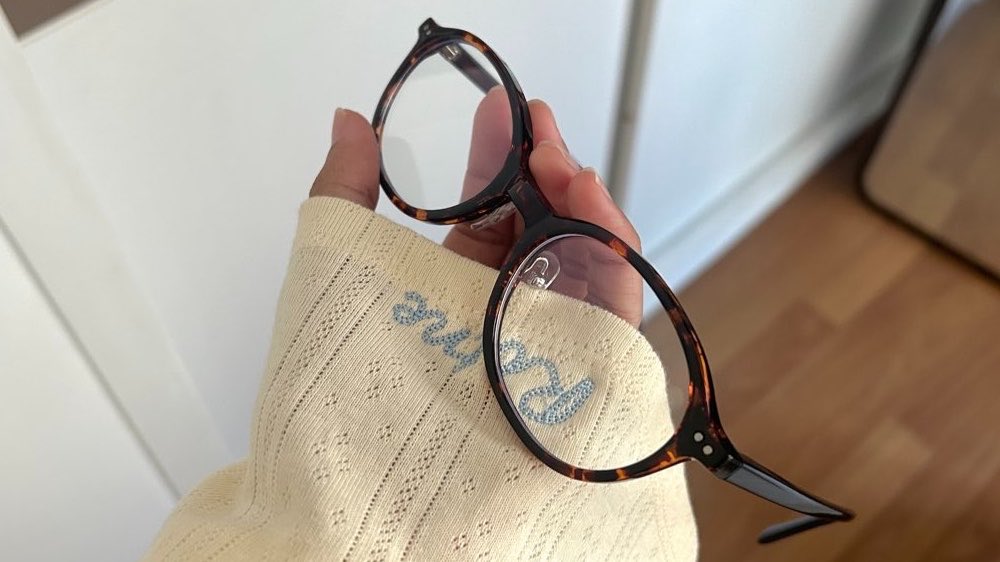
iPhone Color Settings (to achieve this look):
▪️Exposure -10 (gives your pic a slightly darker vibe)
▪️Brilliance -15~+15 (play around with this to get the lighting just right)
▪️Highlights -25 (tones down the bright spots so your subject stands out)
▪️Contrast +10 (adds some nice texture to your photo)
▪️Natural Saturation +10 (tweak this based on your original lighting)
▪️Warmth +5 (if you're editing skin tones, maybe skip this or go easy on it)
▪️Sharpness +70 (this is what makes your photos pop and look crisp)
▪️Definition +25 (adjust this along with your sharpness)
iPhone Color Grading
📷: iPhone original camera
🎨 Filter reference
•Exposure -2
•Vibrance +3
•Highlights +2
•Brightness +1
•Saturation -2
•Sharpness +2
•Clarity +4
Parameters are not fixed, adjust according to the actual situation of the photo