The @Spotify disco ball logo was well done
▪️People noticed it and talked about it. A LOT!
▪️It's an iconic way to celebrate Spotify's 20th anniversary
▪️It deviated from the minimalism looks we see taking over most brands
▪️Note: Do it again when Spotify Wrapped comes up
A strategy gives your content direction and a clear job to do.
I wrote a full breakdown on this:
How to Build a Content Strategy for Your Personal Brand
https://t.co/If8WxR6JqW
If your content has been feeling scattered lately, there’s a good chance the issue is not a lack of ideas.
A lot of people think they need:
• More content ideas
• More platforms
• More consistency
What they actually need is a clearer content strategy.
If your content calendar feels chaotic, it’s rarely a creativity problem.
It’s usually a content system problem.
Before you plan content, ask yourself:
• What’s the goal?
• What outcome is this supporting?
• What KPI am I tracking?
• Is my CTA aligned?
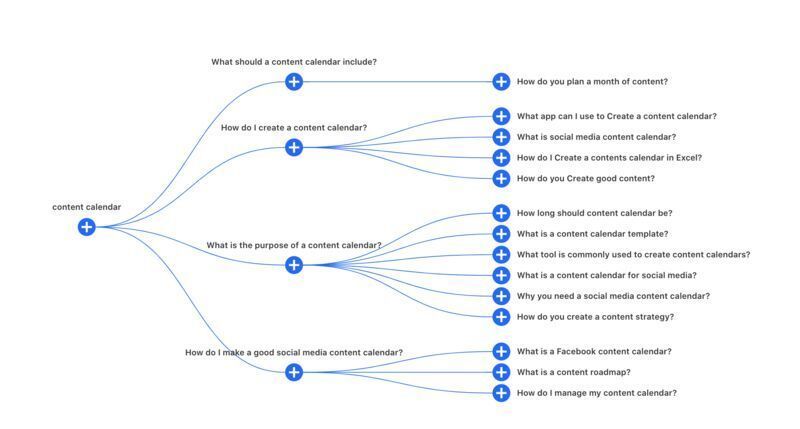
If you want other creative ways to brainstorm content ideas, check out Also Asked, which helps you research topic ideas.
🔍 This tool analyzes Google’s “People Also Ask” results and helps you see connections between topics.
https://t.co/4haeCb5oOX
Do you ever take creative breaks? Sometimes stepping away is exactly what sparks the best ideas.
Here are a few ways you can reset:
▪️ Dive into a new book or topic
▪️ Spend time in nature
▪️ Learn a skill
▪️ Switch up your environment
Which one do you do most often?
A streamlined workflow begins with batching your content.
Batching gives you structure and breathing room to create intentionally.
Try this:
• Batch 1–2 weeks at a time
• Build a library of ideas, visuals and captions
• Repurpose your content as you go
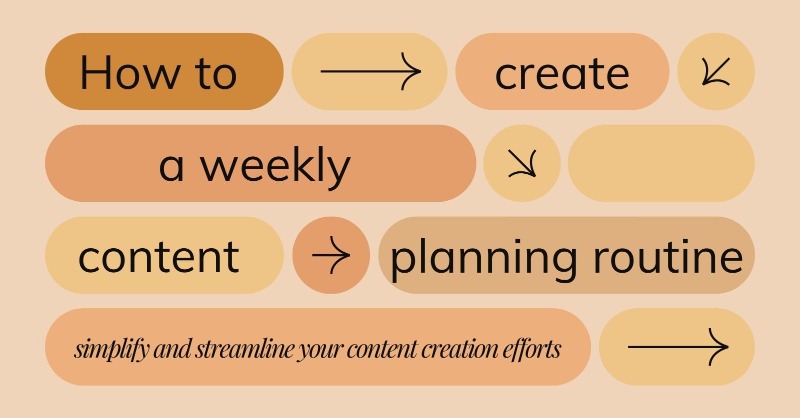
You can implement a weekly content planning routine by completing only 3 tasks per day.
This approach makes it manageable and easy to implement.
Let’s break it down and take the first step towards a more streamlined and successful content strategy.
I'm at a stage in my life where I need to mark @googledocs as read.
Is there a way to do this that doesn't involve adding emojis to the doc title?
I'm not the owner of these documents so I wish there was a way to see a history that I had read this document before.
Any tips?
@PascucciNews I remind myself that my brain doesn’t know the difference between anxiety and excitement, so I convince myself to interpret it more as excitement.
Lean into that emotion so that you can feel better and process your feelings in a more productive way! 🫶💫🙌
You got this! 🌈🙌
Can’t wait for this “State of Social Media” panel event this Wednesday with @ThatChristinaG@adhutchinson and @amandanat 📲📅
Be sure to RSVP for this event!
🚨 Marketers 🚨
Come join social pros @amandanat@ThatChristinaG@adhutchinson + moderator @mediamandy as they talk about trends, tactics and tips that will help you stay up to date!
https://t.co/Wwre0QOjJv
🚨 Marketers 🚨
Come join social pros @amandanat@ThatChristinaG@adhutchinson + moderator @mediamandy as they talk about trends, tactics and tips that will help you stay up to date!
https://t.co/Wwre0QOjJv