Not All Phishing Emails Look Like Phishing
The days of obviously fake phishing emails filled with spelling mistakes and strange formatting are not completely gone. They are simply no longer the only thing businesses need to watch for.
Today, a suspicious email might look like:
· A Microsoft 365 or Google security alert
· An invoice from a familiar vendor
· A shipping notification
· A password reset request
· A message from an executive asking for information
· A request to change payment or banking information
The goal is often to create urgency so the recipient acts before stopping to think.
One of the most useful things employees can learn is not how to identify every phishing email. It is when to stop and verify.
Before clicking a link, opening an unexpected attachment, providing credentials, or changing payment information, take a moment to ask:
Was this expected? Does the request make sense? Can it be verified another way?
A few extra seconds can prevent a much bigger problem.
That is also why regular phishing awareness training matters. Employees need opportunities to recognize suspicious messages, practice good verification habits, and understand what to do when something does not look right.
Netcomm offers security awareness and phishing training to help businesses strengthen the human layer of their cybersecurity. If you would like to better prepare your employees to recognize and respond to email threats, give us a call.
#CybersecurityAwarenessMonth #Cybersecurity #Phishing #EmailSecurity #SmallBusiness #SMB #SecurityAwareness
It is Just an Email… Right?
October is Cybersecurity Awareness Month, and throughout the month we will focus on one of the most common ways cybercriminals target businesses: email.
For many small businesses, email is one of the most important tools used every day. Unfortunately, it is also one of the most common ways attackers attempt to gain access to a business.
A compromised email account can expose conversations, customer information, invoices, internal documents, and other accounts. Attackers may also use a compromised account to impersonate an employee, executive, or business owner.
The challenge is that modern email threats do not always look suspicious. A malicious email may appear to come from a customer, vendor, coworker, or executive. It may even reference a legitimate conversation or business transaction.
That is why email security cannot depend solely on employees “knowing what phishing looks like.”
Effective email security requires multiple layers of protection, including email filtering, multifactor authentication (MFA), endpoint protection, employee training, and clear procedures for handling unusual or sensitive requests.
Email may be an everyday business tool, but it deserves serious security attention.
Throughout October, we will share practical ways businesses can better protect their email, employees, and information.
#CybersecurityAwarenessMonth #Cybersecurity #EmailSecurity #SmallBusiness #SMB #Phishing #ITSecurity
“This Is Just How We Do It”
I would weave technology into the message as the reason old processes deserve another look—not make the post about buying technology. That keeps it consistent with your “Tech Reality Check” style.
Every business has processes that started for a good reason. Then the business changed. The team grew. Customers increased. Technology evolved. New responsibilities were added. But the process stayed the same.
Eventually, someone asks why things are done that way.
The answer? “This is just how we have always done it.”
That phrase can be a warning sign. It does not necessarily mean the process is bad. It means the process may never have been reevaluated.
Technology makes that reevaluation even more important. A process that required five manual steps several years ago may only require one or two today. Information that employees once had to enter multiple times may now be able to flow automatically between systems. A task that depended on one person may be easier to standardize, document, or automate.
Sometimes the best improvement in technology is not buying something new. It is taking a step back and asking:
· Why are we doing this?
· Could this step be eliminated or simplified?
· Are we entering the same information more than once?
· Could technology we already own handle it?
· Could part of the process be automated?
· Does it still make sense for the way the business operates today?
Businesses do not need to change everything just because something is old. They also should not invest in new technology simply to automate a bad process.
Fix the process first. Then determine where technology can make it better.
Periodically question the things your business has stopped noticing. Doing nothing is still a decision. And sometimes, it is the most expensive one.
#SmallBusiness #BusinessTechnology #ProcessImprovement #TechStrategy
Even when technology providers clearly explain their products, businesses still face the challenge of deciding which of the many available options is the right fit. Choosing the right technology requires understanding your business, your employees, your processes, and the problems you are trying to solve.
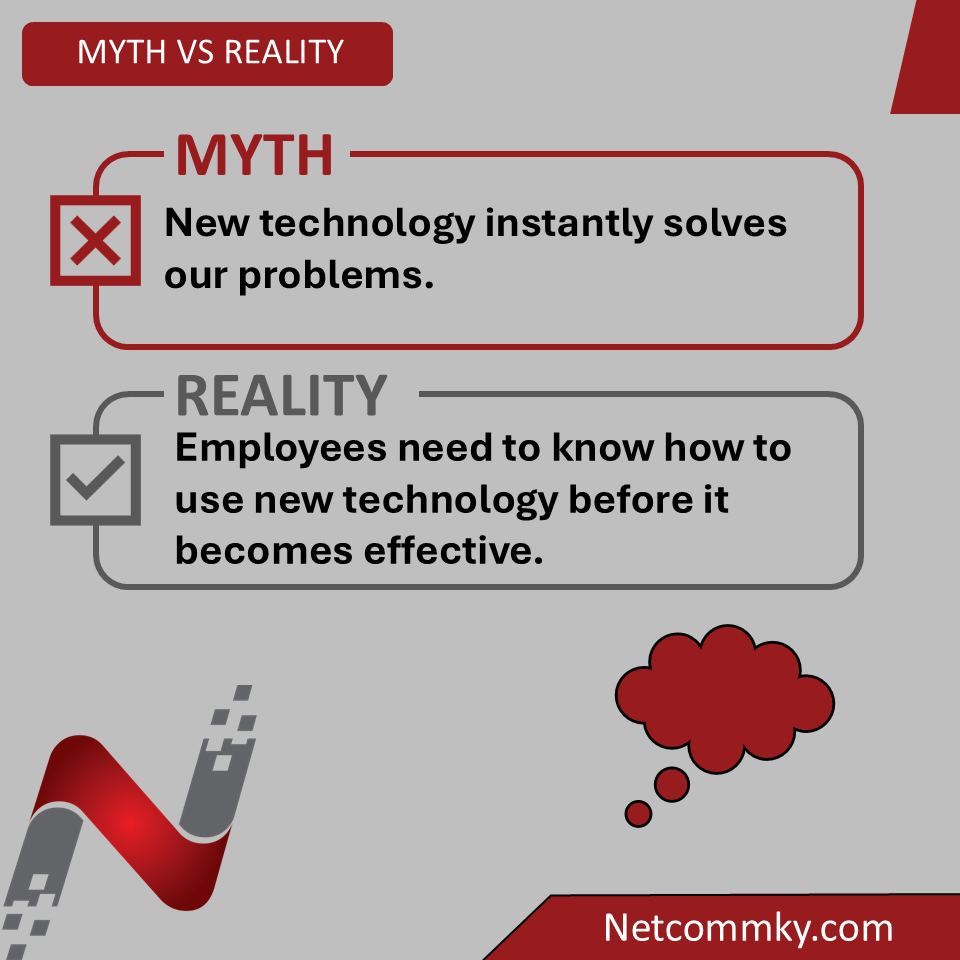
Once that decision is made, it can feel like most of the work is finished... In reality, even the best technology can underperform if the people using it do not understand how to use it effectively.
Avoiding Staff Training
Buying new technology is easy. Getting people comfortable using it is the hard part. Many businesses invest in new software, hardware, or systems and then assume employees will figure things out as they go. Sometimes they do. More often, employees develop their own shortcuts, avoid features they don't understand, or continue using the old process because it's familiar. Now the business is paying for technology without receiving its full value. Training isn't just about teaching employees how to use a particular application. It helps create consistency.
When everyone understands the same process, uses the same tools, and knows where to go for information, there is less confusion and less time spent figuring things out. The cost of training can feel like a loss of productivity in the short term. The cost of not training can continue long after the software has been implemented. Technology is an investment. Training your people is how you get the return on that investment.
#EmployeeTraining #SmallBusinessTechnology #Productivity #BusinessGrowth
What's in the News - Do's and Don'ts Big Businesses have taught SMBs
Big companies are spending billions experimenting with AI — and small businesses are getting a valuable lesson from watching what works and what doesn’t.
The takeaway? Small businesses do not need to jump into every new AI tool. AI can be useful for things like customer service, cybersecurity, software development, analyzing information, and handling repetitive tasks. But businesses should be careful about costs, data security, and relying too heavily on AI systems that are still developing.
Instead of trying to replace employees, AI can help small teams get more done, save time, and reduce mistakes. The smartest approach may be to start small, focus on real business problems, and learn from the mistakes larger companies have already made.
#AI #SmallBusiness #BusinessTechnology #ArtificialIntelligence #SMB #technology
https://t.co/XxhNHHHuhk
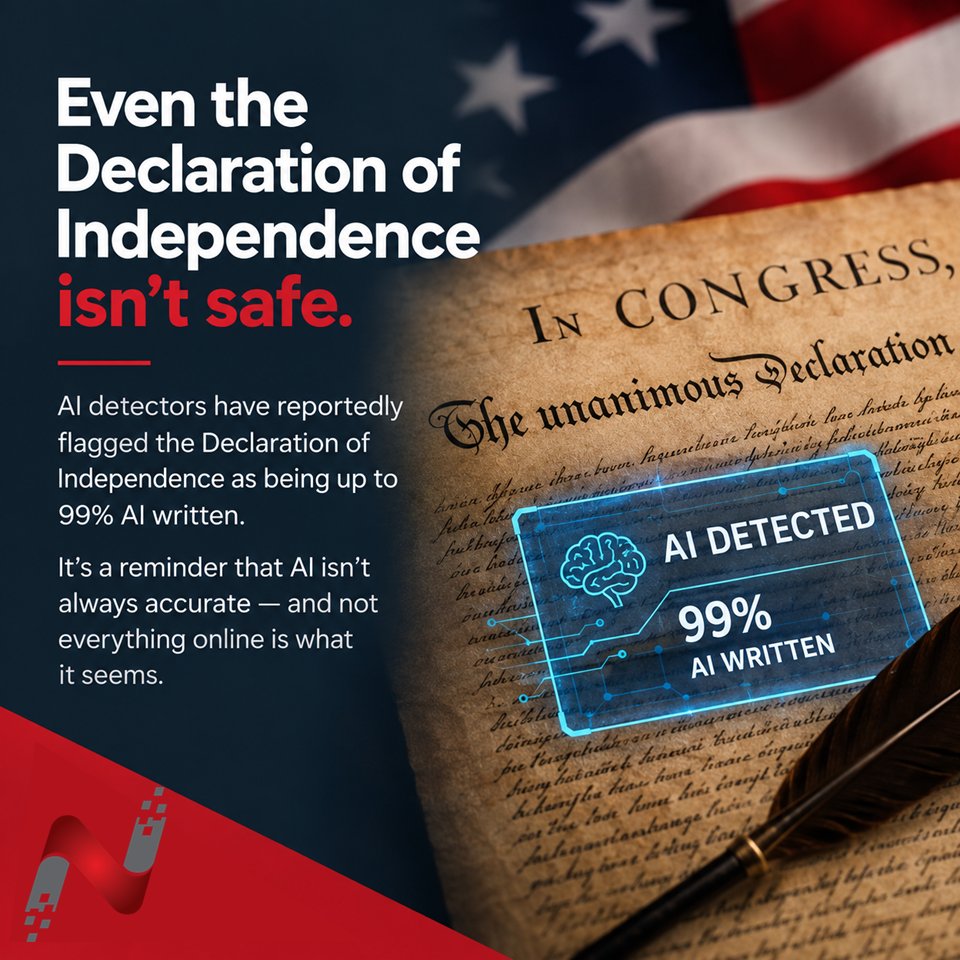
Apparently, even the Declaration of Independence can get flagged as being up to 99% AI-written by an AI detector. Well over 200 years before AI was even a concept.
It is a great reminder that AI tools can be useful, but they are not infallible. Whether it is an AI detector, chatbot, or search tool, the results still need to be questioned and verified by humans.
#AI #ArtificialIntelligence #Technology #AIDetection #TechTips #SmallBusiness
Waiting Too Long to Replace Manual Processes
“It only takes a few minutes.”
That might be true. But how many times does that task happen every week?
A few minutes copying information between systems. A few minutes searching for a document. A few minutes of manually sending reminders. A few minutes updating spreadsheets or creating the same report every month.
None of these tasks seem like a big problem on their own. The problem is what happens when those minutes are repeated hundreds or thousands of times throughout the year.
Manual processes also create opportunities for mistakes. Information can be entered incorrectly, something can be forgotten, or a crucial step can be skipped.
This is one area where automation, and increasingly AI, can make a meaningful difference. AI can help collect and organize information from multiple sources, automate recurring reports, identify trends in data, and make large collections of files and documents easier to search. AI-powered document searches return results faster and more accurately than standard search functions.
That does not mean every manual task needs to be automated or can be improved with AI. Sometimes a simple process is still the best process. But when a repetitive task consistently takes time away from more valuable work, it is worth asking whether there is a better way.
The cost of doing nothing is not always a large invoice. Sometimes it is hundreds of small amounts of time that quietly add up.
#SmallBusiness #BusinessTechnology #ArtificialIntelligence #Automation #ProcessImprovement #Productivity
Backups Are Not a Complete Security Strategy
Backups are incredibly important. They help businesses recover from hardware failures, accidental deletions, and some ransomware incidents. But backups alone do not prevent cyberattacks. They will not stop someone from stealing login credentials, sending fraudulent invoices from a compromised email account, or accessing confidential customer information. That is why cybersecurity should always be viewed as layers working together.
Backups are one layer. Strong passwords are another. Multi-factor authentication is another. Employee training, software updates, access controls, and security monitoring all play important roles as well. Think of backups as your recovery plan, not your prevention plan. The goal should not be just to recover quickly after something goes wrong. It is to reduce the chances of it happening in the first place.
#BusinessContinuity #CyberSecurity #SmallBusinessIT
loud Doesn't Mean Automatically Secure
Moving to the cloud has helped businesses become more flexible, collaborative, and efficient. However, one of the biggest misconceptions is that storing data in the cloud automatically makes it secure or ensures it is backed up.
Cloud providers are responsible for securing the infrastructure that powers their services. Businesses remain responsible for protecting their data and understanding how those services are configured.
That means asking important questions, such as:
· Are our passwords strong and unique?
· Is multi-factor authentication (MFA) enabled?
· Is our data actually being backed up?
· Is our data encrypted, both in transit and at rest?
· Who has access to our data?
· Are file-sharing permissions being reviewed regularly?
Do not assume your cloud provider is backing up your data or encrypting it the way your business requires, especially if there are compliance requirements (i.e. HIPAA, FINRA, etc.). Those are questions every business should ask before trusting critical information to any cloud service.
The cloud is a powerful business tool, but it is only as secure as the decisions you make. Strong cybersecurity does not end when your data moves to the cloud.
#Cybersecurity #CloudSecurity #DataProtection #BusinessSecurity #MFA #Backup #NetcommInc
Shared Logins Are a Hidden Risk
It often starts with good intentions. A shared email account. A common login for a business application. A generic workstation account. One password that "everyone knows." It feels convenient, especially for small teams or busy environments.
The problem is that convenience often comes at the expense of security, accountability, and compliance.
When multiple employees use the same login, it is impossible to know who made a change, accessed sensitive information, approved a transaction, or accidentally deleted critical data. Audit logs lose their value because every action is tied to the same account rather than to an individual user.
Shared accounts also create unnecessary security risks. Passwords are more likely to be written down, shared through email or text messages, reused across systems, or retained by former employees. If the password is compromised, every system using that credential is immediately at risk. Even routine tasks, such as offboarding an employee, become more disruptive because everyone must update passwords and saved credentials.
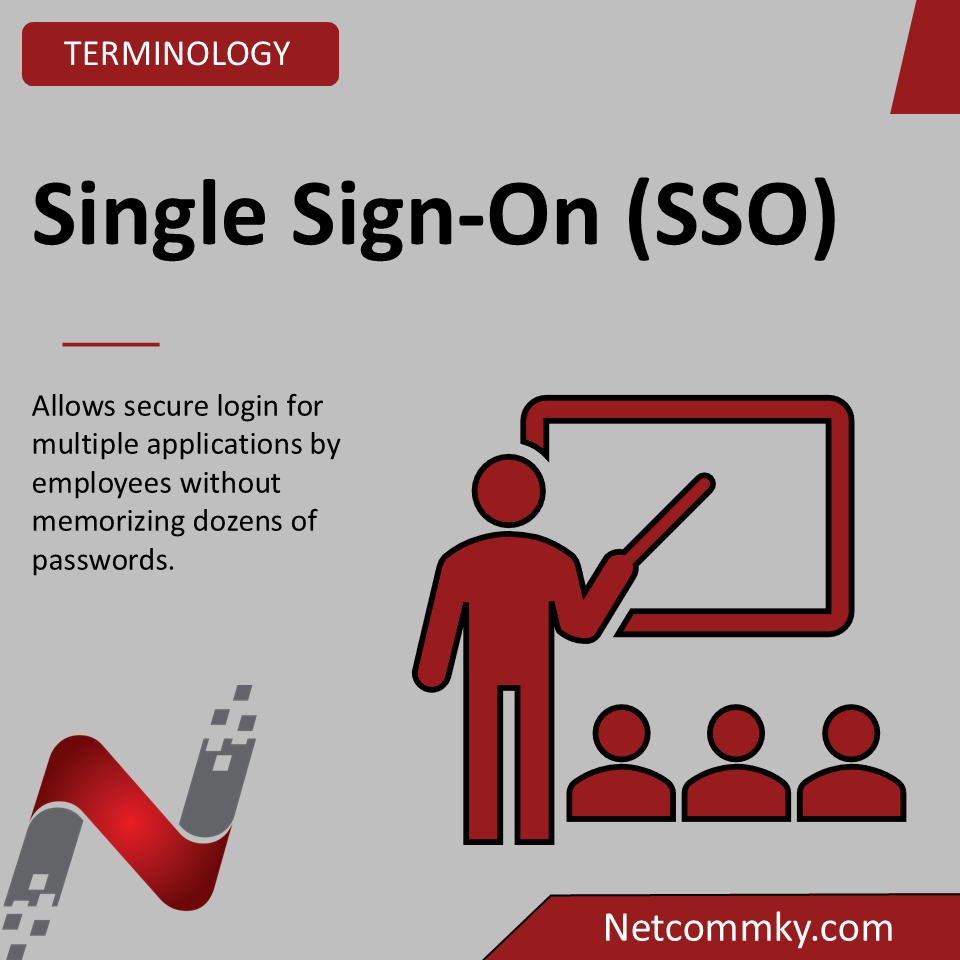
A stronger approach is to give every employee a unique account with only the access they need to perform their job. Combine that with strong passwords, multi-factor authentication (MFA), and regular access reviews, and you have significantly reduced your organization's attack surface while making security incidents easier to investigate and contain.
Good cybersecurity is not just about deploying the latest technology. It is about consistently following security best practices. Unique user accounts, the principle of least privilege, multi-factor authentication, and regular credential reviews are simple steps that make a measurable difference in protecting your business.
Sometimes the safest solution is also the simplest: one person, one account.
#CyberSecurity #AccessManagement #SmallBusiness
Why Small Businesses Are Targets
All this month, we will be discussing a few topics that may have already been covered, but we are aiming to avoid all the buzzwords that a lot of tech companies like to use. Starting with one of the biggest myths in cybersecurity, being that cybercriminals only target large corporations.
The reality is much less personal. Most attacks today are automated. Criminals use software that constantly scans the internet looking for weak passwords, outdated software, exposed remote access, or other common security gaps. They are not choosing victims based on company size. They are looking for the easiest opportunity.
That is exactly why small businesses are often targeted. Many have limited IT resources, smaller security budgets, and fewer layers of protection than larger organizations.
The good news? You do not have to outspend cybercriminals; you just have to make your business a more difficult target.
Simple steps like using strong passwords, enabling multi-factor authentication, keeping systems updated, and training employees to recognize phishing emails dramatically reduce your risk.
Cybersecurity is not about having the biggest budget. It is about avoiding the easy mistakes that attackers count on and making your business a harder target than the one next door.
Make your business the hard target, and they willoften move on to someone else.
#CyberSecurity #SmallBusiness #BusinessTechnology
Shift the Conversation. Instead of asking: "Has anything bad happened yet?" Ask: "What evidence do we have that our technology will continue to protect our business as we grow?"
That simple shift changes everything. It replaces hope with planning. It replaces assumptions with testing. It replaces reacting to problems with preventing them.
Hashtags: #CyberSecurity #ITSupport #SmallBusiness #BusinessContinuity #DataProtection