Over the past few months, I’ve attended multiple DevOps interviews.
One thing I noticed very quickly:
Many candidates are comfortable with
Docker, Kubernetes, CI/CD pipelines…
But when the conversation shifts to networking, things get tricky.
And the reality is:
A huge number of real production issues in distributed systems come down to networking problems.
• DNS failures
• Load balancer misconfigurations
• Security group / firewall issues
• Latency between services
• Service-to-service connectivity
For a DevOps engineer, understanding networking isn’t optional — it’s foundational.
As part of my DevOps Interview Series, I’ve put together an article covering real networking scenarios and questions that are being asked in interviews today.
If you're preparing for DevOps roles in 2026, this will help you prepare practically — not just theoretically.
More topics coming soon in this series:
→ Linux
→ Kubernetes
→ Docker
→ Security & Scanning
→ CI/CD
→ Ansible (yes, still very relevant)
→ Git
→ Monitoring & more
Stay tuned.
This CV helped many people getting a interview calls from Google, Amazon, Microsoft, Netflix, Apple and others.
I am sharing the exact ATS editable templates with you
Retweet & Reply "CV" to get it for free
[Must be following] so that I can DM you
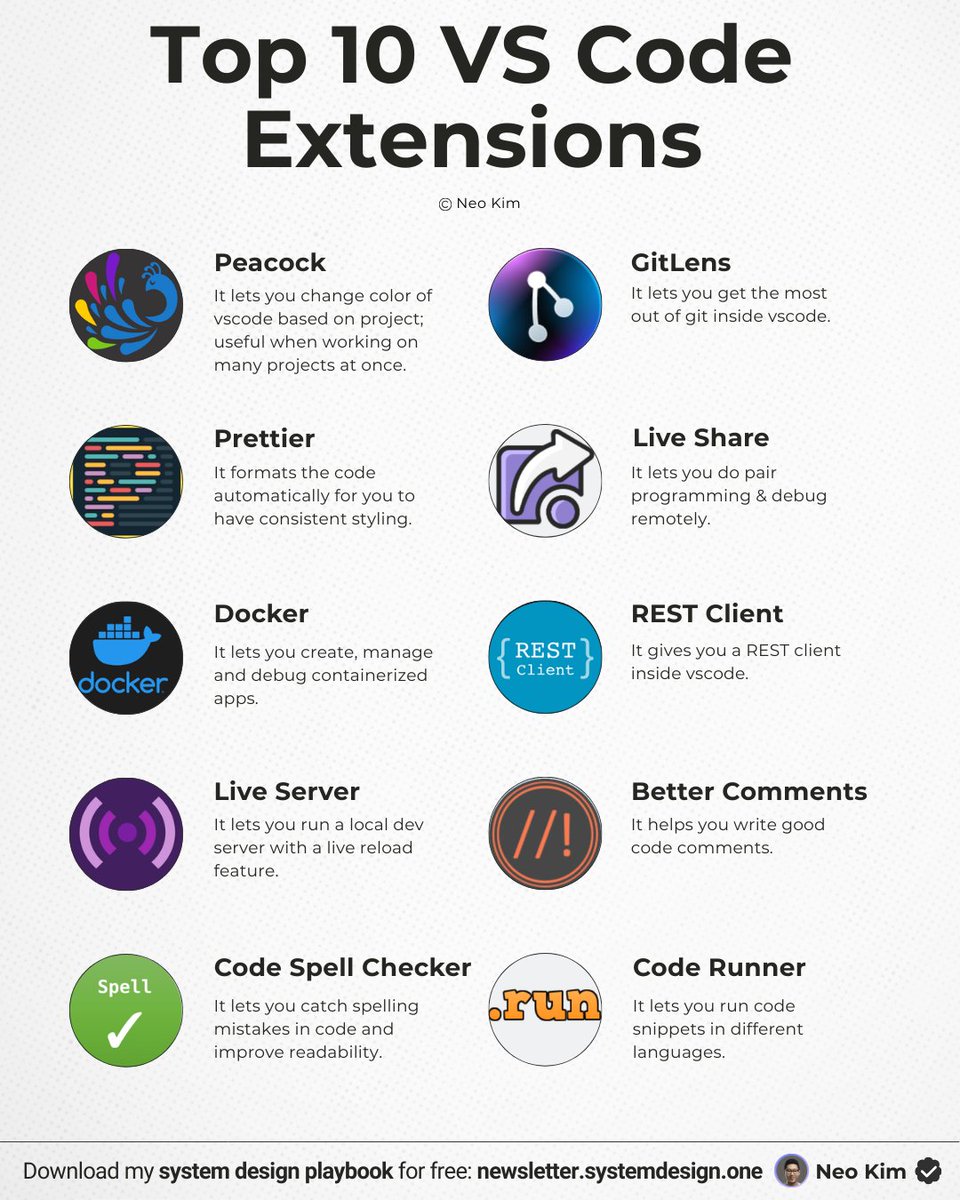
10 VS Code extensions that will 10x your productivity:
1 Peacock
↳ It lets you change the color of VScode based on the project; useful when working on many projects at once.
2 GitLens
↳ It lets you get the most out of git inside VScode.
3 Prettier
↳ It automatically formats the code for consistent styling.
4 Live Share
↳ It lets you do pair programming & debugging sessions remotely.
5 Docker
↳ It lets you create, manage & debug containerized apps.
6 REST Client
↳ It gives you a REST client inside VScode.
7 Live Server
↳ It lets you run a local dev server with live reload.
8 Better Comments
↳ It helps you write good code comments.
9 Code Spell Checker
↳ It lets you catch spelling mistakes in code & improve readability.
10 Code Runner
↳ It lets you run code snippets in many languages.
What else should make this list?
——
👋 PS - Want my System Design Playbook for FREE?
Click the link below to join my newsletter right now:
→ https://t.co/ByOFTtOihX
(200K+ software engineers have already signed up.)
———
💾 Save this for later & RT to help others become 10x software engineers.
👤 Follow @systemdesignone + turn on notifications.
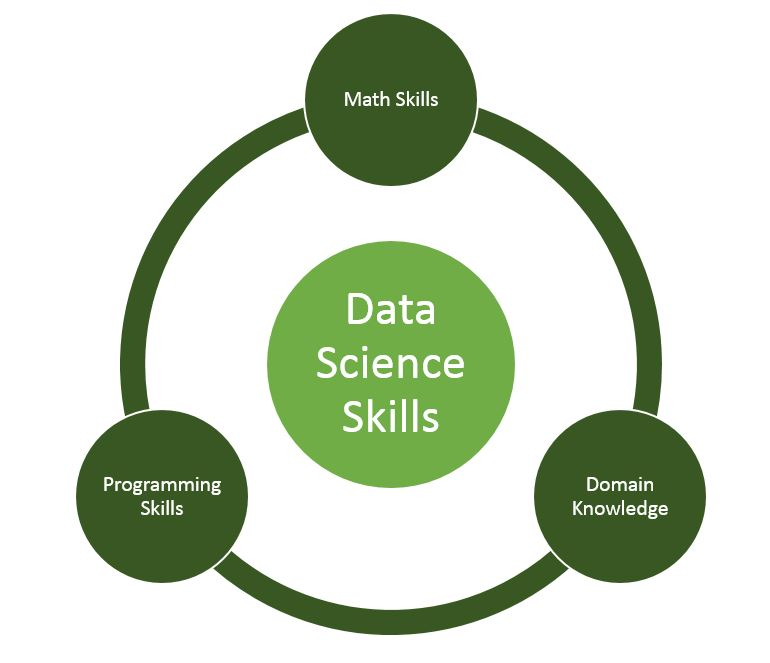
Learn Data Science for FREE in 2026
1. Python
https://t.co/MaOHz0MUr6
2. SQL
https://t.co/O9CV6XnqTW...
3. Excel
https://t.co/ftDNKiolSN…
4. Power BI
https://t.co/x4cv12AKhj…
5. Mathematics
https://t.co/kvgUJxpFFS…
6. Data Analysis
https://t.co/cGkOXfYuEr…
Learn DevOps by playing games 🎮
1. DevOps
https://t.co/JzrPfmPZM0
2. https://t.co/r15fVrfJx5
3. DevOps Party Games
https://t.co/wSTWaMlAK5
4. Git
https://t.co/Ay4nXTAX9U
5. Python, JavaScript, Java
https://t.co/mGAMKY2LLX
6. 25+ languages
https://t.co/TI3vAufL9m
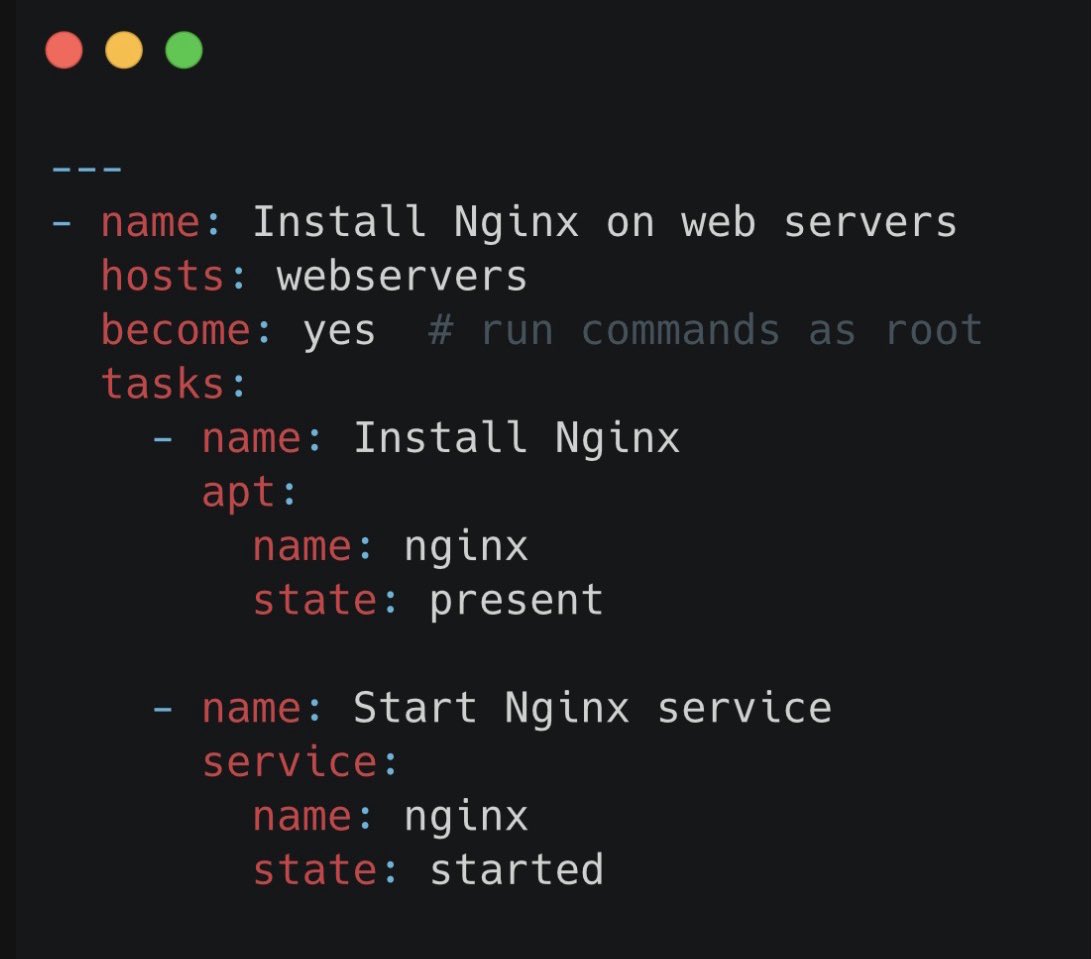
What is Ansible ?
Ansible is basically a tool that helps you tell computers what to do automatically instead of doing it yourself.
Think of it like a remote control for servers: you write simple instructions in plain English (called playbooks), and Ansible goes to all your servers and executes them.
For example:
1. Install software ✅
2. Start a service ✅
3. Copy files ✅
No need to log in to each server one by on , Ansible does it for you.
It’s agentless, meaning you don’t need to install anything on the servers—it just uses SSH.
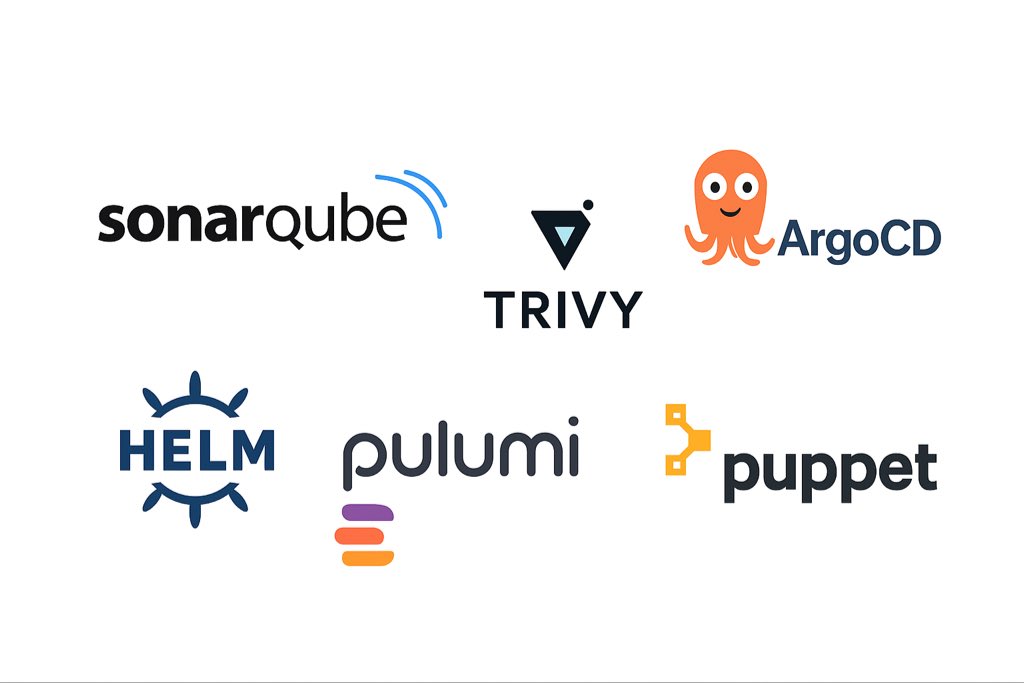
🚨6 Devops tools you might not be aware of :
1. SonarQube → Finds code bugs and security flaws.
2. Trivy → Scans for docker image and config vulnerabilities.
3. ArgoCD → Deploys apps to Kubernetes from Git.
4. Helm → Installs and manages Kubernetes apps easily.
5. Pulumi → Builds cloud infra with code. ( Terraform alternative )
6. Puppet → Keeps servers in the desired state automatically.


![ElizabethA77617's tweet photo. This CV helped many people getting a interview calls from Google, Amazon, Microsoft, Netflix, Apple and others.
I am sharing the exact ATS editable templates with you
Retweet & Reply "CV" to get it for free
[Must be following] so that I can DM you https://t.co/39uYebejuC](https://pbs.twimg.com/media/HCpiuYoagAAgonL.jpg)