Merge Shapes = hidden PPT superpower 💪
Merge shapes lets you create custom graphics, cut shapes out of others (think cookie cutter 🍪), and build polished visuals—no design software needed
How to Use the Merge Shapes Menu in PowerPoint 🔥 [PPT TIPS]
https://t.co/undAxbuHrN
Make a slide like this for the intro of your next lightning talk! ⚡️
Up now for channel members. ❤️
How to Merge Text and Video in PowerPoint 🔥 [PPT TIPS]
https://t.co/5tge2eJY2V
I'm excited about this one! It'll be public in June. Up now for channel members! 😍
Prepare Multple Select Question Data from Forms with Copilot! https://t.co/cwjjhnrXY3
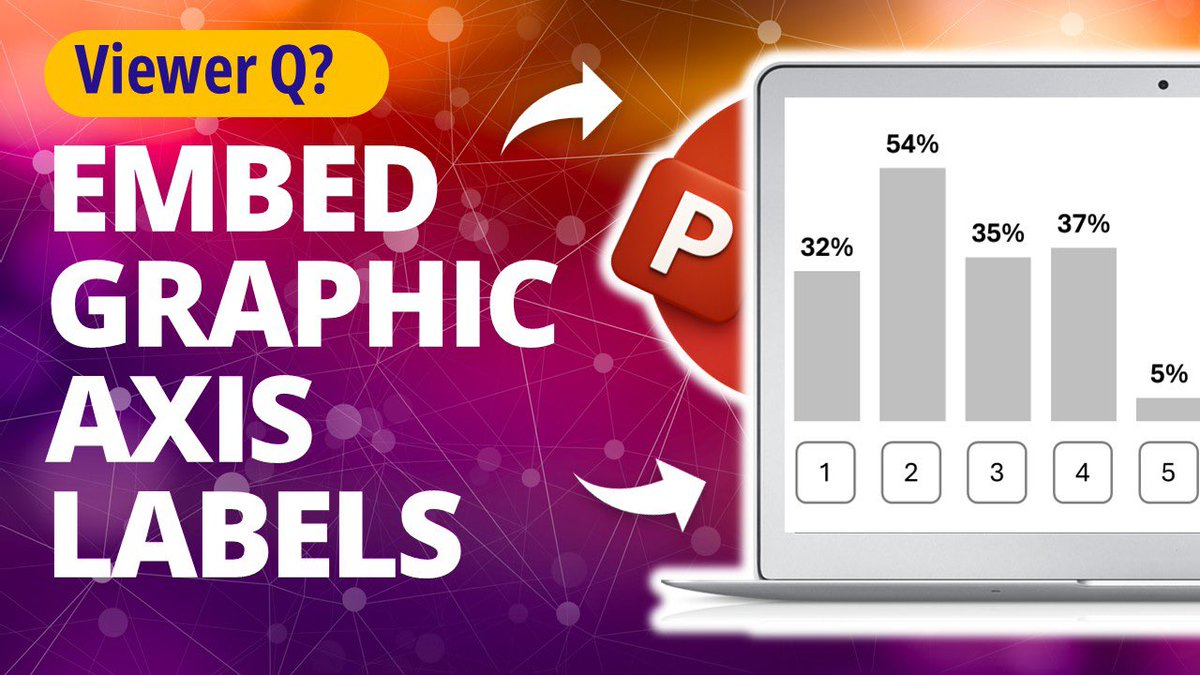
In next week's vid you'll see how to embed these stylish axis labels directly into your column chart (instead of making them with PPT shapes and text boxes). A slick trick for the data viz nerds! 🕶️
Up now for channel members 😍
https://t.co/ZO0ULLAi1j
This week’s vid ✨ How to use the slide master to add design elements to every page ✨
A sweet little tip for anyone who uses #PowerPoint for traditional reports instead of Word.
Up now for channel members ❤️ …
https://t.co/BqxjZpmTnq
This one’s brute force #PPT but I’ll make another vid with the graphic axis embedded in the chart itself 👍
Column Chart Makeover Step by Step 🔥 [PPT TIPS]
https://t.co/7BEcNxj3j4


![nickvsppt's tweet photo. How to Connect Excel to Microsoft Forms 🔥 [SURVEY TIPS!]
https://t.co/sF9w1fSYG8 https://t.co/BCh6e4UG6T](https://pbs.twimg.com/media/HJYD83saIAAnklx.jpg)


![nickvsppt's tweet photo. How to Make a Framed Bar Chart in Excel with Copilot 🔥 [CHART TIPS]
https://t.co/EOVcRp8g4r https://t.co/fTI5mKHLGg](https://pbs.twimg.com/media/HI2p5xka0AA91HR.jpg)