I built an AI system that automates product video creation for entire e-commerce catalogs.
(Saves ~$30K per collection shoot and boosts on-site conversion rates by ~20%)
Here’s how the automation actually works:
→ Firecrawl scrapes product images directly from any e-commerce collection page
→ Google’s Veo 3.1 generates realistic model videos showing fit, movement, and drape
→ Each video begins and ends on the original product image for perfect looping
→ Videos are auto-named, organized, and stored in Google Drive
→ Everything runs in batch—no manual work while it processes
The result: fashion brands can showcase every SKU with video, not just hero products—and engagement jumps immediately.
Static product photos aren’t enough anymore.
Shoppers want to see how clothes move before they buy.
If you want the full blueprint, do this:
1️⃣ Like & RT this post
2️⃣ Follow me (so I can DM you)
3️⃣ Comment “FIT”
I’ll send you the full n8n workflow, all prompts, and a step-by-step setup video—for free.
No more $30K shoots.
No more guessing if your product pages convert.
@aref_vc@GoogleAIStudio@NanoBanana Hey I did the same starting with AI Studio and then with Antigravity to build https://t.co/ItKaNWDM9F - btw Nice job!
@AngryFknDesignr Thanks for sharing this interesting trick! As a trick, I guess could it be more difficult for “non-experts” to use but sure, it’s free and easy to use for that purpose
To boost your app's keyword rankings, focus on downloads.
No matter if organic or paid.
These are the top "11" marketing channels to grow your app.
More ASO strategies in our free books: https://t.co/JBsDFuY2aE
This is the workflow to generate the signatures.
I’m not convinced about the “AI” icon and the signature placements on mobile view.
In this case I guess @stitchbygoogle could be the right tool to rearrange the mobile view
I have to admit that @getdokploy is useful.
Once you understand how to setup some things it’s very easy to create a domain and a deployment.
I’m using GitHub workflow to create docker images and then manually deploy the container.
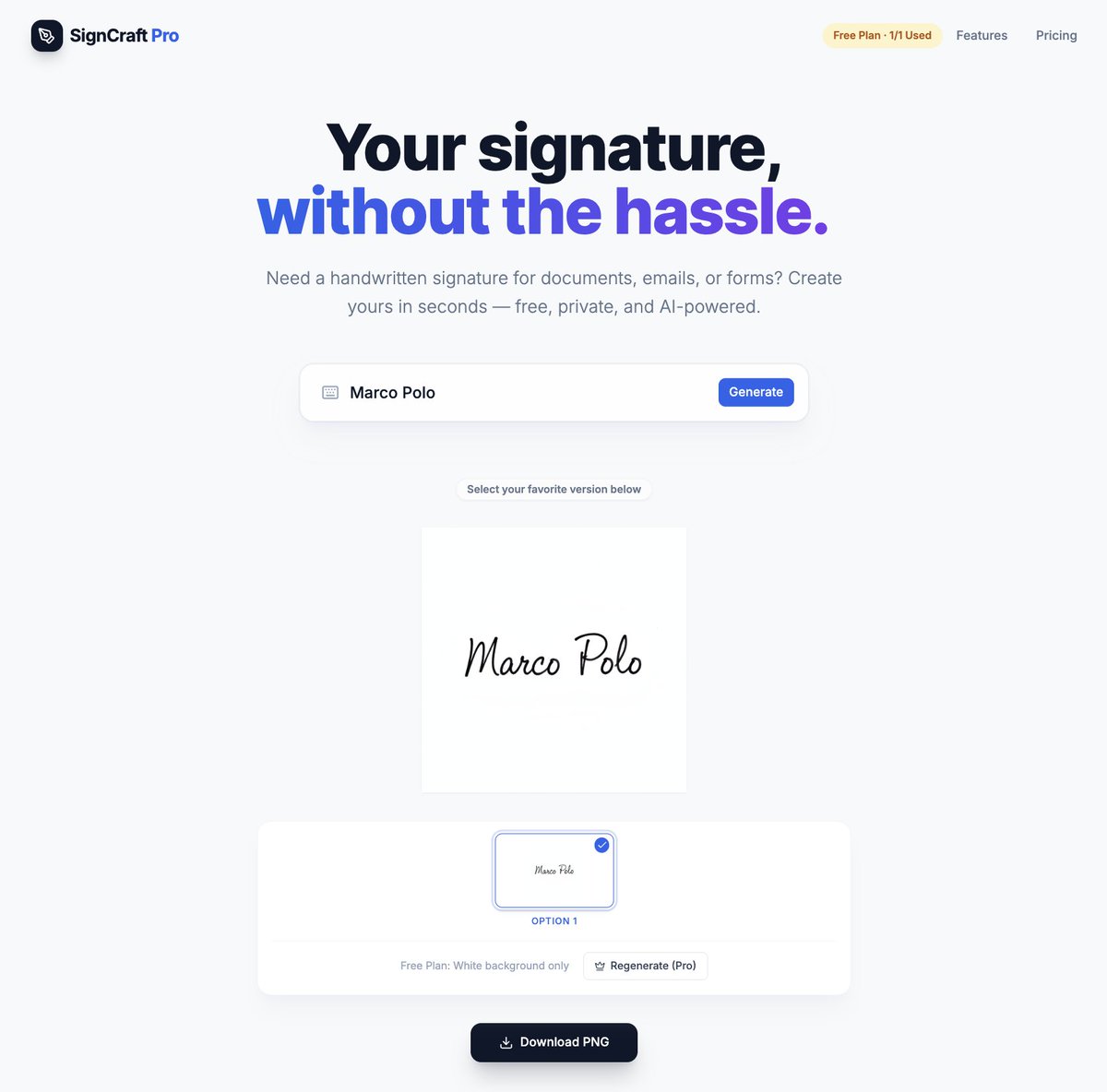
To integrate @stripe into my flow, I decided to offer 7 signatures with a transparent background that resembles handwriting for $3.
This allows me to also test the Stripe vibe-coded-integration - and wtf, it's working!
SignCraft Pro today’s new vibe coded features:
- @supabase integration with @Google SSO and Postgres
- Dashboard with generated signatures (Supabase S3 compatible)
- Generated signatures gallery
- Differentiations between free and paid plan.
It’s so fun making progress
Another vibe code experiment with @antigravity using Gemini 3 Pro and Opus 4.5.
It's like having a dev team 24/7 - amazing.
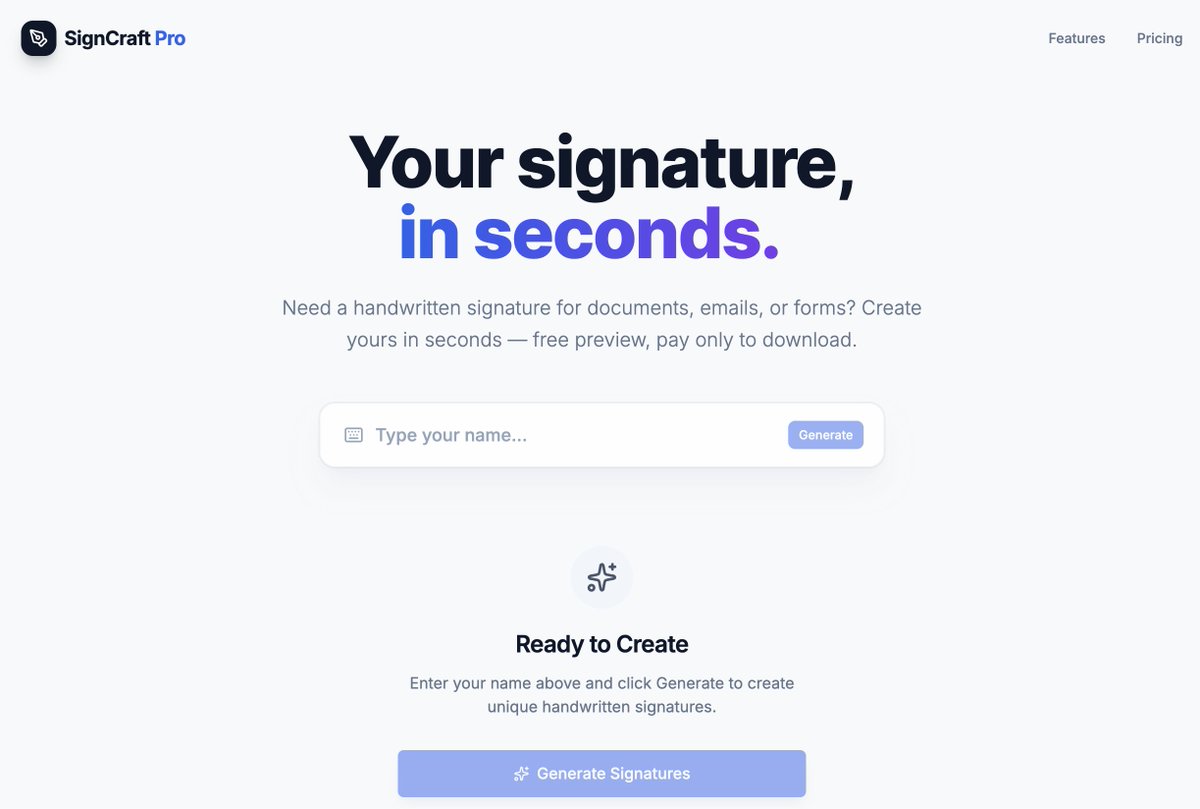
This time it's a handwritten signature generator
To reduce allucinations and let the LLM go straight to the point I’m also using @Context7AI
When I’m happy with a feature, I’m also asking the LLM to update the AGENTS file so the next iteration is a bit better and precise.
Ok, Cursor subscription canceled and @googleai pro started.
The price is comparable, I have more usage for @antigravity and access to other useful tools that could support my vibe coding journey 😅
I feel Gemini and Opus are the best ones at the moment.
One tip I’m always using while vibe coding is to “plan” my request and add to the prompt “ask me questions if you are unsure”.
This helps a lot because I can improve the plan based on LLM questions and suggestions.
Only after that, starts building.
Thanks! I was searching for an app that while drinking my morning coffee could also give me some quick tips to put in practice on my daily job.
Nothing too structured or demanding: I have my coach for that
Would you use it?
This is the screen of my new app to support leaders in their day-to-day growth.
It's essentially a simple app with some tips you can read while drinking your coffee before starting your workday.
This is the assessment screen.