Builder: a 12-month calendar of expected dividends, 5 accounts, 50 holdings.
Planner: unlimited accounts, a retirement income planner, your own benchmarks.
Half off the first year, until Monday. Link in our profile.
Nimblewit is on CircleSaaS. If you like a portfolio and dividend tracker that never asks for your brokerage password, an upvote would help more investors find us. Thank you. Link in our profile.
Black Friday week at Nimblewit: half off your first year of Builder or Planner.
Builder US$19 / CA$24. Planner US$39 / CA$49.
First 100 of each plan. Ends Monday.
All your investments, one quick-witted view. Link in our profile.
What's your FIRE number? A free calculator: the portfolio you'd need, the age you could reach it, and your Coast FIRE number. Sliders, no sign-up, nothing saved. Link in our profile.
Our early Black Friday sale starts today: Builder and Planner are half off. The full 12-month expected income calendar, trade emails, the retirement income planner and more. Starter stays free. Link in our profile.
Tap any holding in Nimblewit and it opens its own panel: its value over time, with a dotted line for what you paid. Above or below cost, at a glance. Look around the sample portfolio, no sign-up. Link in our profile.
Made-up example: 100 shares, $1.00 a quarter, reinvested at $50. A year later: 108.24 shares, no new money. That's DRIP. Our guide to how it works, and how to keep track of it, is at the link in our profile.
Your RRSP is 100% bonds and your TFSA is 100% stocks. Extreme? Together they might be a sensible 50/50. How to check your allocation across every account, and three ways to rebalance: https://t.co/gHqBayMIYA
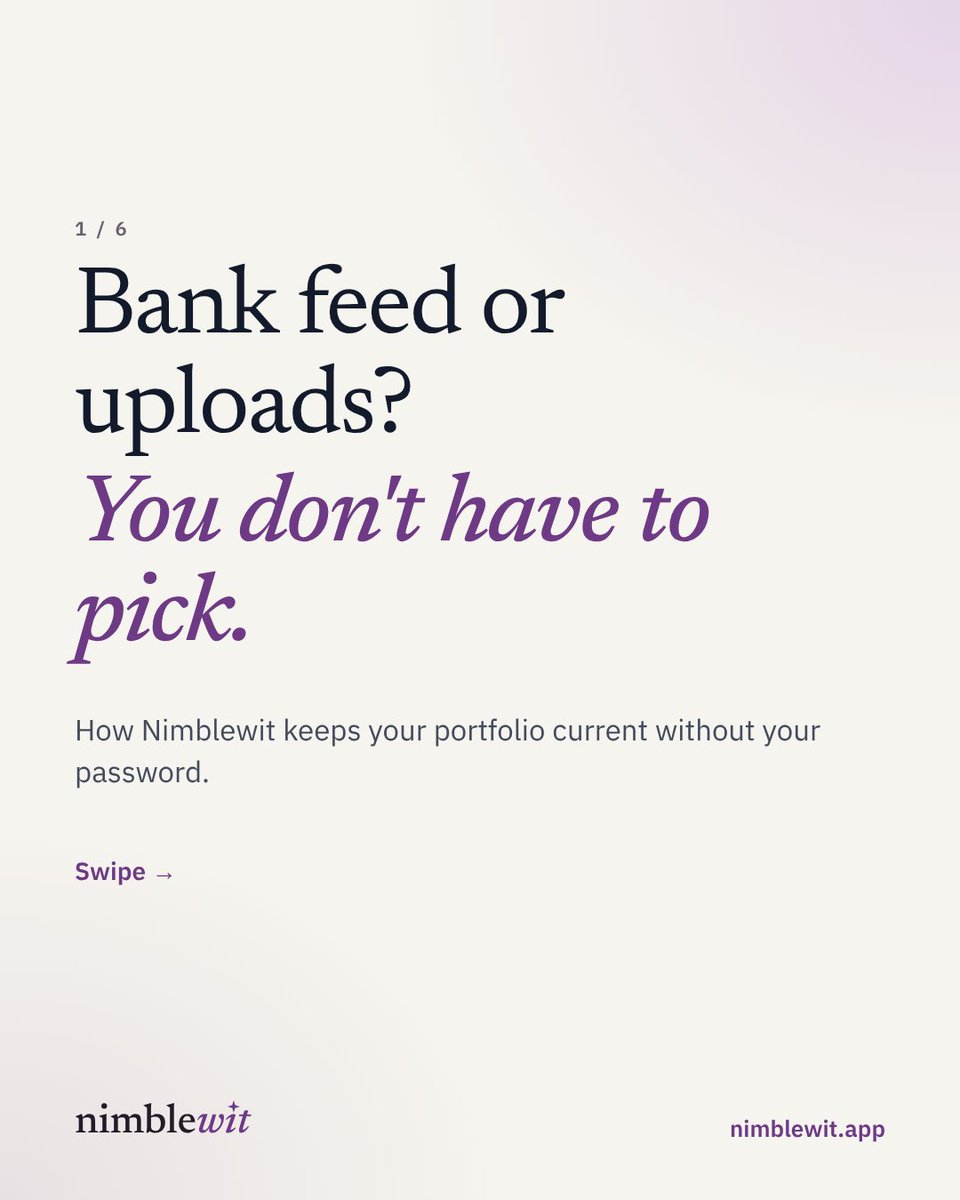
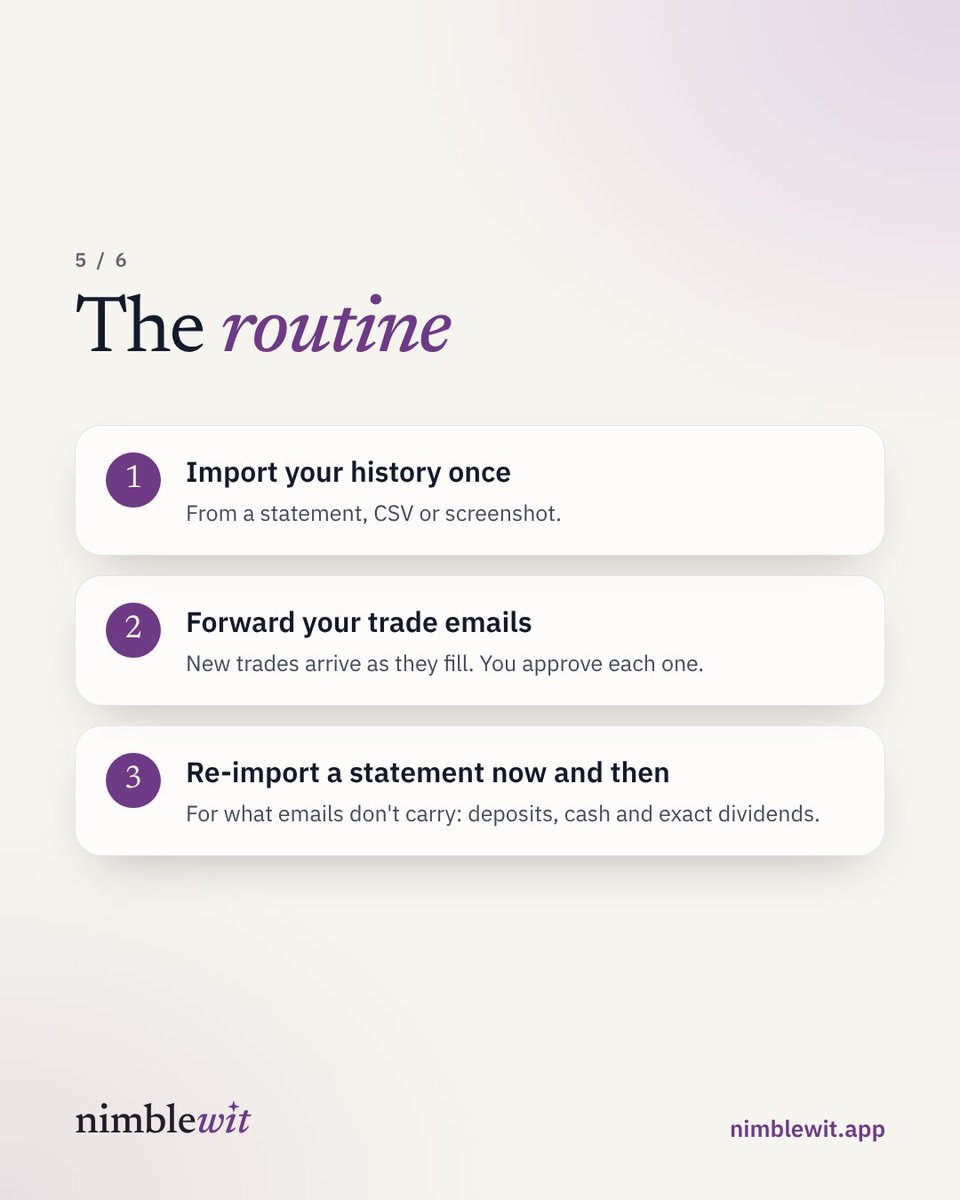
Bank feeds sync on their own but want your password, and they disconnect. Statements are complete but go stale. Our answer: import your history once, forward trade emails for what's next, re-import a statement now and then to verify.
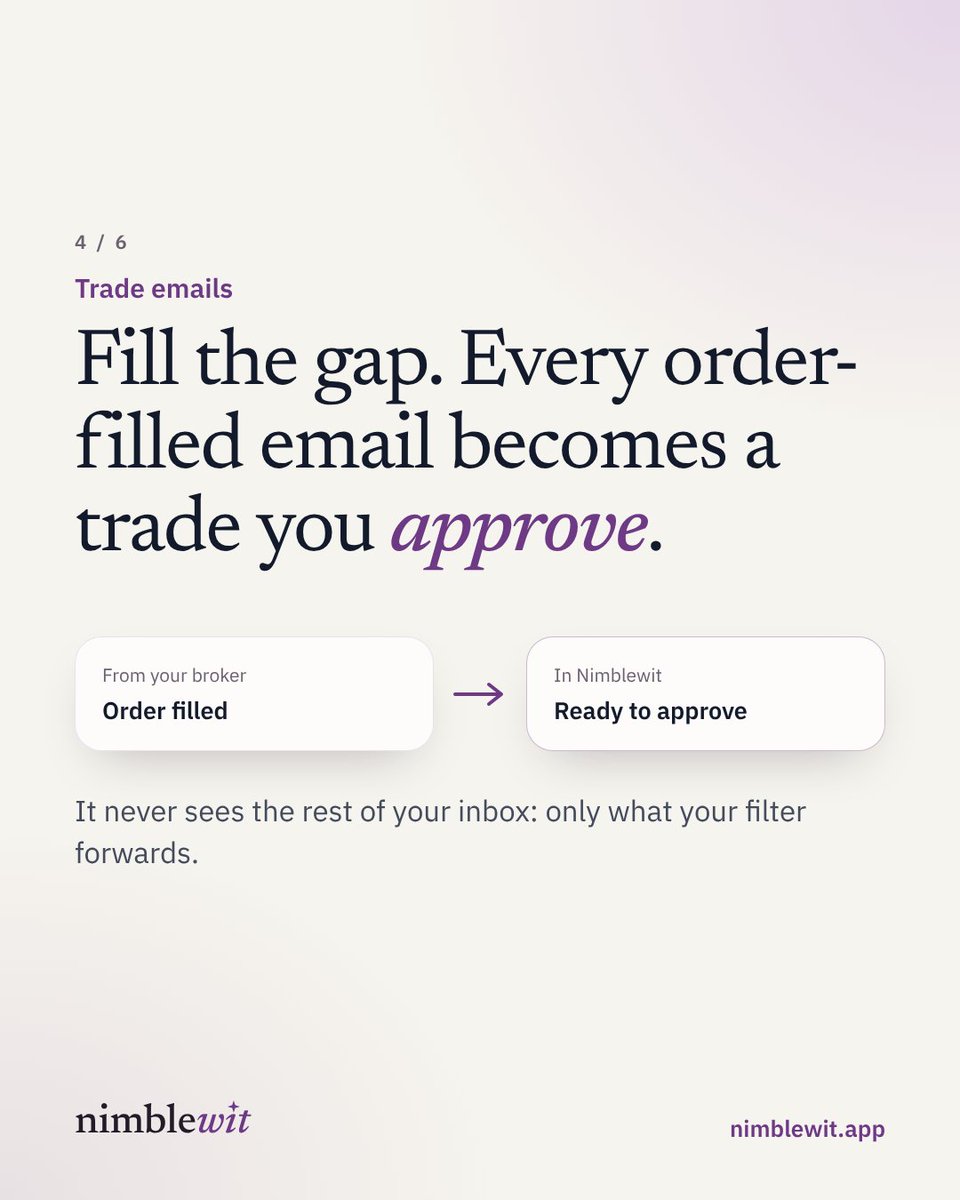
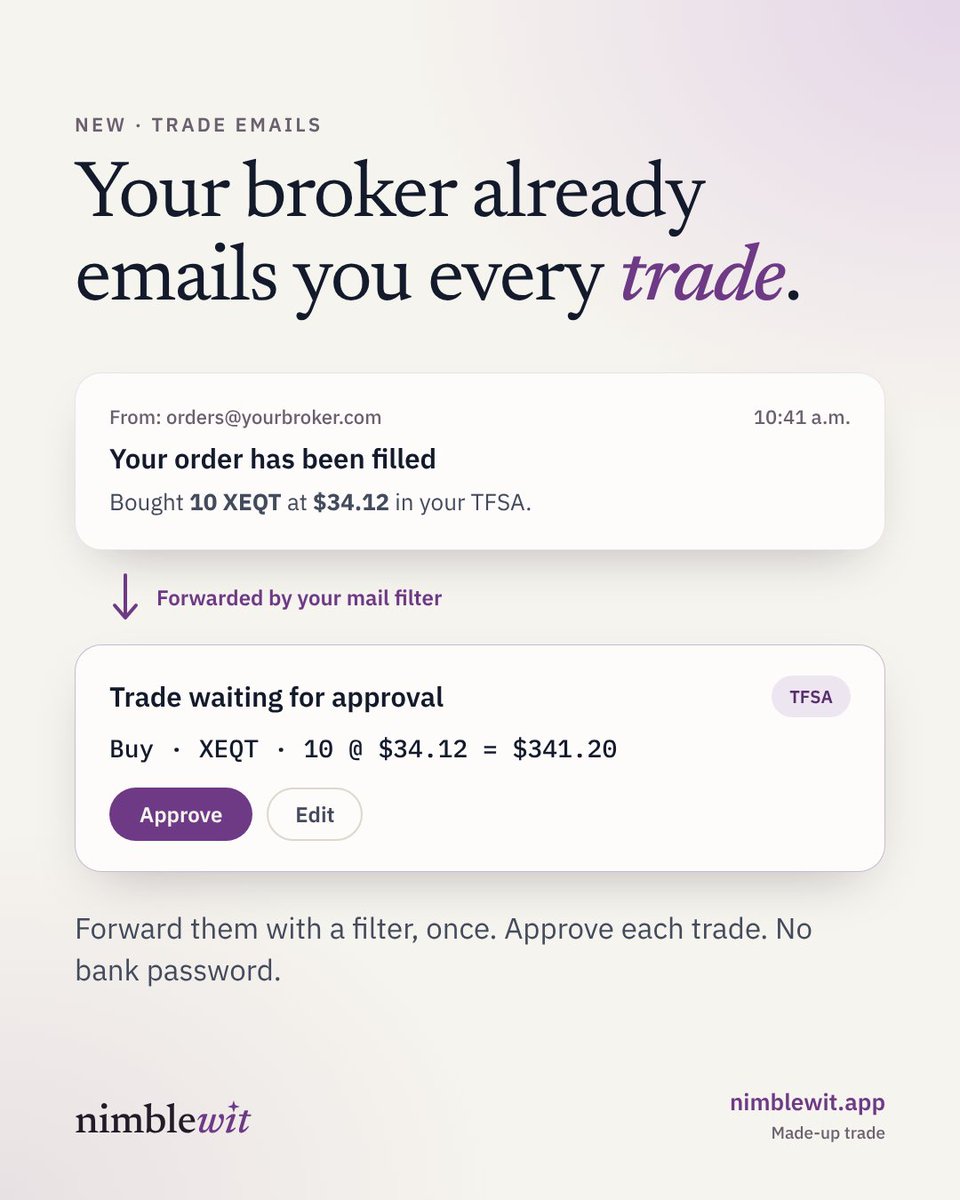
Your broker already emails you every trade. Now those emails can update your portfolio. Forward order-filled emails to your private Nimblewit address, approve each trade, done. No bank password. https://t.co/7x231Db77h
Same quick-witted view. A whole new glow.
Nimblewit's dashboard just got a redesign: a new Overview, glassy cards, a cleaner chart, and saved account groups. Light or dark.
Take a look with the sample portfolio, no sign-up needed: https://t.co/exPm3YVkaz
New in Nimblewit: for any period, see how much of your change came from money you added, price growth and distributions. Then share it as a card, with the dollar amounts hidden if you like. https://t.co/exPm3YUMl1
Own US dividend stocks in a TFSA? Usually 15% of each US dividend is withheld, and a TFSA can't claim it back. In an RRSP it's generally exempt. How it works, and how to track income after withholding: https://t.co/QGexnqHoqc
no full history handy? A screenshot of your holdings list is enough to start. Nimblewit works out your cost from value and gain, then suggests purchase dates from daily closes. Add the full history later.
Investments in more than one account? Nimblewit shows them all in one view: value, dividends coming up, and your return next to an index fund. Free to start. https://t.co/7x231Db77h
Getting your history in is the tedious part of tracking a portfolio. CSV, PDF or screenshot: which to use, what it must include, and how to avoid duplicates. https://t.co/BFcUWCW3oU
You can now look around Nimblewit without signing up. The sample portfolio is open: made-up accounts, the real dashboard. Returns, dividends, DRIP and allocation, all clickable. https://t.co/exPm3YUMl1