As an Administrative VA, here’s what I can do for you:
✔️ Manage your inbox and calendar seamlessly.
✔️ Organize tasks to boost productivity.
✔️ Free up your time so you can focus on growing your business.
Need support? DMs are open! Let’s talk about how I can help. #VAforHire
Cohort 11 is starting soon! You better be running. This will be your best decision yet, trust me.
With @AFRIMENT you don't just get experiences to help you upskill, you get a wealth of great opportunities and connections.
https://t.co/EfX3CDNZqg.
Click the link and register now.
The past 4 weeks have been amazing with @AFRIMENT
And guess what? I didn't just leave with a certificate, I got retained as one of the Customer Service Representatives and an Ambassador.
I don't know about you ohh, but Afriment is the place to be. Especially if you're growing.
Pov: A shattered phone screen and a bad laptop can not stop me from delivering.
I love my job.
I created 3 email templates with Mailchimp and Canva. I loved this one more🤭. I'm so proud of me.
@AFRIMENT Mentorship Program
#VirtualAssistantJourney
@tundeskie I don't just want to assist you
I want to be a part of your vision.
I want to meticulously take up every task like it's my own and intentionally work through it.
I want to be part of the reasons YOU succeed.
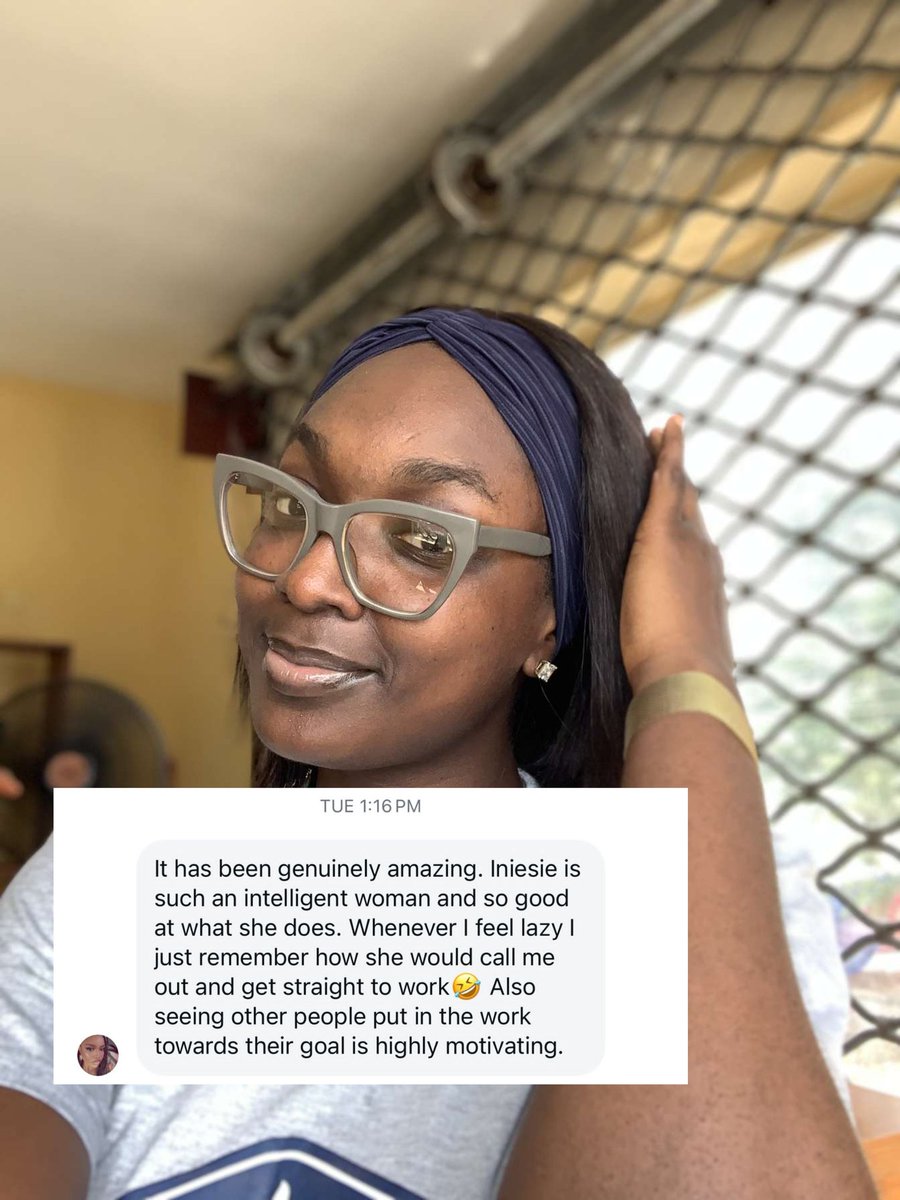
This is what makes Iniesie Okoji stand out as a Virtual Assistant
Prompt 7: Canva Design Task — "Design a Webinar Flyer"
From your boss: I’m hosting a webinar titled "Time Hacks for Busy Entrepreneurs" on June 5th at 7PM WAT. I need a catchy flyer that I can post on Instagram and Twitter. Include title, date, time, and a call to action: "Register via link in bio."
Task: Use Canva to design a clean, attractive flyer. Deliverable: Submit the Canva design link or PNG/JPG image.
Good morning girlieess😊
Prompt 5 with @Timmysofine
This one wasn't easy ohh😫. Most of the websites that would have helped were not free. Please can anyone recommend free website 🤲. Thank youuu
https://t.co/utKVcMHW70
Prompt 6: Document Formatting — "Make This Pretty"
From your boss: I’ve written a rough draft of my training guide for new team members. It’s messy. Please format it into a clean, professional document. Add a cover page, headings, subheadings, bullet points, and make it easy to read.
Draft: Welcome to the team. We're excited to have you here. There are a few things you need to know to get started. First, communication. We use Slack for internal messages and Notion for documentation. Always respond to messages within 24 hours. Second, task management. We assign tasks in Trello. You’ll get access to your board on your first day. Make sure to update the status of your cards regularly. Next, working hours. Our core hours are 10am to 4pm WAT, Monday to Friday. You can work outside those hours too, but make sure you're available during core hours. Finally, meetings. We have a team check-in every Monday at 10am WAT on Google Meet. Attendance is required unless otherwise communicated. That’s all for now. Reach out to your team lead if you have any questions.
Task: Use Google Docs or MS Word to clean up the draft. Deliverable: Submit a polished version as a PDF or link.