nOps manages $4B+ in cloud spend across AWS, Azure, and GCP — and every hour, our platform analyzes usage, forecasts demand, and makes automated commitment decisions.
As we scaled, we saw an opportunity to optimize the way operational data moved between our application layer and analytics layer.
So we rebuilt part of the platform on Databricks Lakebase.
By bringing Postgres-compatible operational data closer to the Lakehouse, we eliminated custom sync jobs, reduced infrastructure overhead, and helped cost data, recommendations, and anomaly alerts surface faster for customers.
Big thanks to the Databricks team for the collaboration.
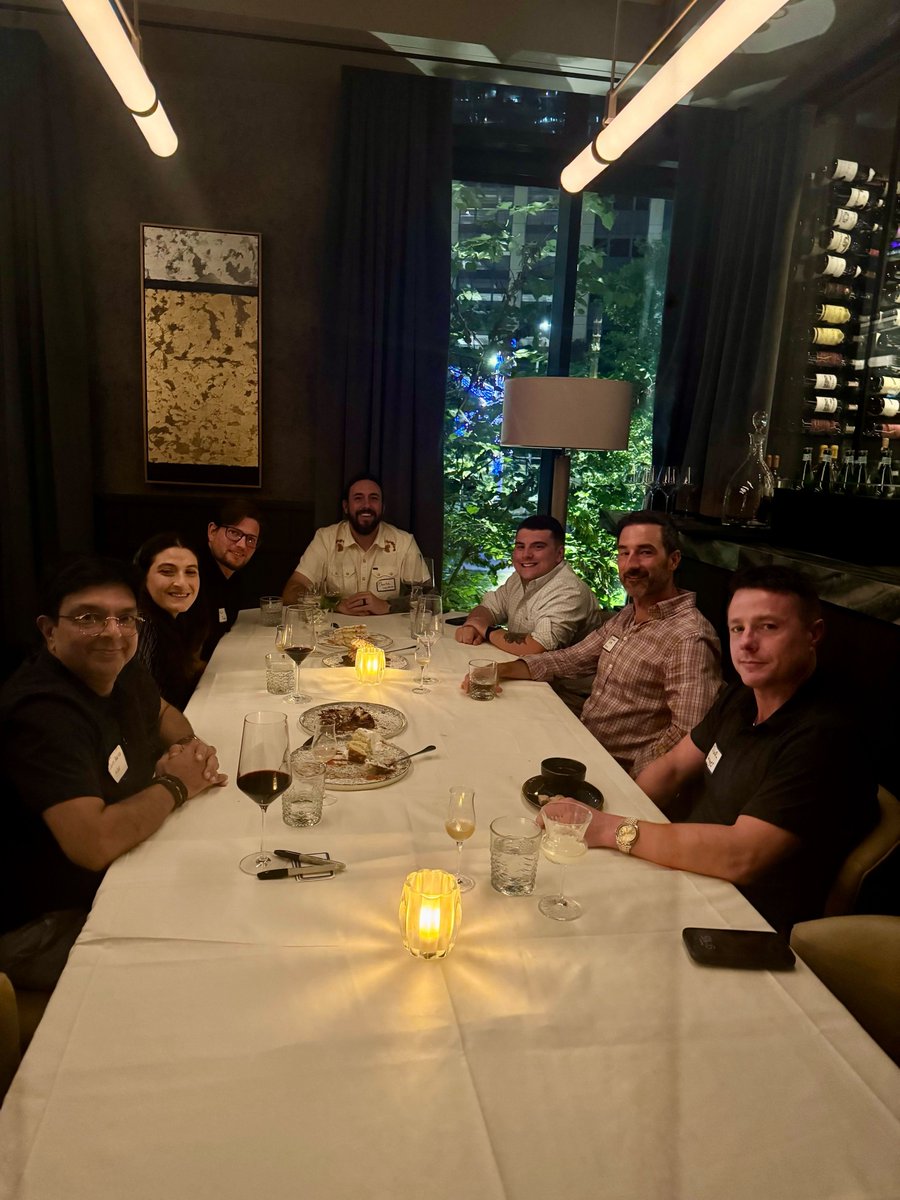
We had a great evening in Austin last night bringing together FinOps and cloud leaders for an executive dinner at The Kimberly.
The conversation focused on what’s actually working right now across cost allocation, commitments, and driving efficiency in AWS, Azure, and GCP environments. With a small group of experienced operators, the discussion quickly moved past theory into real-world strategies, tradeoffs, and lessons learned.
Appreciate everyone who joined us and made it such a thoughtful, engaging evening. Looking forward to continuing the conversation!
We had a fantastic time hosting the FinOps Visionary Series in SF with @finoutio last night!
Held at The View Lounge, 39 floors above the city, the evening brought together an incredible group of FinOps, cloud, and engineering leaders to discuss commitment management in real production environments.
Panoramic views, delicious small plates, and amazing practitioner-to-practitioner conversations — the evening couldn't have been better.
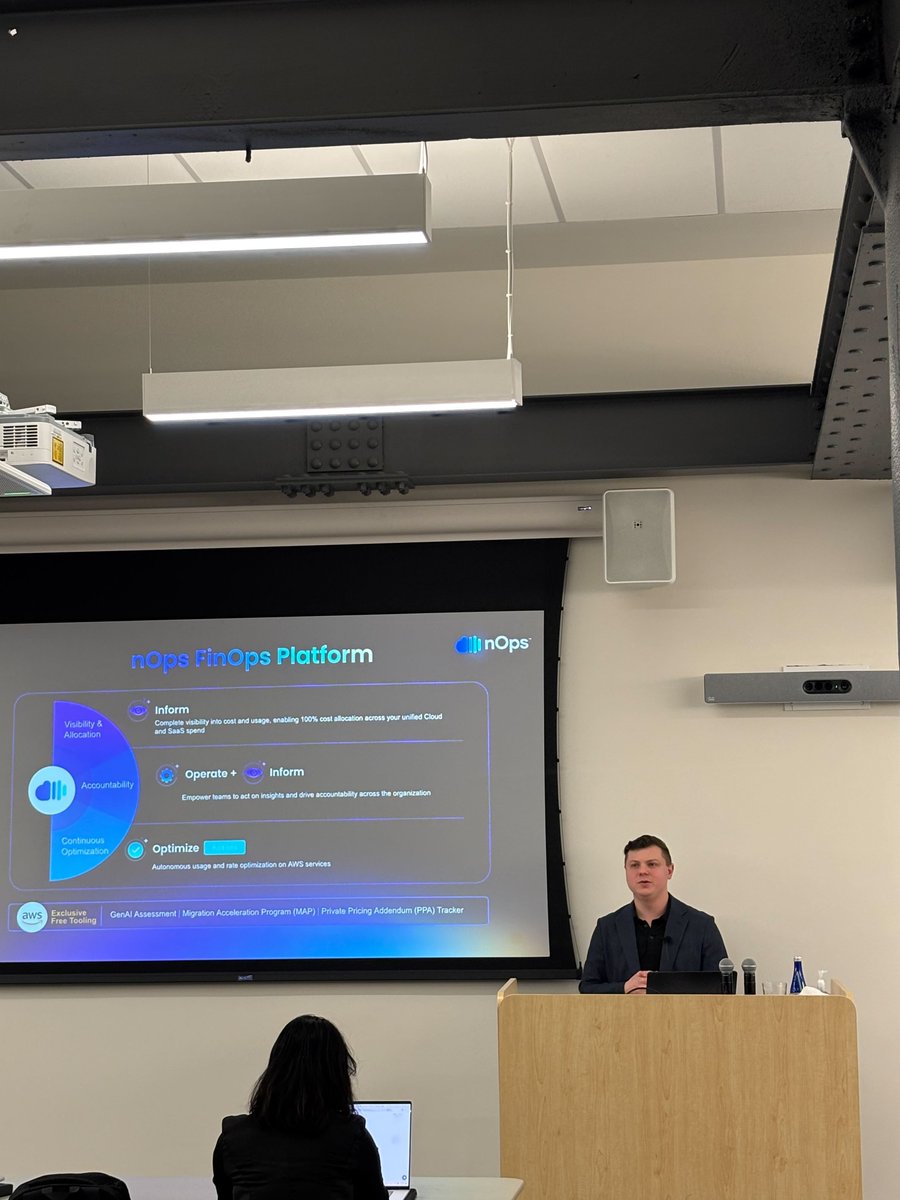
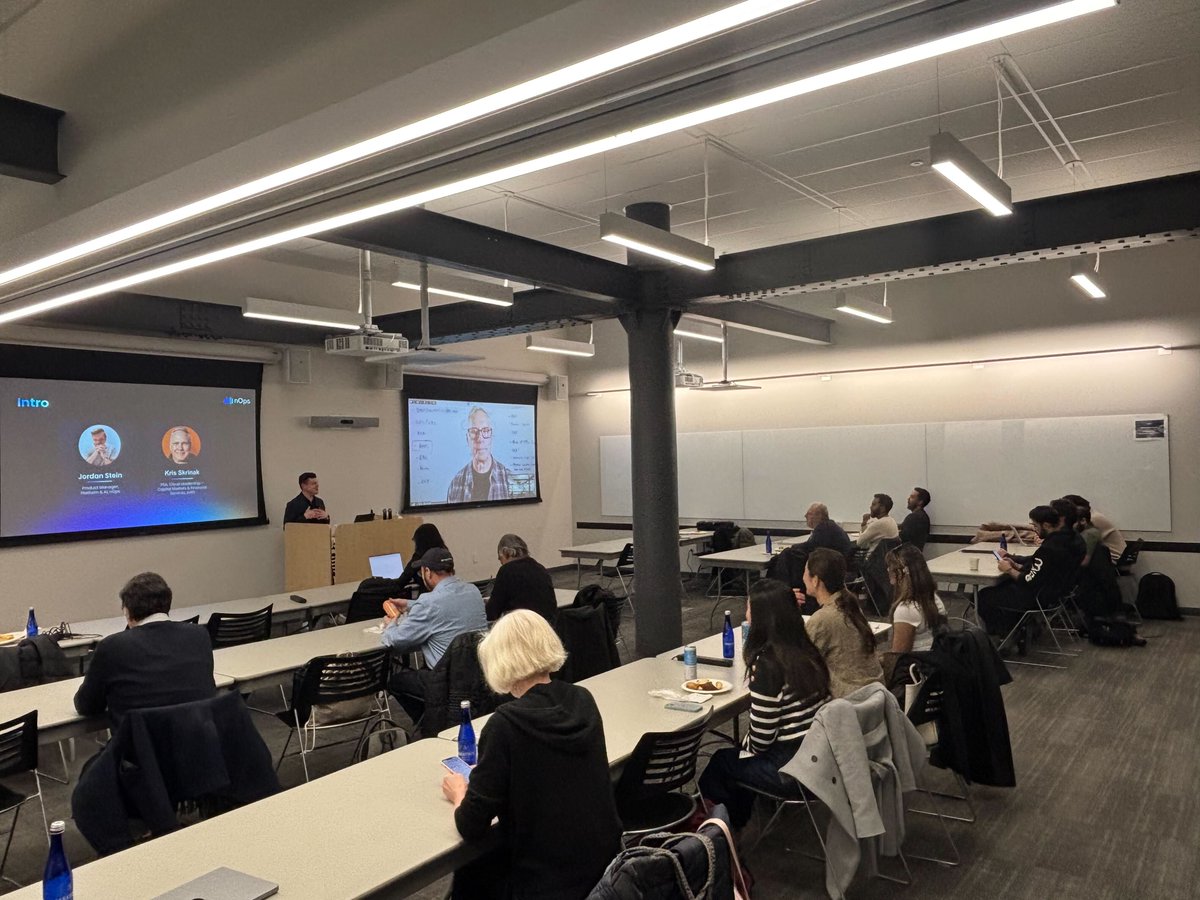
Last week, we had an amazing time hosting a GenAI + FinOps conversation with @awscloud at the AWS NYC office.
During the fireside chat, Kris Skrinak and Jordan Stein shared how teams are approaching model selection, measuring performance, and keeping GenAI usage and spend under control — followed by a live Q&A filled with thoughtful questions.
Big thanks to AWS for hosting and to everyone who joined us. Great conversation and connections. ✨
Savings Plans can leave workloads uncovered 😱 But there's a fix. Dieter Matzion explains why coverage can shift hour to hour — and how Reserved Instances can help fill the gaps when workloads change.
Happy holidays from the nOps team 🎉✨ As we wrap up 2025, we’re taking a moment to look back on some of our favorite moments from the year.
We’re so grateful for our amazing team and everyone who's been part of the journey with us!
We had an absolute blast hosting the @awscloud Texas Teams Annual Christmas Bash 🎄🤠
Huge thanks to everyone who came out and helped make it such a fantastic night. Looking forward to more moments like this in the year ahead!
#reInvent 2025 is in the books! Huge thanks to Amazon Web Services (AWS) for organizing a world-class event. We loved connecting with so many of you at the nOps booth and throughout the week—thank you for making re:Invent such a success.
If we didn’t get a chance to meet onsite, feel free to request a 1:1 with us here:
https://t.co/QdW6bm50hm
Cure your recommendation overload – with AI-powered Recomendations, you can now:
✅ Highlight your highest-impact optimization opportunities
✅ Track monthly savings rate and total savings to date
✅ See Weekly Recommendation Insights directly in your Feed
We were thrilled to join the Sanas team at their office yesterday for a productive hands-on session — sparking great discussions about cloud optimization and FinOps. Big thanks to everyone at Sanas for the invitation and the engaging conversations.
Long Context (LCtx) in Amazon Bedrock Claude can spike costs when sessions run too long — most teams lack visibility into when it's activated, how much it costs, and (most importantly) how to prevent unnecessary spend.
Our new AI Recommendations now lets you:
✅ Detect LCtx activation
✅ See the token cost impact
✅ Fix it with automated guidance
Scheduling for Container Rightsizing is now available:
☑️Schedule rightsizing for workloads and containers with precise time windows
☑️ Run optimizations safely during off-hours or maintenance periods
☑️ Automatically pause or roll back during peak usage to protect performance