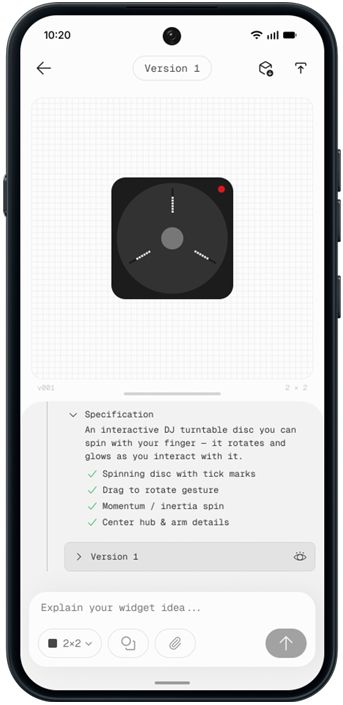
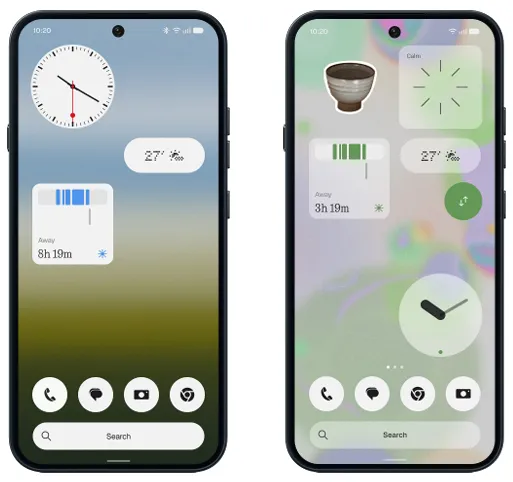
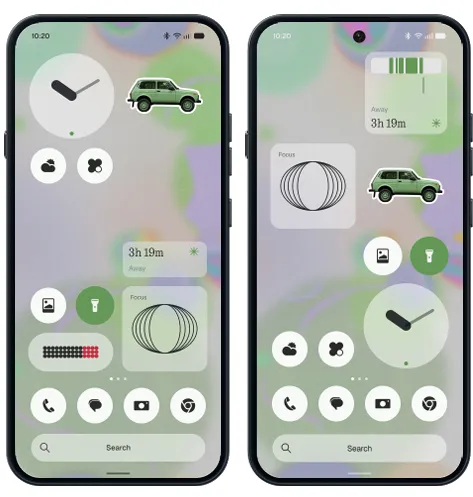
Perhaps the most interesting Essential AI addition is the ability to build Essential Apps directly on your phone. you can describe the app you want using natural language and have it built and launched to your home screen.
Quick Share now works across iOS and Android, including the ability to generate a QR code
Improved screen recording: A new floating action capsule provides easier access to recording controls, including options to edit, delete, or share a recording after you've finished recording
Quick Share now works across iOS and Android, including the ability to generate a QR code
Improved screen recording: A new floating action capsule provides easier access to recording controls, including options to edit, delete, or share a recording after you've finished recording
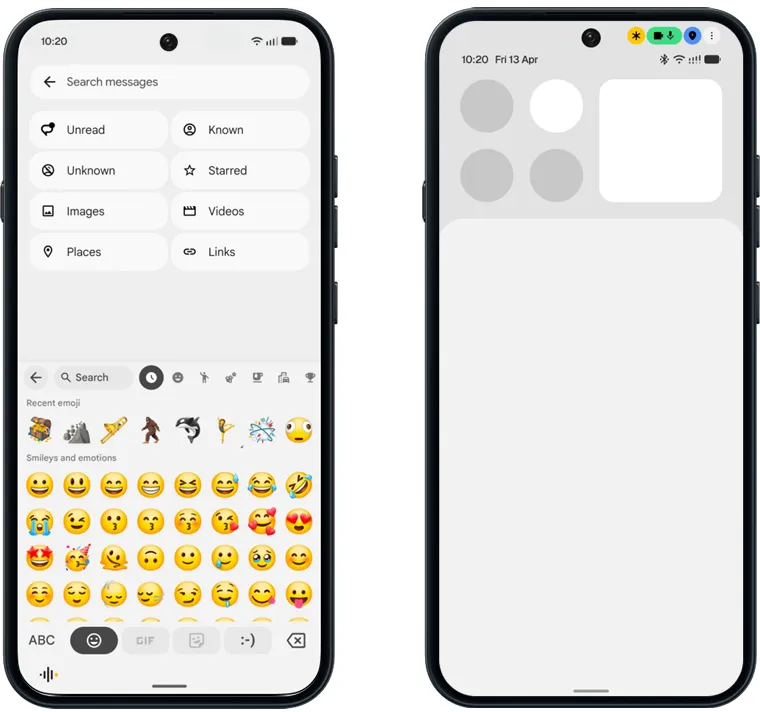
Noto 3D Emoji: Android 17 introduces Google's newer three-dimensional emoji design, along with the latest Unicode additions.
Updated privacy indicators: New indicators make it easier to see when sensitive permissions, location sharing or AI processing are active.
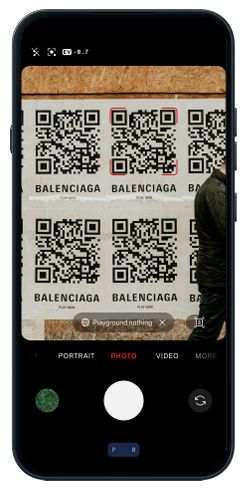
The Camera app gets a cleaner interface with refined controls and animations.More importantly,Nothing has fixed one particularly annoying part of scanning QR codes.QR code results now stay fixed on screen instead of moving around with the viewfinder,making them much easier to tap
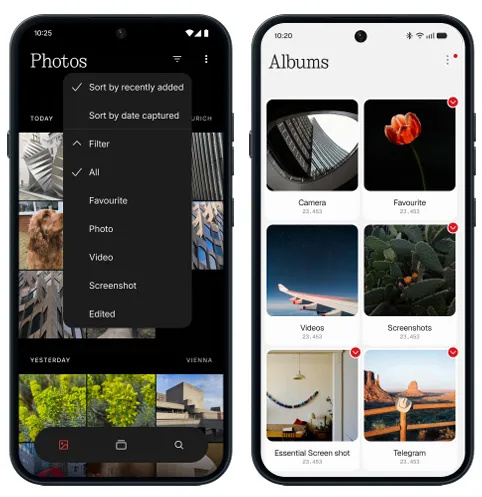
The Gallery app gets more attention in Nothing OS 5.0. Nothing adds new sorting, filtering, and album reordering options, making it easier to organise and find photos. The app also gets a refreshed editing experience and updated layouts for everyday photo management.
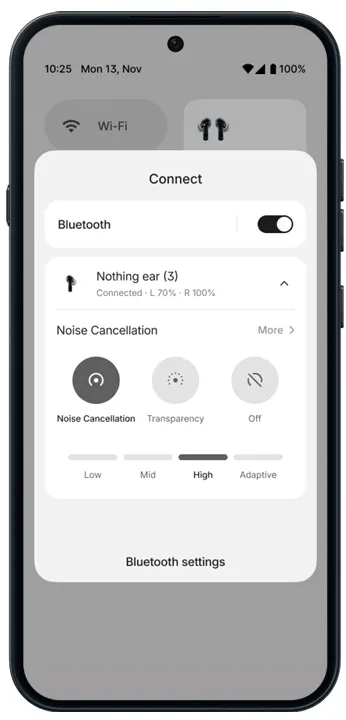
Bluetooth controls have been simplified, too. Tapping a connected device now disconnects it directly rather than taking you into another settings menu.
Nothing OS 5.0 finally gives users the option to separate Notifications and Quick Settings.
Once enabled, swiping down from the left side of the screen opens Notifications, while swiping down from the right opens Quick Settings.
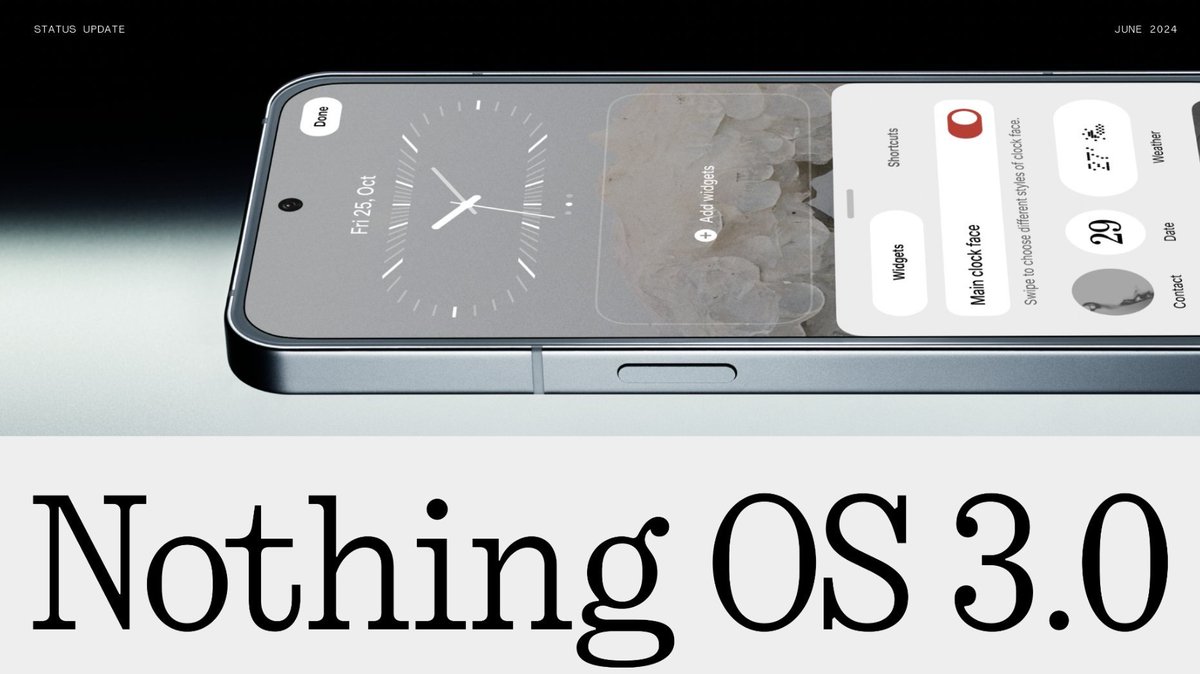
Nothing OS 5.0 introduces two new lock screen clockfaces. The Gooey clockface has a bold, playful design. Meanwhile, Micrographics takes a more hardware-inspired approach and can show the date, time, weather, and upcoming meetings without requiring you to unlock the phone.
A Dedicated Glyph App
The Glyph Interface is no longer buried inside Settings. Nothing OS 5.0 gives it a dedicated Glyph app that brings its features, sounds, ringtones, and schedules together in one place.
Nothing OS 5.0 finally makes it possible to rearrange multiple apps and widgets at once.
Long-press the home screen, select the new Arrange option, and you can select and move multiple items together. It's a relatively small addition, but a genuinely useful
Away Time: Instead of tracking how long you've been using your phone, Away Time focuses on the time you spend away from it. It shows your longest break and weekly trends, giving you a different way to understand your phone habits.
Nothing OS 5.0 introduces a new typeface called Geist, replacing Inter as the secondary font option alongside Roboto. Geist has already been used across other Nothing software experiences, such as Playground and it now brings that visual consistency to the phone.
App icons also pick up subtle colour tints based on your wallpaper. Even 1×1 Quick Settings widgets can now use colours drawn from your wallpaper, making more parts of the interface feel connected to your chosen background.
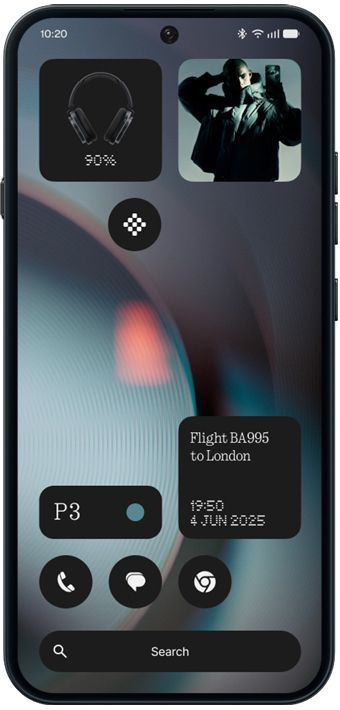
Nothing OS 5.0 brings a major visual refresh with the new Lucent theme, widgets, lock screen customization, Glyph app and split Quick Settings and Notifications.
Essential AI gets smarter with faster Essential Voice, Smart Collections in Essential Space, MCP support.
@getpeid I think nothing phone 2 is capable for this update because phone 2 has better hardware than phone 2a please think about phone 2 and release this last update for nothing phone 2 please requesting. I am huge fan of nothing please carl please🙏🙏🙏
@getpeid Please provide private space like Google pixel and plz make animations more smoother and plz make lockscreen wallpapers and customisations like oxygen os or iOS please @getpeid@nothingindia@nothing@nothingsupport