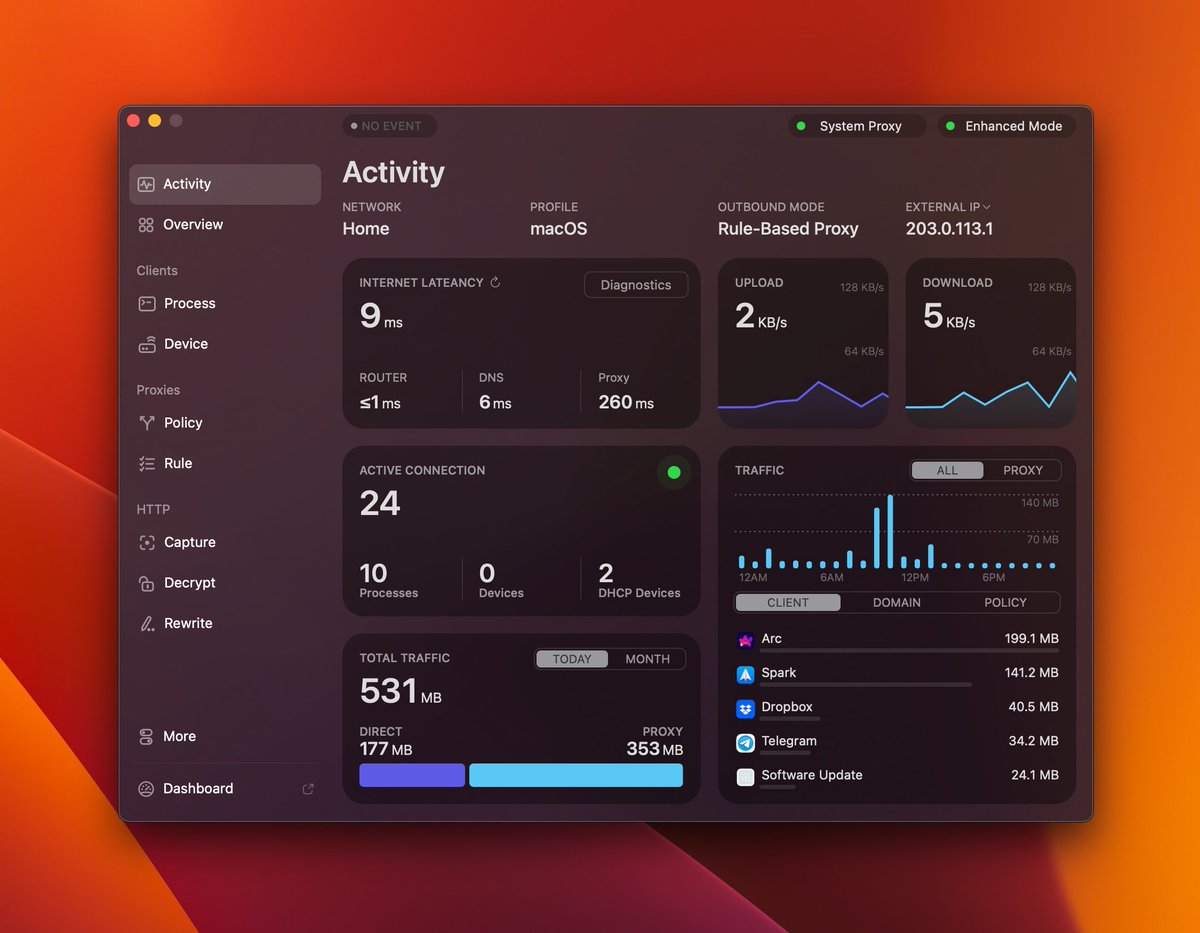
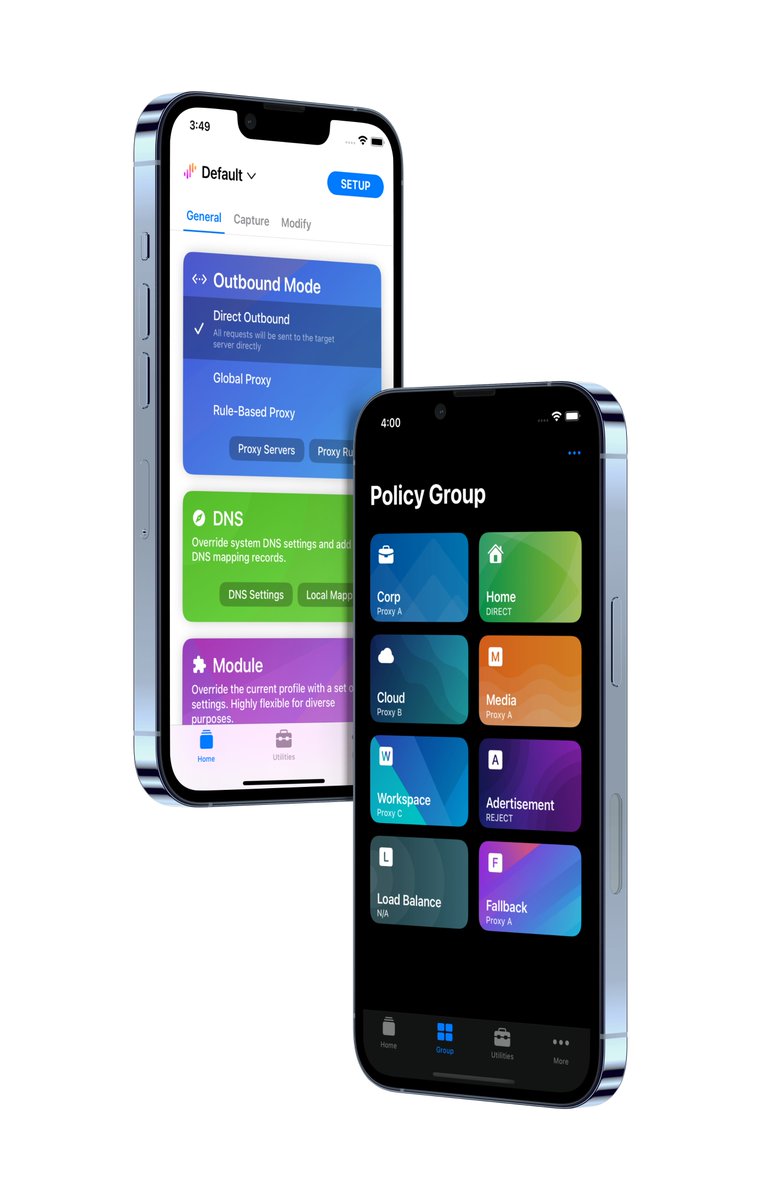
We’ve launched @SurgeBeta, a new X account for detailed updates on the latest Surge Beta releases. It will stay in sync with our existing Telegram Channel.
Follow @SurgeBeta to keep up with the latest Beta changes and improvements.
Surge CLI Updates
As Surge CLI becomes a key foundation for integrating AI capabilities with Surge, we are continuing to expand and refine it.
The interactive CLI now supports command history and auto-completion, making it significantly more convenient for both everyday use and exploratory workflows.
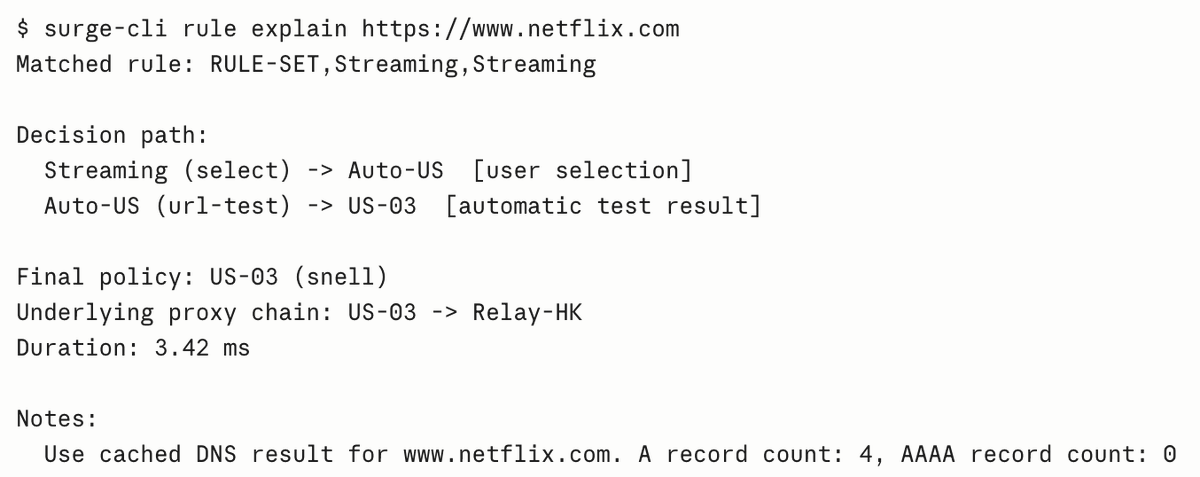
We’ve also added a new set of useful commands, including rule match and rule explain, which let Surge answer a common debugging question without generating any real traffic: “Why would this request go through that policy?”
**rule match**
rule match performs a dry-run evaluation against the active rule set and reports the matched rule and final policy.
All relevant matching attributes — including hostname or URL, port, process path, source address, client MAC, protocol, and more — can be supplied as key=value options. This makes it possible to reproduce exactly how a specific request or client would be routed.
Combined with --raw, it can also be used in scripts to audit an entire list of domains against your current rules.
**rule explain**
rule explain goes a step further by showing why a particular policy was selected.
It traces the complete policy-group resolution path and reports every decision along the way, including manual selections, automatic test results, overrides, load-balancing decisions, Smart Group selections, the underlying proxy chain, DNS evaluation notes, and timing information.
Use rule match for quick checks and scripting, and rule explain when you need to inspect the complete decision path.
And there’s more coming: starting with the next iOS TestFlight build, Surge CLI will be able to operate Surge directly on iOS. Stay tuned.
Surge Mac 6.8.0 has been officially released. This is one of our most substantial updates yet, combining major new capabilities with extensive improvements throughout the networking stack.
Highlights include:
- Initial adaptation for macOS 27
- Interactive Tailscale sign-in and automatic routing
- MTProto server mode for Telegram
- Built-in Snell v6 server support
- A significantly expanded Surge CLI and new AI Skills
- Reworked ECN handling across QUIC, WireGuard, Tailscale, Ponte, and nested UDP tunnels
- DNS-over-TCP and improved IPv4/IPv6 connection establishment
- UDP-aware Smart Group policy selection
- Major improvements to Gateway Mode, Ponte, profiles, cloud sync, external resources, and diagnostics
The release also delivers wide-ranging security, correctness, and reliability enhancements across core components—covering everything from malformed-data handling and connection recovery to memory usage, concurrency, and long-running stability.
Read the full release notes:
https://t.co/mwl7Mqy3vH
Upgrade benefits
• Free upgrade for customers who purchased Surge Mac 5 within one year.
• All other v5 users can unlock Surge Mac 6 simply by renewing their Maintenance Subscription—and for the first week, enjoy an exclusive 20% early-bird discount.
https://t.co/KZI11KNmck
We will release Surge tvOS 5.8.4 compiled with an older version of Xcode as soon as possible, if you have already upgraded and cannot start it, you can use the TestFlight version for now or try updating your tvOS to the 17.2 RC2.
Meanwhile, Surge tvOS has also passed the review and is waiting for the official release of tvOS 17 on September 18th. After that, it can be installed and used from the App Store.
Users who have already purchased Surge iOS can use it directly without any additional payment.
Surge iOS 5.7.0 update is now live.
· Supports interactive widgets for iOS 17.
· Added full-text search support for HTTP request's header and body.
· Web Dashboard updated to version 2.0.
· Inline Ruleset, allowing the Ruleset to be written directly in the main profile.
In the latest beta version of Surge Mac, you can use Dashboard to directly create new temporary rules. This feature can be used for both the local and remote device's Surge instances.
For devices that have configured Surge Ponte, they can be remotely managed directly through Surge Ponte from anywhere on the Internet. You can find the option on the main menu of Surge Mac.
In the latest version, we have made many improvements to the remote control function of Surge Mac's Dashboard. Now you can directly control policy group options through the Dashboard.
Surge Dashboard can remotely control functions of other devices' Surge Mac/iOS/tvOS.
Users who purchased within the last six months can upgrade for free, other users can upgrade at a discount, with prices as low as $1.99. v4 users will receive an update prompt in about a week.
For more details and upgrade plans, please visit: https://t.co/YcDhYipLth
Surge Mac 5 is now officially released, core feature updates include:
· Surge Ponte, a solution that allows easy configuration for a private mesh network across the Internet.
· New VIF engine, with maximum processing bandwidth increased to 30Gbps on M2.
The Darwin Kernel 21.4.0 in macOS 12.3 has a serious IP forwarding bug that causes severe degradation of Surge's Router mode upload performance. A temporary workaround has been deployed in the Surge Mac beta version.
Surge iOS 4.12.0 & Surge Mac 4.5.0 have been released with substantial improvements. Complete release note here: https://t.co/9ESogKDxSs
The online manual has also been updated to match the latest version.