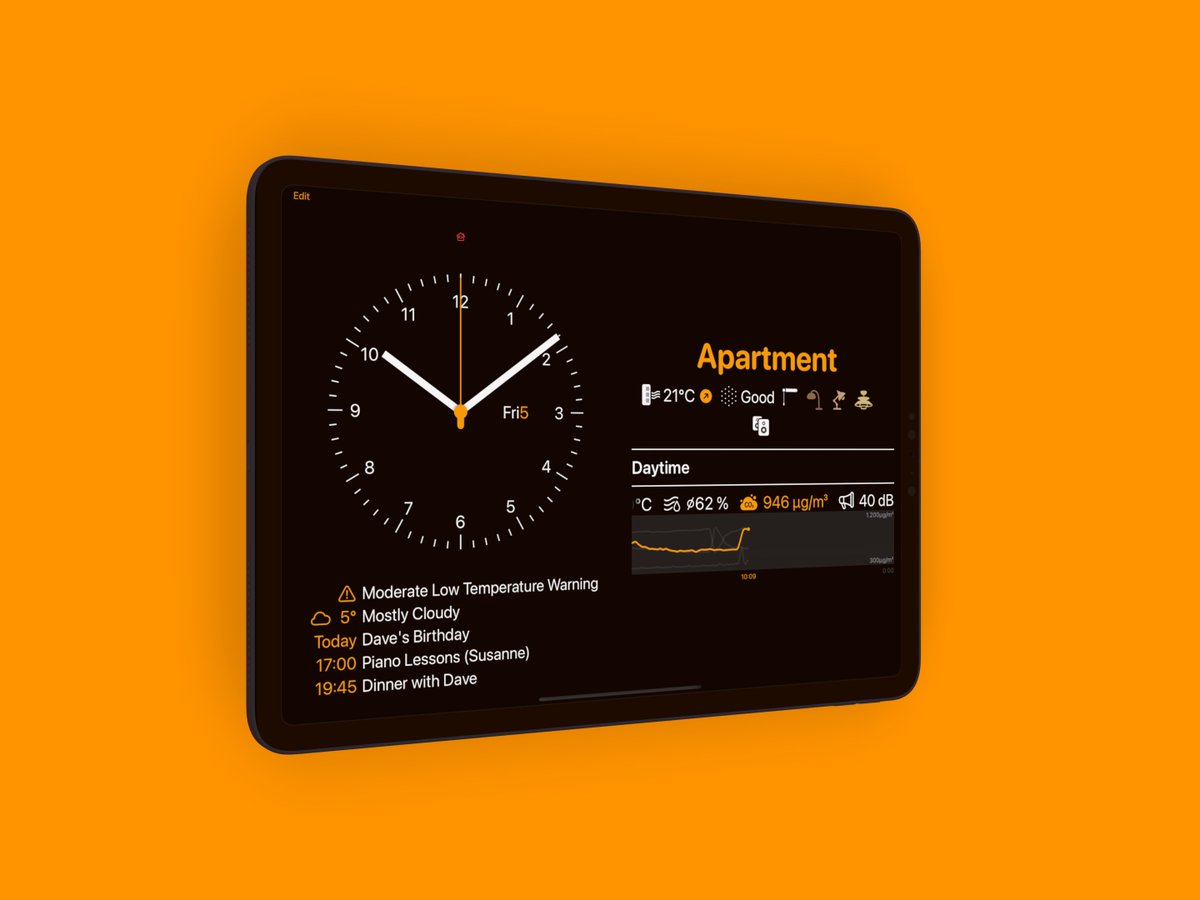
Usually Wallflower prevents the screen from locking, but in Version 2.1 you can turn that off. Your options are to do that always, at certain times, or when Guided Access is on.
One of the most requested features for Wallflower is to turn off the display completely. The problem: An app can’t do that and turn the display back on again. But now a user found a workaround, and Wallflower 2.1 is optimised for that!
Robert is a #SmartHome Professional, and he has made a great overview video about what Wallflower 2 can do. Thanks a lot for this amazing introduction! https://t.co/25cqEorA5m #homekit
Wallflower 2.0 is released, a #HomeKit dashboard for your iPad! It’s a complete rewrite, and besides a lot of HomeKit features it adds Weather and Calendar support. And for this week enter the code RELEASEWEEK to get the first 3 months for €9.99/$8.99! https://t.co/v4P8LMOjrT
Sent out the Wallflower 2 beta to a lot more people. If you signed up for the Wallflower 1 beta program back in the day, you should check your TestFlight!
Wallflower 2 Beta is coming closer!
If you want to test the new version of our #homekit dashboard before it is released, sign up here: https://t.co/j0gwL7IY7K
@steinemaen Jupp. Einmal noch ne Ehrenrunde mit Konfigurations-Konzept neu machen… Das wurde zu komplex. Und dann mal sehen wie viel Umbau ich brauche nach der WWDC. Und *dann* Release.
So there was WWDC, then came both an overdue holiday and a client project that got me up to speed with SwiftUI. Now it’s September, and I’m picking up Wallflower development again:
Version 2.0 will be coming.
It will be fully SwiftUI.
Older devices will keep what’s there now.