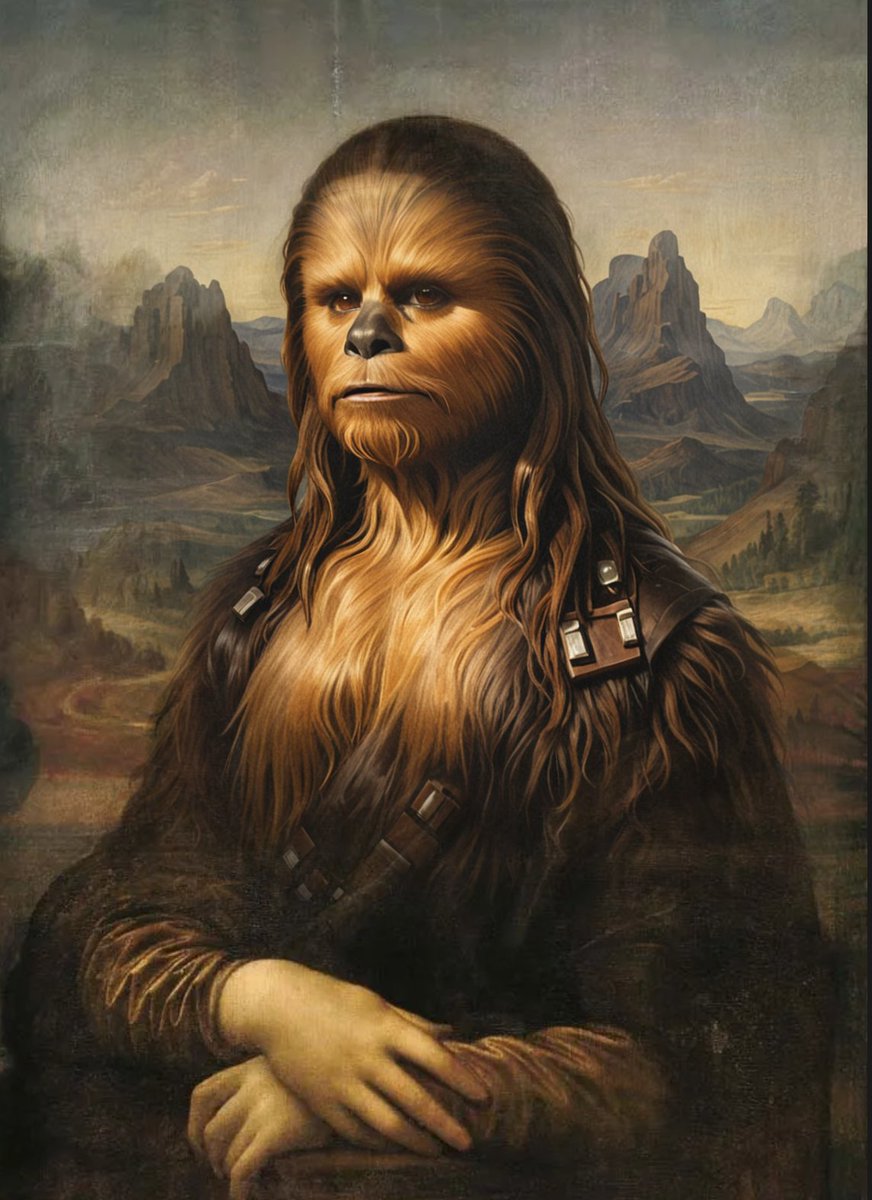
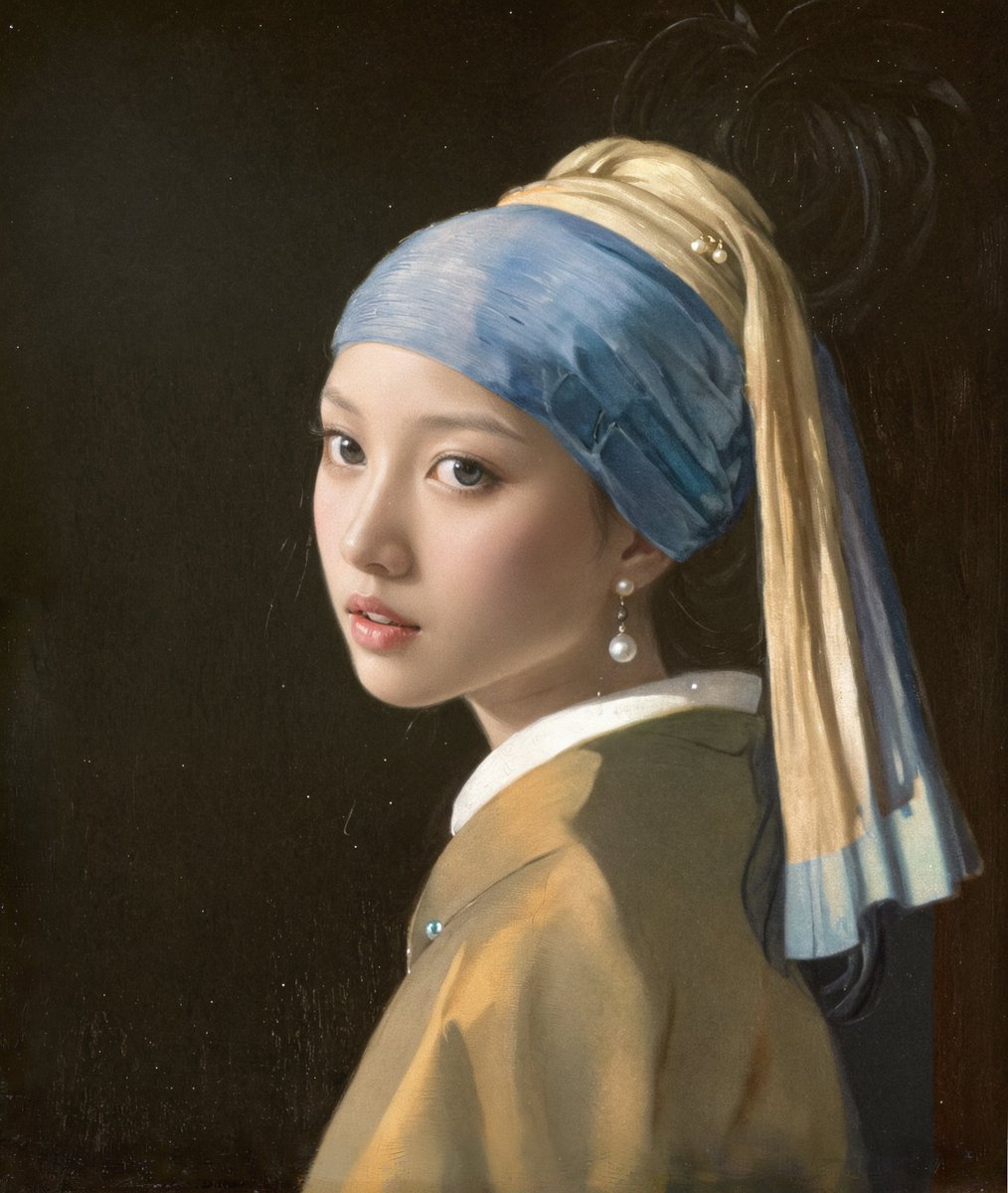
Odyssey V1.0.17 introduces configurable blending - where you can target very small sections of an image with a highly specialized prompt and blend the result into the surrounding image without creating seams
Our belief at Odyssey is that software will move beyond AI-first applications that address a single use case.
The best software will empower users to build multimodal, tailored apps that combine the best of machine learning, natural language processing, computer vision, and artificial intelligence to achieve a remarkable result.
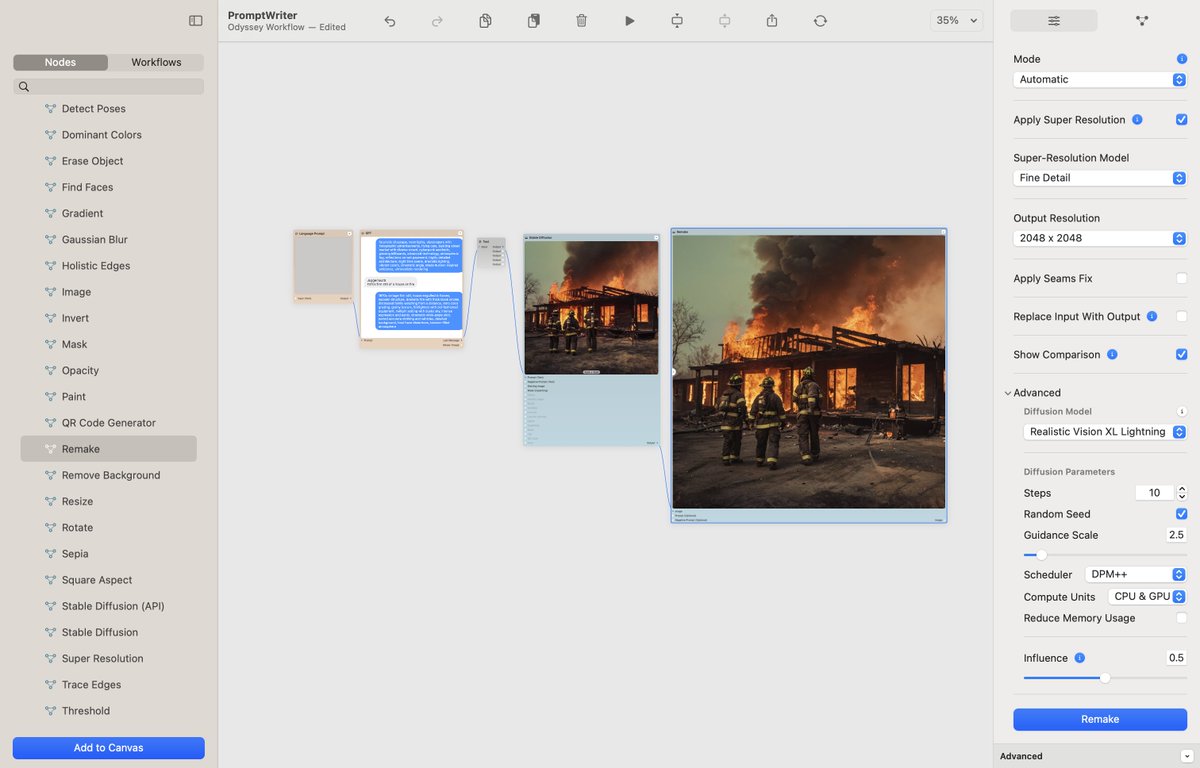
Pretty cool how effective GPT-4o is at writing prompts. Here's a workflow that goes from brief description --> fully fledged prompt --> JuggernautX --> Odyssey Remake
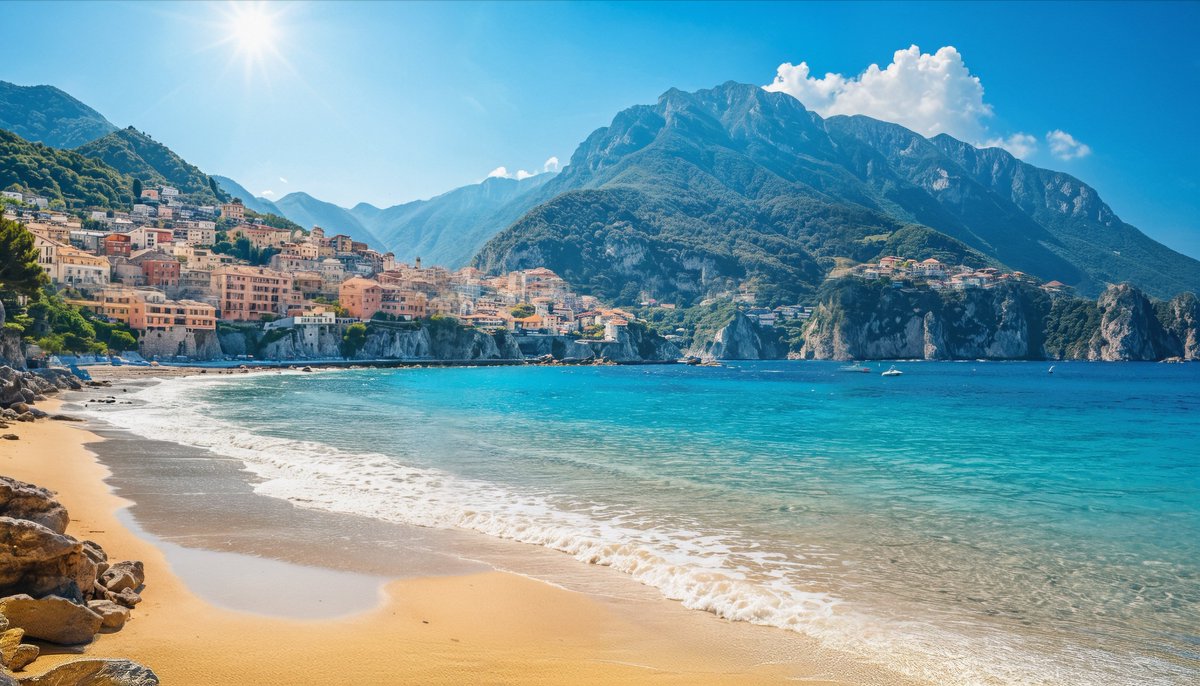
One of the things that's so incredible about getting this level of realistic detail out of a piece of #AIart is that the upscaling happened entirely locally with Odyssey's Remake node. No expensive GPUs, no usage limits, just total creative control on your Mac.
Learn how to use Odyssey's new Remake mode with this long-form product walkthrough. Trying these out as quick and easy ways to explain how to use Odyssey
In this example, we've taken a tiny 289x175 pixel image and blew it up to 2048x1241 then broke the image up into tiles and ran it through a realistic Stable Diffusion model. The result is an incredibly realistic photograph that matches the spirit of the input image.
The Remake node is also just one of Odyssey's 90+ nodes and workflows - which means you can easily integrate remaking an image into a longer workflow - like a transition node.