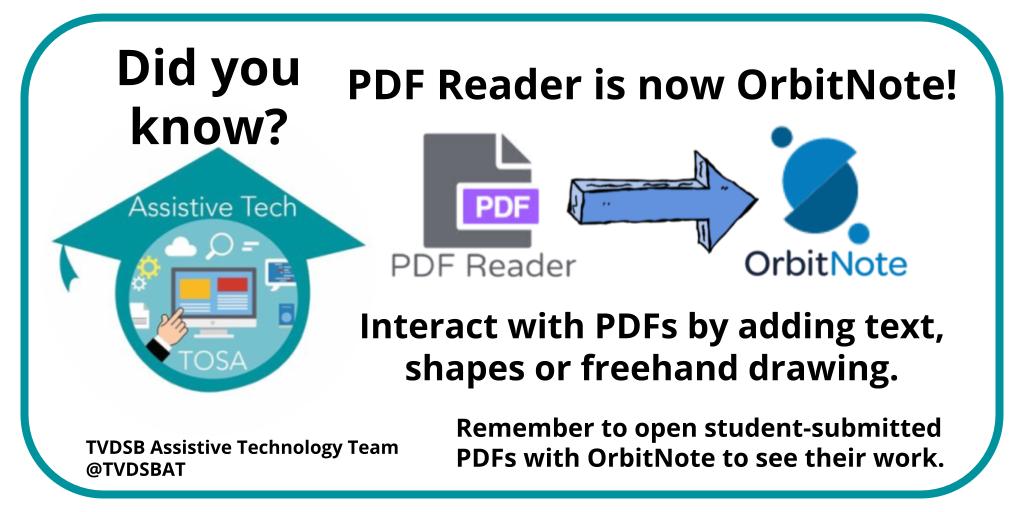
The OrbitNote extension allows all users to interact with PDFs. Try an activity where students can annotate directly onto the document. Video tutorials found on the AT Site: https://t.co/lHCp4DRHPD under 'Making Documents Accessible' #GoodForAllTech
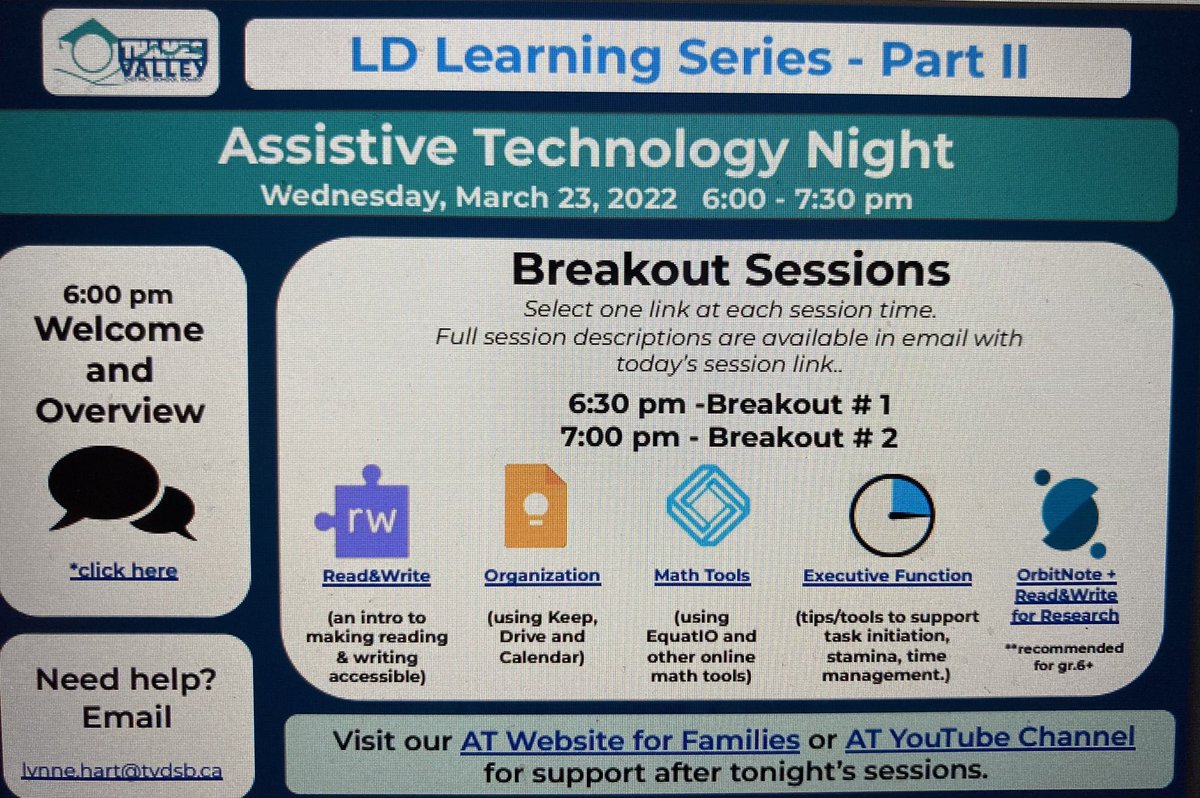
It’s finally here! Tomorrow March 23rd! @SpecialEd_TVDSB department and @TVDSBAT team will be sharing with the @TVDSB community as we partner with @LDALondonRegion during our LD Learning Series: Assistive Technology
🔥ATTENTION ALL EDUCATORS who love Google Jamboard. @TCEA has curated this Google Doc https://t.co/9yCRjEMg79 with over 1️⃣2️⃣0️⃣0️⃣ Jamboard templates are for all grade levels and subject areas. The list will be continually updated. #edtech#Jamboard#edchat#elemchat#highschool
Just a few days away until our @westernuEdu virtual conference! On Feb 8th, Yr 1, 2 and recent teacher candidates are invited to attend sessions from our #tvdsb@SpecialEd_TVDSB and @TVDSBAT teams. Be sure to check your PD calendar for our website and information! #GoodForAllTech
Our @westernuEdu virtual conference is approaching on Feb 8th! Teacher candidates, be sure to check your PD calendar for our website and information! #GoodForAllTech
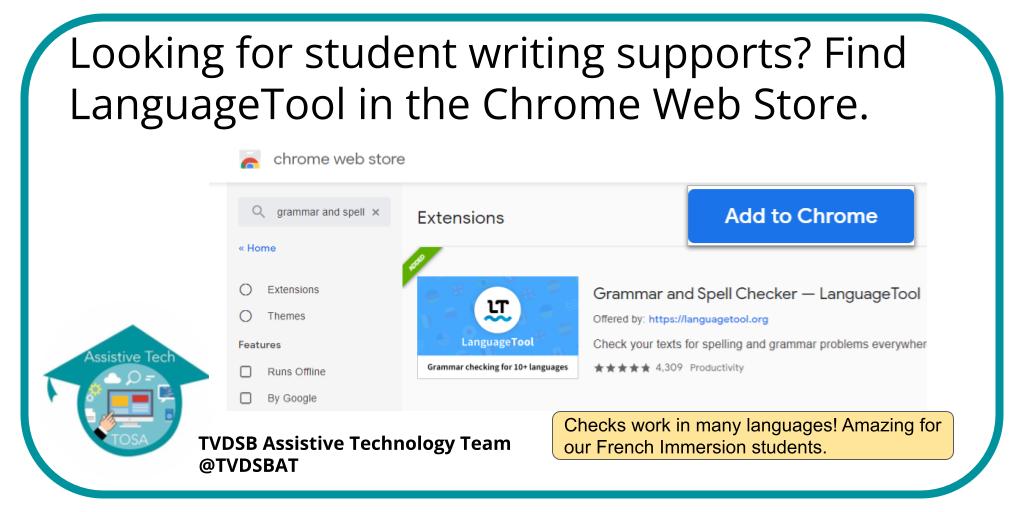
@TVDSBAT@TVDSB@TVDSBFSL@ELLtvdsb Thank you for the shoutout! We can help you to learn over 20 different languages and dialects! You can try LanguageTool for free. :)
Using #OrbitNote by @texthelp with your students? Feedback for students can be written or audio using the built-in comment feature. Students can also use to share their thinking with the educator. #GoodForAllTech@SpecialEd_TVDSB
Lots of recent updates! Check out the @TVDSB Assistive Tech Team website for resources and how-to videos. https://t.co/lHCp4E9iHb
https://t.co/rCCeNJosXF
#GoodForAllTech@SpecialEd_TVDSB @RAndrewCanham
Did you know that TextHelp's Read&Write has a few different looks for their text to speech tools? Here are some of the tools available in the different digital environments! Hover Speech is a favourite!
Out of sight + out of mind, right? Make sure this isn't happening to students! Have them pin frequently used extensions so there is a visual reminder to access them daily! #GoodForAllTech@SpecialEd_TVDSB
Sharing PDFs digitally with students? Open using #OrbitNote from @texthelp to annotate or add comments. Reach out to your #TVDSB AT TOSA if you need more support. #GoodForAllTech@SpecialEd_TVDSB
Progress report time! Hands tired from so much typing? Remember to open your #Read&Write purple puzzle piece to voice type your comments. #GoodForAllTech@SpecialEd_TVDSB
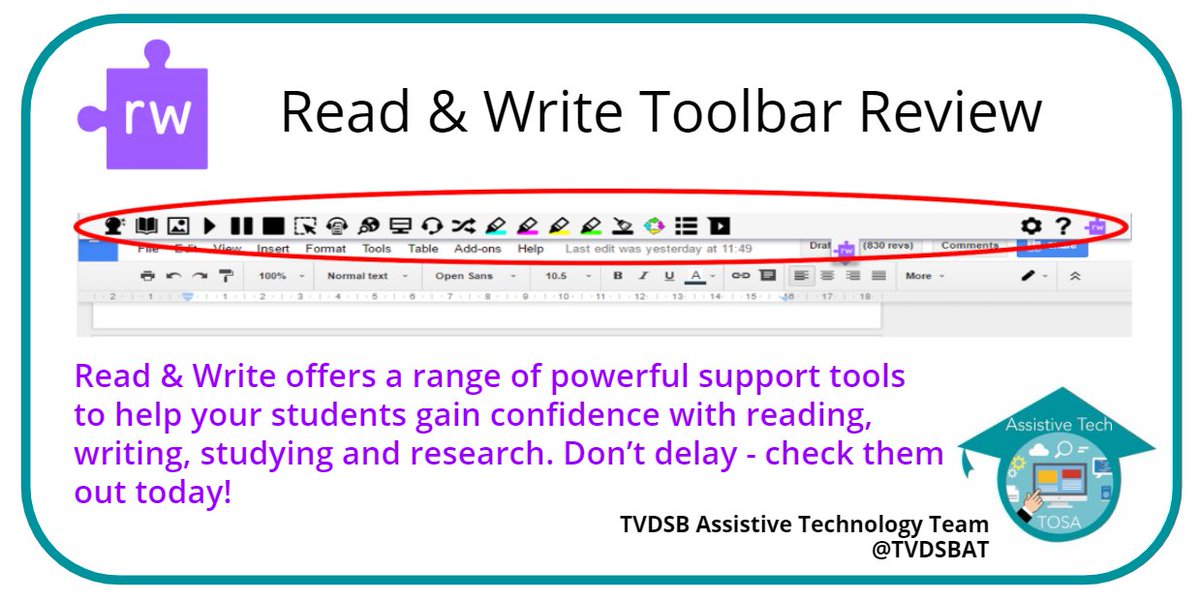
Have you opened your Purple Puzzle Piece? Read&Write by @texthelp is such a powerful tool. September is a great time to review the toolbar with your students. #GoodForAllTech@SpecialEd_TVDSB