Sticking with the existing patterns from your framework or system is crucial for maintainability. I use Flux UI as my UI system, and a few days ago I tried to customize it heavily to match my personal preferences. A week passed, and I started to feel that it would become hard to maintain. Keeping it updated with Flux UI updates would require extra work to maintain my customizations, which, to be honest, wouldn't feel worthwhile.
Yes, I liked my design approach, but I didn't want the maintenance burden. I want my projects to last as long as possible, so any extra maintenance work would reduce my motivation to keep working on them, especially if it doesn't feel worthwhile. I prefer to focus on the domain-specific features of my projects - the things that really add value and keep me using them.
The idea is to stick as closely as possible to your framework and systems of choice. This way, you avoid adding unnecessary maintenance complexity and ensure a longer lifespan for your projects.
really cool - i was about to retake an old project i started a couple months ago
but since then working on other projects made me switch a lot of the starter kit i used as base for the old project, including a shift in how i want ui's to look and different patterns i enjoyed using
porting all that stuff to the old project was overwhelming
but hey, we are on the ai era
i was able to port all my new patterns to the old project just by describing what i liked from my current project and that i wanted to bring it over. ai completed the task in no time, about 5 minutes it ported everything non-domain related based on my new patterns
i'm shocked
days of potential manual work shrunk into minutes
makes retaking old projects fun, being able to bring new work patterns to old projects in no time and focus on the project domain or features
what a time to be alive
wow protecting opencode public instances through cloudflare tunneling is super convenient and probably more secure
i have a cloudflare policy to log me in with a code password sent to my email and done
secure access to my public opencode instances
feels better than their native basic auth approach
switched back to cloudflare for dns management
moved to bunny dns before - it's good bunny but wasn't using any paid features, managing only dns would cost $1/month. not much but cloudflare is free
also used to cloudflare's offerings, tunneling is quite handy. might revisit later
dns are easy to switch, both have import/export so moving providers is painless
giving helium browser a try and made it my default on mac, likely sticking with it for a few weeks
what i like so far:
- minimal ui - slim tab bar & address bar
- easy toggle between classic tabs-on-top and arc-style sidebar layout
- ublock origin built-in - ad-free out of the box, similar to brave
clean, fast, no clutter
Added a pre-check task to my Laravel Envoy that runs before the actual deploy, checking tests are passing and everything is pushed to GitHub. Avoids me deploying broken tests on the latest commit, like having Husky but for deployments with Laravel Envoy.
Trying a new denser design: direct password actions instead of a show page with actions, passwords lists instead of a table, hiding less things by default.
Back to originings. Started using Laravel Envoy again to deploy apps to my VPS straight from the terminal.
Perfect for AI-assisted deployment too, since it's a CLI tool.
https://t.co/oF0ykJPLf3
Sushi is still my default for treating static or API-fetched data like a Laravel model. Structured access without a real database table.
https://t.co/zSJjrpLv1U
Wanted to auto-sort my GitHub repos by latest activity. Turns out GitHub has a public API, no key needed (just lower rate limits), so pulling pushed_at and ranking by most recent first gave me my recent active projects.
https://t.co/tMs3wdOQni
Was digging how Honeybadger does error tracking on Laravel. They use the `terminate` helper in middleware to hit their API after the response is sent, so the user gets the page immediately and error logging happens in the background. Not truly async, but avoids queue workers.
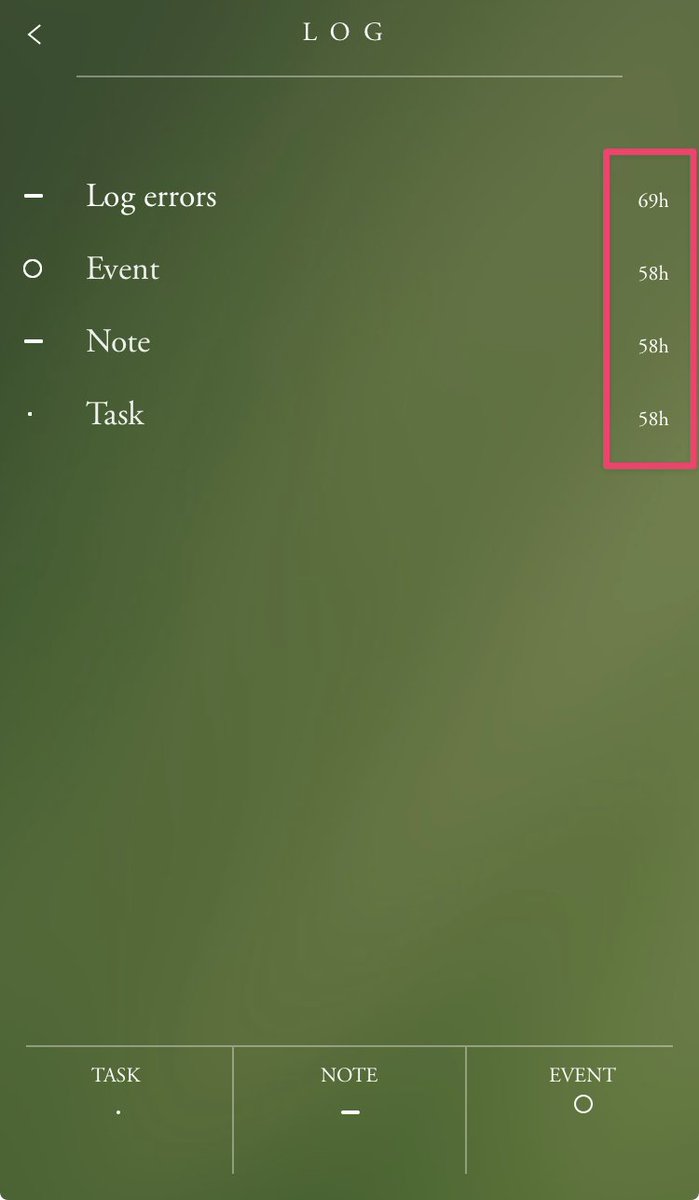
Like the idea of deleting notes after 72 hours on the bullet journal mobile app. It lets me dump ideas to free my mind, then reflect later if they're worth keeping. Most aren't.
Usually when adding a new password I want my password manager to auto-suggest one I can use right away, but keep it clearable in case the service has special requirements.