I started using Blender through MCP about two weeks ago, and I quickly realized that you can build almost anything with AI.
This model was created using Blender, Hunyuan3D, Gemini, and ChatGPT.
Here’s how I did it:
I opened Gemini, uploaded an image of the Gundam model, and asked it to generate a clean front-view image.
I uploaded that front view to ChatGPT and asked it to generate two additional angles: a back view and a 45-degree front-left view.
I went to:
https://t.co/H3cfw2AUE9
I signed up with my email and translated the page into English. Then I opened Image to 3D and selected the multi-image option.
You’ll see a diagram of a whale from several angles. Upload each reference image in its corresponding position, such as front, 45-degree front-left, and back.
I selected the 1.5M-face option. This produces a very high-poly model, but don’t worry, we’ll fix that next. Once the generation is complete, download the model as a GLB file.
From the Hunyuan homepage, open 3D Studio using one of the dropdown menus. Select the topology or retopology tool and upload your GLB.
I chose the High setting to preserve as much detail as possible. After a few seconds, the model was retopologized. It kept most of its visual detail while using far fewer polygons.
The original head and rifle didn’t look very good, so I generated them separately.
I returned to ChatGPT and created dedicated reference images for the Gundam’s head and rifle. I generated each part individually in Hunyuan at the 1.5M setting, then ran both through the same retopology process.
Next came the textures.
Open the texture section, select the multi-image option, and upload the same reference images according to the whale orientation indicators.
However, instead of using the original clean textures, I asked ChatGPT to recreate them with wear, rust stains, scratches, and other surface damage. This gave the Gundam a much older and more authentic appearance.
Once every part was textured, I imported everything into Blender.
You can ask Codex through MCP to remove the original head and rifle, or you can do it manually.
Select the main model and press Tab to enter Edit Mode. Press 3 to enable face selection, then press C to activate Circle Select. Paint over the faces belonging to the original helmet or rifle.
You can press X to delete those faces or P to separate them into another object. Then position the newly generated, more detailed head and rifle in their place. I demonstrate this process in one of my older videos.
And that’s it. You now have a very cool 3D Gundam model!
Afterward, I created the cockpit, separated the model into movable sections, and rigged everything for use in my Three.js game. That process deserves its own tutorial, though.
If anyone wants to see it, let me know.
Or just ask your AI, I guess. They seem to know everything these days. xD
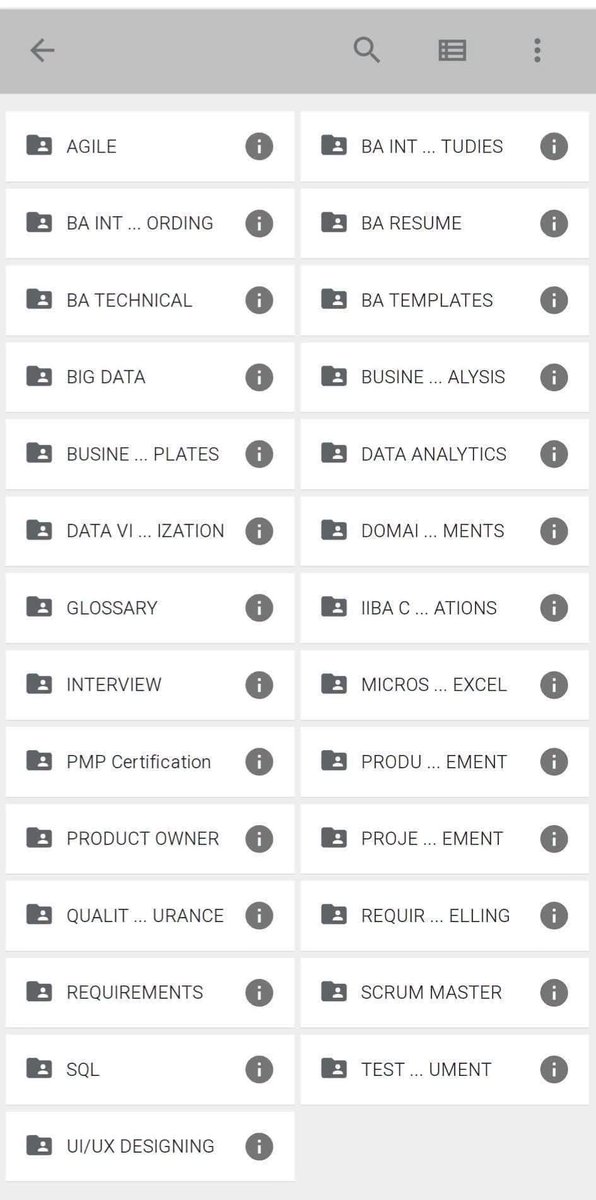
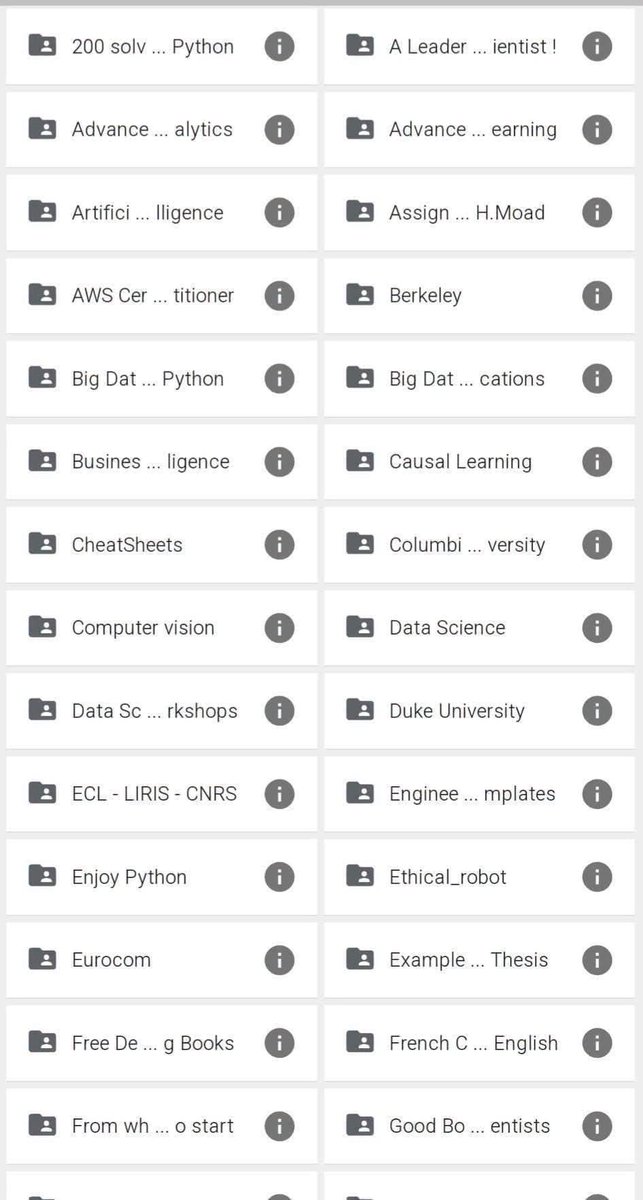
STOP PAYING FOR ONLINE COURSES
These free folders are a goldmine of resources that will help you transition to any tech stack.
- 🎓 MBA
- 🐍 Python
- 🔬 Data Science
- ☁️ AWS Certified
- 📈 Data Analytics
- 🛡️ Ethical Hacking
- 🤖 Machine Learning
- 🧠 AI
Check these folders
All Paid Courses (Free for First 4500 People).
𝗣𝗮𝗶𝗱 𝗖𝗼𝘂𝗿𝘀𝗲 𝗙𝗥𝗘𝗘 (PART - 1)
1. Artificial Intelligence
2. Machine Learning
3. Prompt Engineering
4. Claude, ChatGPT, Grok
5. Data Analytics
6. AWS Certified
7. Data Science
8. BIG DATA
9. Python
10. Ethical Hacking
(72 Hours only )
Like + RT + comment '' Drive ''
Must Follow me so I can DM you.
Stop wasting hours digging through sound libraries.
Instead, hand your footage to our SFX v1.6 model.
It watches the clip, creates, and drops every sound effect exactly where the action happens.
No more placing SFX by hand. Just focus on what matters, your taste + creativity.
في الذكاء الاصطناعي من اكثر الاشياء المستفزة واللي احيانا تتطلب جهد عالي المؤثرات الصوتية SFX بس من فترة انحلت هالمشكلة من منصة مذهلة
المشكلة كنت تضطر تستخدم منصات موجودة بس ماتحس المؤثرات تناسب ذوقياتك واحيانا تضطر تفصل الاصوات يدويا
لكن مع منصة ميرلو تقدر تفصل الsfx موبس كذا حتى الموسيقى
العجيب بالمنصة انك تعطيها مقطع مدته دقيقة ويفصل لك موسيقى مختصة بمقطع الفيديو ومو شرط يكون مولد بالذكاء حتى لو فيديو انت ممنتجه
المنصة فيها خدمات كثير من ضمنها
١- توليد الموسيقى والمؤثرات وتقدر تحصل على خيارات مختلفة واذا ماعجبتك تستبدلها وغير كذا تقدر تخليها اوتو او بالبرومبت
٢- تمديد وقت الموسيقى لو مقطعك اكثر من دقيقة
٣- فصل كل مؤثر صوتي على حدة والتحكم فيه من خلال استوديو متكامل وبعد تقدر تصدرها لتطبيقات المونتاج مثل دافنشي او بريمير
٤- للموزعين الصوتيين تقدر تستخدم خاصية Midi to audio بمعنى تقدر ترسل اي صوت ميدي وتغير الخامات الصوتية الى اي اله حسب ذوقياتك
٥- تصدير الاصوات الى اي دقة حابها مثل ويف او m4a وبدقة عالية وتفاصيل بطلة
وفيه مميزات بطلة ثانية والمنصة حرفيا لاي صانع محتوى بتكون قيمة مضافة وبتنقل شغلك لمستوى جديد 🚀
[OpenSource - 3D Design & WebGPU Engineering]
Paying thousands of dollars per year for bloated, desktop-bound BIM software like Revit or AutoCAD limits web accessibility and developer flexibility. 🛑
Pascal Editor (17.6K+ GitHub stars) is a free, open-source 3D building editor that runs entirely inside your browser—powered by WebGPU and React Three Fiber.
Here is how this WebGPU-powered 3D design engine operates. 🧵👇
1/4
img2threejs - v1.4 is officially released 🚀
This release is all about reconstruction quality.
✨ What’s new:
1. Real internal structures instead of hollow shells
2. More accurate colors & PBR materials
3. Fine-grained parts for complex animations
4. Better volumetric reconstruction (not simple extrusions)
5 Measurement-driven geometry for more faithful proportions
👉 Showcase: Glock-18 | Ghost Protocol ( The reference images for this showcase were taken from https://t.co/UOLCCTWjvL )
- 2 reference images
- 1 prompt 🤪
- ~250K tokens
🔗 OpenSource: https://t.co/80erBiVLwJ
🎮 Live demo: https://t.co/TFRi8wORb7
#img2threejs #threejs #3DGeneration #AISource #tradeit
[OpenSource - Product Design & Video Generation]
Rendering high-quality product video mockups or beautifying raw app screenshots usually requires heavy desktop software or expensive browser subscriptions. 🛑
Tokokino v2 is a free, open-source, fully client-native product video generator that turns static screenshots into polished video mockups directly inside your web browser.
Here is what this client-side video editing tool brings to developers and designers. 🧵👇
1/4
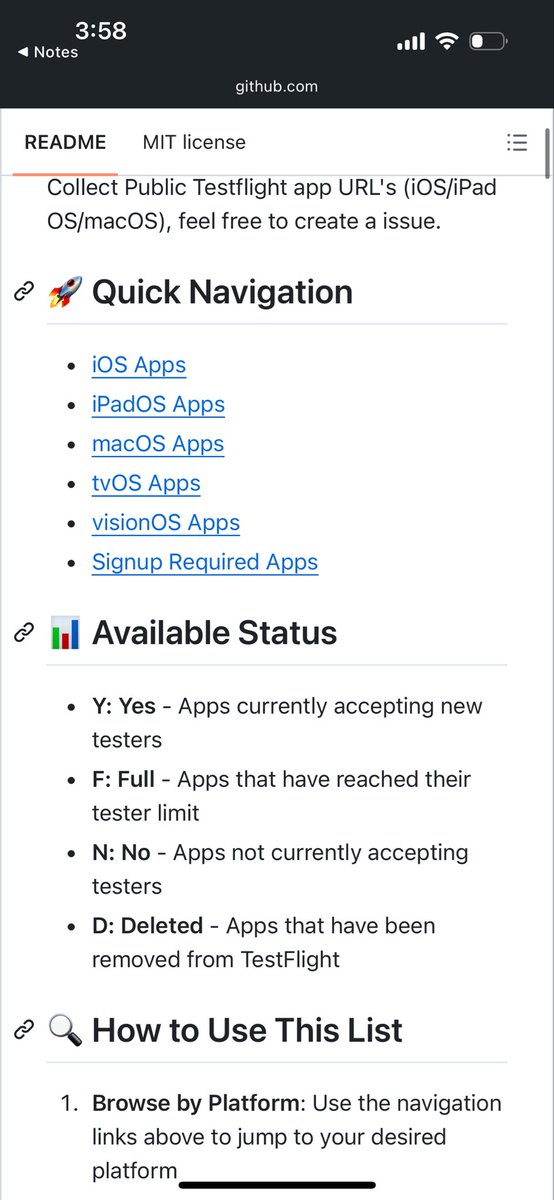
لو انت تستخدم تطبيق Testflight
الي من خلالة تحمل التطبيقات التجريبية
برجح لك هذا الموقع الذي سيعطيك قائمة بجميع البرامج المتوفرة للتحميل عبرTestflight
نسخ تجريبيية قبل اصدارها بشكل رسمي
https://t.co/oJ1DhAi7Op