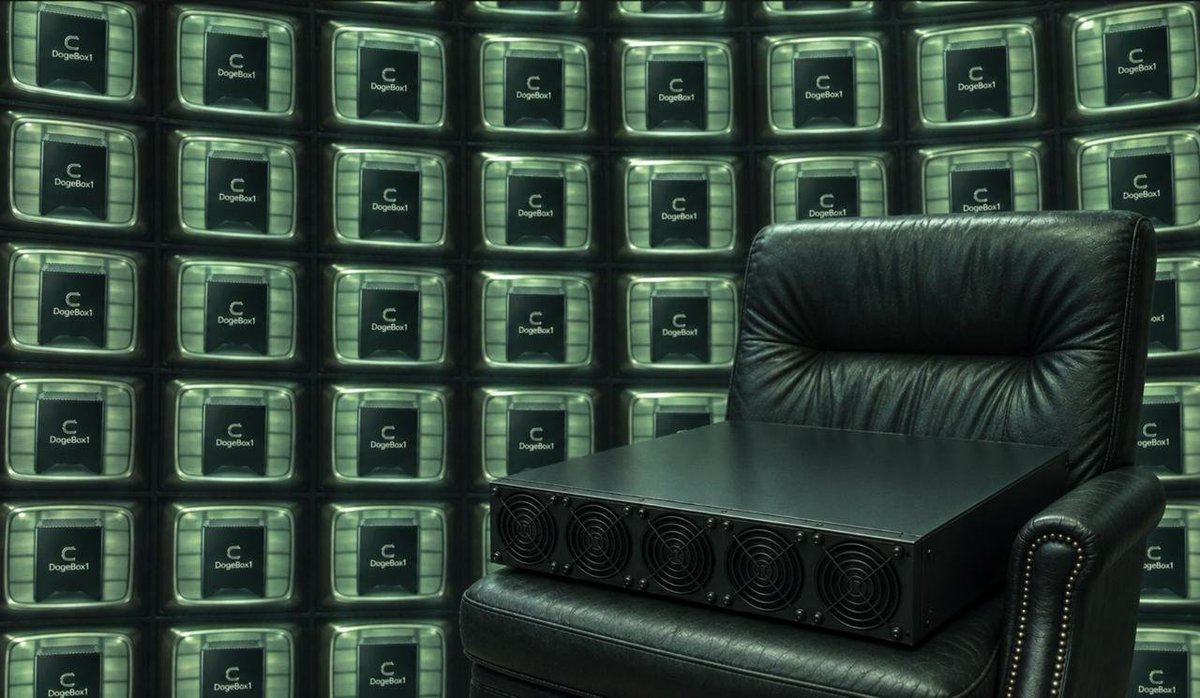
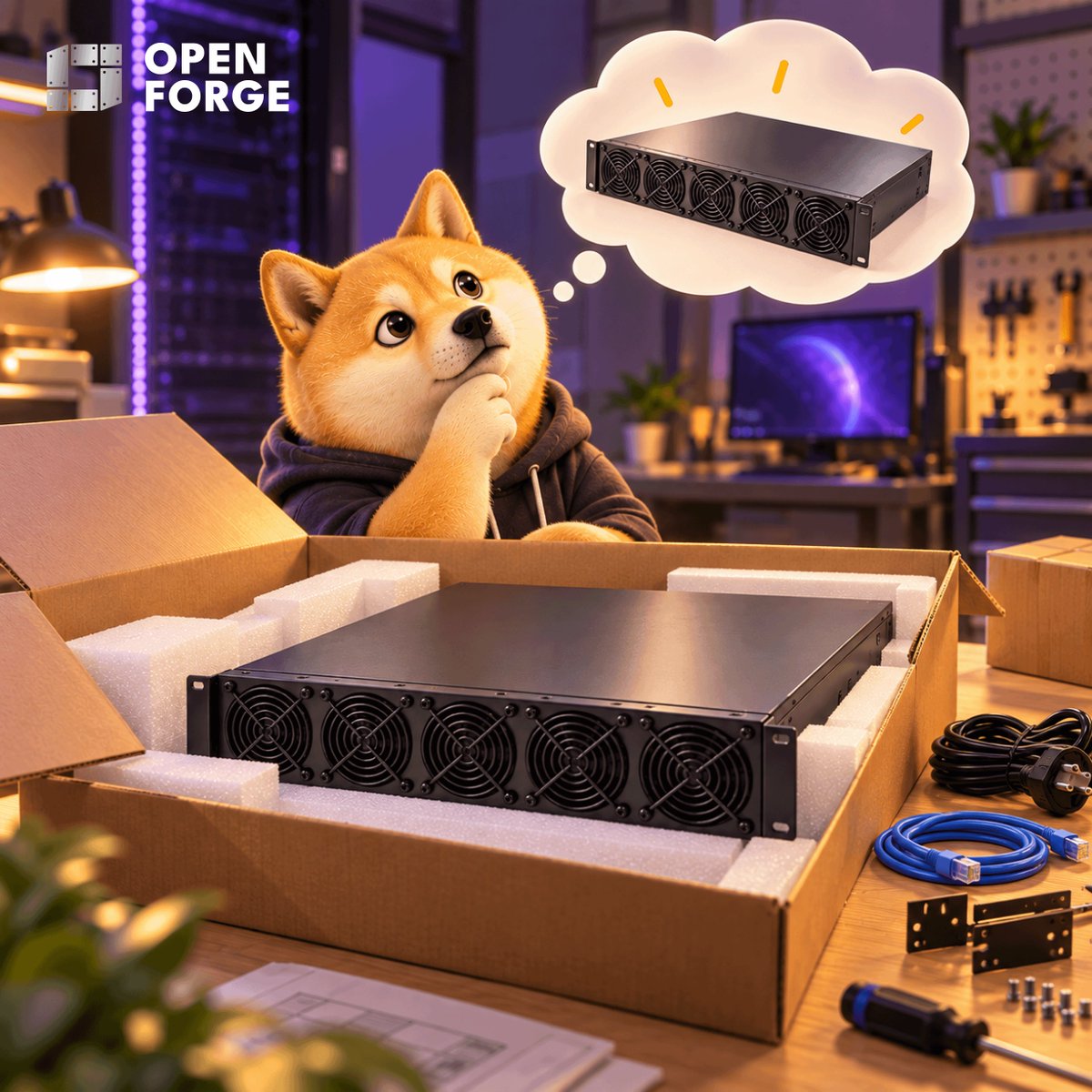
1/ Meet DogeServer, the next addition to the Doge hardware lineup.
Building on DogeBox1, it brings DOGE/LTC mining and Cysic ComputeFi participation to a 2U rack system with 20 compute cards.
Built for professional mining operations. 🧵
Check it out: https://t.co/afhZ0btbOm
Mining rewards, now more transparent than ever. 🔍
The OpenForge Reward Dashboard now displays epoch budgets, unlock ratios, and participant counts.
Estimate your potential earnings with ease.
Explore: https://t.co/66KIDfWJGe
Mine two coins from one workload.
DogeServer merge-mines $DOGE and $LTC via AuxPoW. Both use Scrypt, so one hash can serve both networks.
Meanwhile, DogeServer verifies ZKPs for Cysic and earns $CYS.
Get yours: https://t.co/afhZ0btbOm
Need I remind you that DogeServer is the BOSS?
20 compute cards packed into one 2U rack system, built to mine $DOGE & $LTC while powering Cysic ComputeFi and earn $CYS
DogeBox1 started the pack. DogeServer runs it.
Get it today: https://t.co/afhZ0bsDYO
ICYMI, we launched DogeServer: the ultimate professional mining machine.
20 compute cards packed into one 2U system, built to take mining from the desktop to professional rack deployment.
Meet the big dog.
1/ Meet DogeServer, the next addition to the Doge hardware lineup.
Building on DogeBox1, it brings DOGE/LTC mining and Cysic ComputeFi participation to a 2U rack system with 20 compute cards.
Built for professional mining operations. 🧵
Check it out: https://t.co/afhZ0btbOm
7/ Want to stop a card?
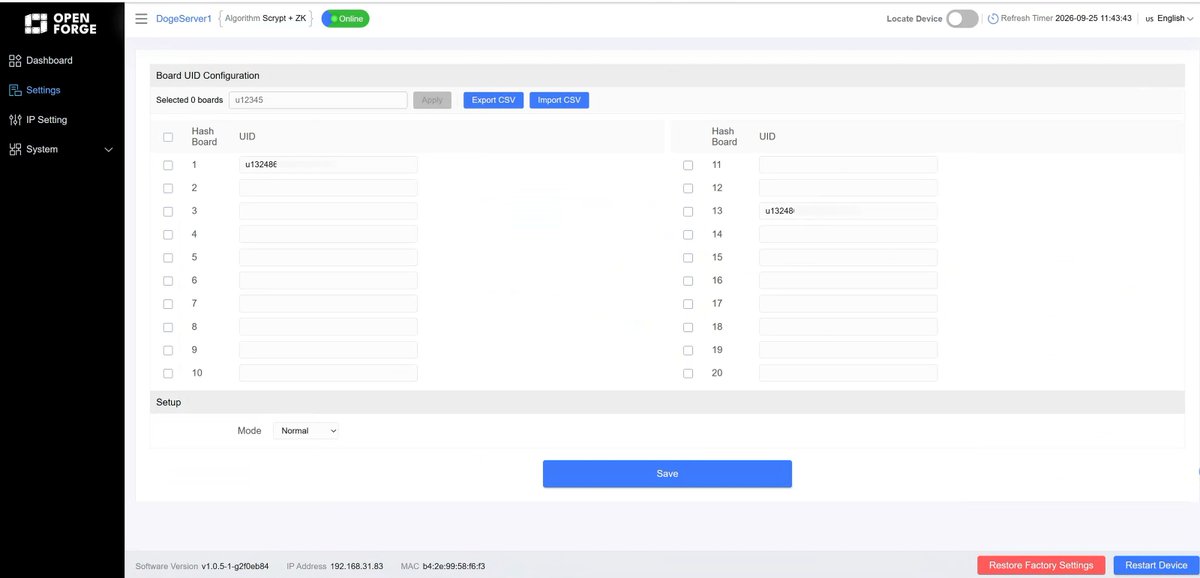
Select it in Settings, clear its User ID, then click Apply and Save. A blank User ID stops computation on that card.
That’s it. Your DogeServer is connected, configured, and ready to go.
Read the full tutotial: https://t.co/PsbJb95hQz
1/ You just received your DogeServer. Now what?
Here’s everything you need to get up and running.
Follow these 6 steps. 🧵👇
Full Guide: https://t.co/PsbJb94K11
6/ Activate your computing cards
In the DogeServer interface:
→ Open Settings
→ Select your cards
→ Enter your User ID with the “u” prefix
→ Click Apply
→ Click Save
Once saved, the selected cards will begin working under your account.
5/ Your desk or your rack?
DogeBox1: home & everyday spaces
DogeServer: professional facilities
Find the setup that fits you.
DogeBox1: https://t.co/H1QvxDVTQ0
DogeServer: https://t.co/afhZ0btbOm
1/ DogeBox1 or DogeServer?
Both bring you into the Cysic ComputeFi ecosystem and support CYS/DOGE/LTC mining, but they’re built different.
Let’s compare. 🧵
Check out our website for more details: https://t.co/pAp4nIVu08
4/ The biggest difference is scale.
DogeBox1 puts mining into a 97 × 80 × 100 mm desktop device.
DogeServer brings 20 compute cards together in a 430 × 600 × 86.8 mm rack-mounted system. The mining power roars.
Different hardware for different operating environments.
Q: What is the replacement and warranty policy?
DogeServer comes with:
• 14-day replacement
• 180-day warranty
Eligibility and exclusions follow the applicable product warranty terms.
DogeServer just went live: https://t.co/afhZ0btbOm
Got questions? We’ve got answers.
From performance and networking to management and warranty, here are a few things you might not know about DogeServer. 🧵👇
Q: How do I monitor and configure DogeServer?
DogeServer comes with a local device management page, where you can view operating status and adjust supported settings directly from your browser.