Reminder that I have my message request turned off due to not wanting to get spammed by 🤖’s. Leave me a message or comment asking id you’d like to get into touch or message me on BluSky
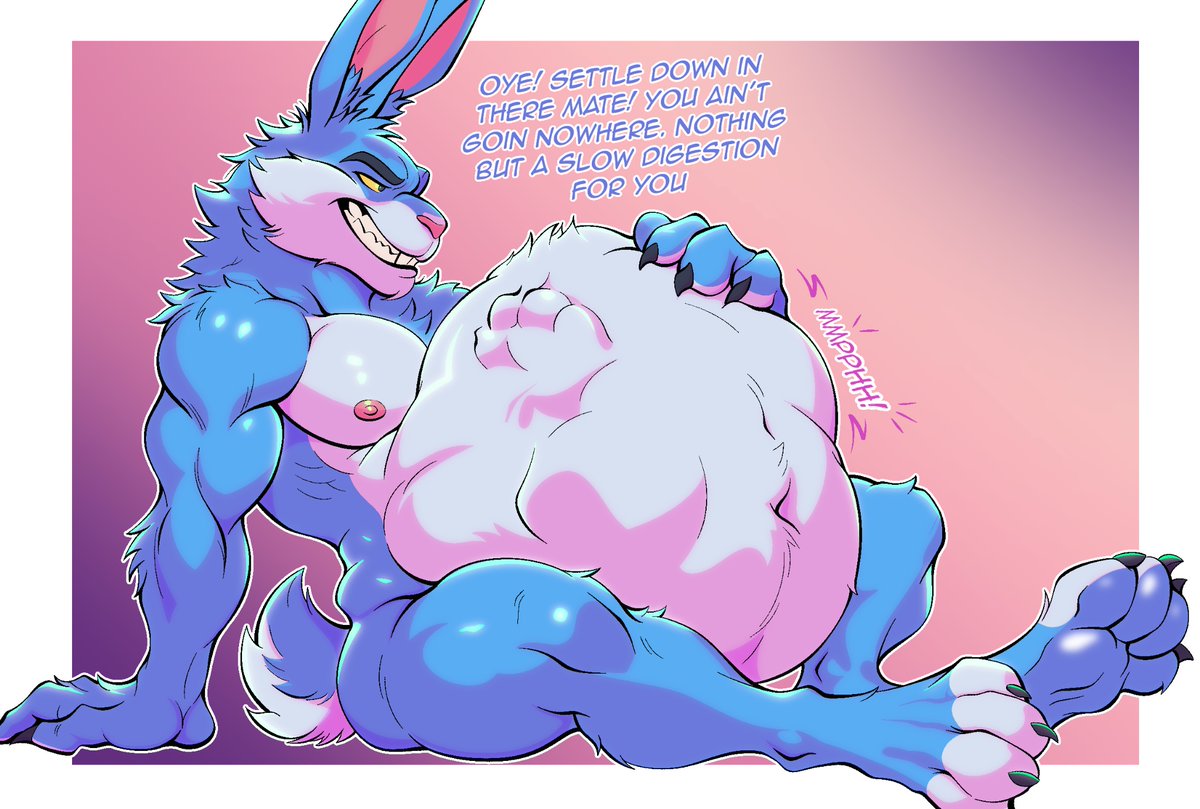
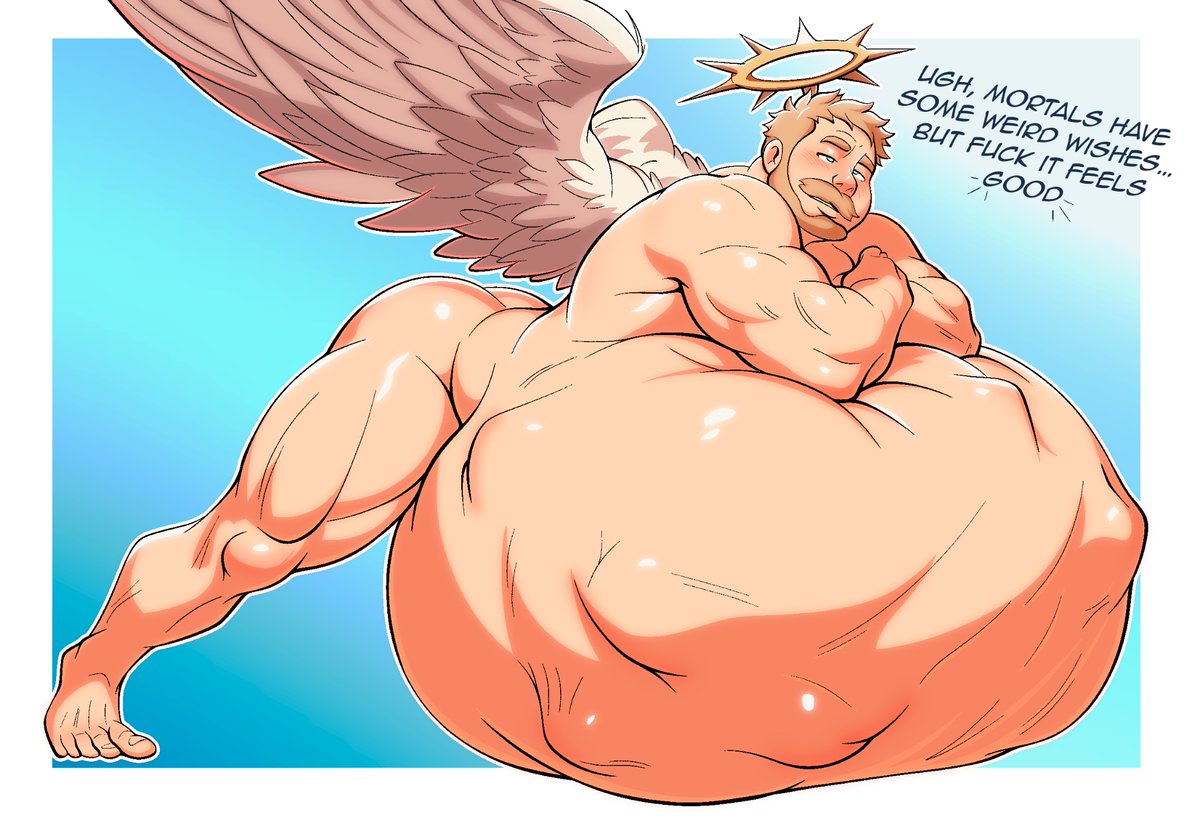
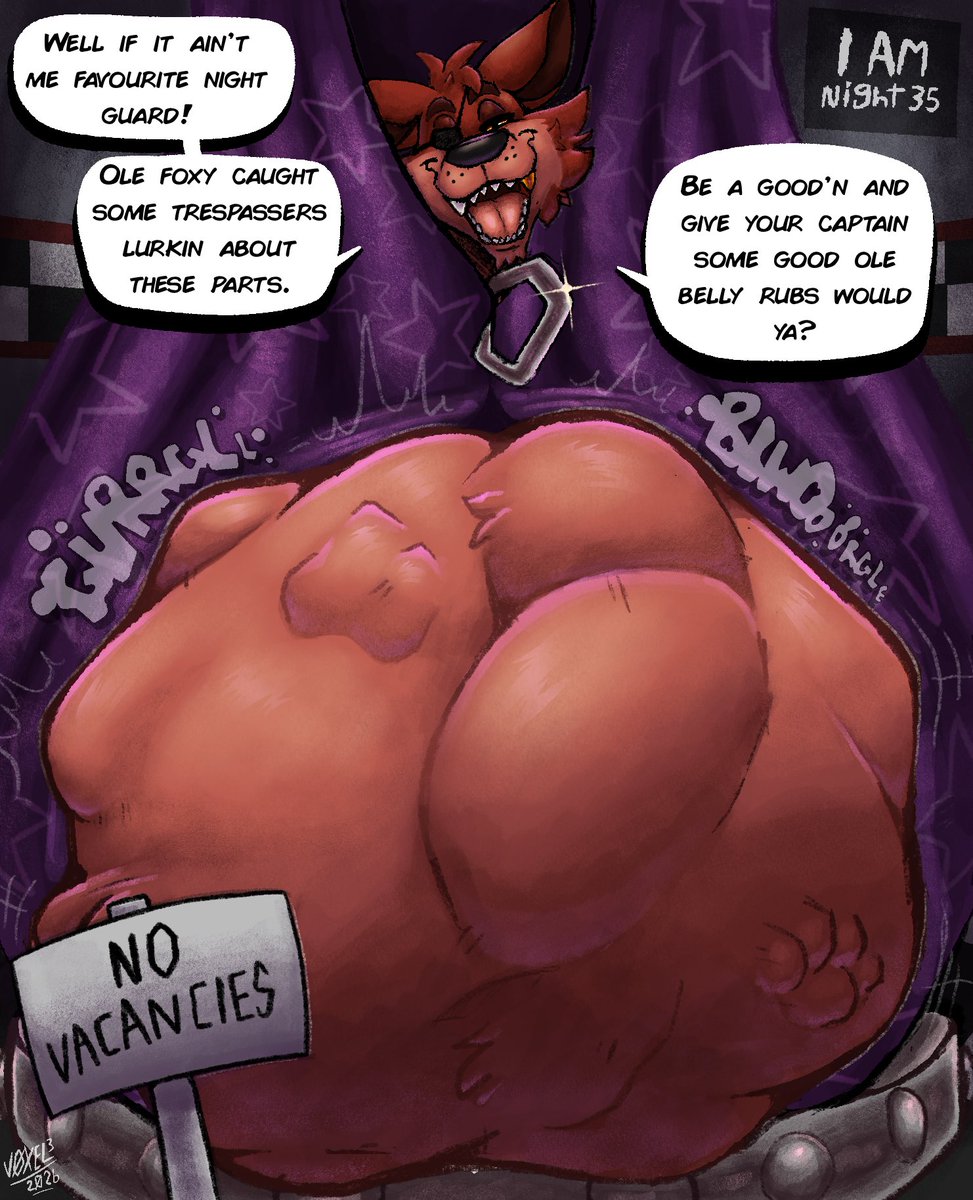
I realized that I never gave these talented artists credit for these amazing artworks!
The first image was drawn by @CainsClementine!
The second image was drawn by @ottosanchez_!
Thank you two for these wonderful images! You captured my gluttony extremely well! 😏
CW: #malevore
Ehya guys! I recently wanted to improve my style and the super talented @ottosanchez_ helped me so much, and you definetely should check his page out. 👀😈
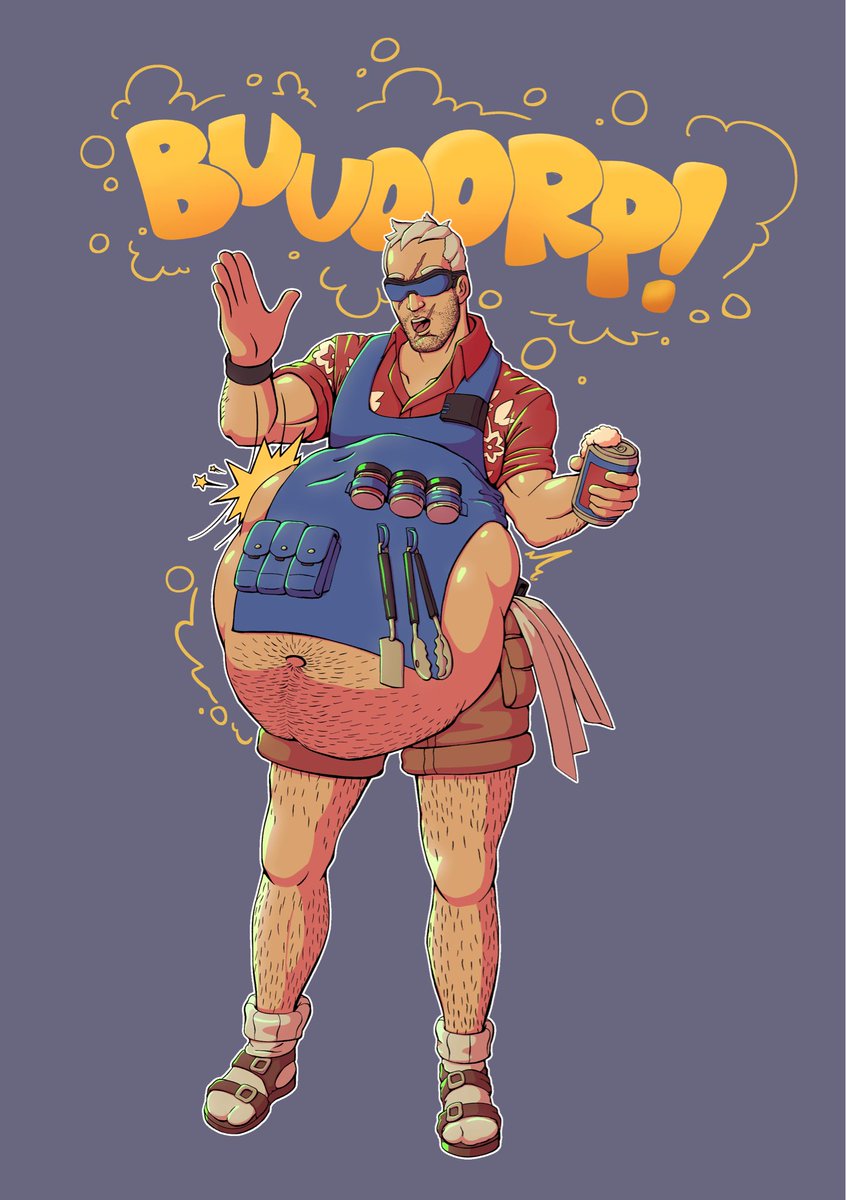
The end result is Soldier-76 in his bbq skin slapping the napping prey in his belly 😛🍖
@DeliriumJindo What I do(I use procreate)
1. Pick your shading color and shade. Set it to multiply and lower the opacity.
2. Duplicate the layer and (keep multiply and opacity same) and set it to a 5% Gaussian blur.
3. Repeat this step for darker areas of shading and the lighting as well