PasteMate is live on the Mac App Store 🚀
Your clipboard, supercharged: everything you copy — searchable, tagged, and one shortcut away.
Free to start. One purchase unlocks everything, forever.
https://t.co/z4H3Hdbqla
I kept losing things I'd copied, so I built my own clipboard manager.
Introducing PasteMate (@pastemateapp):
• remembers everything you copy
• one shortcut brings it back
• your clips stay on your Mac
• feels like it came with macOS
• pay once, no subscription
It's just me behind it, so I'd genuinely love your feedback!
https://t.co/H7vhvr5Jj6
macOS still has no built-in clipboard history.
Windows has Win+V. On a Mac, the moment you copy something new, the old one is gone. No list, no undo, no recovery.
The fix is a clipboard manager. We make one — but honestly, use any of them. Just stop losing things you copied.
Three macOS clipboard things most people don't know:
• ⌘⌥⇧V pastes without formatting, almost everywhere
• Copy on your iPhone, paste on your Mac. Same Apple ID, that's it
• Your clipboard holds exactly one thing. Copy again and the last one is gone for good
We built PasteMate for that third one.
Tags turn a clipboard into a workspace.
Colour-code them, drag clips in, filter with one click. Your research, your snippets, your current project — each a keystroke away.
Free on the Mac App Store: https://t.co/z4H3Hdbqla
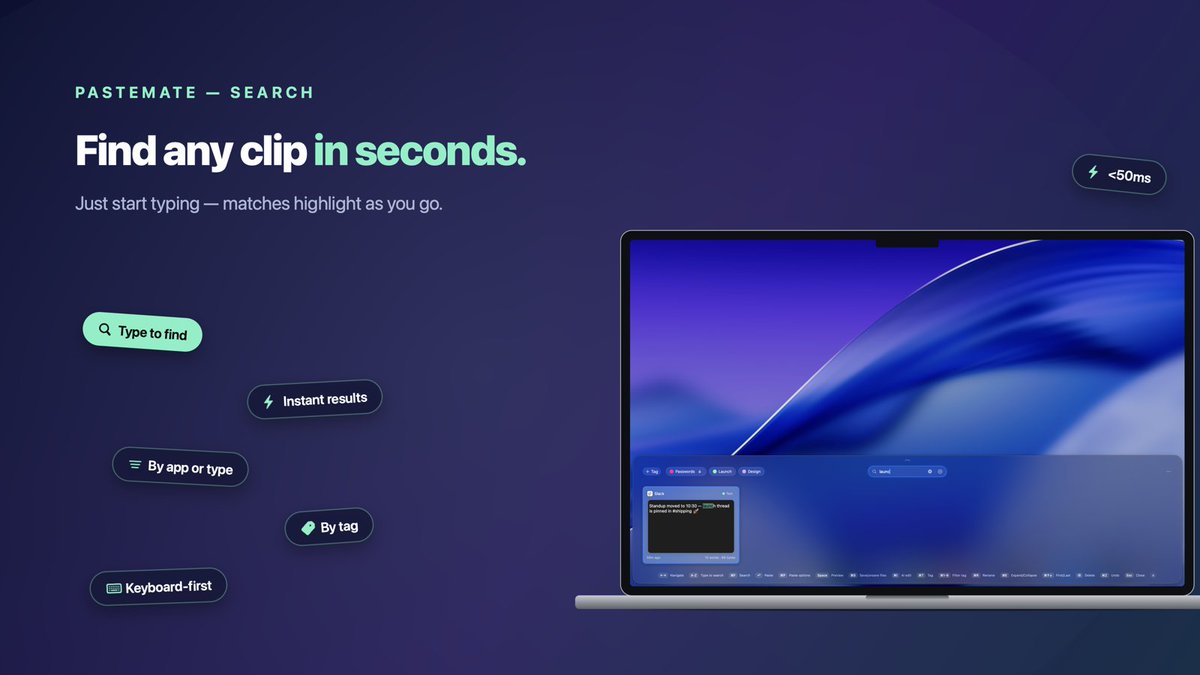
⌘⇧V, then just type.
Your whole clipboard history filters as you go — text, links, colors, files, code. Hit return, it's pasted.
Hands never leave the keyboard.
Some clips are nobody's business.
Mark a tag as protected and everything filed there hides behind Touch ID — encrypted with AES-256-GCM, key in your Keychain.
Passwords, keys, surprise-party plans.
Just a friendly reminder that the app is LIVE 🚀
If you missed the first announcement, now’s the perfect time to jump in.
Download it, give it a spin, and drop your thoughts — early feedback has already been awesome.
https://t.co/z4H3Hdbqla