Course creators broke content down into smaller, digestible bites that were paired with illustrations. This format keeps the user concentrated on the lesson and reduces fluff in the content.
Data is an important and complex tool that drives learner engagement, and it is accessible and contextual throughout the app. It is used to answer questions for the learner and provide feedback for course creators.
The learner dashboard was designed to be purposeful and actionable. Because the app is an educational tool, we needed to make sure learners clearly understand how to find new courses and start taking them within moments of opening the app.
Expanding the fidelity of our sketches from our design sprint we've started feature planning and experimenting with user flows against the learner experience on the mobile app.
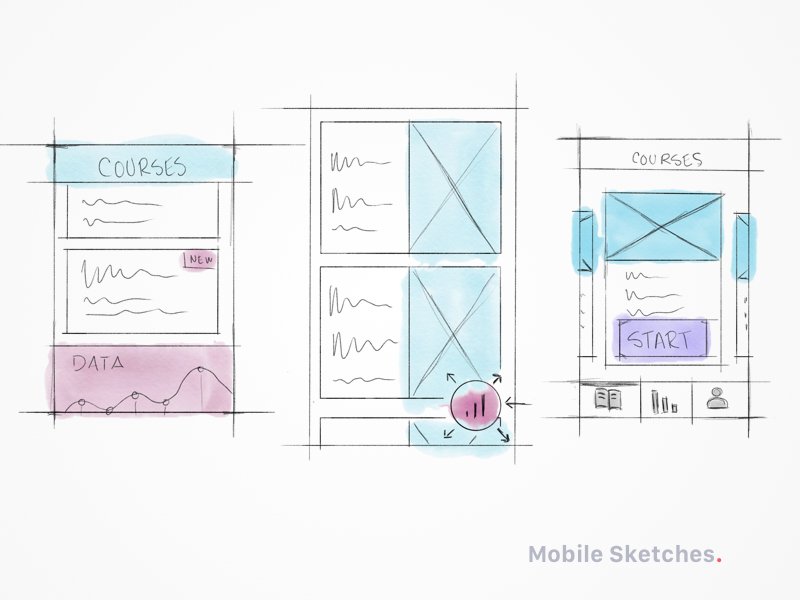
Ideation on interactions for a mobile learning app. This was a lot of fun. I got to break out my iPad and apple pencil and sketch up some designs in the Photoshop iPad app.
Working on a color study for a mobile UI. Building on the brand colors I want to extend the range to give us more options in the UI and create gradients.
Working on a color study for a mobile UI. Building on the brand colors I want to extend the range to give us more options in the UI and create gradients.
Working on a color study for a mobile UI. Building on the brand colors I want to extend the range to give us more options in the UI and create gradients.
Working on a color study for a mobile UI. Building on the brand colors I want to extend the range to give us more options in the UI and create gradients.
@MattPLavoie @ThatGuySketch Sorry 😐 my wife suggested Buffer to send out some recent posts I made to Dribbble. I must have messed something up. Thanks for pointing it out 😉