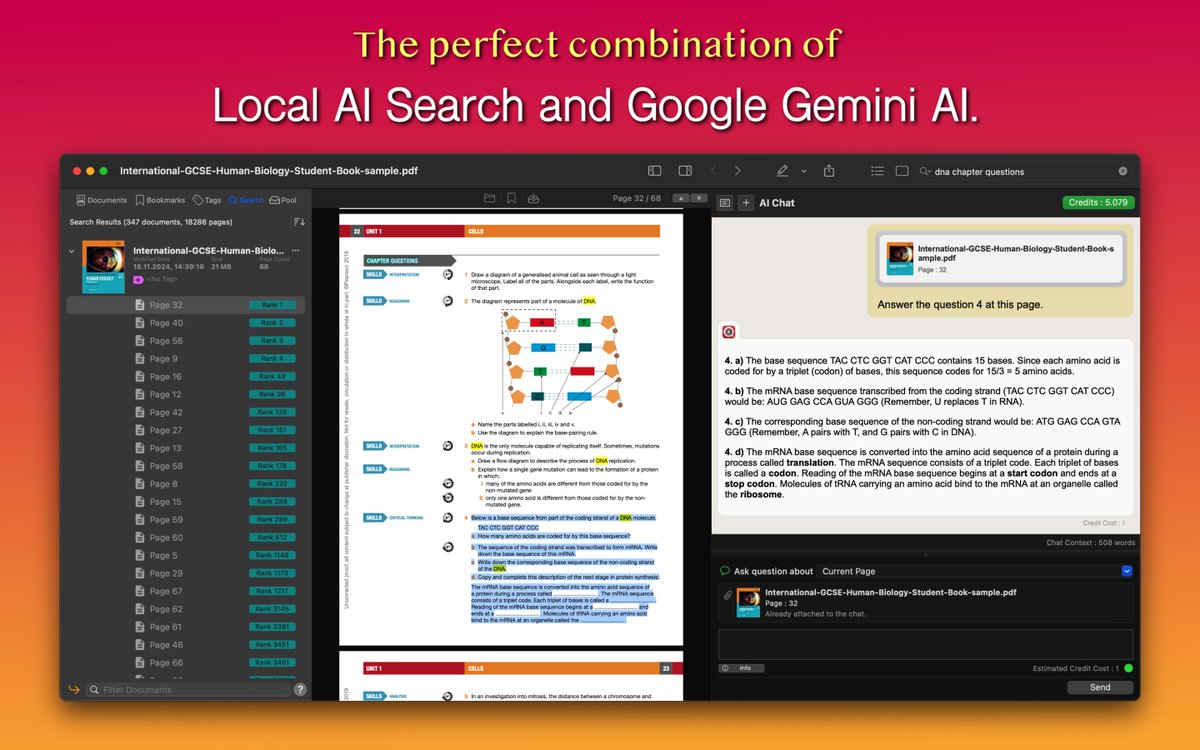
Instantly find, understand, and interact with information buried in thousands of PDFs and documents. Revolutionary app with integrated Google Gemini AI.
Big news for PDF Search users on macOS! 🚀 Our latest update integrates @GoogleAI#GeminiAI, enabling you to:
💬 Chat with your documents and get instant insights
🔒 Get maximum privacy: local text extraction, no need to upload real docs
Download now: https://t.co/PBdYGKeSLM
🚀 We just launched Auto Localize 4.0 on Product Hunt! If you’re looking to save time on app localization and App Store prep, check it out. We'd love your support—please give us an upvote! 🙌https://t.co/TPA8Oep4up
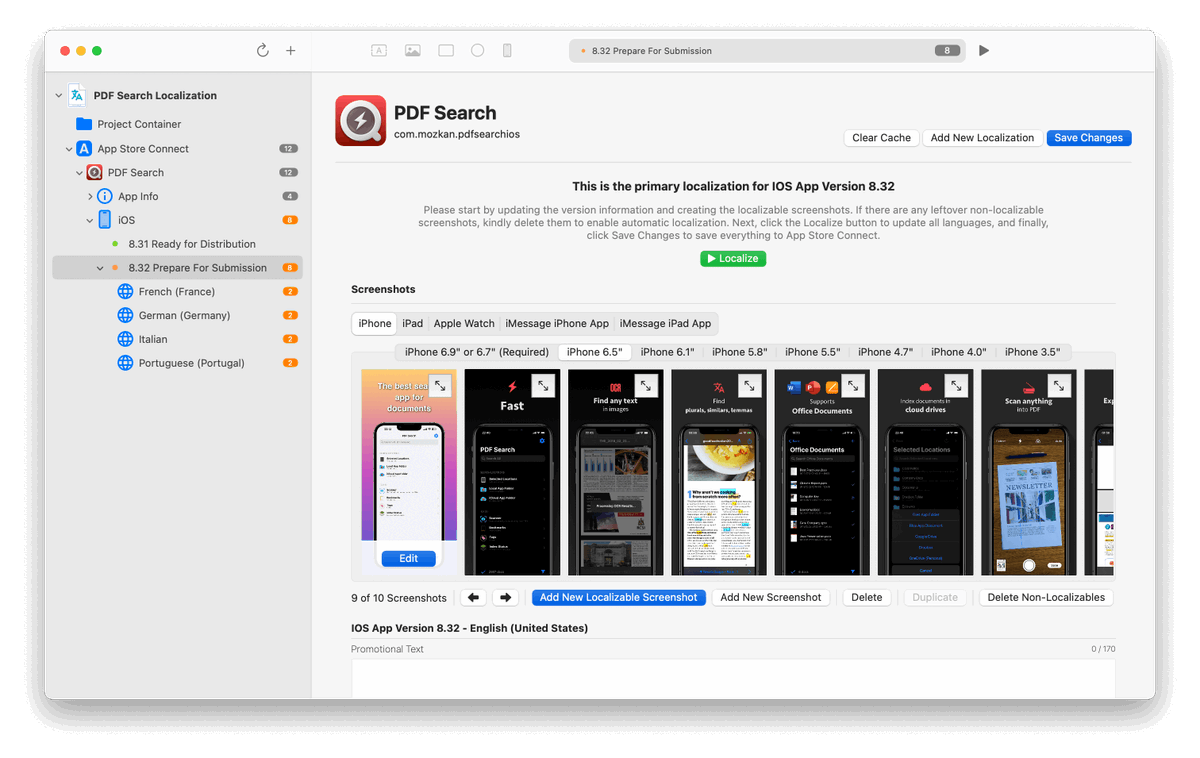
Our biggest update is live! 🚀
✨ App Store Connect integration
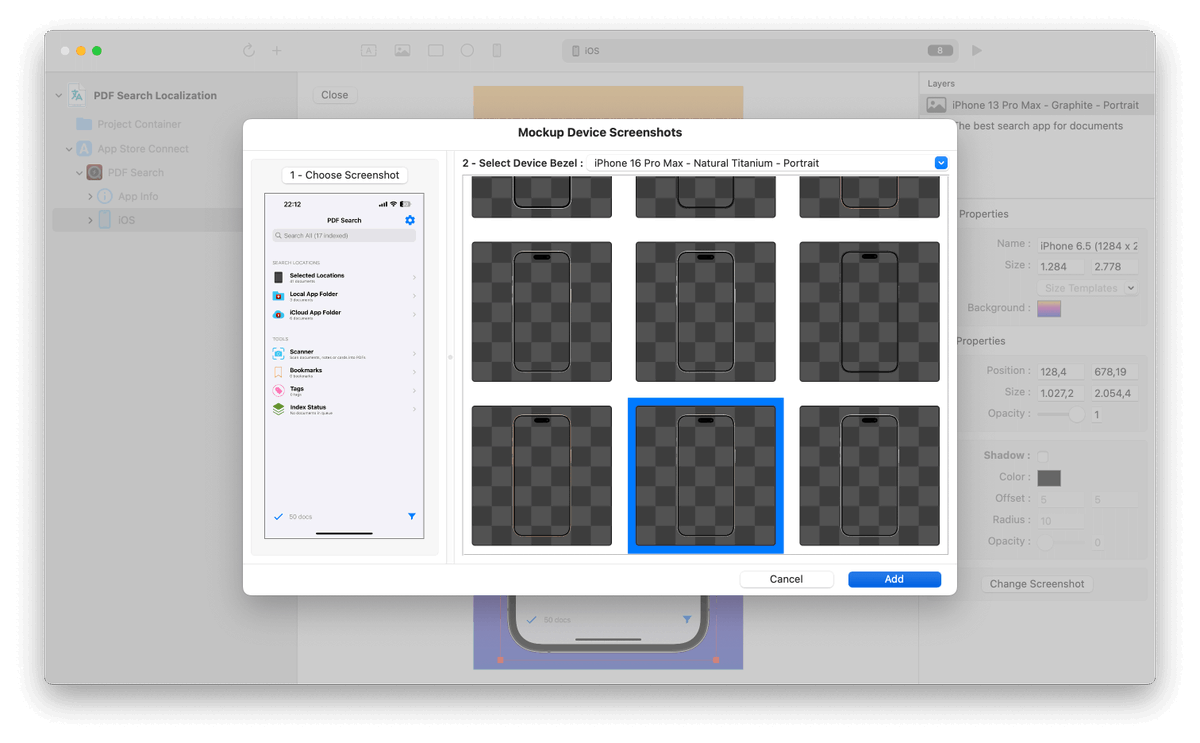
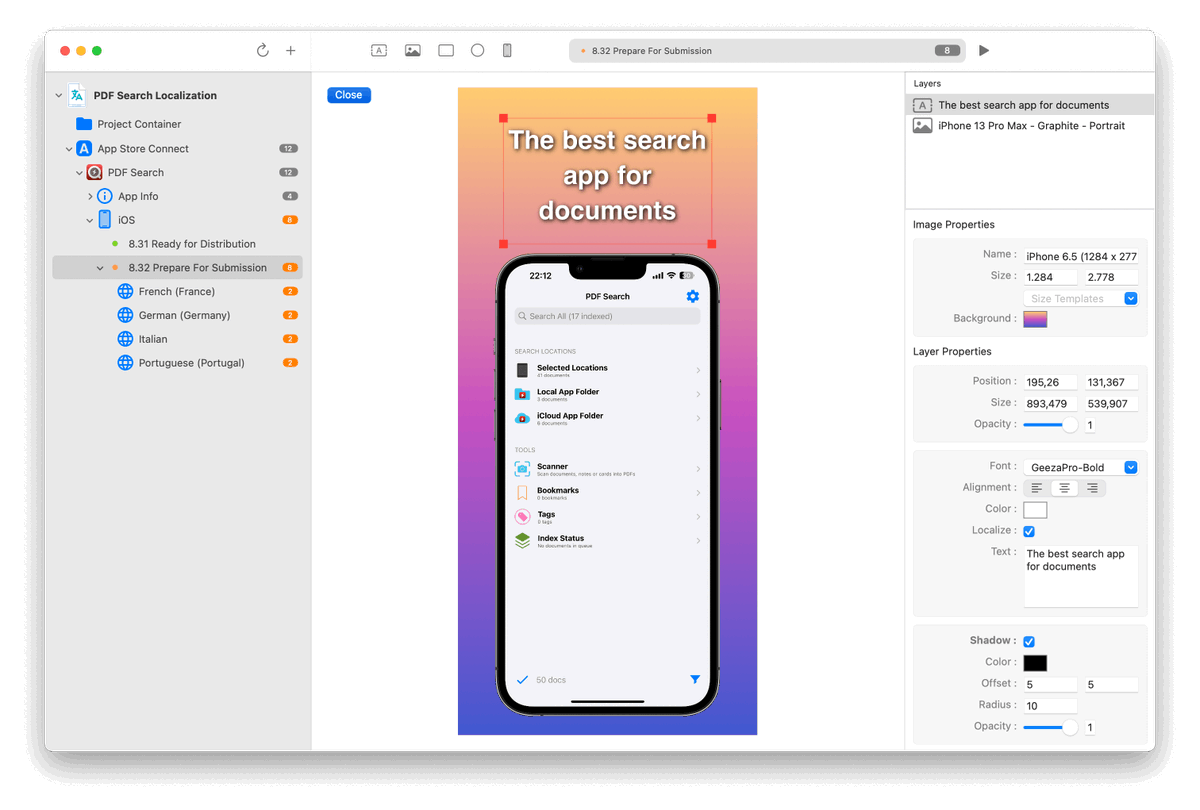
🖼 Built-in Screenshot Editor: Create, localize, and upload in no time!
📂 Full Xcode String Catalog support
🤖 GPT-4o mini support
Save hours and simplify your workflow! #iosdev https://t.co/6AL6qzPLnk
𝐃𝐞𝐯𝐢𝐜𝐞 𝐚𝐧𝐝 𝐅𝐢𝐥𝐞 𝐌𝐚𝐧𝐚𝐠𝐞𝐦𝐞𝐧𝐭:
1. @ClearVPN - use an intuitive VPN
2. @cleanmyphone - remove digital clutter
3. @dropshare - save space with file sharing
4. @pdfsearchapp - find anything in a PDF with AI
5. @usage_app - track system usage
(2/6)
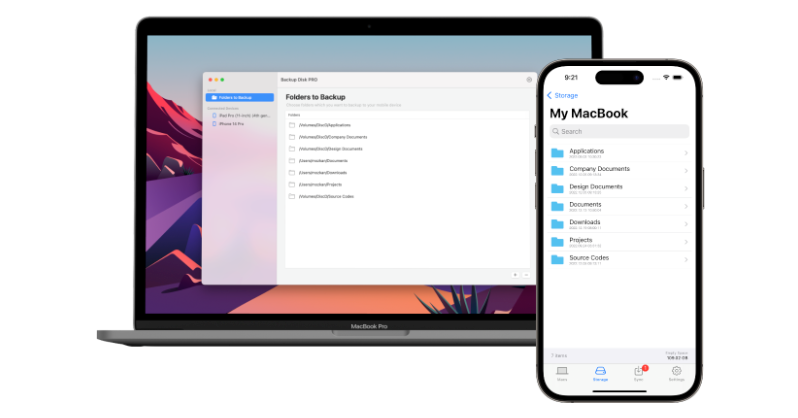
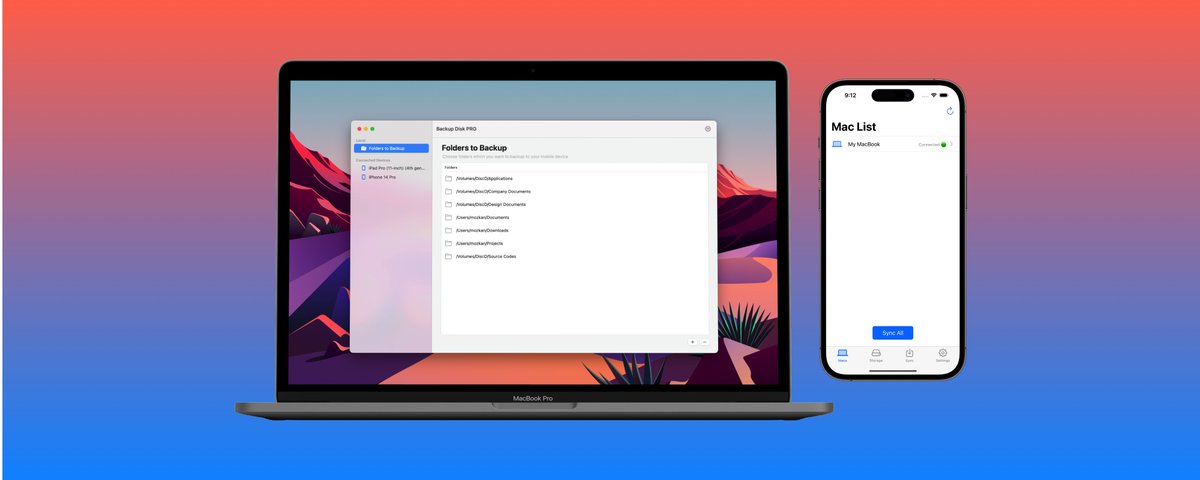
If you have a Mac and an iPhone, you don't need an external disk to back up your data. With this application, turn your iPhone into a wireless data backup device for your Mac. 💻📱
https://t.co/mxEvIX6ZCA
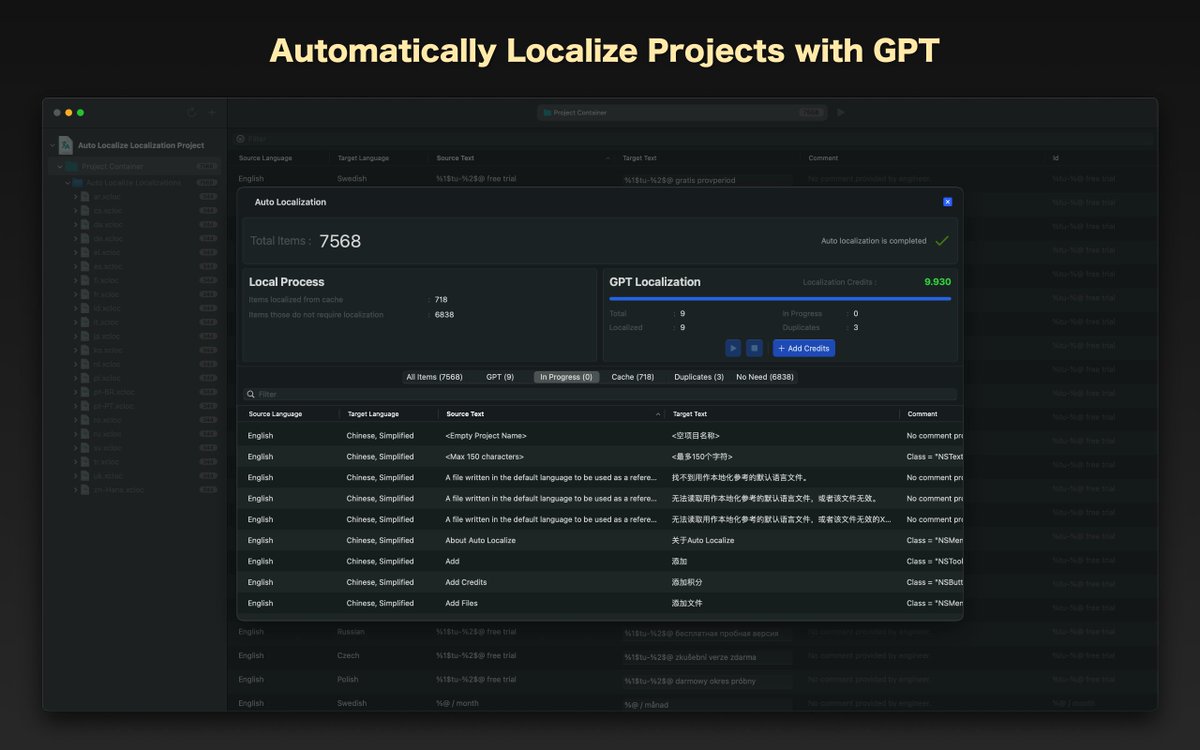
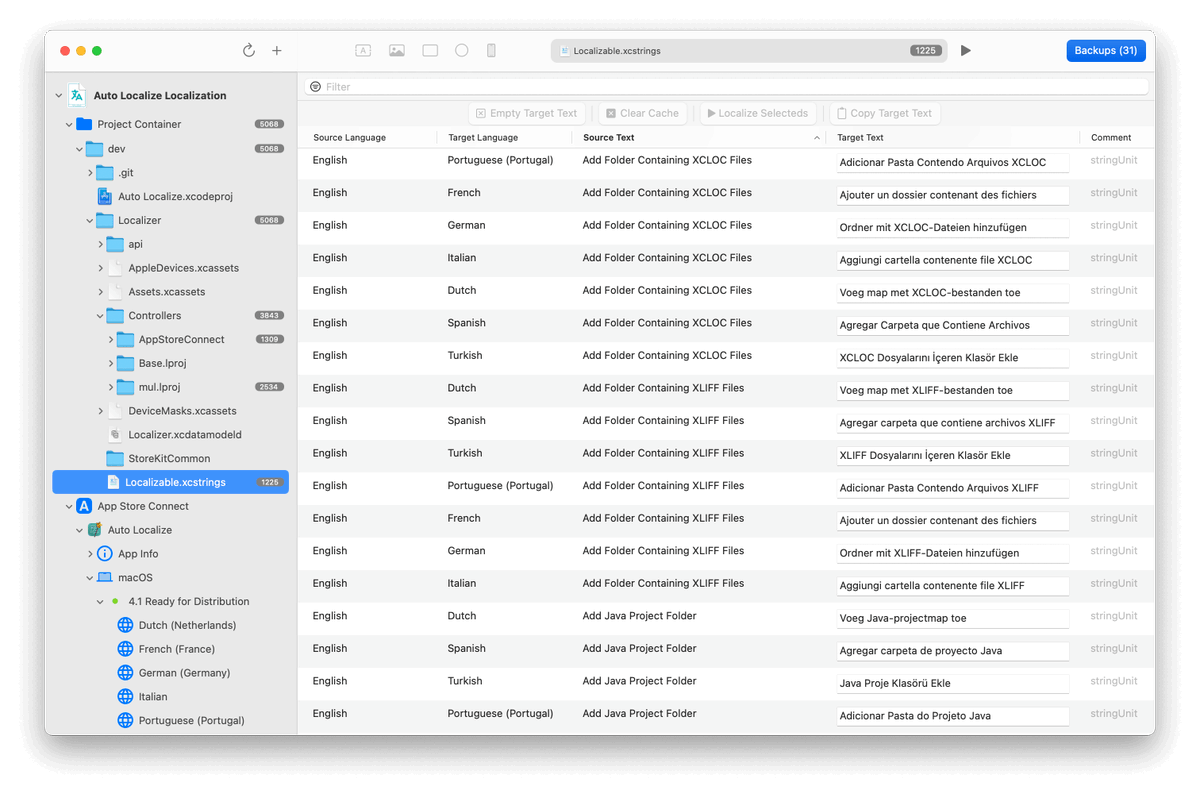
🚀 Excited to introduce the Auto Localize app! Harness the power of artificial intelligence to swiftly localize your applications developed in #XCode, #Java, #NET, #AndroidStudio, #Unity, and #Flutter into multiple languages. Dive in now! https://t.co/6AL6qzPLnk
@levlsi Unfortunately iOS APIs don't support changing or reading file-system tags. That's why I have implemented app based tag system. https://t.co/dT09QiP8LQ It is available on macOS only. PDF Search Mac app supports file-system tags. Regards.
I'm happy to announce my new app, Backup Disk. Using it, you can use your iPhone or iPad as a wireless backup disk for Mac. You can try it for FREE. I hope you will like it. https://t.co/mxEvIX6ZCA
@iDoCraftMath Thank you for reporting. I am able to replicate the case you mentioned today with some documents. I have found the problem. Next release will contain a bug fix to address this issue. I hope it will be solved soon. Regards.
@lizarazojuan@stephen_wolfram It uses Jaro-Winkler algorithm to check similarity between words. Also it has Natural Language Processing support. So it can search for plurals and lemmas of words. For example, you can find "mice" instances by searching "mouse" keyword.
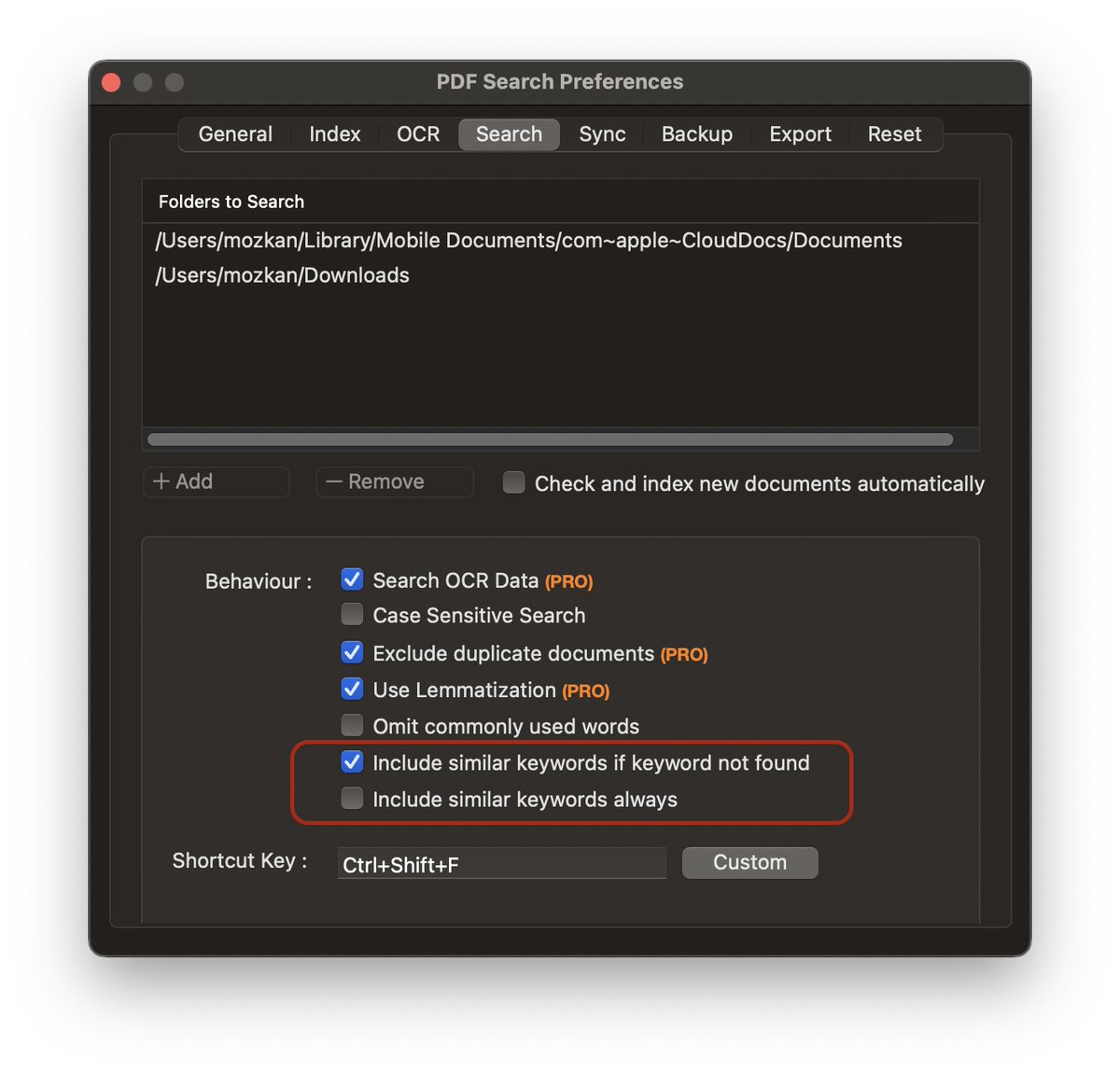
@lizarazojuan@stephen_wolfram Hi David, you can search similar words within documents using PDF Search, if this is the feature you are looking for. Just choose "Include similar keywords always" option to search them always. This feature is especially effective when searching for phrases with typos. Regards.
@Taxyovio Thank you for reporting. I have tried to replicate the issue, but couldn't. Can you give me some more details. Is this happening for the same documents always? Where do these docs are located? I can help better if you can send details through support page. Regards.