Project Curve and Imprint Curve may look similar, but they are used differently.
Imprint Curve takes that curve and makes it part of the body’s topology, giving you selectable edges that can be used for cuts, trims, offsets, bevels, and more.
Project Curve lets you place a curve onto a surface so it follows the form of the model.
Project when you need surface following guide geometry.
Imprint when you need editable body geometry.
These ngons are specifically useful for maintaining even density while also directing the multi-flow intersection.
And yet another instance of letting the subdiv do your work for you 😁
You can see my current modeling workflow here.
I love the speed and freedom this offers and the quality doesn't take a hit either. Plus I still get to use subdiv 😁
took some weeks off to work on a BIG project (👀), but now I'm back!
this week I'm reworking my Character, he finally has HANDS 😍 and a proper rig!!
plus, his hips don't lie!
New cool feature for #UV#unwrapping in #Blender, "Original bounding box" this solves an old issue that the usual way to walk around it was to use a lot of unnecessary pins to keep the island size and position
by Eitan Traurig - Campbell Barton
https://t.co/EGkm1uIVCU
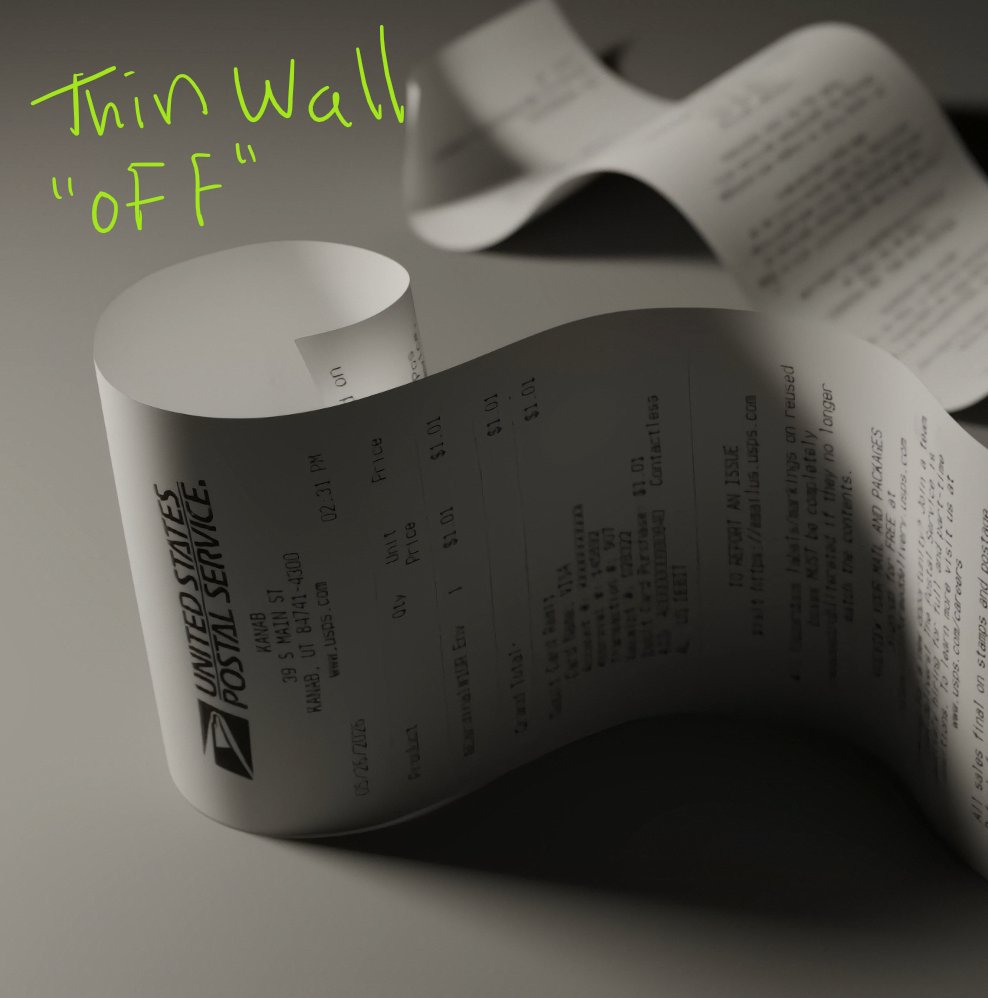
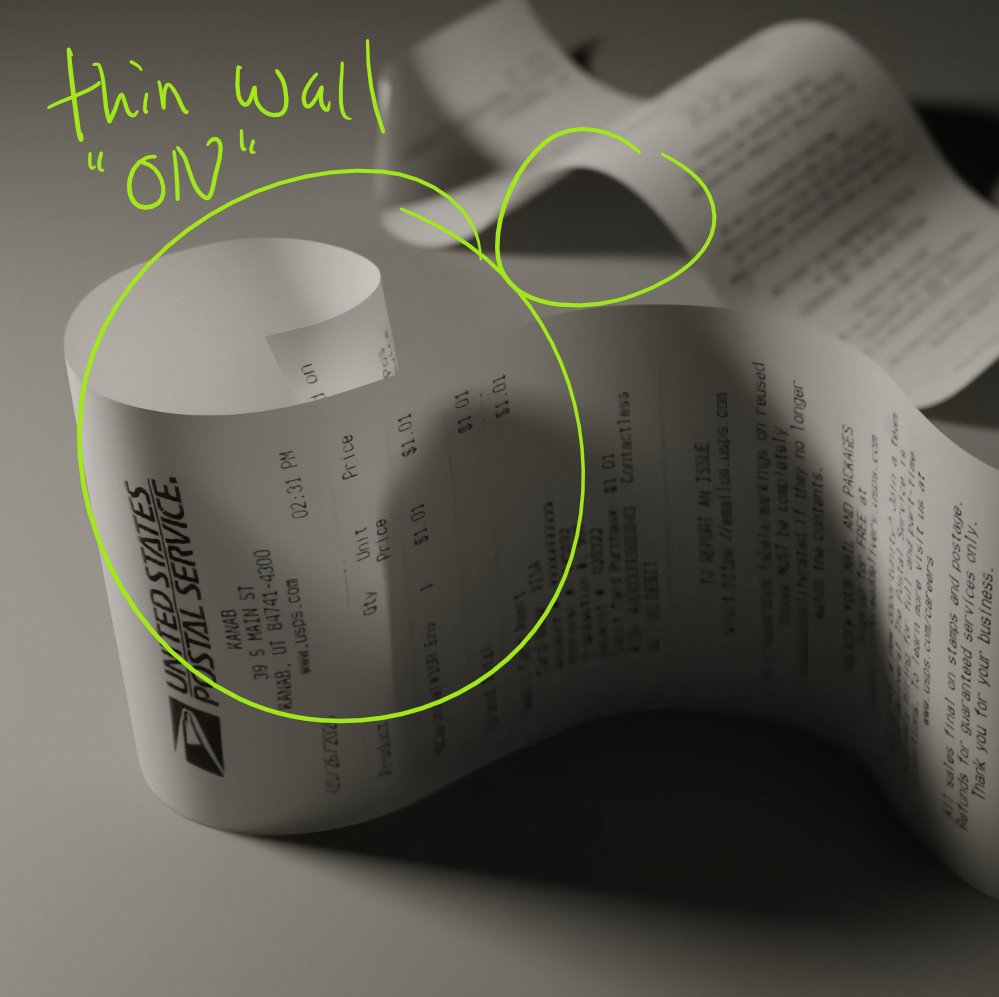
Blender 5.2 has a new shader feature called "thin wall" which is designed for meshes which have no thickness (or very little).
These can be anything from leaves, paper, tissues and some thin plastics
(images taken from Chritstopher3D's youtube video)
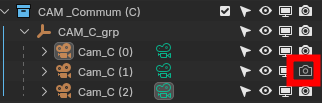
Fiquei alguns bons minutos procurando entender o porquê não conseguia ter uma câmera específica como câmera ativa, fazendo a troca entre câmeras pela timeline.
Caso você tenha o mesmo problema, dá uma conferida se a câmera está ativa pra render.